Useful for the Metaverse and Making Things? Someone Who Once Gave Up on 3D Scanning Tries the Latest 3D Scanner
Hi to everyone who dreams of making a figure of themselves someday — I’m Hide, tech journalist and part-time house-husband. Eight years ago, I jumped the gun and bought an expensive 3D scanner, used it once, and shelved it. For years after that I didn’t give 3D printing a second look, but recent advances are so impressive that I’ve gotten interested again.
This 3D scanner hasn’t shipped in Japan yet, but it’s already on sale overseas. With something like this, you could scan your favorite figures or parts, then combine and remix them into your own avatar (*mind the copyright), or scan a Gundam model and make parts that fit it perfectly, right?
A serious 3D scanner from a company known for professional gear. Saving your kids’ crafts or the size of their hands and feet would be pretty romantic too!
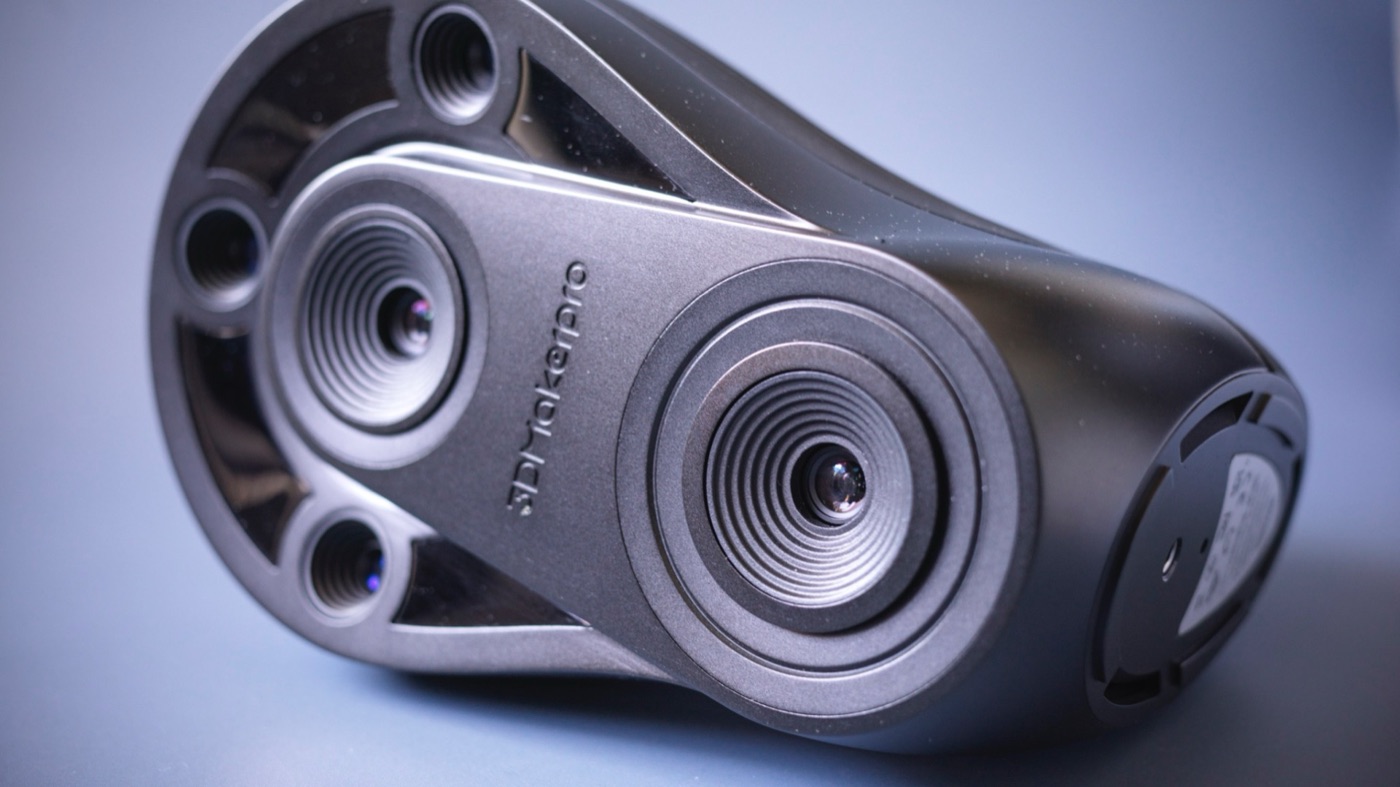
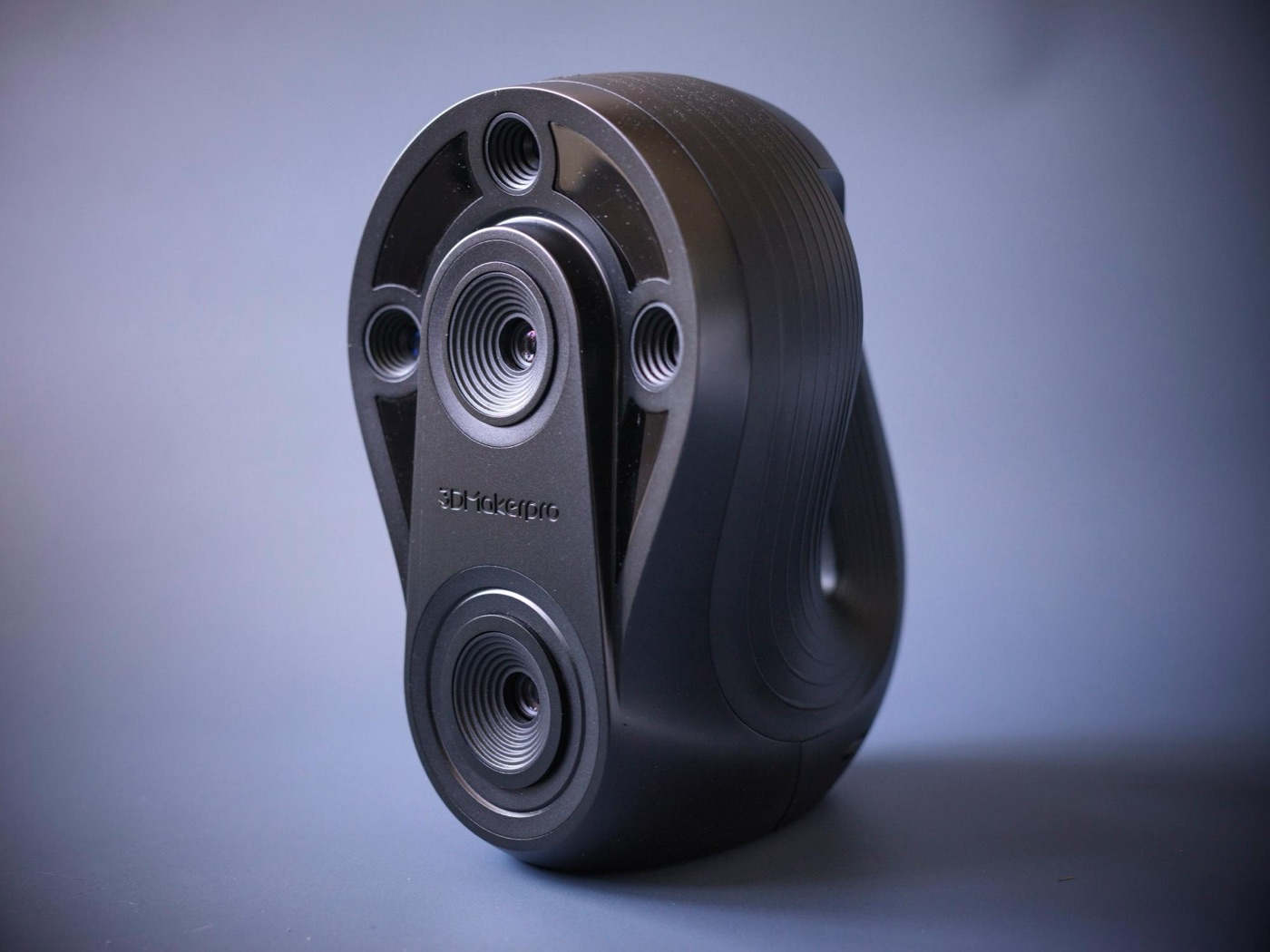
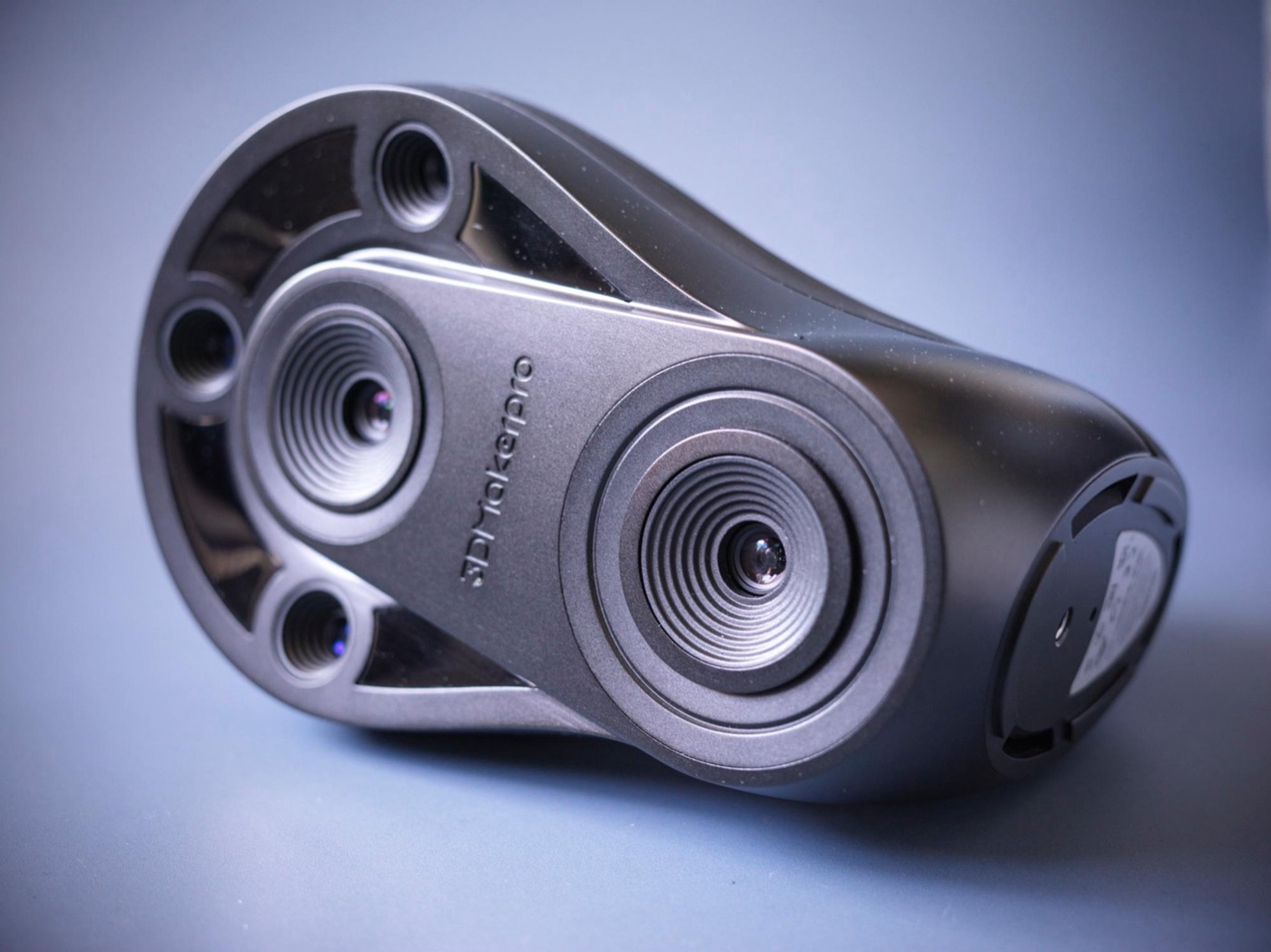
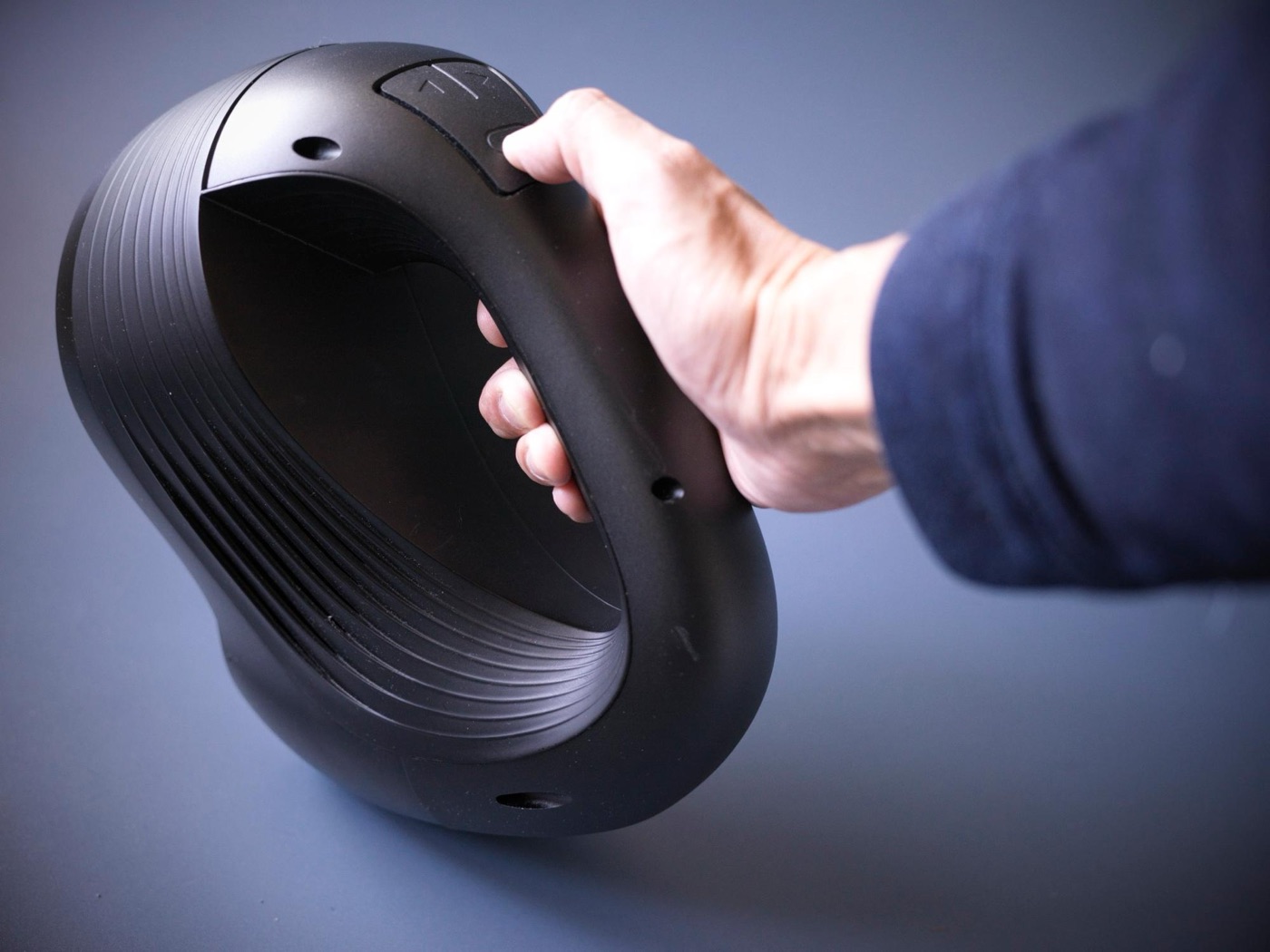
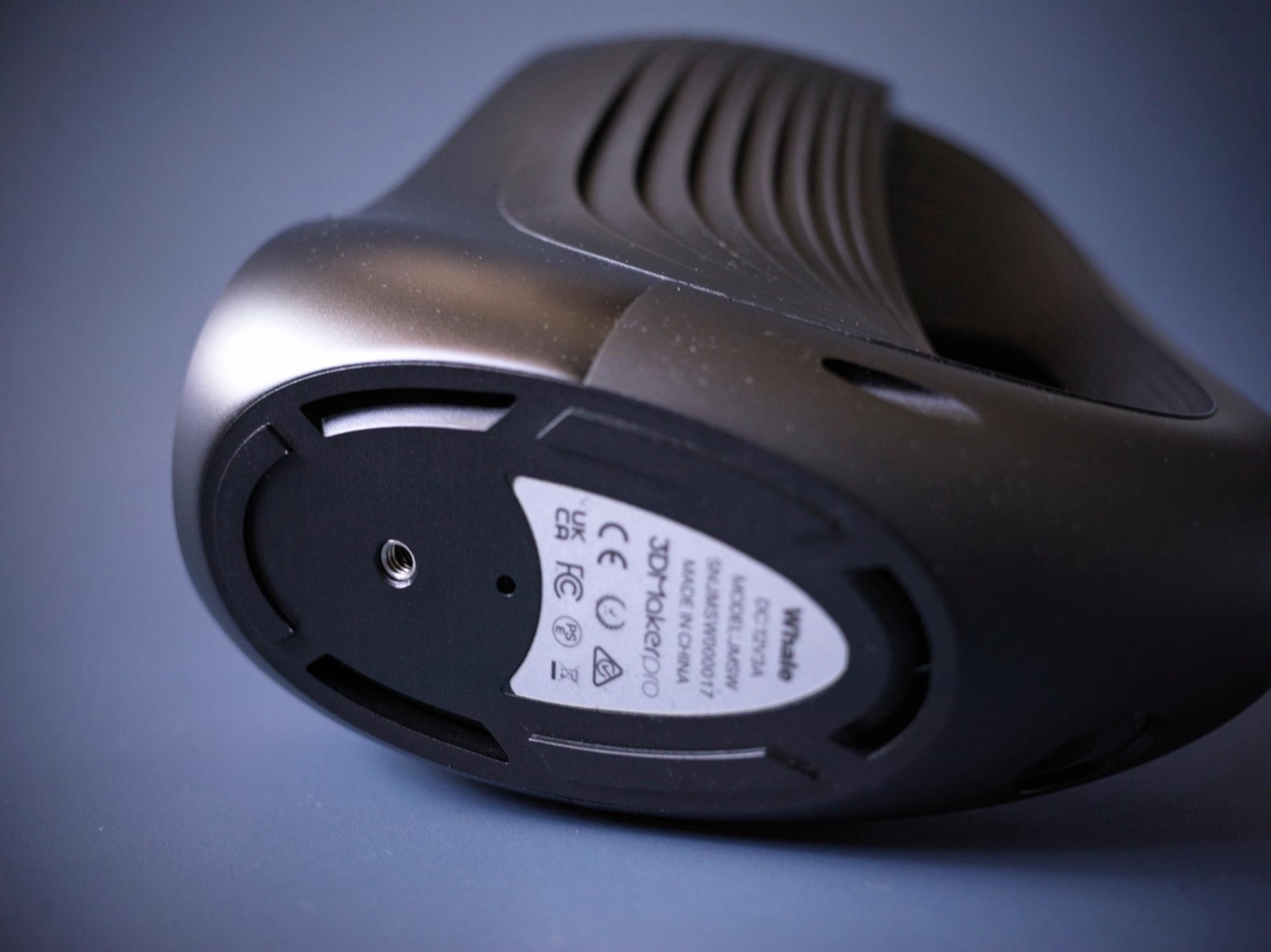
The 3DMakerpro Whale is hefty and looks every bit like professional gearThe three lined up at the top are for close range, and the two lenses at the very top and bottom are the long-range camerasAt over 1 kg, it feels a little heavy to hold in one handThe screw mount is a standard 1/4-inch, so if you don’t like the included one, you can attach a camera ball head
**The latest scanners look like a lot of fun even for amateurs!**
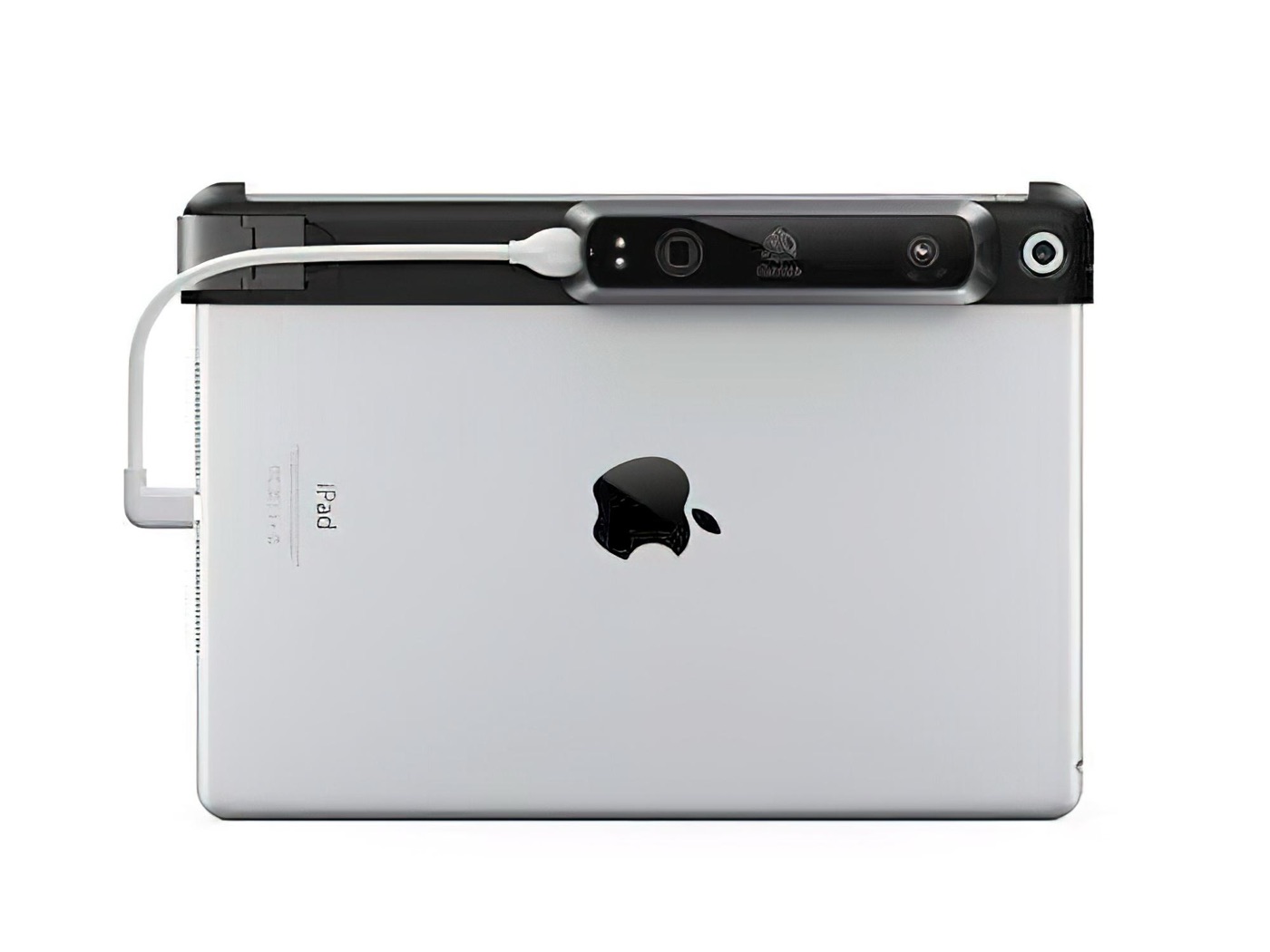
This is the one I used eight years ago. It cost a fortune, yet it kept slipping out of alignment. 3D scanning is basically a constant battle with that drift. The Whale has gotten way better at it. Gotta love progress.
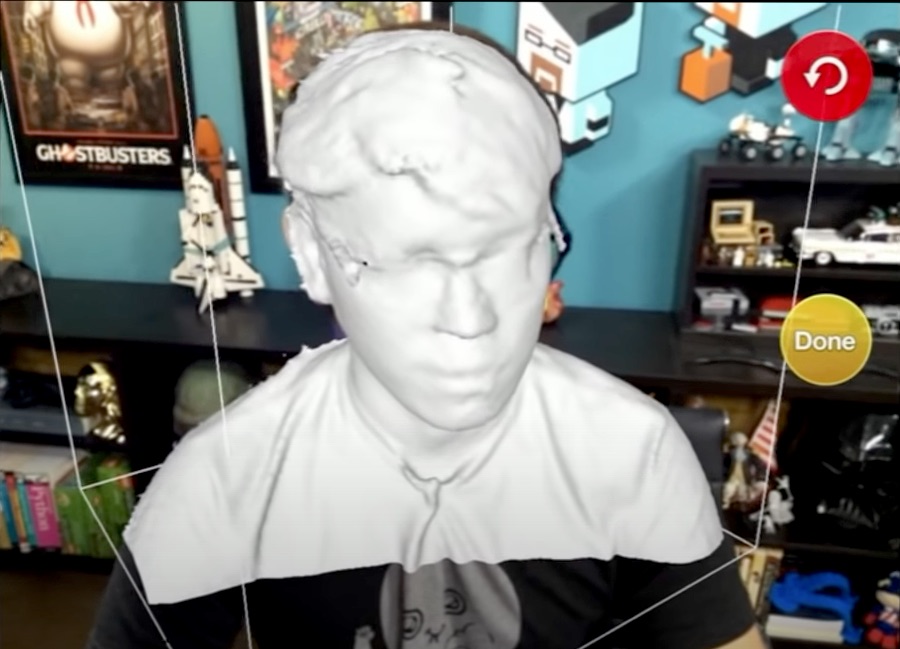
Even something like this used to be expensive...It can turn things into polygons in real time, but even large objects end up at about this quality (Source: Adam Savage’s Tested https://youtu.be/mnOzzbl0Uqw)
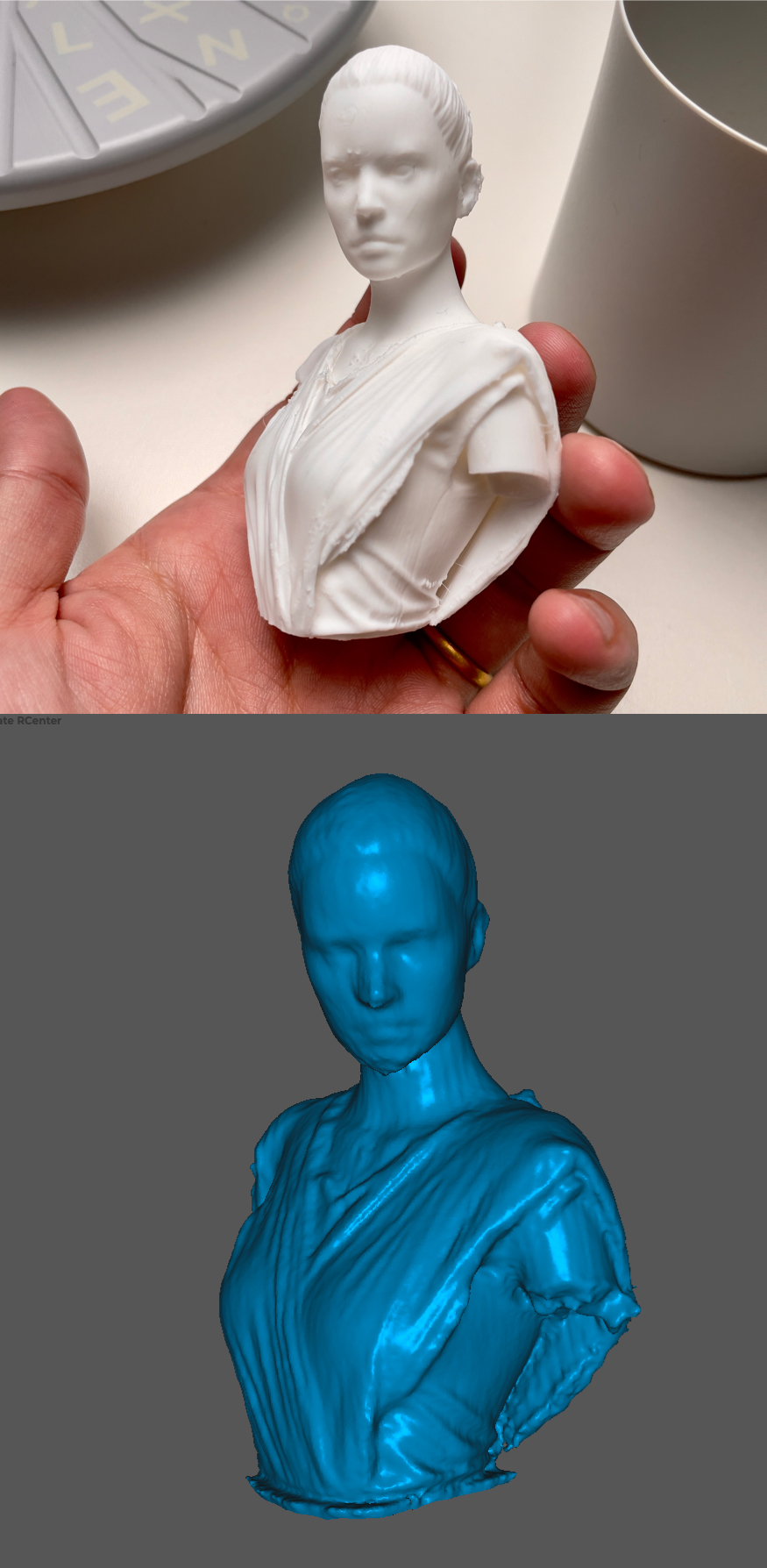
What drew me in this time is that it has two cameras — one for close range and one for long range — covering 1.5 cm to 2 m. It was supposed to capture small things in high detail too, but maybe it was just my unit — the eyes and hair didn’t come out all that detailed, which was a bit of a letdown.
I wish it could’ve scanned the eyes too... but it captured wrinkles in the clothes well, which is impressive
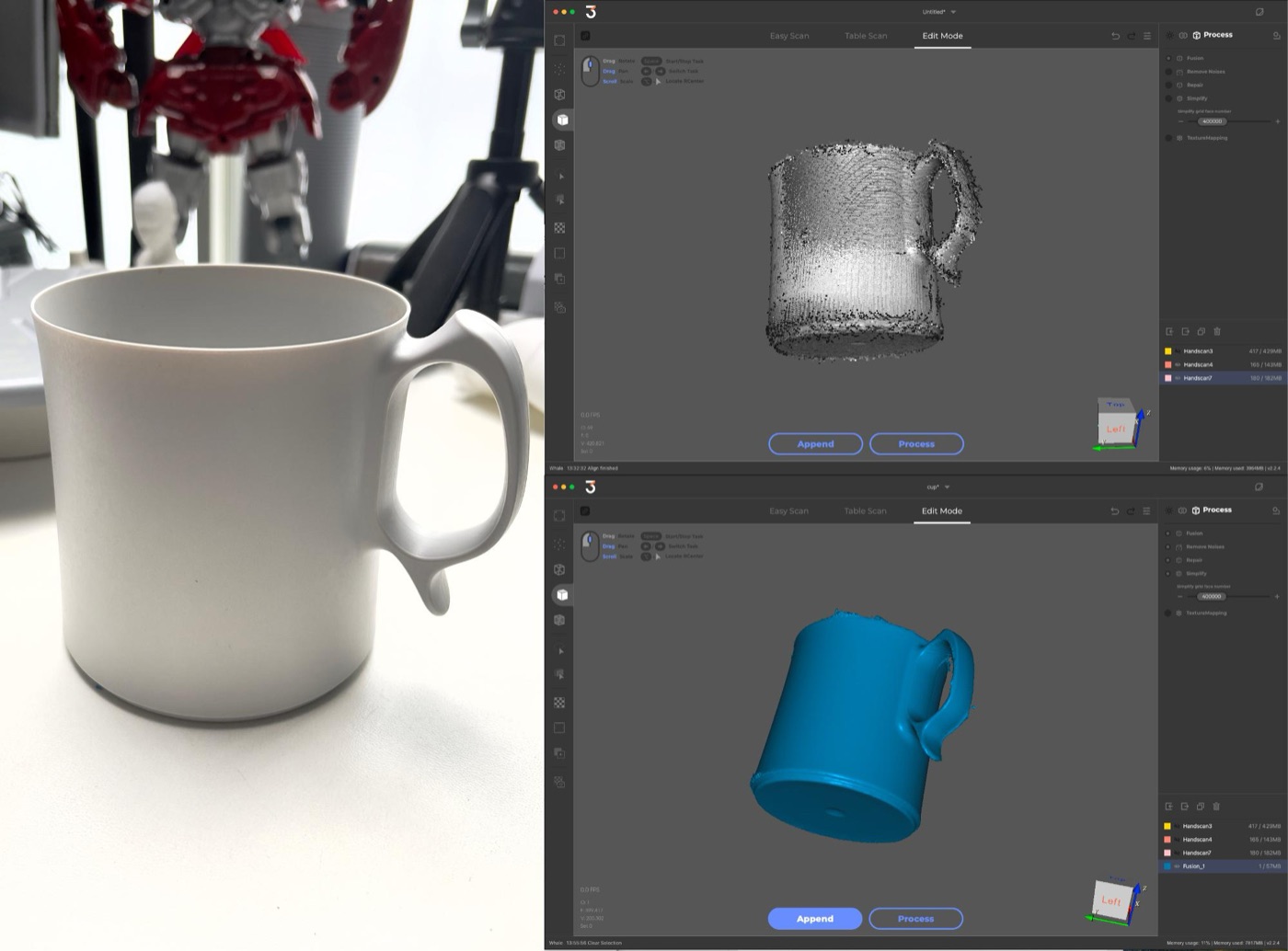
Objects like cups scanned really cleanly. You could do things like print your favorite cup scaled up and use it as a planter.
Freshly scanned it looks rough, but after finishing it looks great, like below
## Scanning a little at a time and merging later works great
What I thought was beginner-friendly is how capable the software is. It looks simple but is packed with features, so you’re much less likely to give up than before. The auto-alignment feature, which stitches scan data together, is especially good. Thanks to it, you don’t have to force yourself to circle around the object — scan one side, scan another, and merge them later!
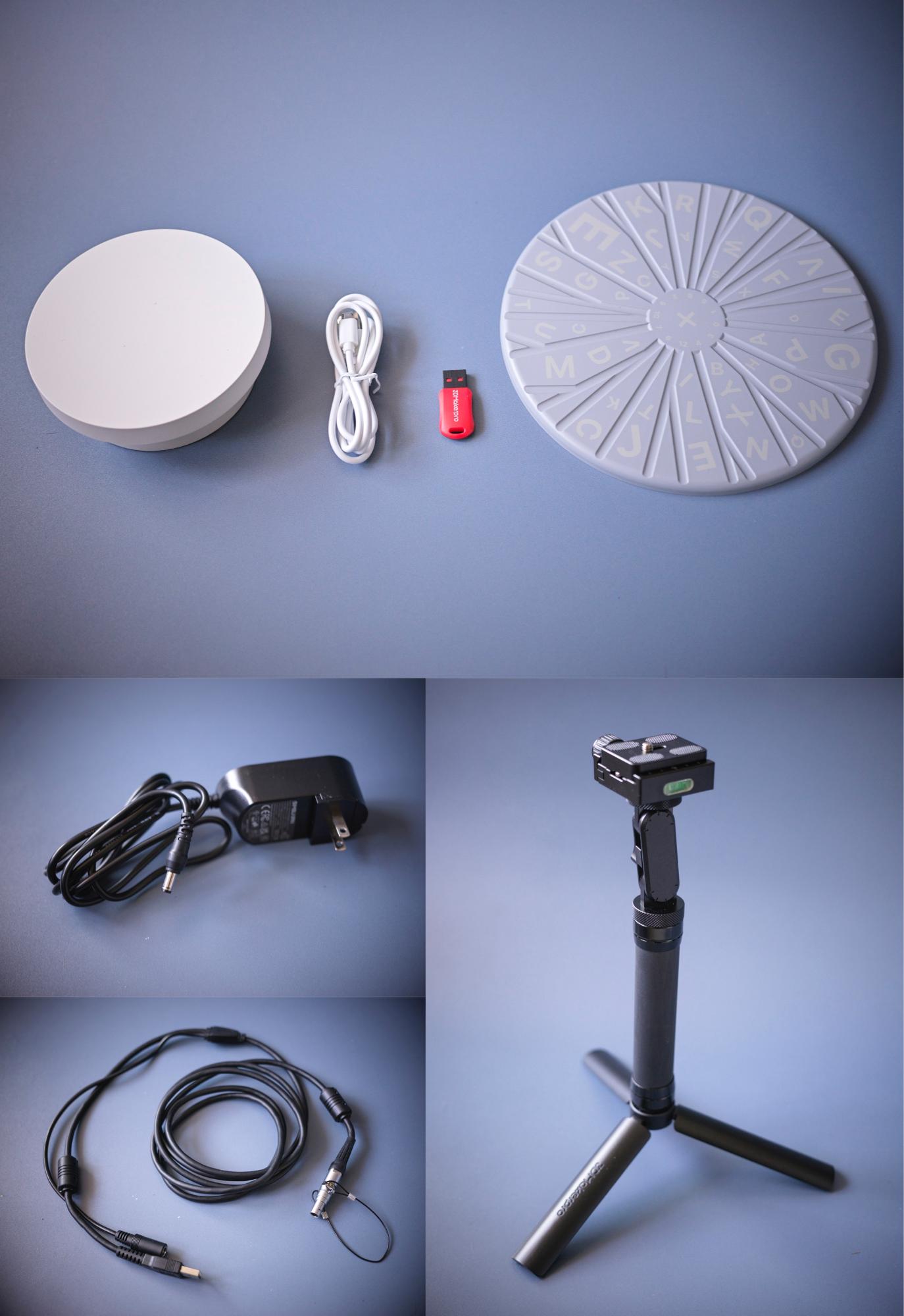
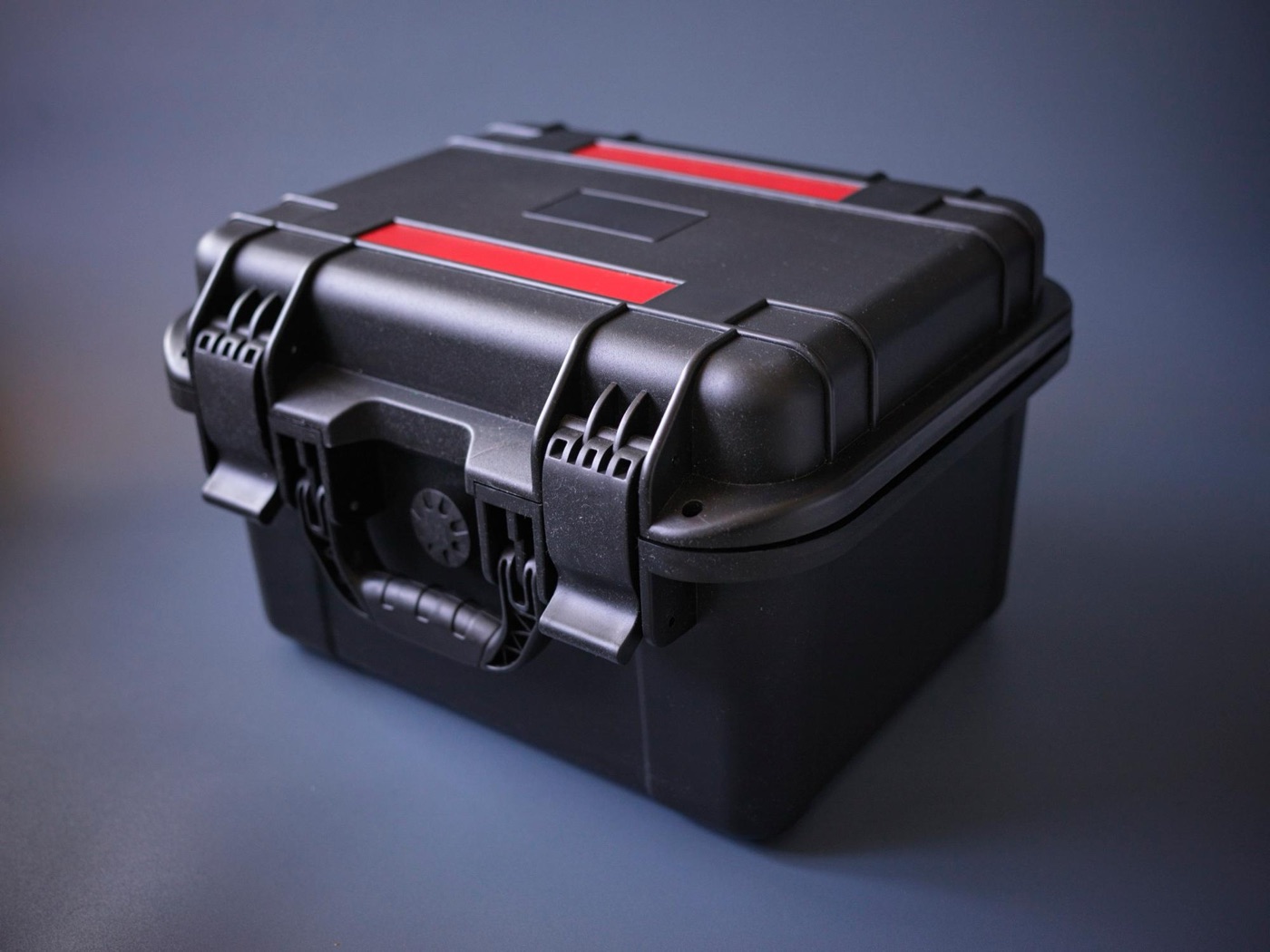
The package includes a turntable and tripodIt comes in a sturdy case, which is great for people using it professionally, like in architecture
The handiest method is to put the object on the turntable, let it rotate automatically, and hold the scanner in your hand while it scans. That gets the sides and up toward the top in one go, so you just lay it on its side for one more scan and you’re done — easy.
The bigger the object, the finer the detail! Plenty usable for the metaverse and making things
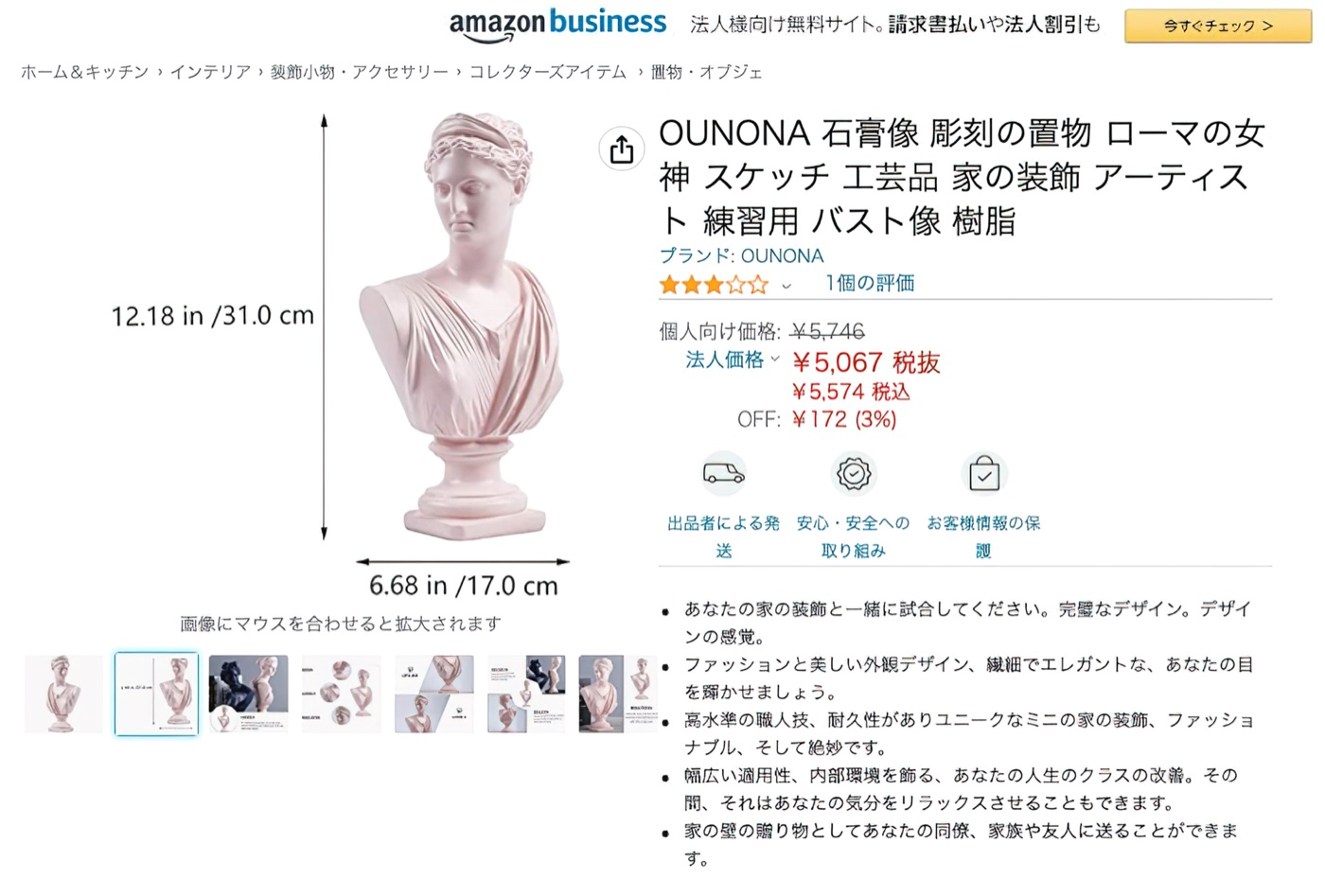
I said earlier the detail around the eyes was a shame, but in practice a 3D photo called a texture gets applied over it, so it ends up pretty realistic. So for an avatar, that level is plenty. Printing it on a 3D printer is a bit of a stretch, but for plaster-statue-level detail, it’s like copying the real thing as is.
I think anything over 30 cm tall scans in pretty high detail.
From using it, bigger objects seemed to keep their detail better, so finding things like that at flea markets and making avatars from them sounds fun.
The dimensions are pretty accurate too, so scanning the base for a motorcycle customization could work. Modeling and designing everything from scratch is a pain... (wry smile)
So, back to the title: for the metaverse and making things, it’s absolutely worth it!
As for downsides, the software is a little rough around the edges. I hope they update it before it ships to Japan. Also, I used a Mac, and it felt a bit slower than for people using Windows. You do need a powerful computer, so keep that in mind.
I plan to try it for more uses after this, so stay tuned for updates.