Which Appliances Should You Cut Back On? I Measured the Electricity Cost of 10 Appliances at Home
Hi to everyone starting to wonder if you could just generate your own power — I’m Hide, tech journalist and part-time house-husband. Electricity prices just keep climbing…
Rates are going up again from June, and I bet you’re worrying more often: “Wait, is this thing using a ton of power…?” Actually, making your electricity use visible is easy these days.
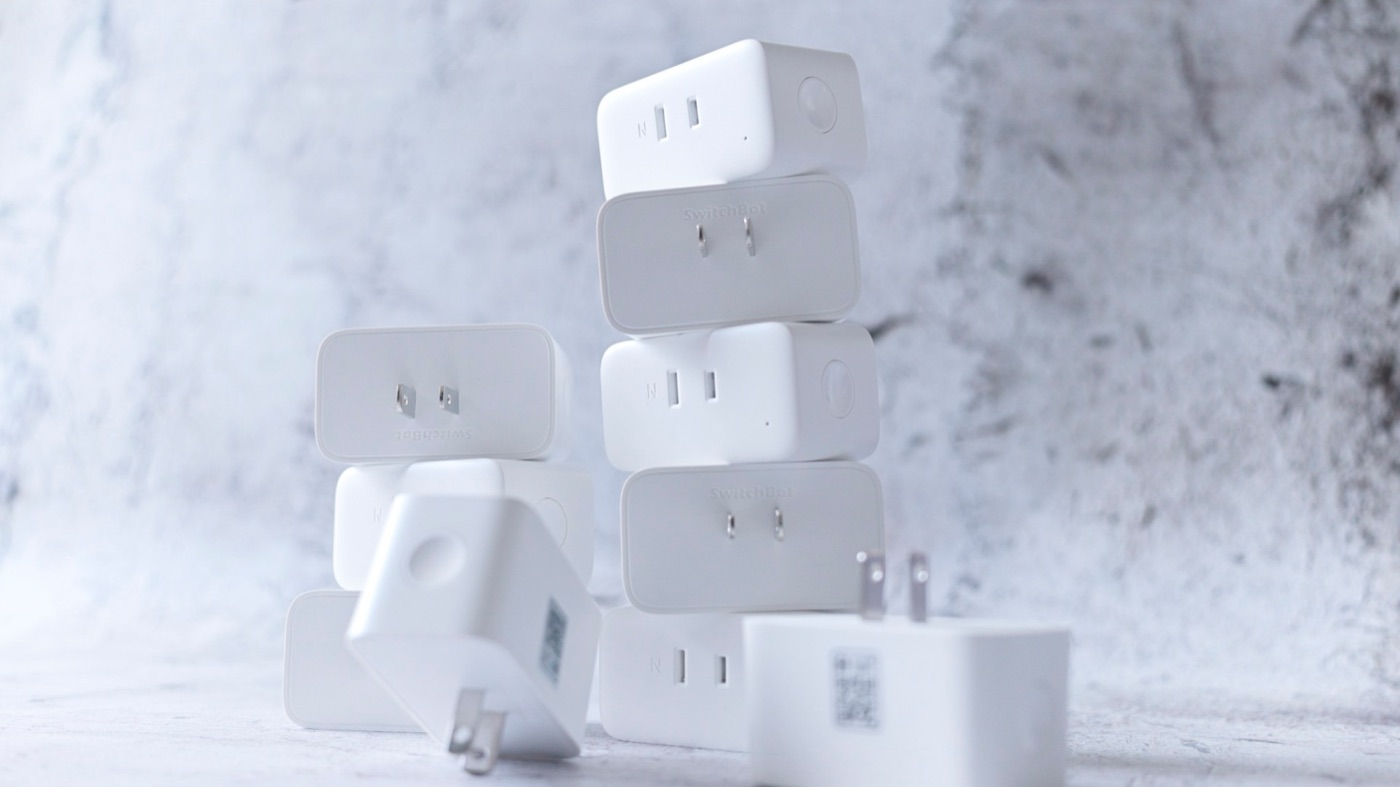
Our home relies so heavily on appliances and IoT devices that we can’t do anything in a power outage, so this is life or death for us. It takes a bit of investment, but if it lowers the electric bill, it’ll pay for itself… So I put SwitchBot Plug Mini smart plugs all over the house — on the fridge, AC, heated toilet seat, air purifier, TV, and more.
With the SwitchBot Plug Mini, you can see your electricity costs and set power-hungry devices to turn on and off automatically. I ranked everything by power use, so use it as a reference for saving energy. I also introduce a way to save power with 200 V appliances!
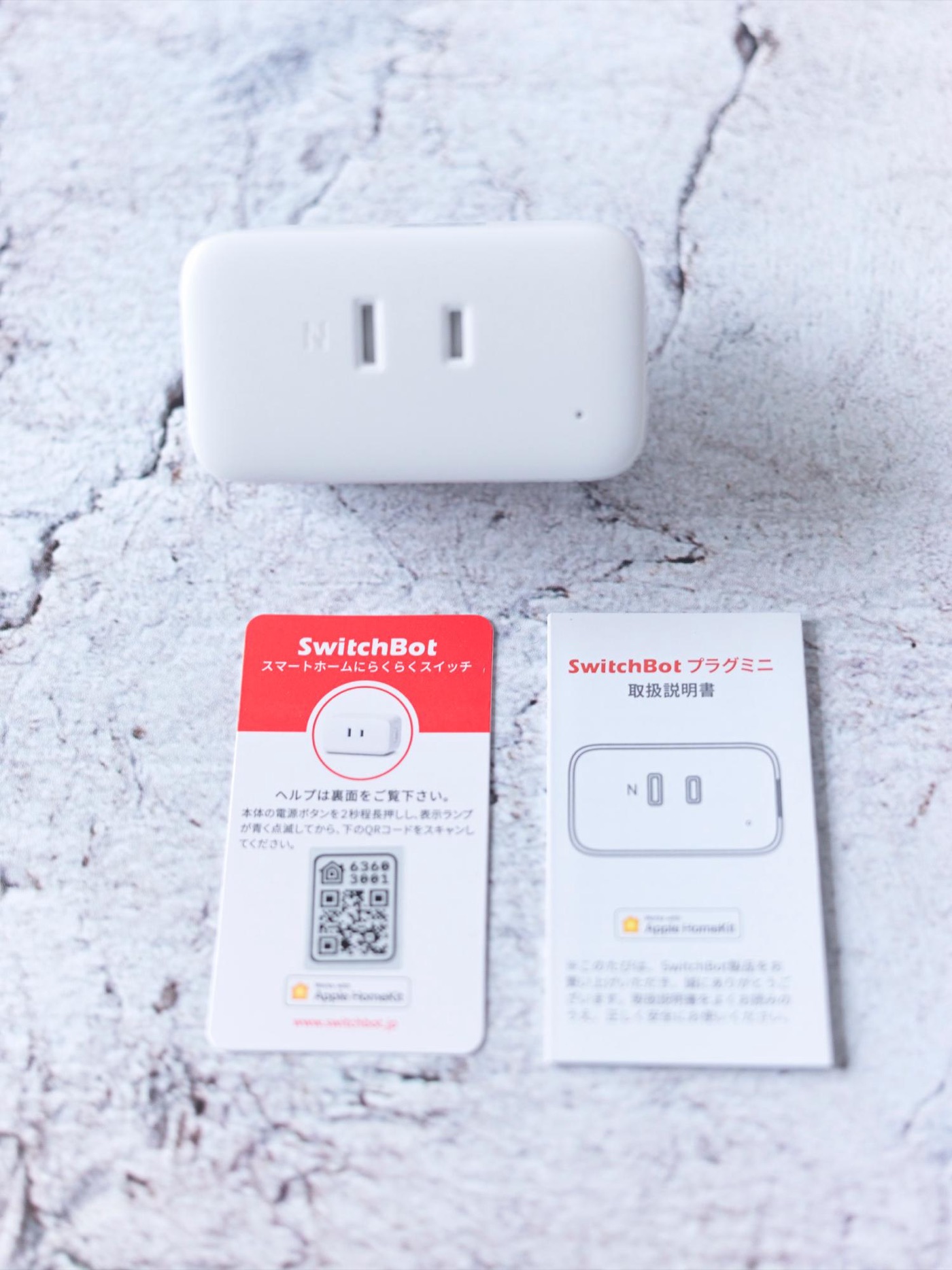
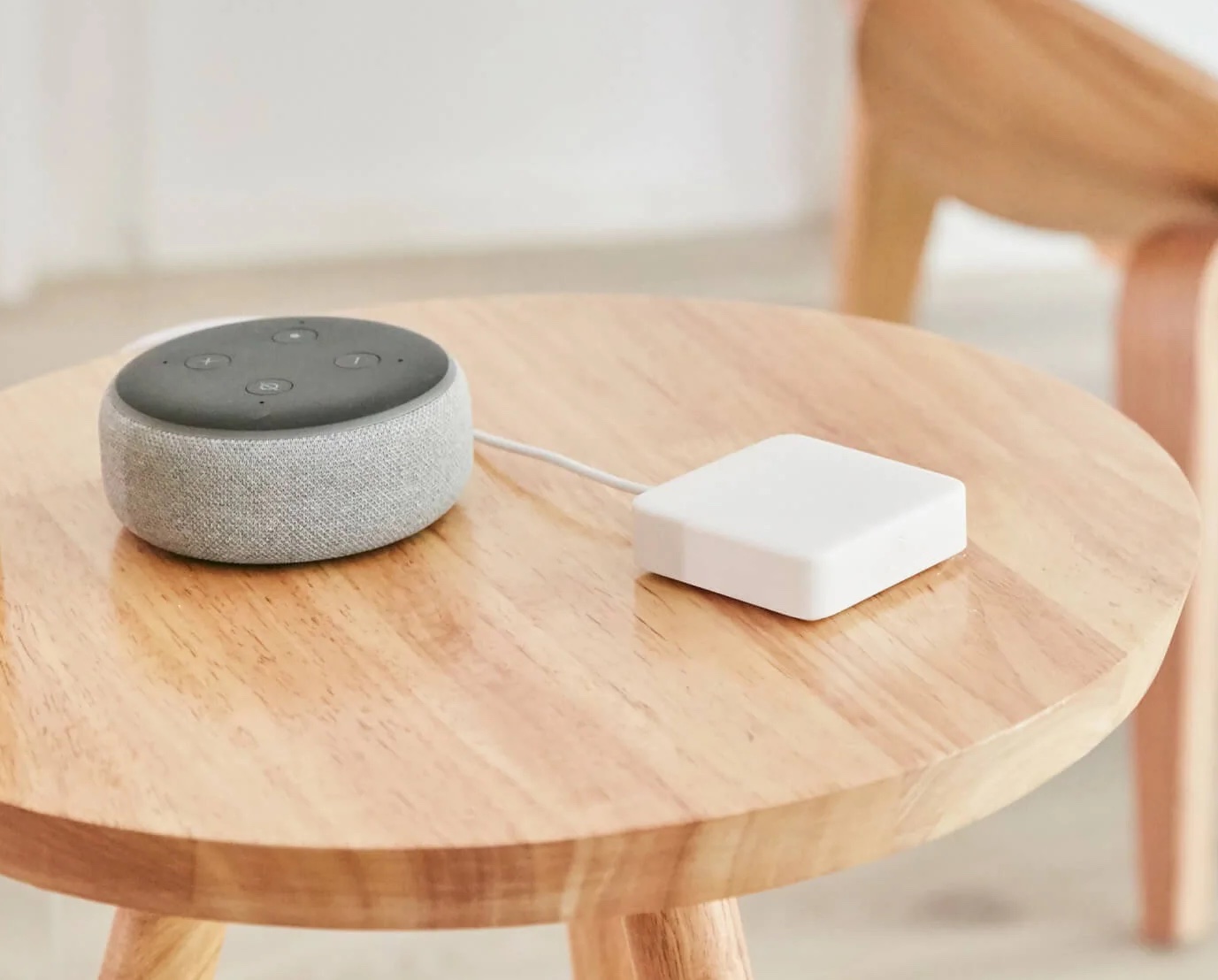
Besides the code on top of the unit, the Apple HomeKit version comes with a QR code on a card, which is handy when it’s plugged in somewhere hard to reach
## No hub needed — just plug it in to monitor power
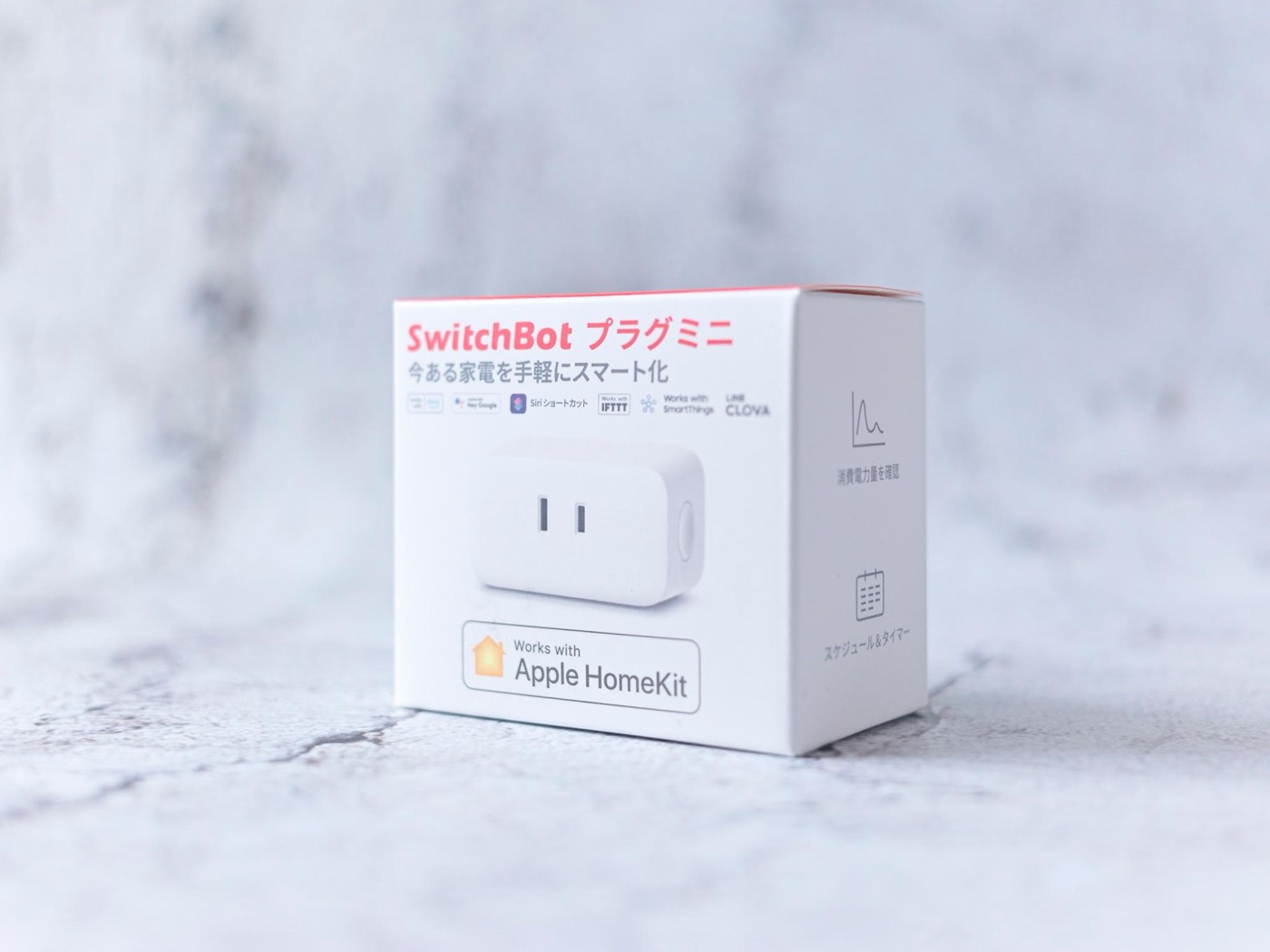
The SwitchBot Plug Mini is what you’d call a smart plug. It started as a simple product — “turn regular appliances on and off from your phone!” — but the latest model can even measure how much power they use.
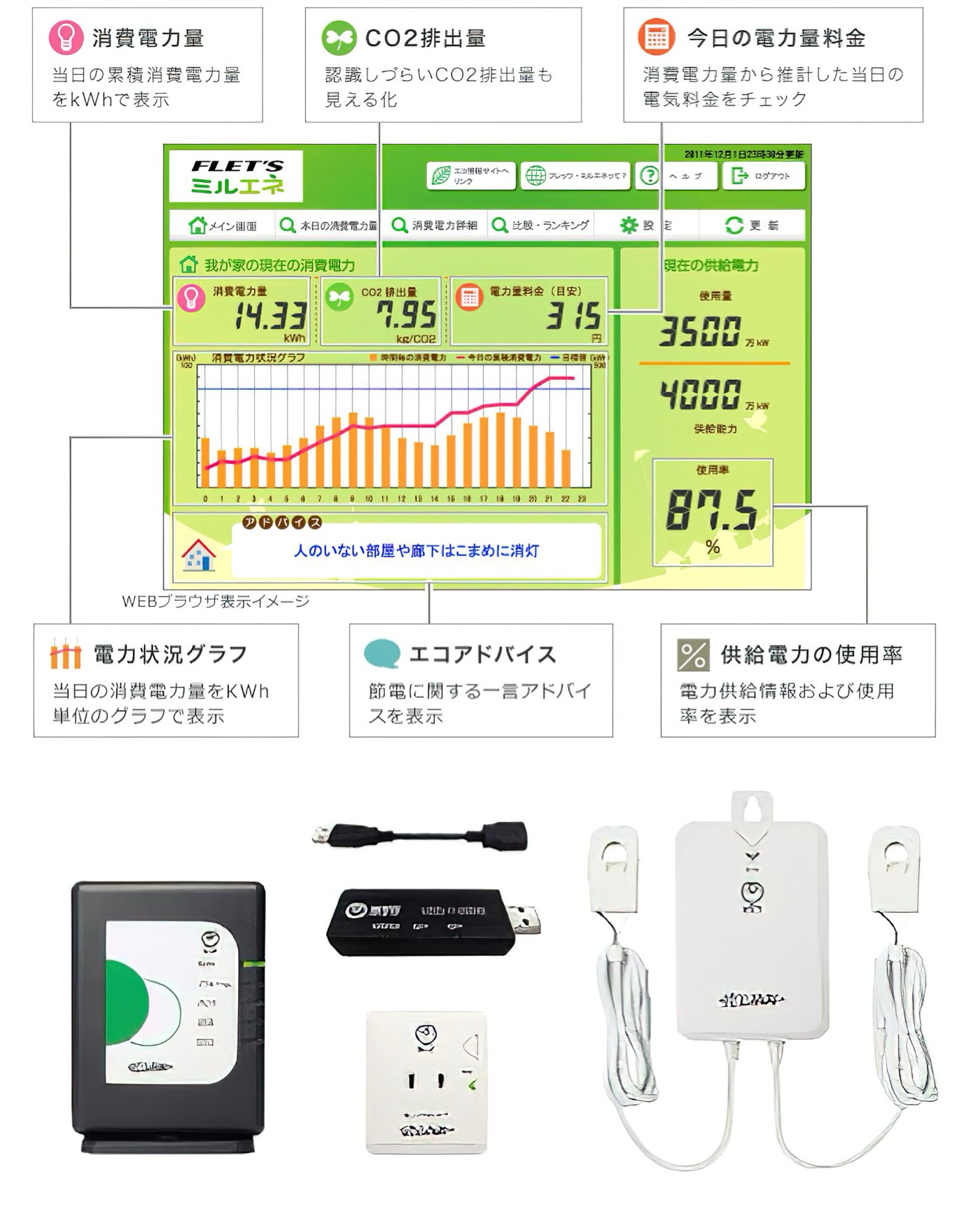
Until now, the best-known way to monitor power use was HEMS. It’s often used in all-electric houses, right? But you rarely see it in rentals. Another is NTT’s “Miruene” service. I used it too — you attach devices to your breaker and outlets to check power use. It was handy, but the downside was that the devices were expensive.
NTT’s Miruene. Some equipment is loaned, but you have to buy outlet devices for about ¥4,000 each. Source: NTT East FLET’S Hikari (https://flets.com/eco/miruene/)
Seeing the whole house is definitely useful, but what you really want to know is how much power each appliance uses. I looked for a cheap, easy way to see that and found it: the “SwitchBot Plug Mini.” Just plug it into an outlet, and it’s cheap — the best!
The latest version also supports Apple HomeKit, so you can control it from your Apple Watch
I’d actually been using the SwitchBot Plug for a while, but this one is cheaper and more advanced... What impressed me most is that you can manage them all from your phone without needing a hub. Each one has its own Wi-Fi module, so a single plug can make your power use visible right away.
This time, no need for the hub you used to have to buy with it
## Cheap enough to put all over the house!
Chinese IoT products used to be cheap but a little worrying, but the situation has completely changed in the past year or two. Reviewing gadgets, I get to use a ton of them, and even robot vacuums have now surpassed Roomba. SwitchBot has years of track record and strong development, so I use their products all the time.
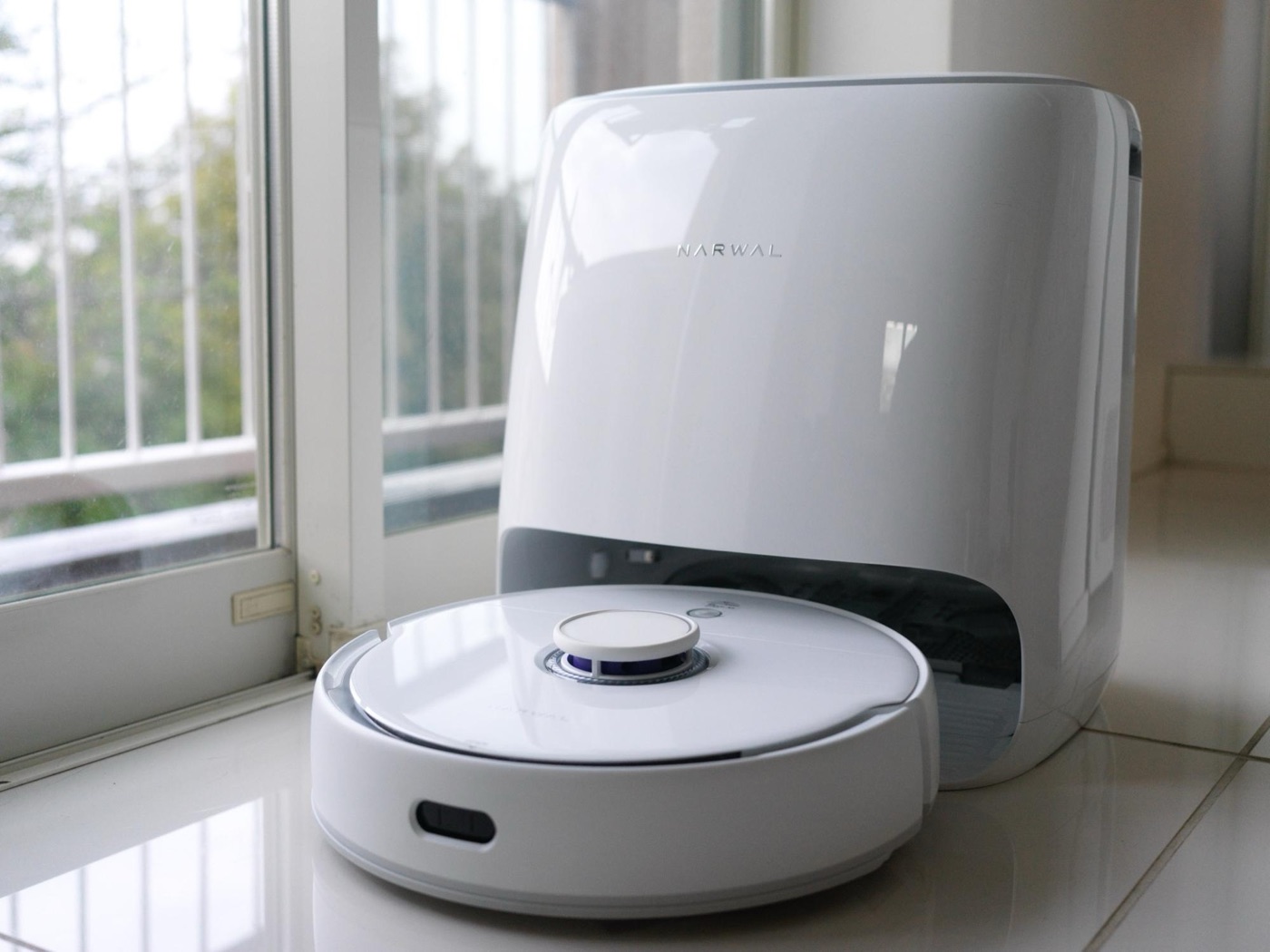
Our family graduated from the Roomba we’d used for years and now uses this Freo. That’s how big the paradigm shift is
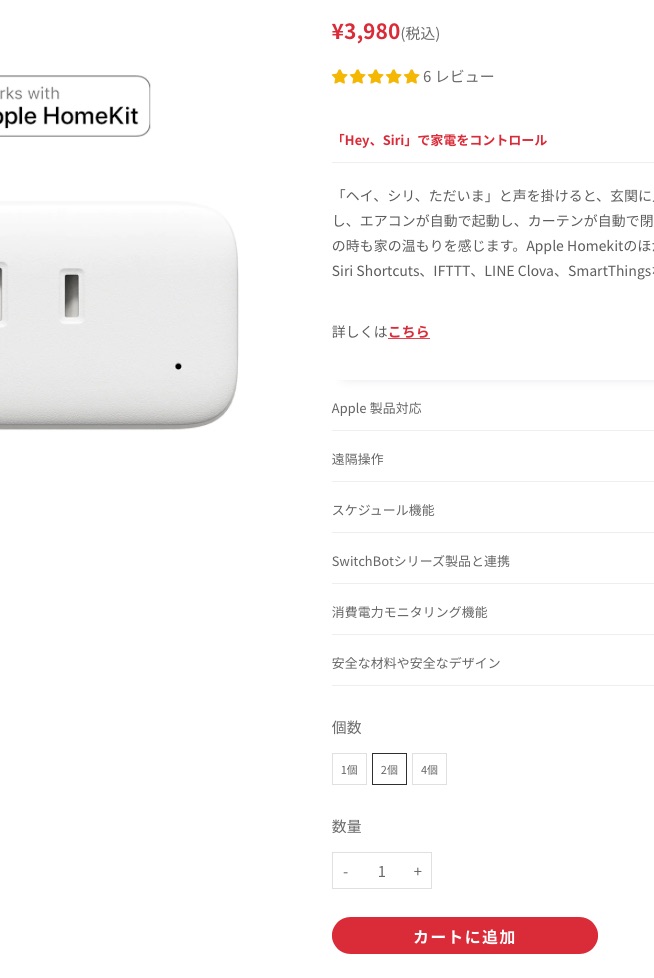
Like I said earlier, other companies’ products get really expensive if you try to put one on every appliance, but the SwitchBot Plug Mini is a great deal at ¥2,480 each. And buy two or more, and it’s ¥2,000 each (lol). I can’t help feeling like I’m on a TV shopping channel, but having the price drop like that from two to four is nothing but good news.
It’s ¥2,480 for one, but two is ¥3,980... just amazing. Android users can go even cheaper by choosing the non-HomeKit model, so pick based on your needs
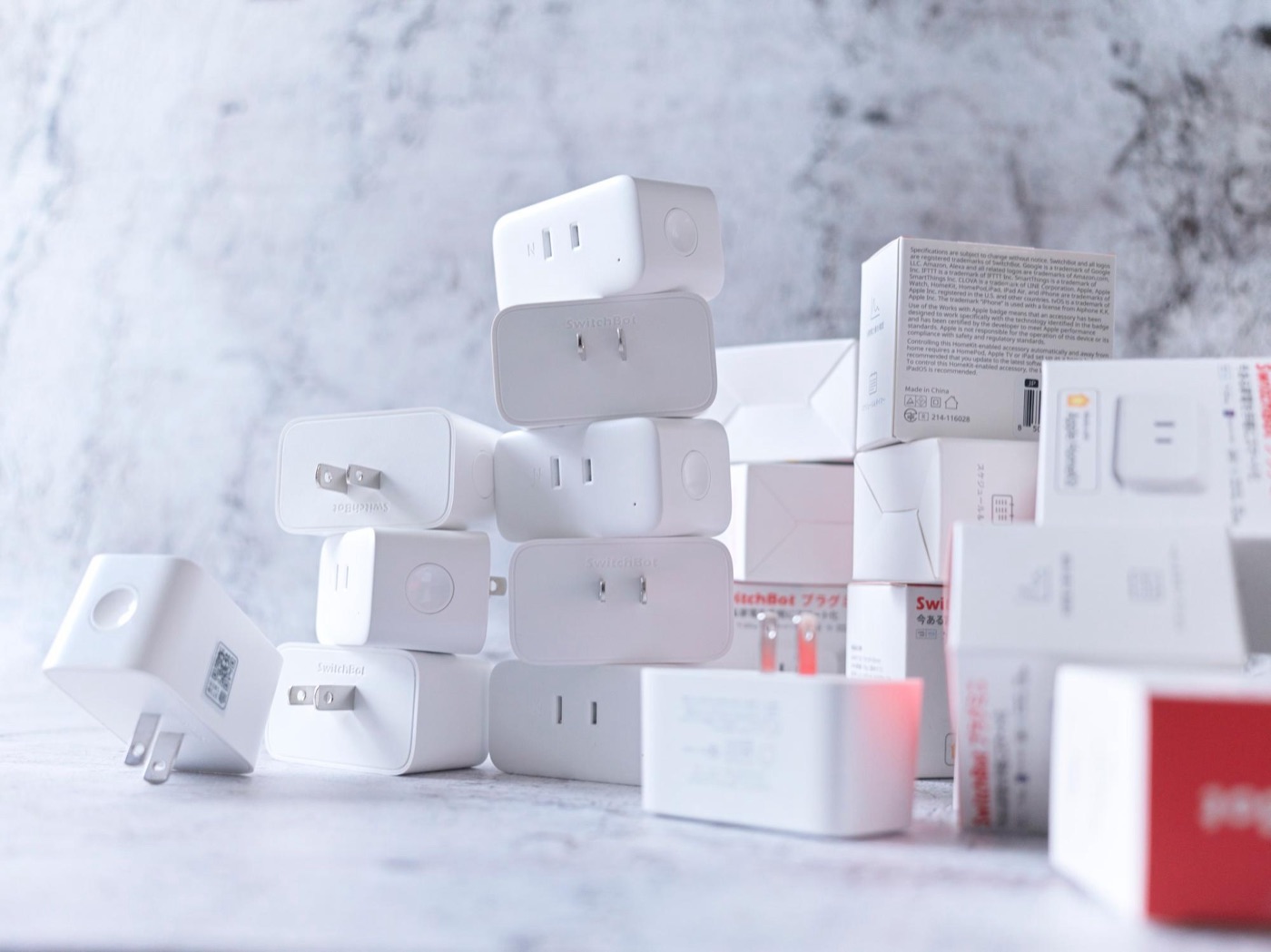
## I got 10 this time! Let’s make it visible!
So this time I decided to install 10. Besides likely power hogs like the washing machine and air purifier, I put them on my office PC setup and the photo lighting too. Unfortunately, the AC is 200 V, so I’ll monitor it with the manufacturer’s app.
¥20,000 worth in total — pricey, sure, but leaving the electric bill unchecked seems costlier, so I think it’s a sensible investment
Using it, there’s a difference in the app screen too. An outlet icon that didn’t appear on the old type now shows up, making the UI easier to use. They improve this kind of thing so fast — I really love SwitchBot...
SwitchBot Plug (left) and SwitchBot Plug Mini (right). You can see power use and more at a glance
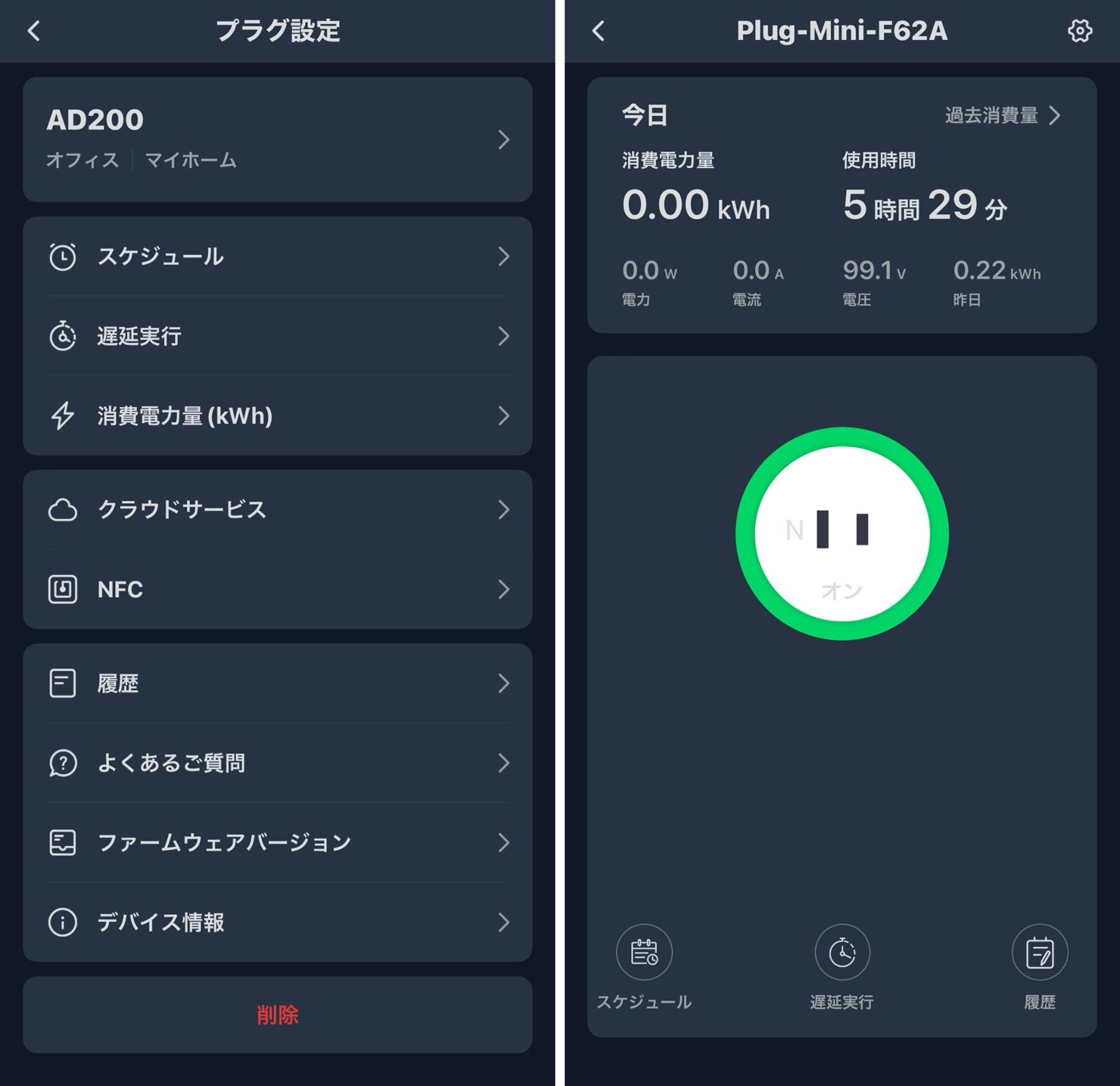
Setup is easy too: plug it in, the app finds it, and you just tap through. The app is responsive and polished, which is another reason I recommend it. Power monitoring starts as soon as you plug it in, so after a little while, it looks like this.
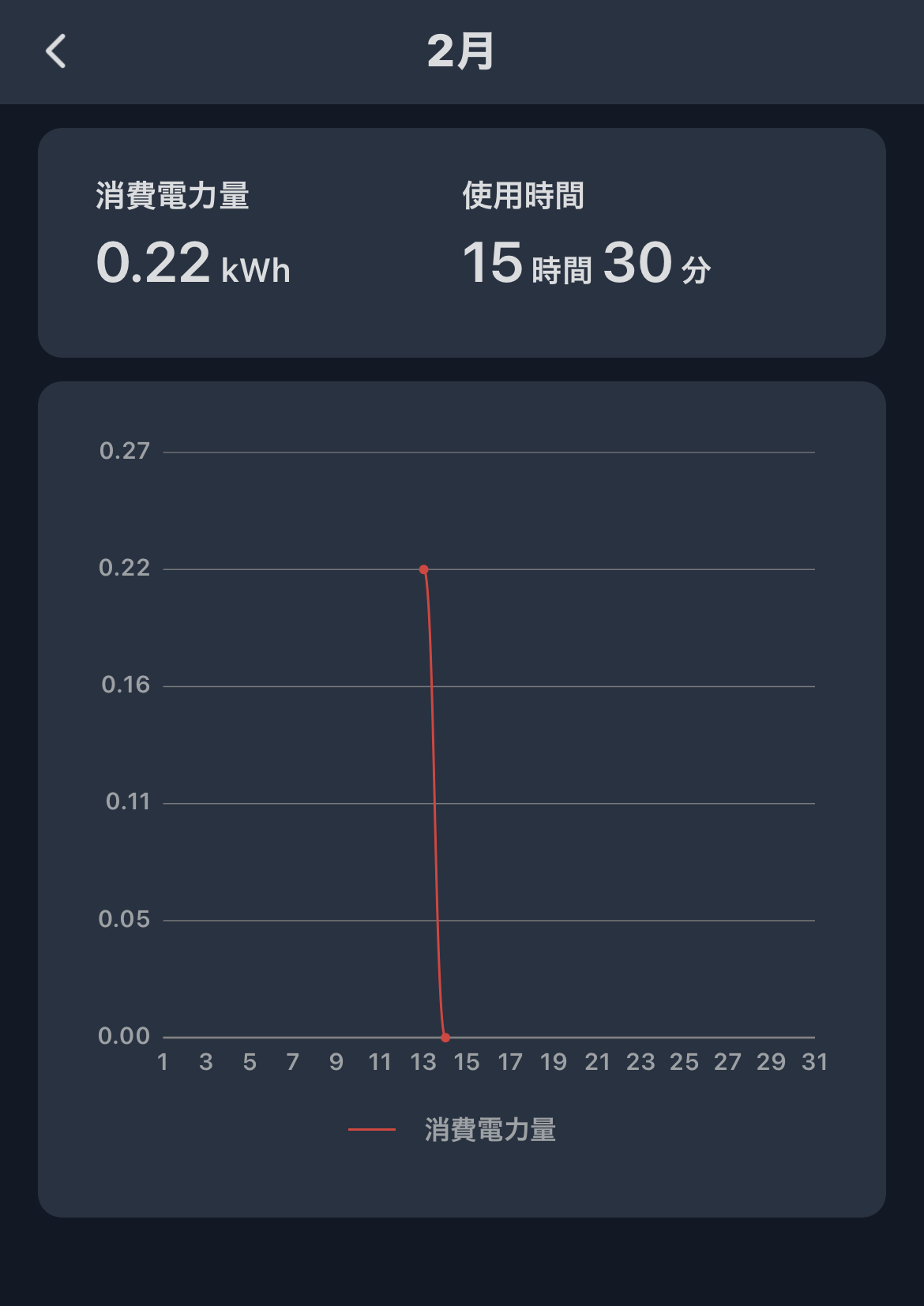
Total time on and power used are clear at a glance!
Other smart plugs can measure power but have hard-to-read apps, while SwitchBot’s is easy to read here too.
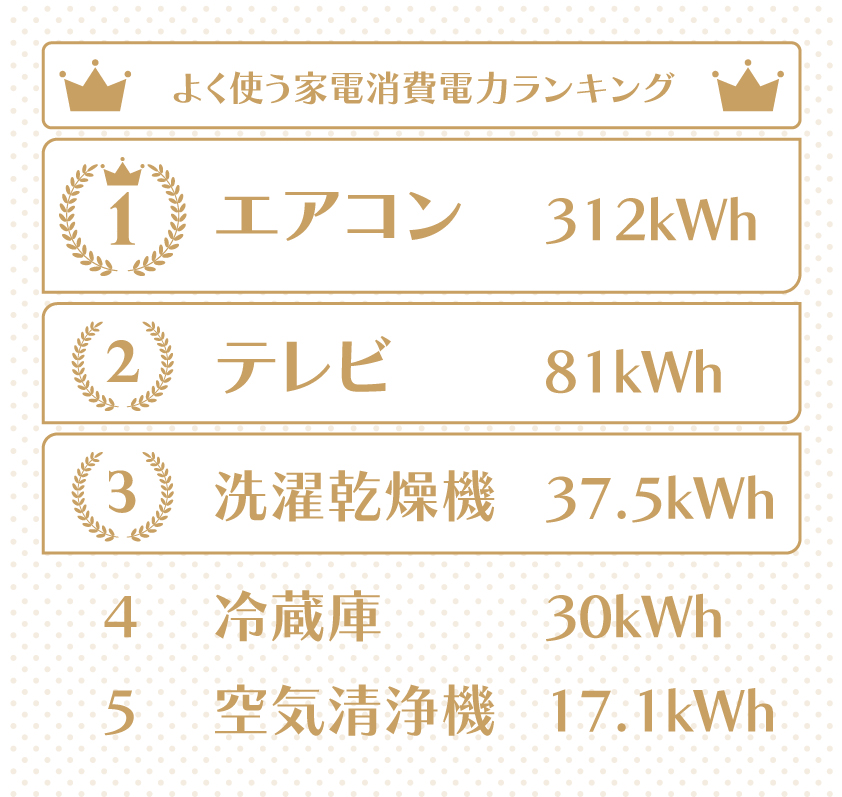
Now for the results! I measured things lots of households probably have — the heated toilet seat, air purifier, washer-dryer, fridge, AC, TV, and so on. Here’s what I got!
The top five power users. Surprisingly, the TV came in second
As expected, the AC’s electricity cost is overwhelming... The numbers above simply take the average power use over a few days and multiply by 30 days, so in households that don’t run the washer-dryer every day, the fridge would probably rank higher.
The surprise was the TV. Ours is a 65-inch OLED, and the kids pretty much always want it on. So I thought replacing it with something like a big tablet could save quite a bit.
The heated toilet seat used only 3.9 kWh — quite efficient — and didn’t make the ranking. With recent heated toilet seats, you probably don’t need to bother turning them off. Also — probably not something every home has — but the professional LED lights and 3D printer used a fair amount of power too. If your partner has been bringing home some mysterious gadget lately, maybe try measuring it (lol).
I thought it’d be fine since it’s LED, but at this brightness, the electric bill is high too... professional gear... a scary thing
This is just the power-use ranking for our home, but with the SwitchBot Plug Mini, any household can do this. Just sharing this kind of information with your family seems like it’d make everyone more conscious about saving power.
So how do you calculate electricity cost anyway?
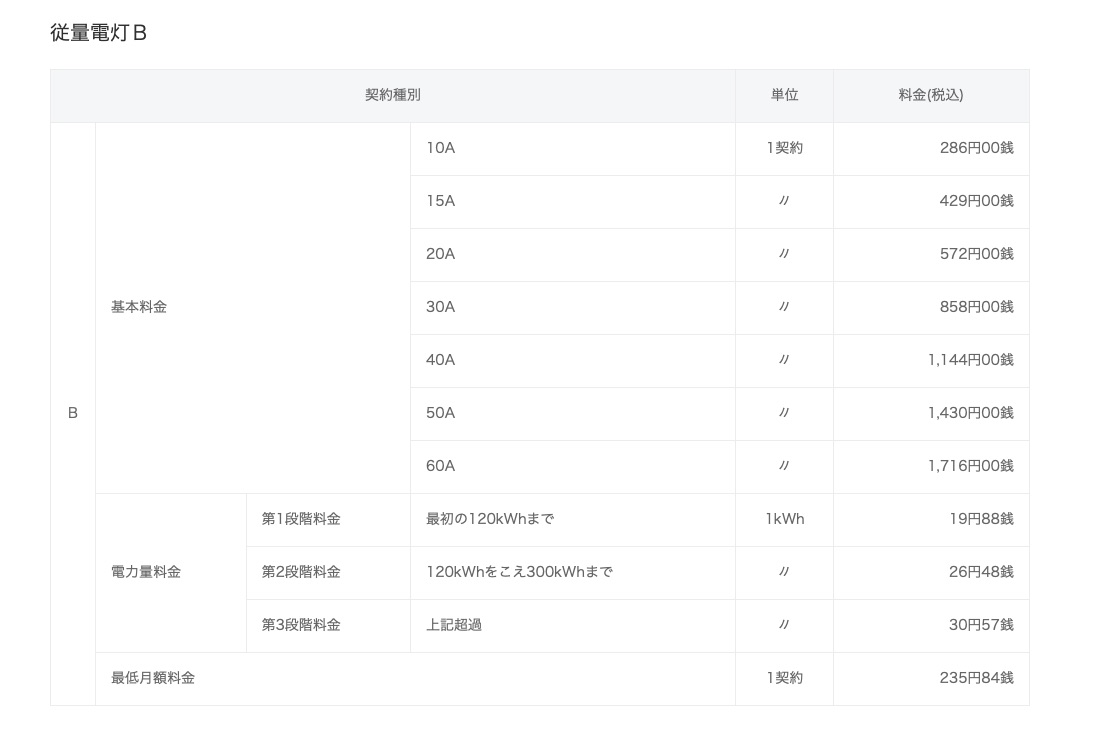
Once you know how many kWh you use per month like this, converting it to cost is easy. Rates change every month, so first search your power company’s website for something like “TEPCO electricity rates February 2023.” You’ll get a table like this.
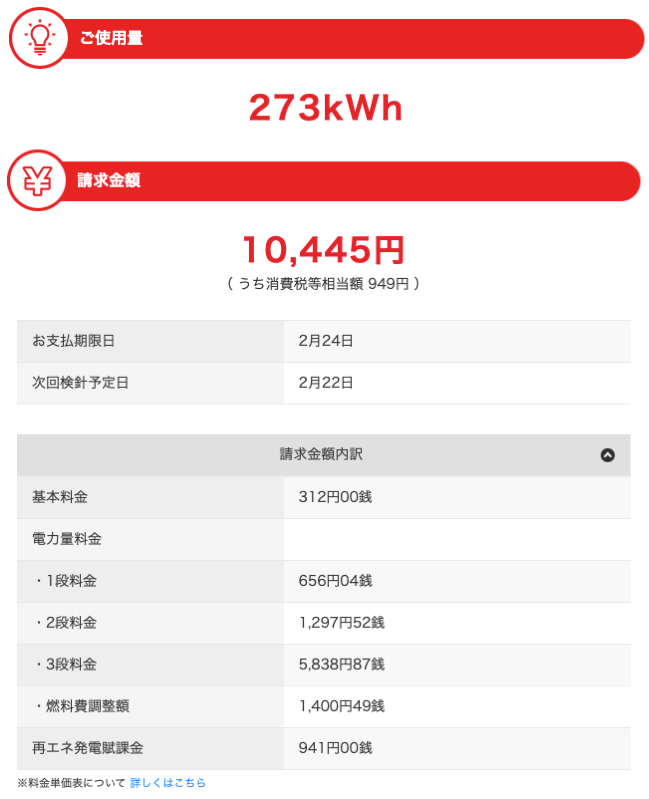
Most people are probably on “Meter-Rate Lighting B,” but check your monthly statement if you’re unsureLooking at your own statement is easier to understand. Basically, most of your usage falls into the third tier’s rate, like this.
At a glance it looks like a hassle, but skip all that and just roughly calculate at ¥35–40 per kWh (as of February 2023). Your power company’s paper statement shows how many kWh you used and the amount billed, so calculate from that.
In the image, ¥10,445 divided by 273 kWh is ¥38.26/kWh, so calculating at about ¥40 seems fine. Multiply the kWh measured by the SwitchBot Plug Mini by ¥40 — keeping it rough is the trick to not giving up.
Then make full use of the features to save!
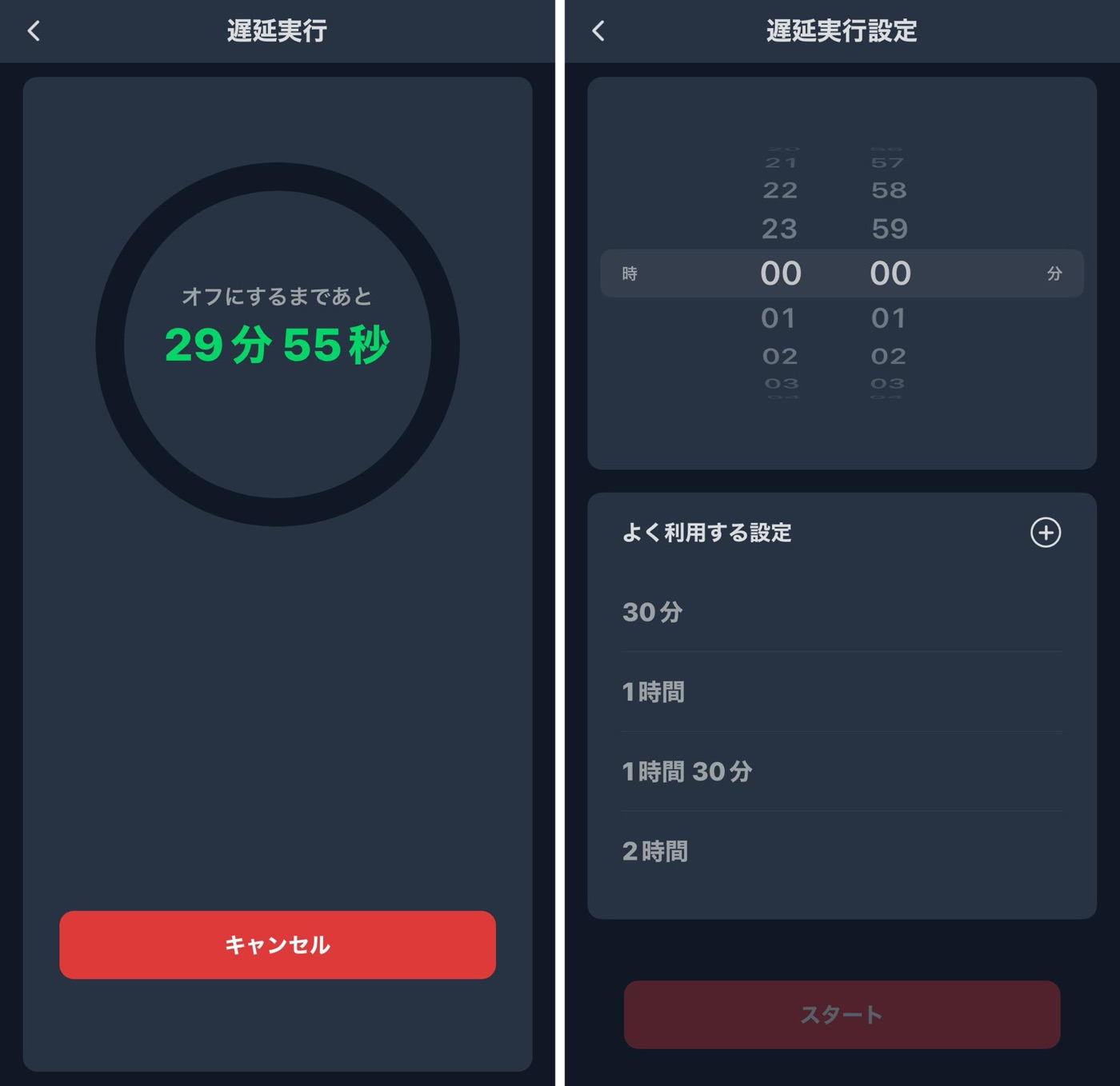
Once you know how much you’re using, all that’s left is saving. The SwitchBot Plug Mini comes with a timer feature (delayed action) built in, so goodbye to forgetting to switch things off!
The delayed action feature lets you set time “until off” and “until on.” If I’m being greedy, I wish it were just called “Timer”... it’s only a translation issue. SwitchBot, please...
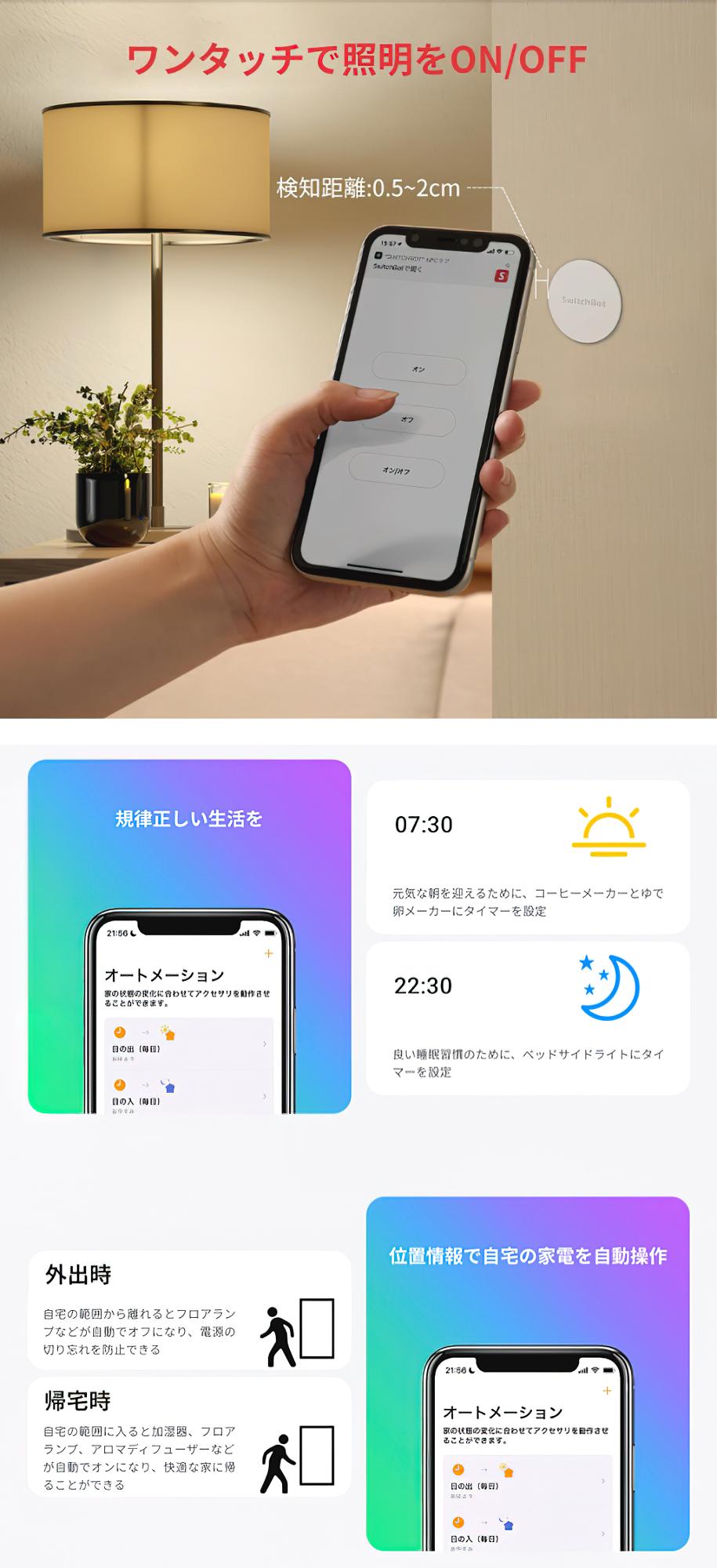
With NFC tags, you can turn specified devices on or off all at once just by tapping your phone — no need to open the app — and if you link it with HomeKit, it can detect when you leave and shut everything down.
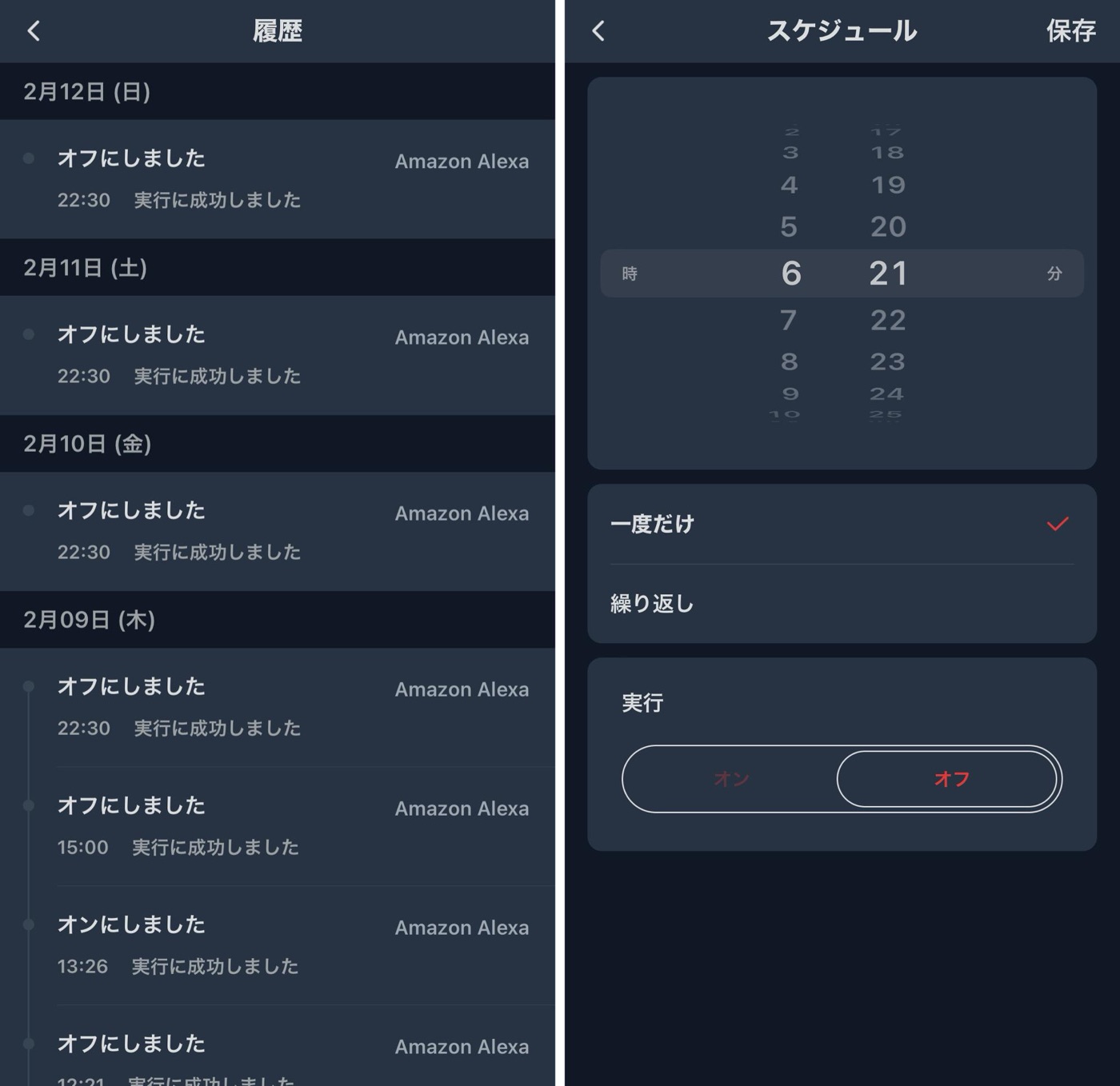
And there’s more. As you use it, everything gets recorded as history, so you can look back at when you turn things on and off. Using that as a reference, scheduling whatever you can is handy. Following the schedule also helps you get your daily rhythm in order.
Being able to plan schedules based on the history is really handy too
In our case, we didn’t seem to need the washing machine’s standby power (its “Fluffy Guard” feature), so I cut that — saving about ¥400. I’m also experimenting with whether emptying out the fridge a bit changes its power use. As for the air purifier, I’m examining whether we even need it in the first place.
But there’s a limit to how much you can save on appliances. You might save a few thousand yen a month... while the electric bill is tens of thousands, so it feels like a drop in the bucket... If you seriously want to get your bill down to about ¥10,000 a month, you might need off-peak power with home batteries, generating your own power, or making your house airtight and well insulated. I’ll keep testing these and report back. That said, saving even a few thousand yen is still nice.
Switching to 200 V appliances is an easy way to save
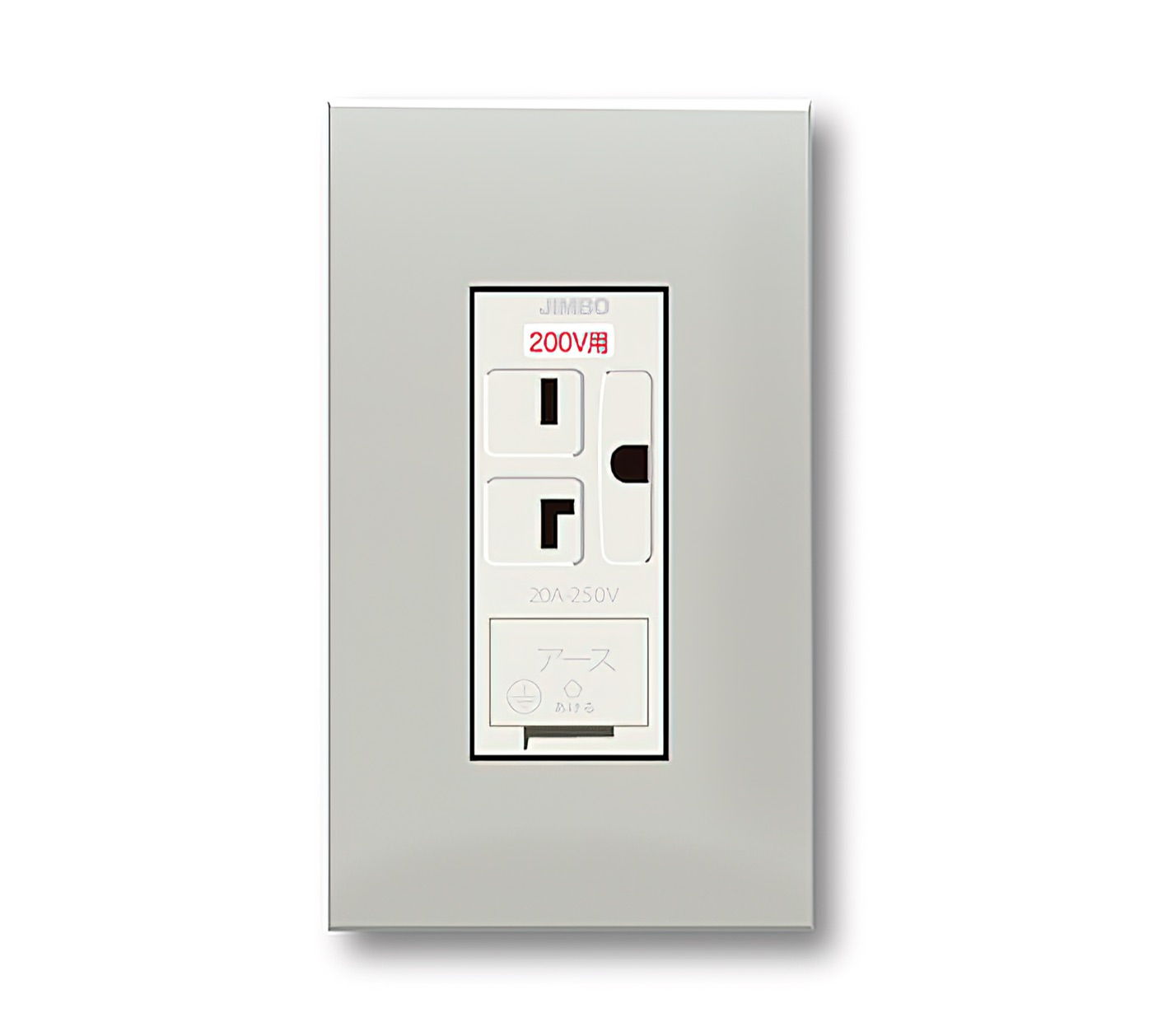
When people hear 200 V, many picture expensive commercial equipment, but actually the rate is the same as 100 V! Plus, these days almost every home has single-phase three-wire service, so you just need to have a 200 V outlet installed to use it.
Big air conditioners and foreign-made dishwashers are mostly 200 V, and bringing in products like those is a quick way to save power. The electricity rate is the same as 100 V but they’re more powerful, so you end up saving. At our home, too, it turned out that the AC for an 8-tatami room cost more to run than the 200 V AC for a 20-tatami room… I’m now considering switching the small AC to 200 V too.
You just swap in a 200 V outlet, so it’s easy
With 200 V, the amperage you draw is also cut in half, so installing a few might even let you lower your contracted amperage. It’s especially effective for air conditioners, so I recommend it even accounting for the higher purchase price.
It also helps prevent kids getting shocked and fires
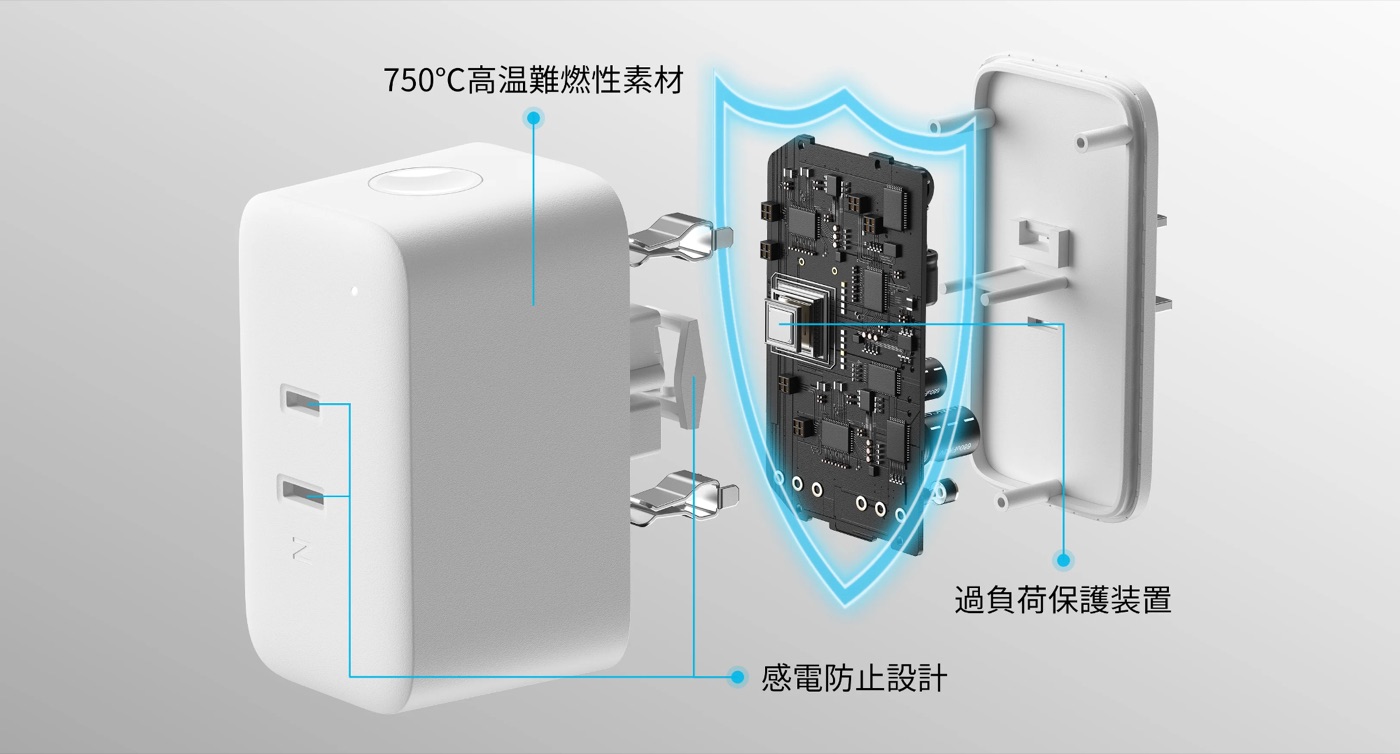
Finally, two benefits even I didn’t expect. It has features that help prevent kids from getting shocked and prevent fires.
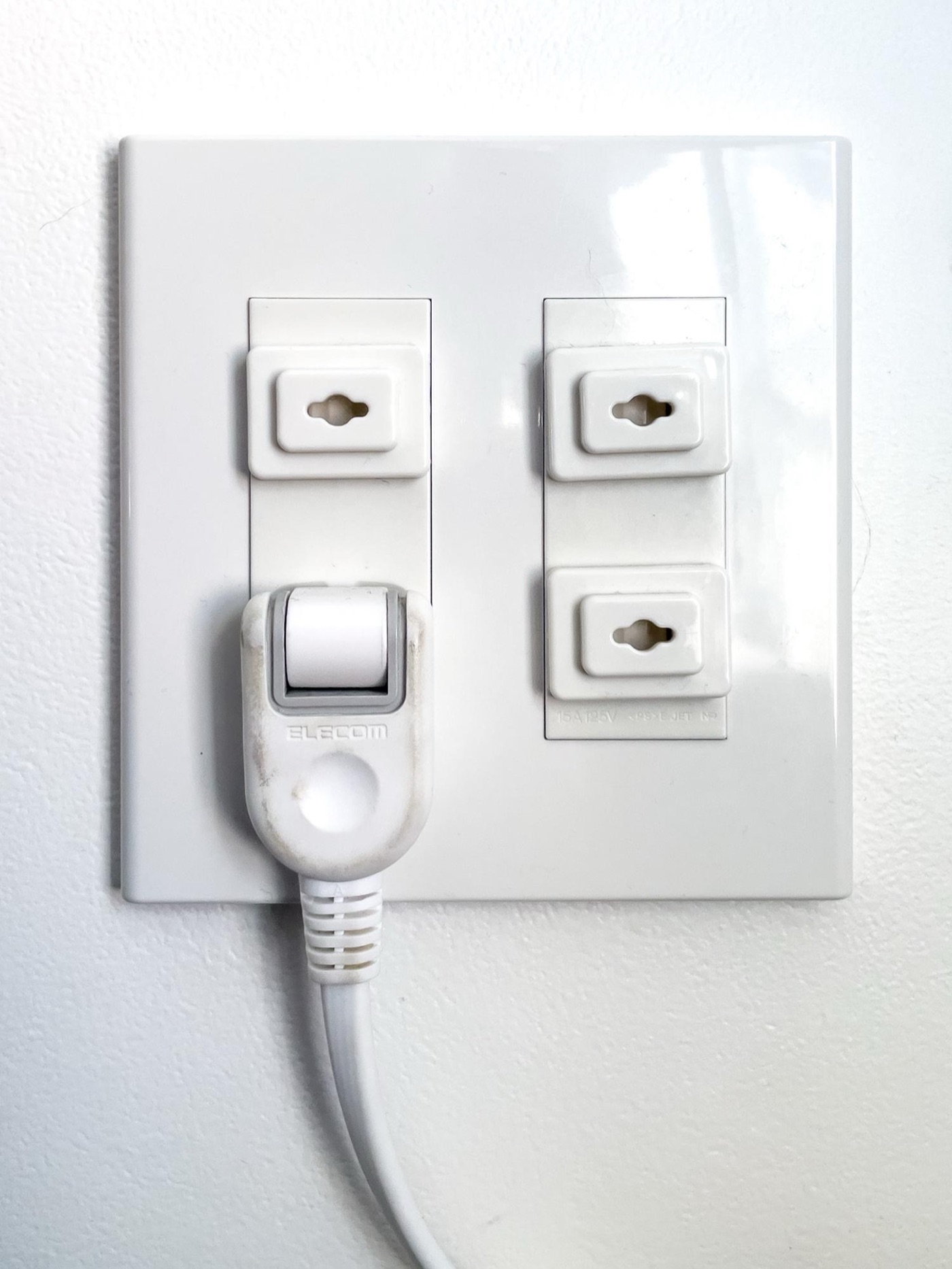
The design prevents accidents from kids’ mischief, and a built-in chip automatically cuts power to keep things safe. It’s made of materials that can withstand 750°C.Families with kids probably use 100-yen-shop outlet covers, but removing them every time you want to use the outlet is a pain...
Features like these are only possible because it’s an IoT device. The 100-yen-shop covers that block the outlet mean you can’t use it right away when you need to, and if this also helps prevent fires, I thought it’s way better.
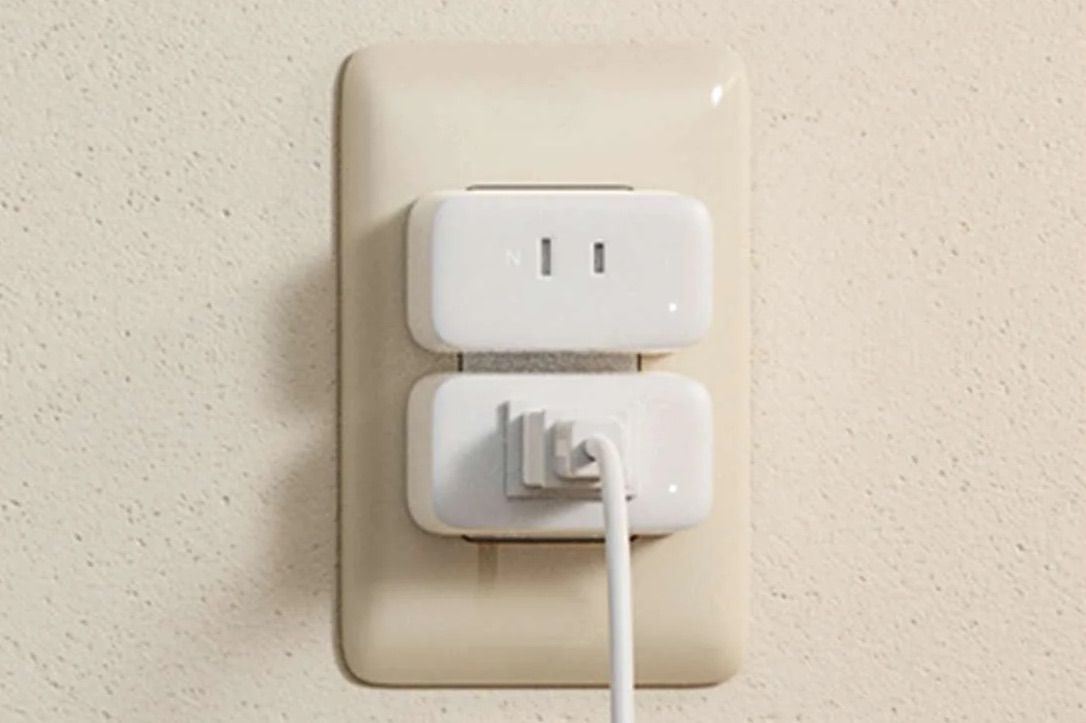
The shape is easy to use with Japanese outlets too — good
If I’m being greedy, it’s a shame it has only one outlet... If a four-outlet power strip had this feature, it’d be perfect. I’m sure that’s in the works, so I’ll wait for it.
By going all in and installing 10, I could see nearly every appliance in our home. Now I’m really motivated. Our family truly can’t do anything without electricity, so let’s cut wasted power by June and get through the price hike!