Getting a New iPhone? You Need Filters — POLARPRO Turns Everyday Shots into Art
Combined with the iPhone 15 Pro’s upgrades, POLARPRO’s camera filters are getting seriously impressive.
I’m Hide, tech journalist and part-time house-husband. With these, your social media posts will stand out.
Even just a CP (polarizing) filter lets you capture way more shots, like autumn leaves under water
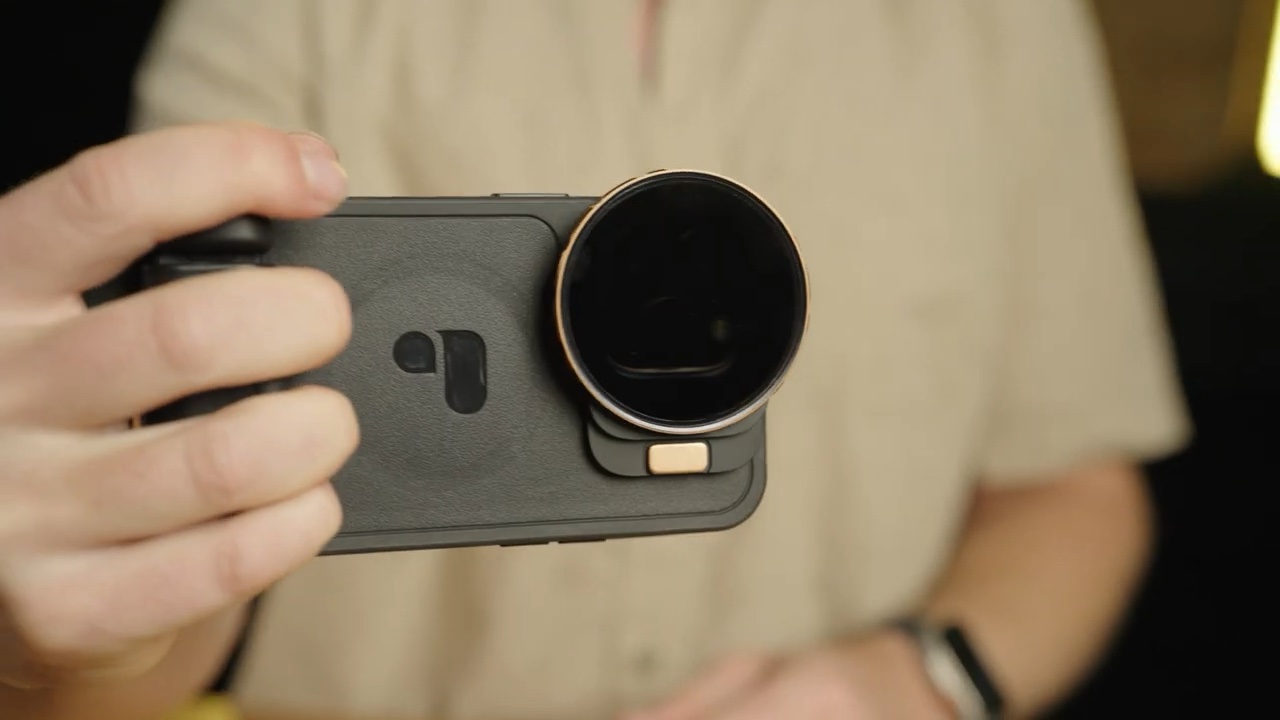
The new POLARPRO LightChaser I’m introducing now offers a 67 mm ring adapter, which massively expands your filter options. The iPhone 15 Pro natively supports recording to external storage (ProRes) and Log shooting, so add filters and your creative range goes up about tenfold.
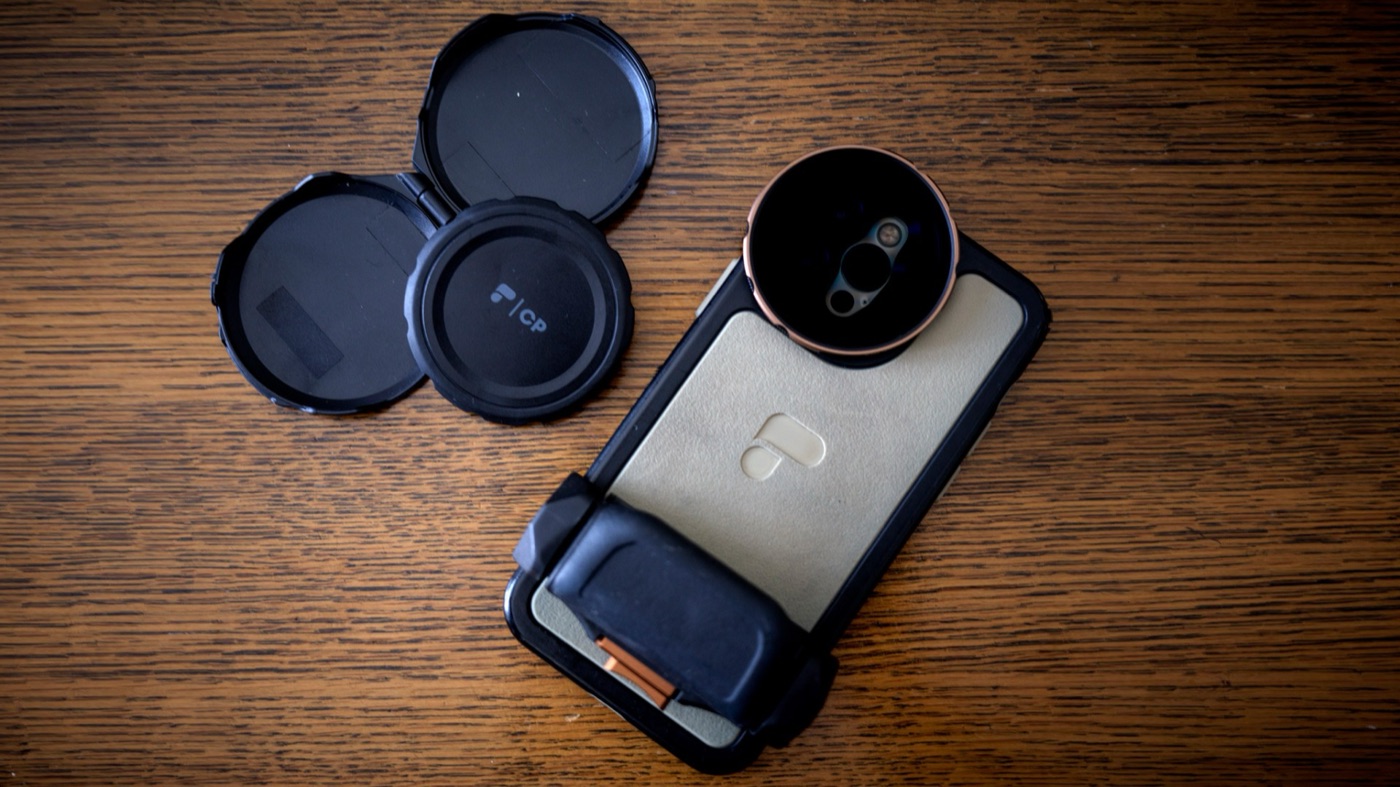
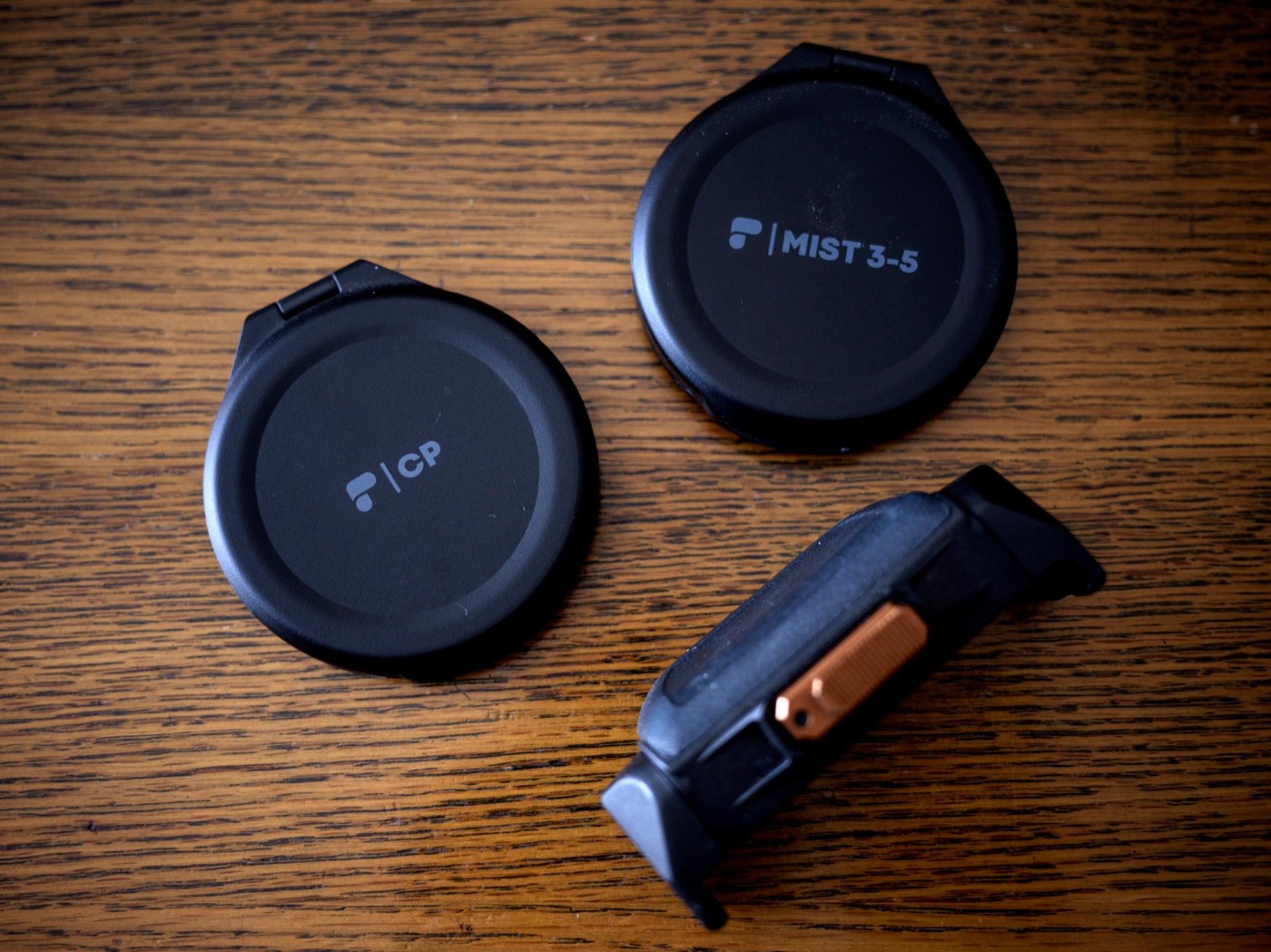
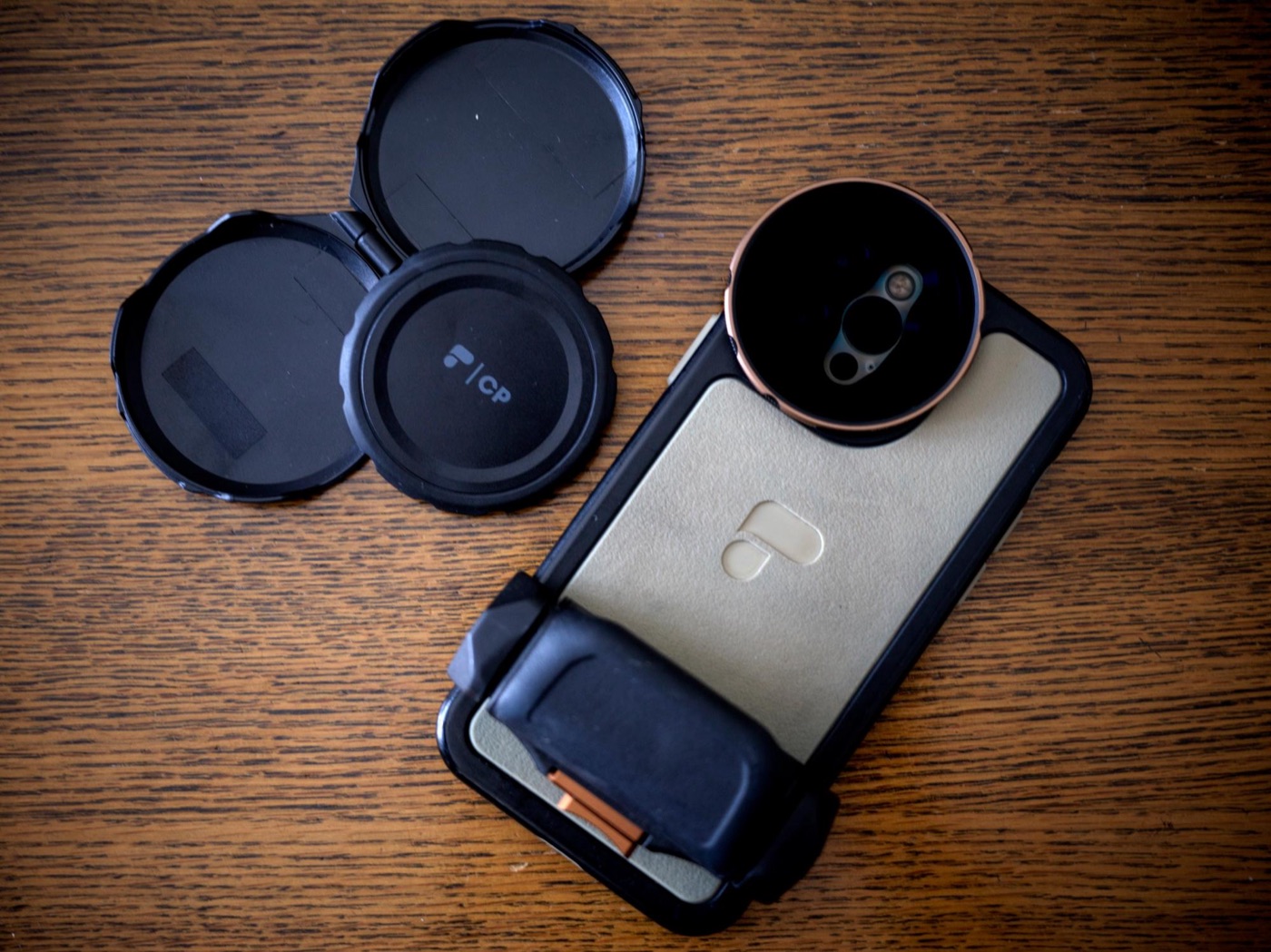
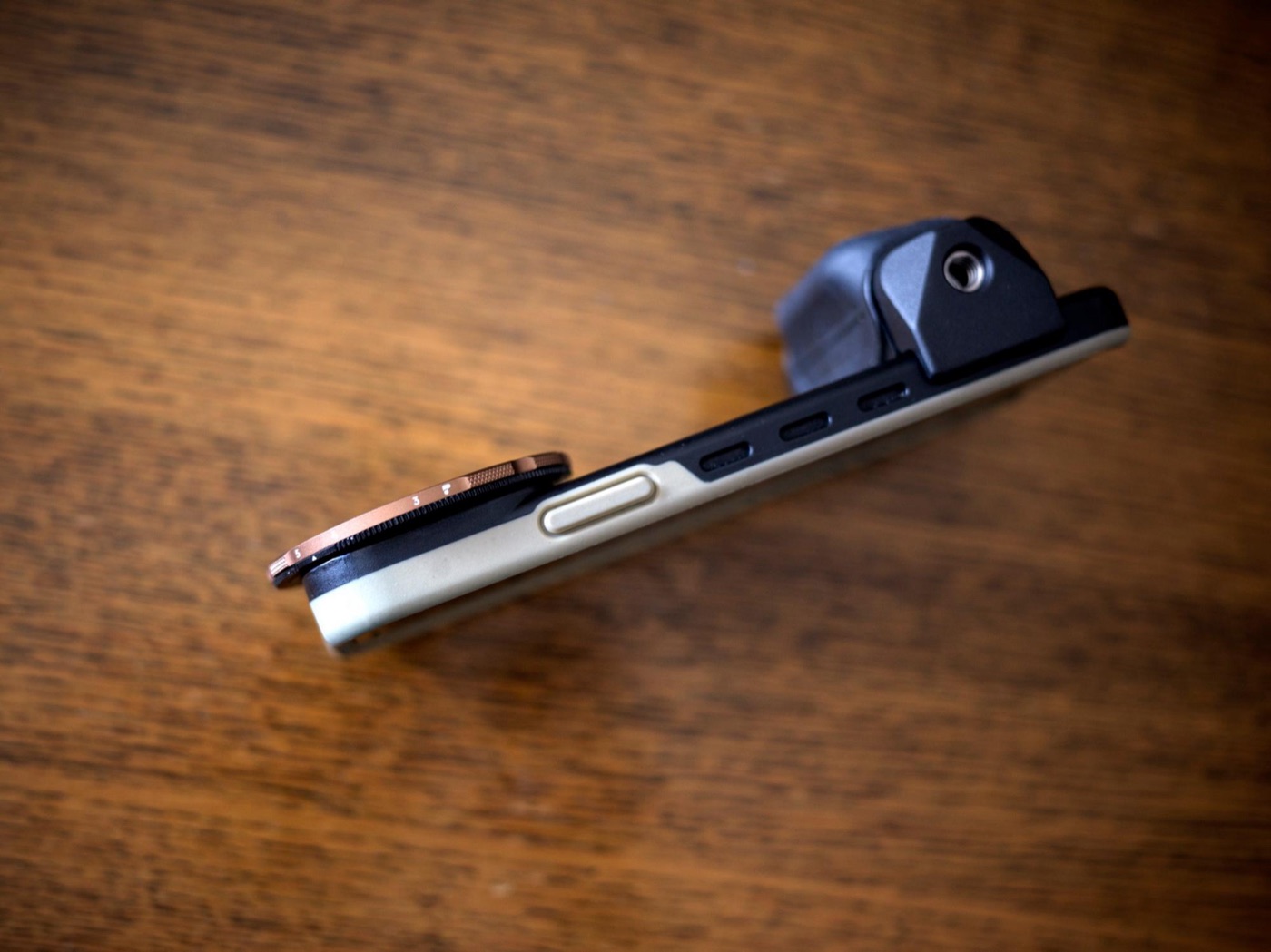
It comes with a lens case, making it easy to carryYou can attach a light or flash to the grip. The case is MagSafe-compatible, and MOFT worked fine too
## One filter changes the shots you can get
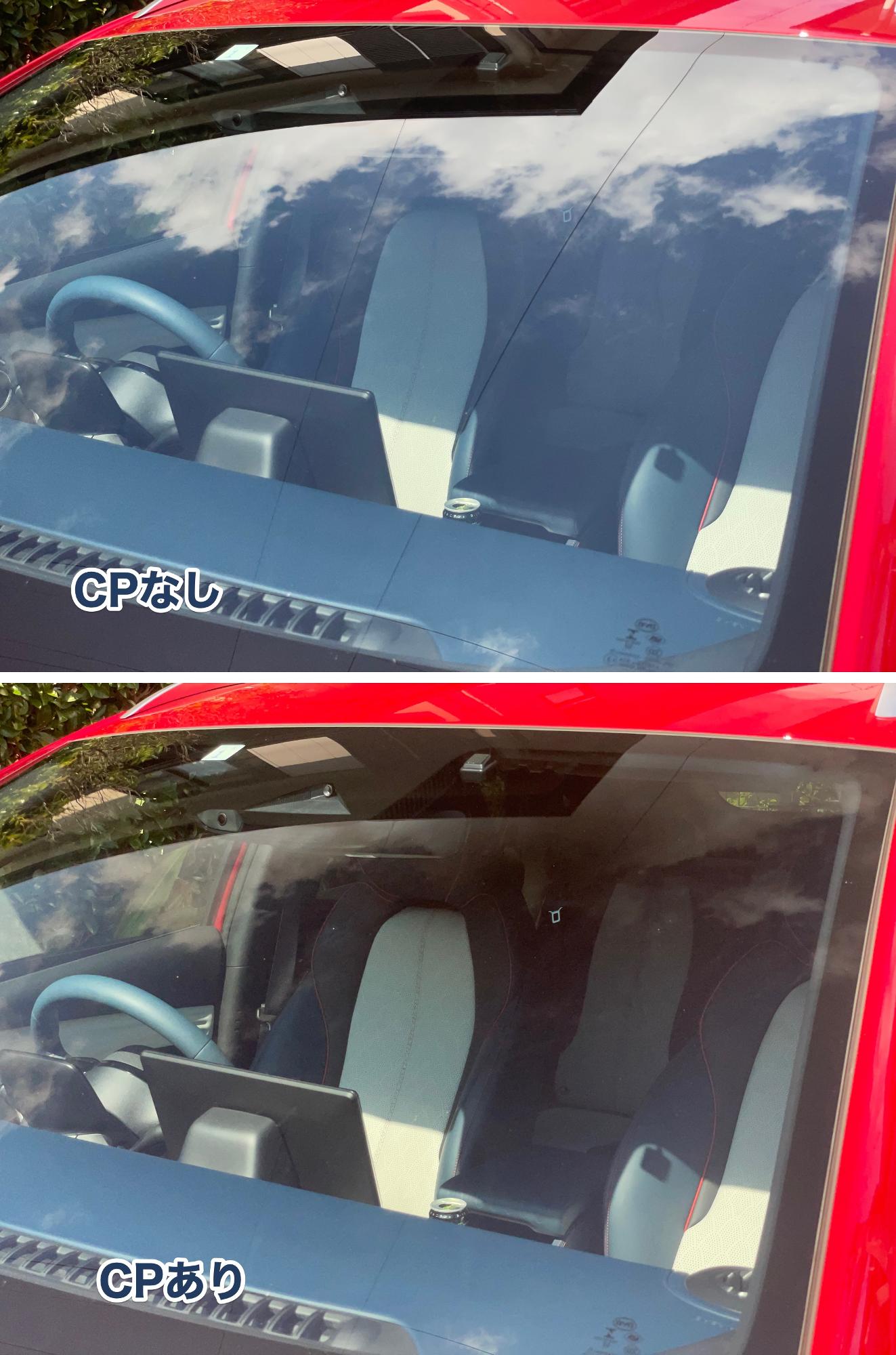
For both video and photos, some shots are impossible without a filter. The easiest example is a polarizing (CP) filter. It cuts reflections so you can clearly capture what’s behind glass or under water. The difference is obvious.
This is how much difference a filter makes
Isn’t that amazing? Both shots were taken on an iPhone with the CP filter. Little tricks like this make your social media photos stand out.
“Cutting reflections” means “capturing what other people can’t.” If it makes this much difference even on an iPhone, it’s worth having. It also makes blacks look blacker under strong light, so it’s a good filter to just leave on.
A VND filter is the key to that “wait, this looks different” feel
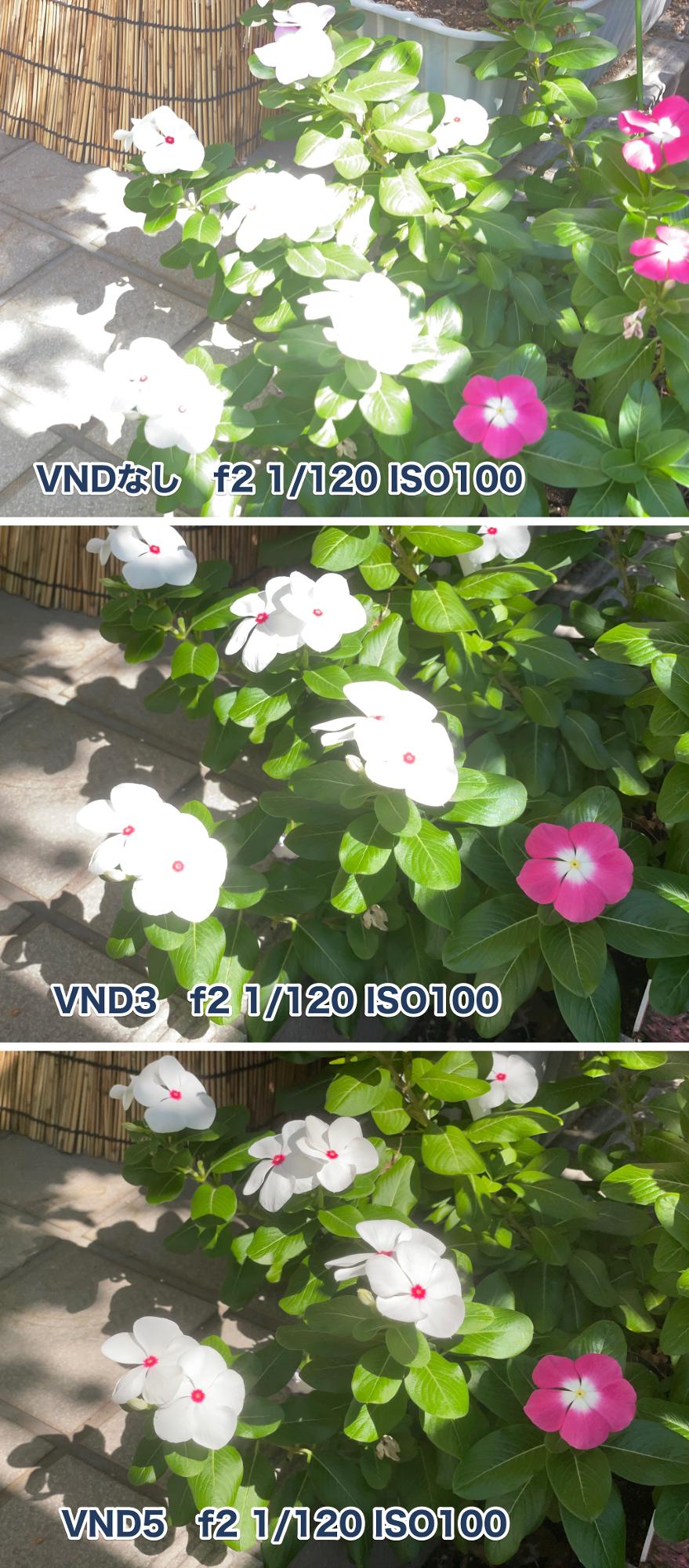
A VND filter is basically sunglasses for your camera. The LightChaser’s filter especially tames whites in daylight, which makes the colors pop and gives your photos a pro look.
You do need to shoot at the same exposure and shutter speed, but the difference is obvious
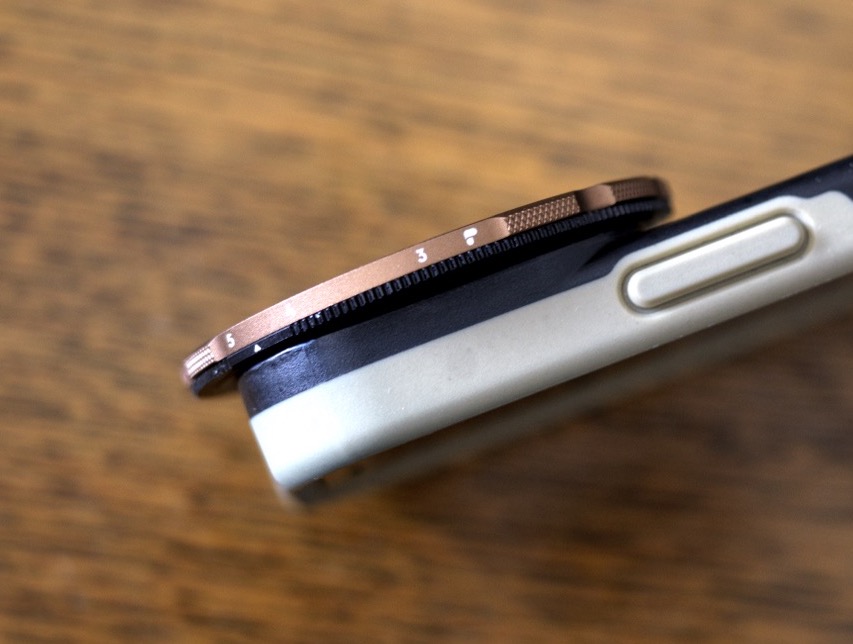
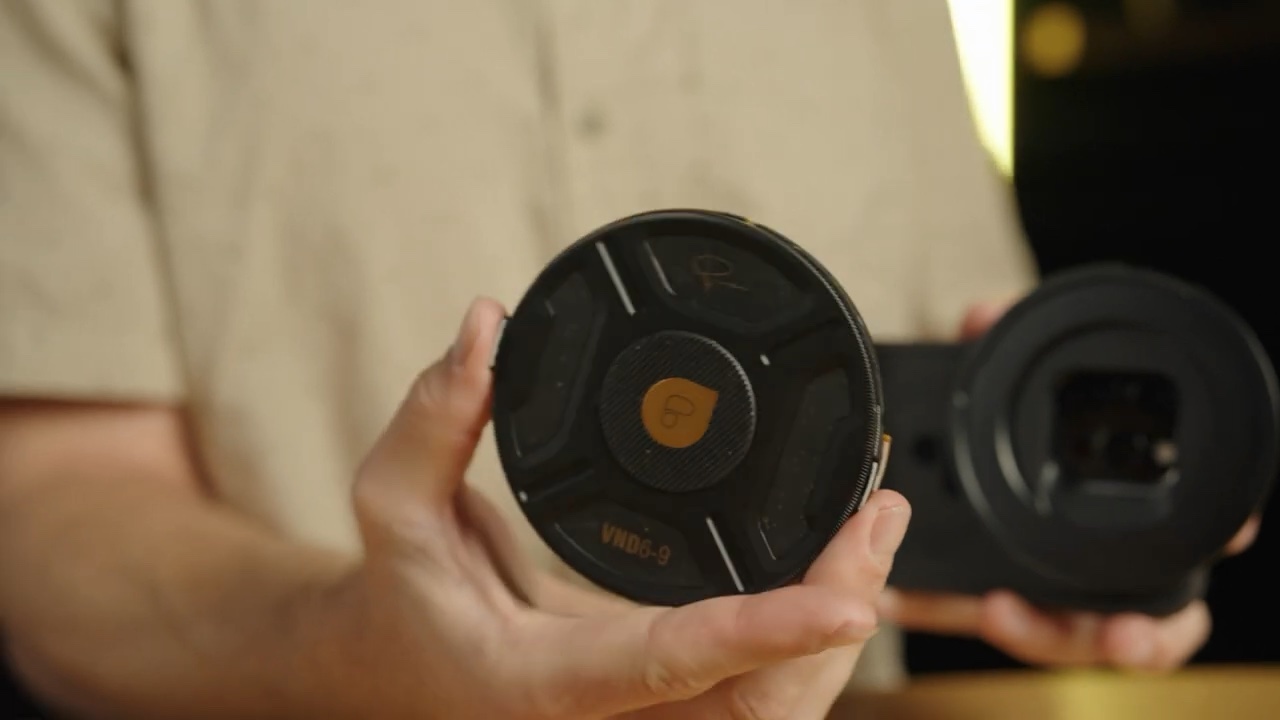
The advantage of a VND is that you can change how strong the “sunglasses” effect is by rotating the lens. With a regular ND filter, you have to swap filters, but with the LightChaser VND you can change it on the spot — easy when going from outdoors to indoors, which makes shooting a breeze.
Rotate around the lens to change the strength from 3 to 6 stops
## You’ll need a bit of know-how for app choice and settings
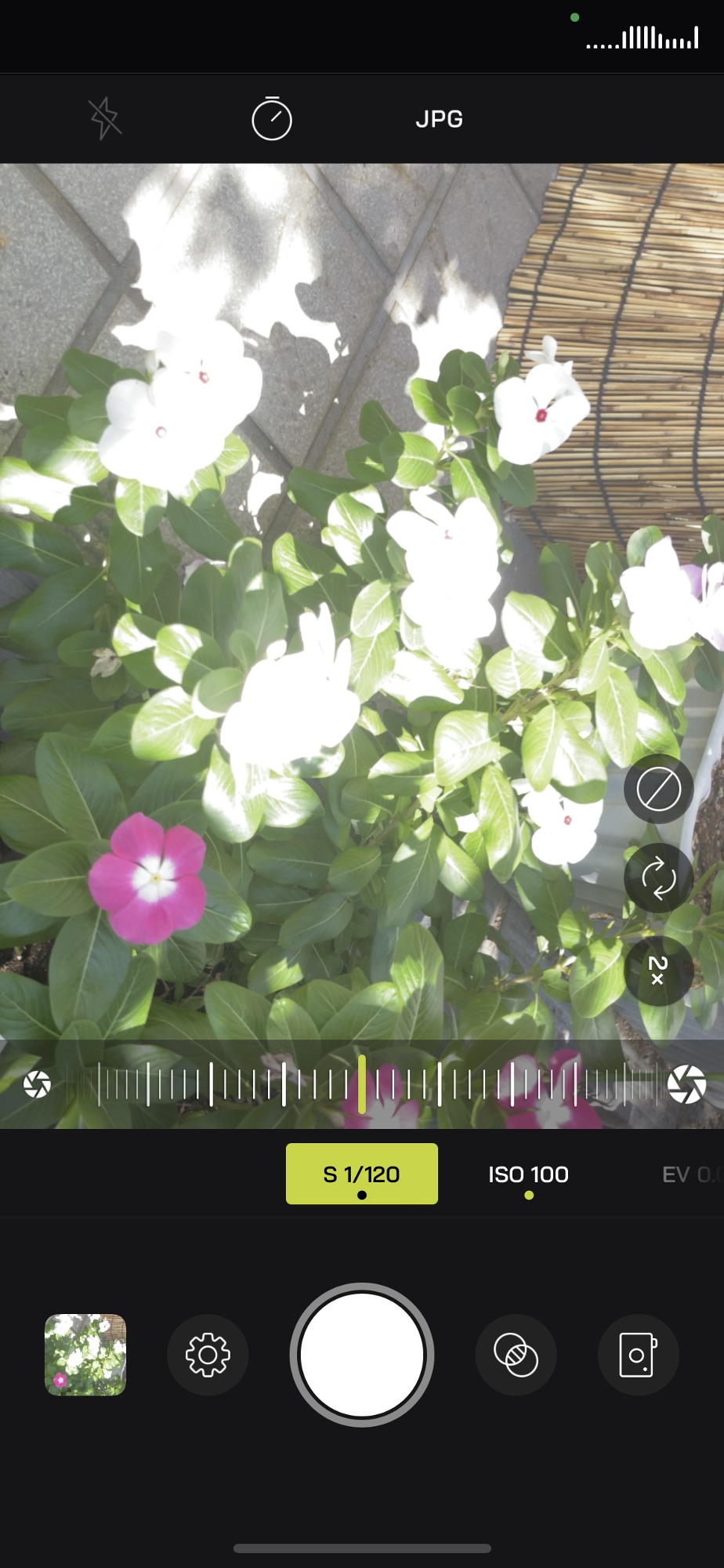
One downside is that it raises the bar a little — not the product, but for the person using it. The iPhone basically auto-adjusts ISO, shutter speed, and exposure, and switching to manual takes some know-how, which might worry some people. But while that kind of control matters for video you’ll edit later, for photos, I got the best results just leaving it to the default Camera app and adding the filter.
You need to understand the basics of how each setting works
Setting the file format to RAW is also a must. That way you can recover highlights or shadows even if they blow out or crush a bit. Even with RAW, though, photos taken after using the VND filter to avoid blown highlights and crushed blacks are much cleaner, including detail and noise. Third-party apps can also struggle to focus or show more noise (probably noise the iPhone automatically removes, which you don’t see in the default app), so unless you need something specific, I recommend the default camera.
The phone I’m using right now isn’t even the latest — it’s an iPhone 12 Pro, a pretty old model. It can finally shoot RAW, but being three generations old, its features are pretty limited. And with a filter, it shoots at this quality.
iPhone 12 Pro / RAW / default app / LightChaser Mist VND. Getting this kind of mood on a phone in a spot where light streams in is the best
The latest iPhones have optical zoom, more powerful processors, and above all the huge advantage of recording ProRes to external storage. Combine that with the LightChaser, and you can truly shoot art-level work on an iPhone.
The new LightChaser Pro 15 fixes every weakness
The latest LightChaser Pro 15 upgrades every weak point. No flattery — I felt “I just have to buy this.” (In my case, I need to get an iPhone 15 Pro first, lol.)
It’s great that you can now use regular 67 mm filters, not just LightChaser ones
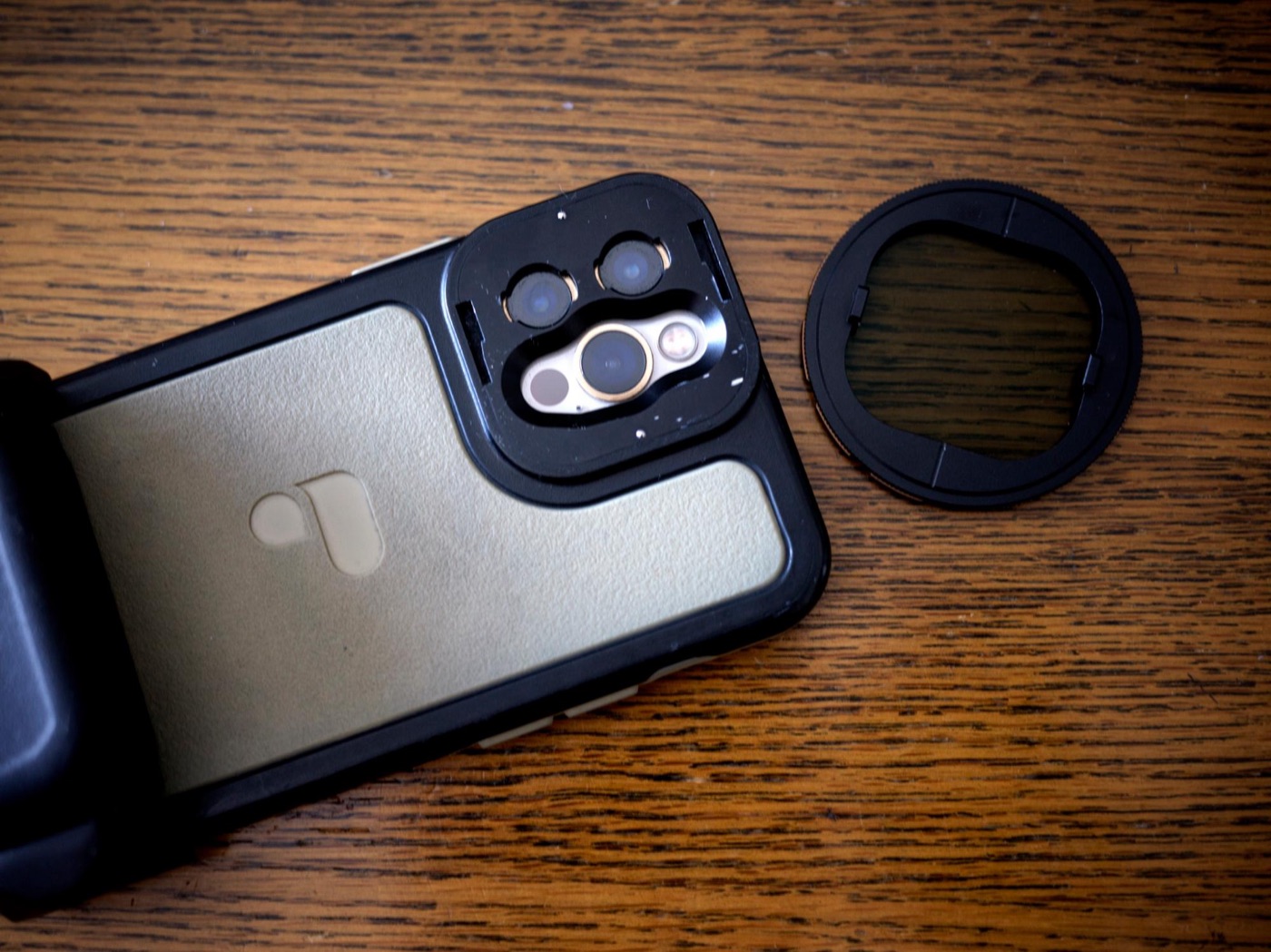
The slightly annoying issue of filters coming off easily is solved. And you’re no longer limited by the darkness of the dedicated LightChaser VND filters: there’s now an adapter that takes standard 67 mm screw-in filters used on regular cameras. Brilliant move.
Filters stay on better now — no weak spotsBefore, the hold was weak and I was a little nervous about dropping it while carrying it
I use plenty of PolarPro products on my other cameras, so being able to use them on my iPhone too is the best.
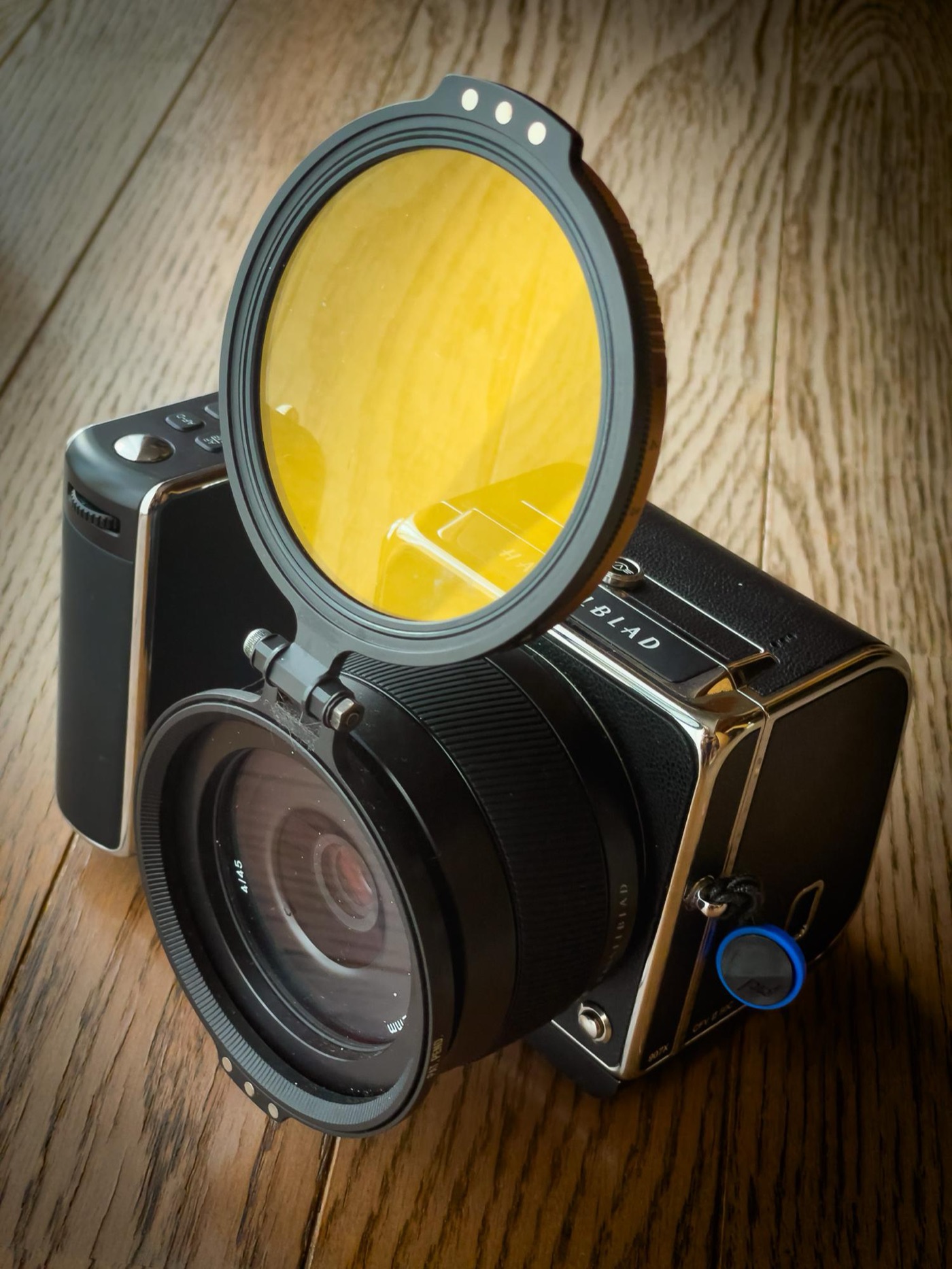
POLARPRO filters I also use on my beloved Hasselblad
I know some people say certain PolarPro filters cause a blue cast (the whole image looks a little blue). But in many cases I think it actually adds atmosphere, and if it really bothers you, make a color-correction template for PolarPro and you can fix hundreds of photos in an instant.
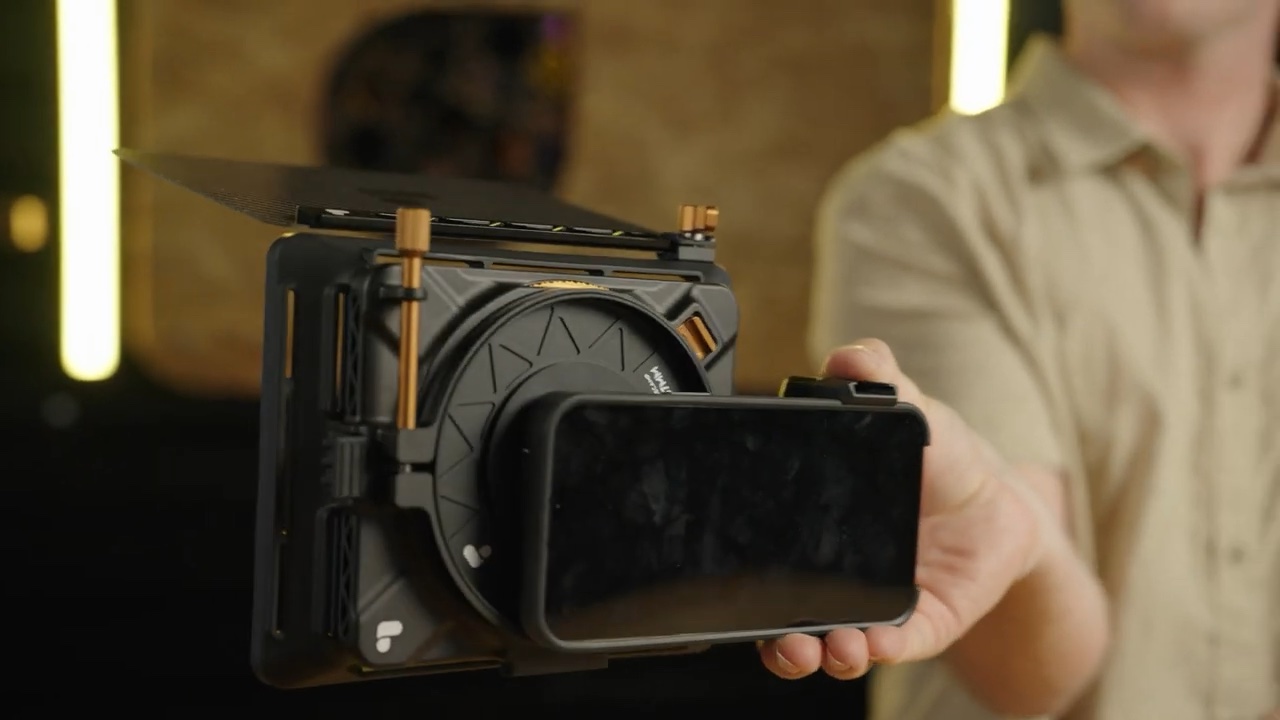
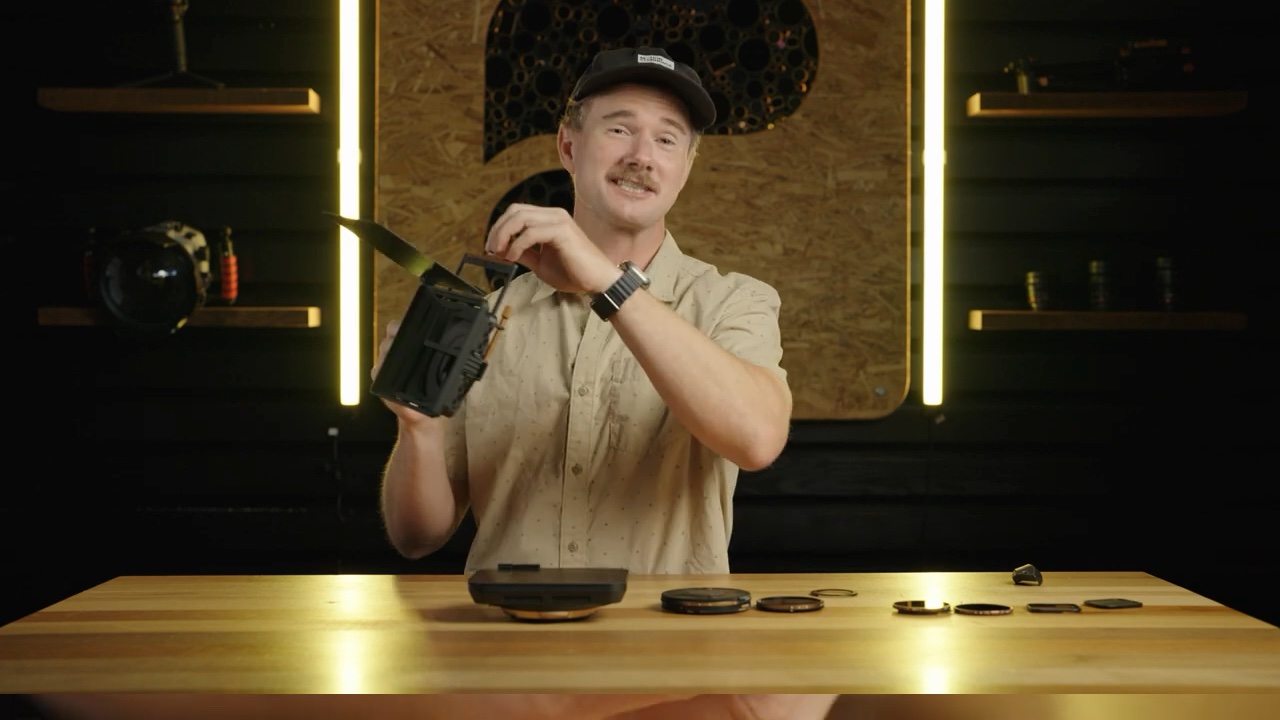
With how well made they are — and the largest BaseCamp with a matte box even lets you use graduated filters — it feels like we’re entering an era where, with the right skills and knowledge, an iPhone could surpass a DSLR.
You can even attach a serious matte box like thisGraduated filter options you never had before — amazing
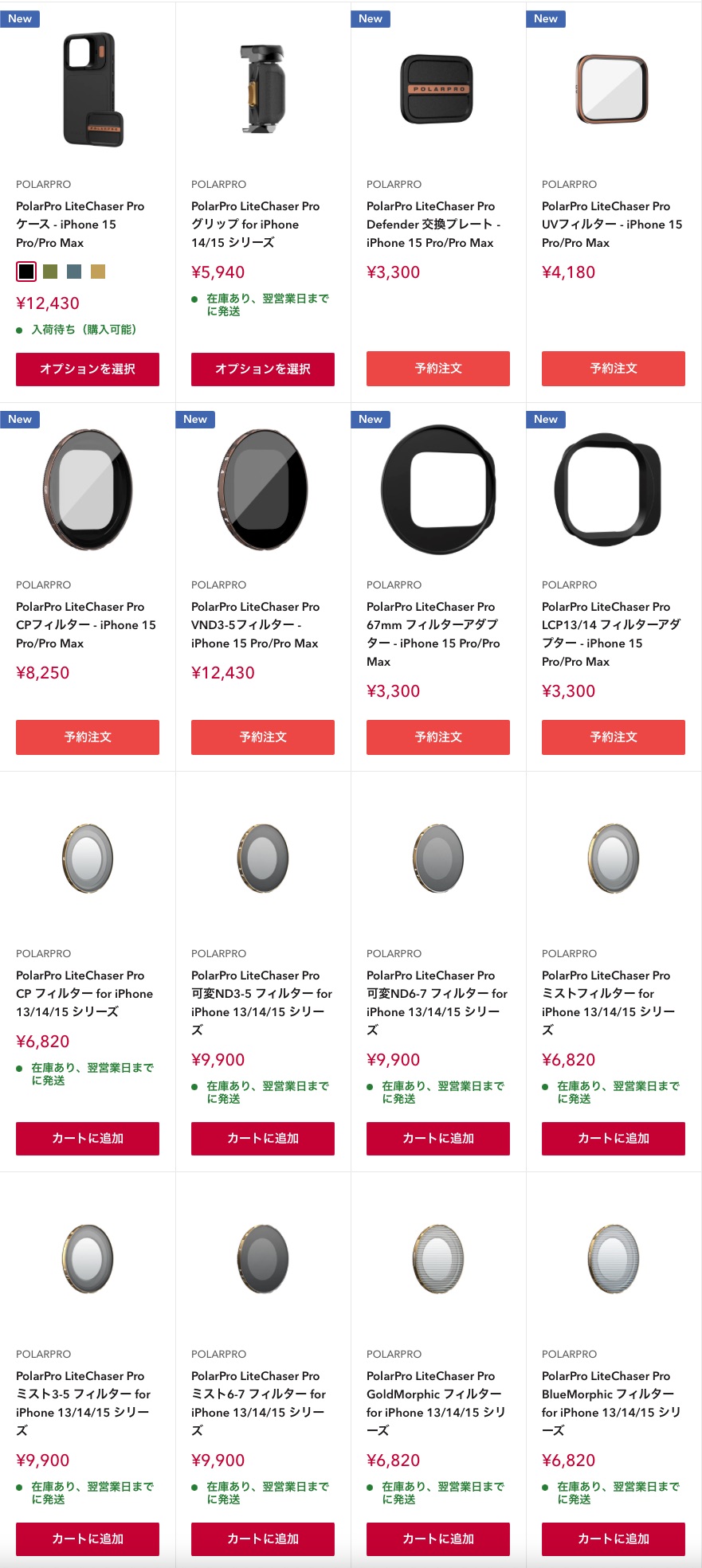
Given the weak yen these days, I’m really grateful that UAVOOM, which imports them into Japan, keeps stock so you can get them quickly. Buying from the US site gets pretty expensive with shipping… and takes a while. (Too bad the Bluetooth shutter doesn’t seem to have Japanese radio certification… hoping for that in the future.)
UAVOOM’s wide lineup means you can get things fast
The moment I switch to an iPhone 15 Pro, I’m definitely buying this. It’s a fantastic product that seriously levels up phone photography.