
I Meant to Set an Example as a Dad — Instead, DIY Got My Kid to Love Tidying Up
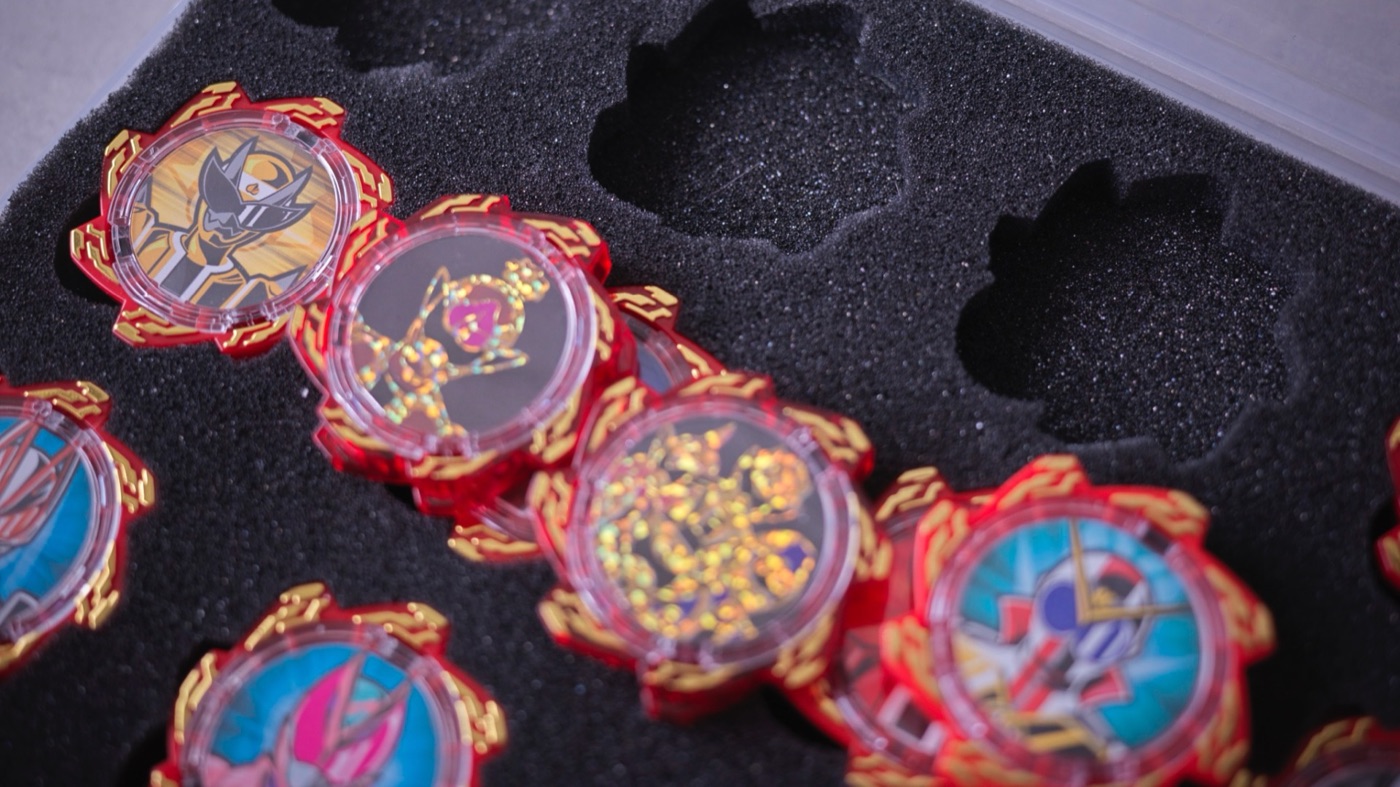
Hi to everyone so overrun with stuff at home that you’re tempted to just throw it all out — I’m Hide, tech journalist and part-time house-husband. This time it’s about laser engravers. Apparently you can even rent them at home improvement stores these days, but lots of affordable home models have come out too, and they’ve gotten much easier to use. My daughter’s toys had piled up so much that tidying was a struggle, so I figured I might as well make something like a collection case — half for my own satisfaction — and got an unexpected result. My daughter started tidying up on her own. Let me explain how this happy surprise happened.
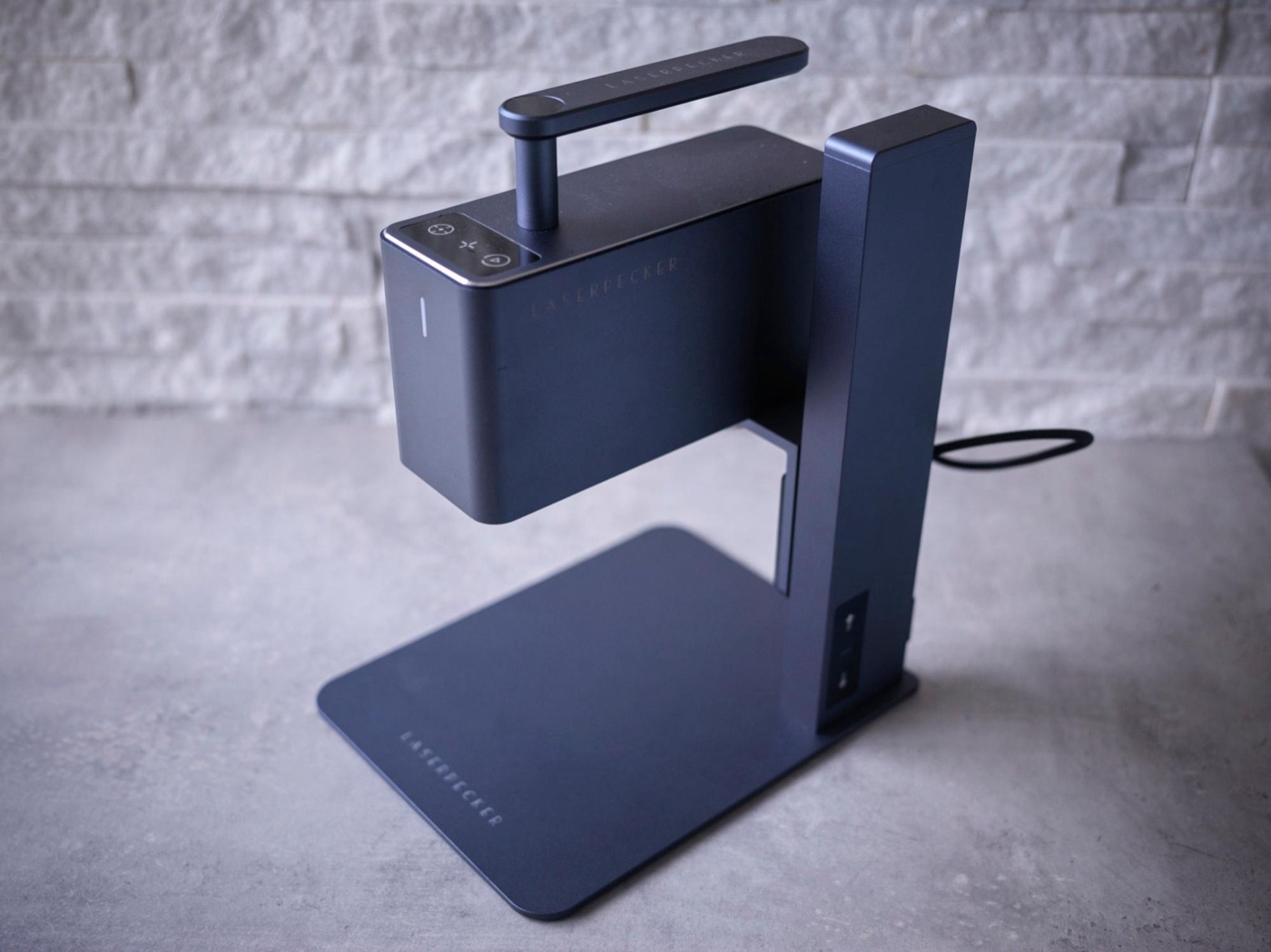
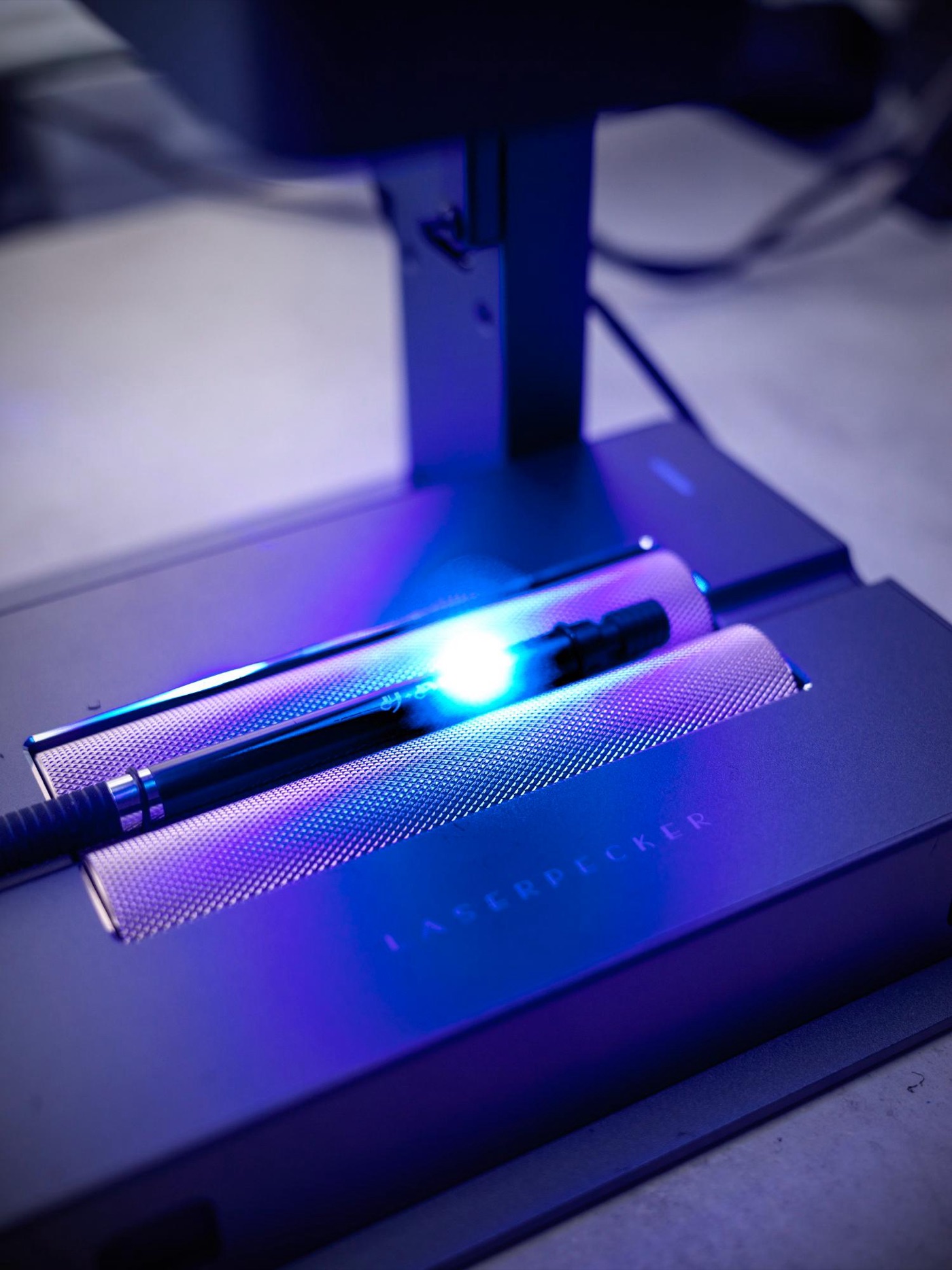
Laser Pecker hits max practicality in its second generation
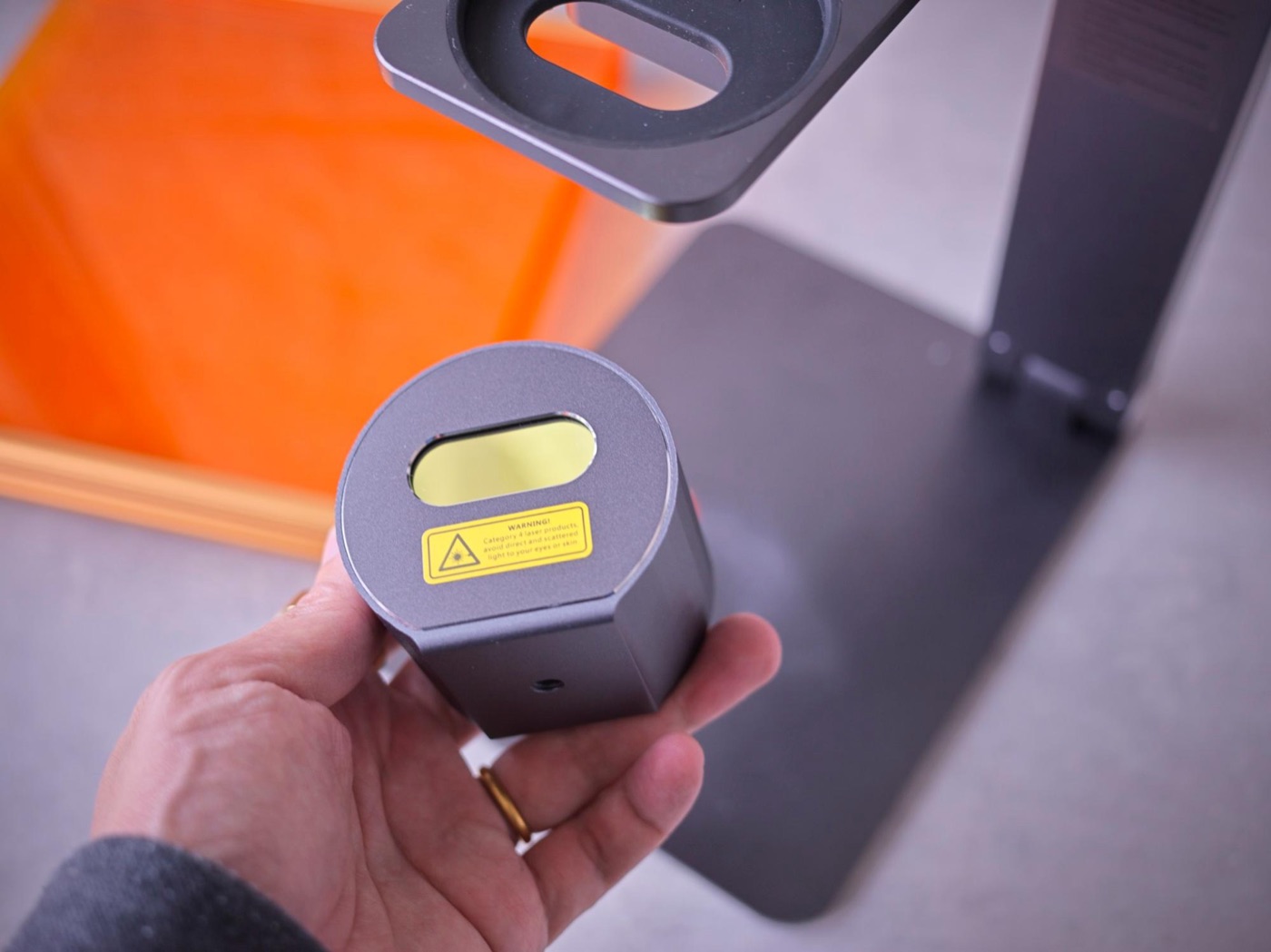
I’d bought a Laser Pecker, a laser engraver whose selling point is being super compact, and then stashed it away, but when my daughter got into superhero squads, I pulled it back out. The original Laser Pecker was easy to use, but it was slow, which was a bit inconvenient.
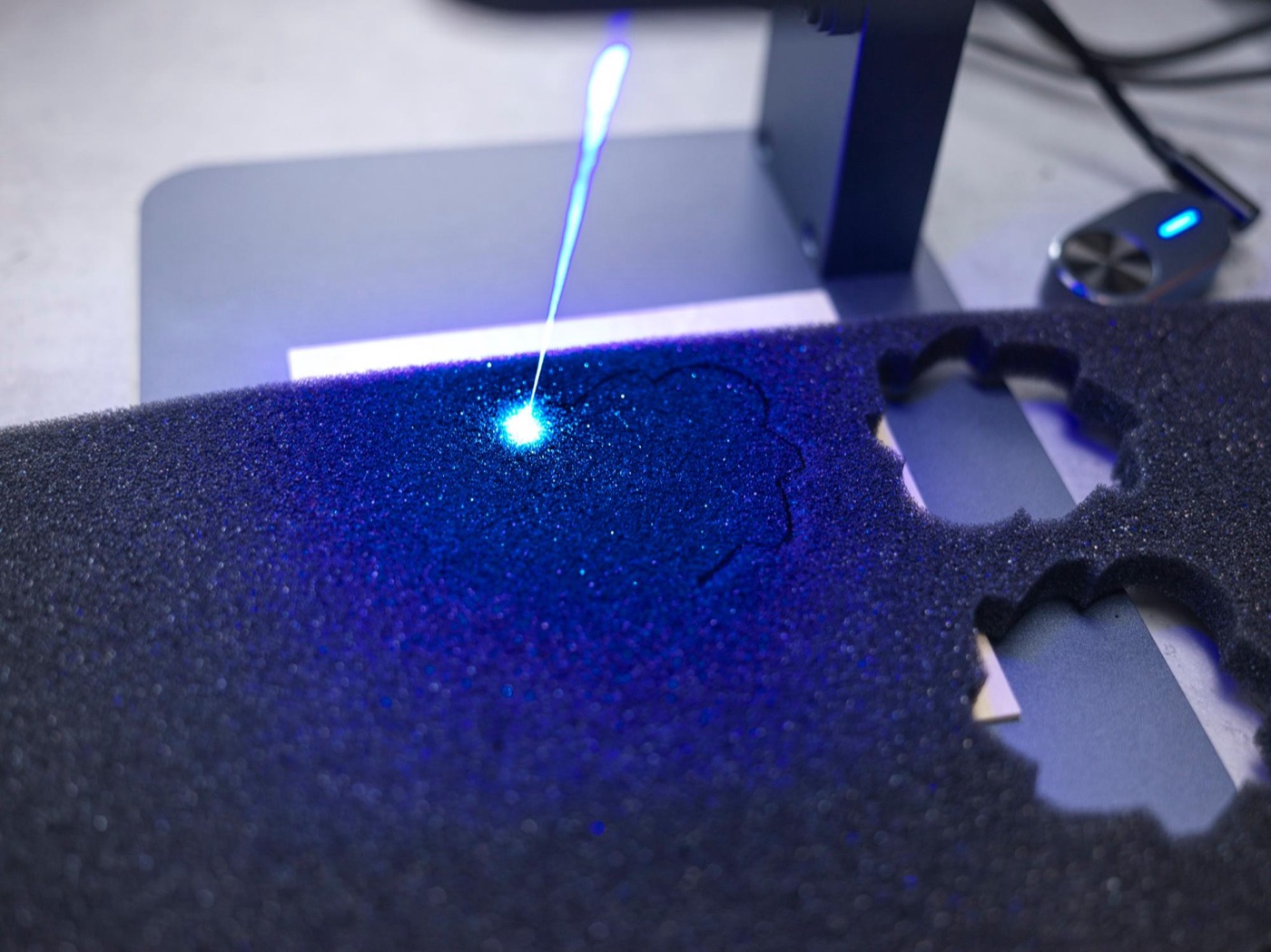
About ¥300 in materials from a 100-yen shop and foam from Amazon
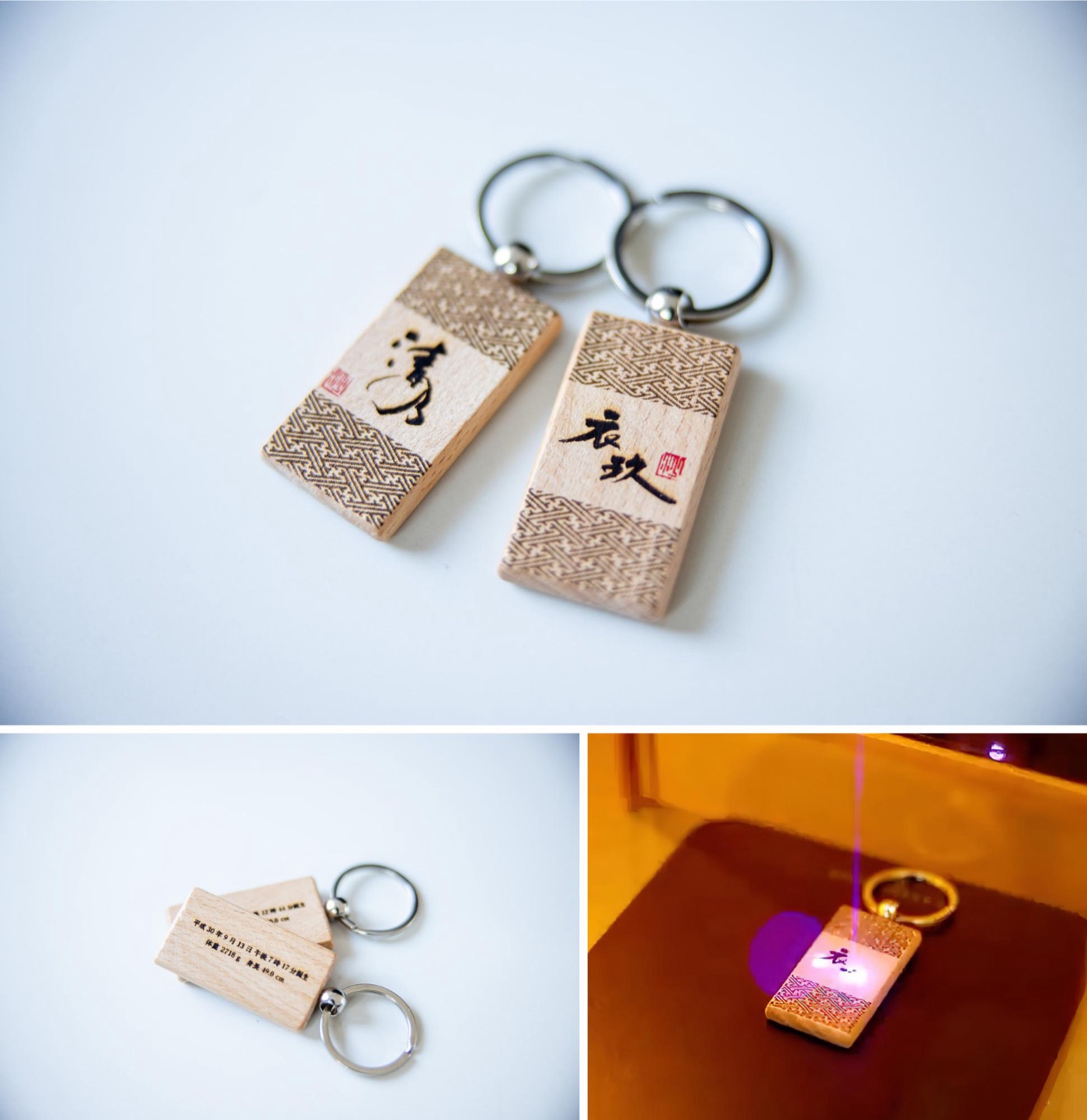
Honestly, I didn’t think it would turn out this precise, so I was thrilled. And my daughter was overjoyed too.
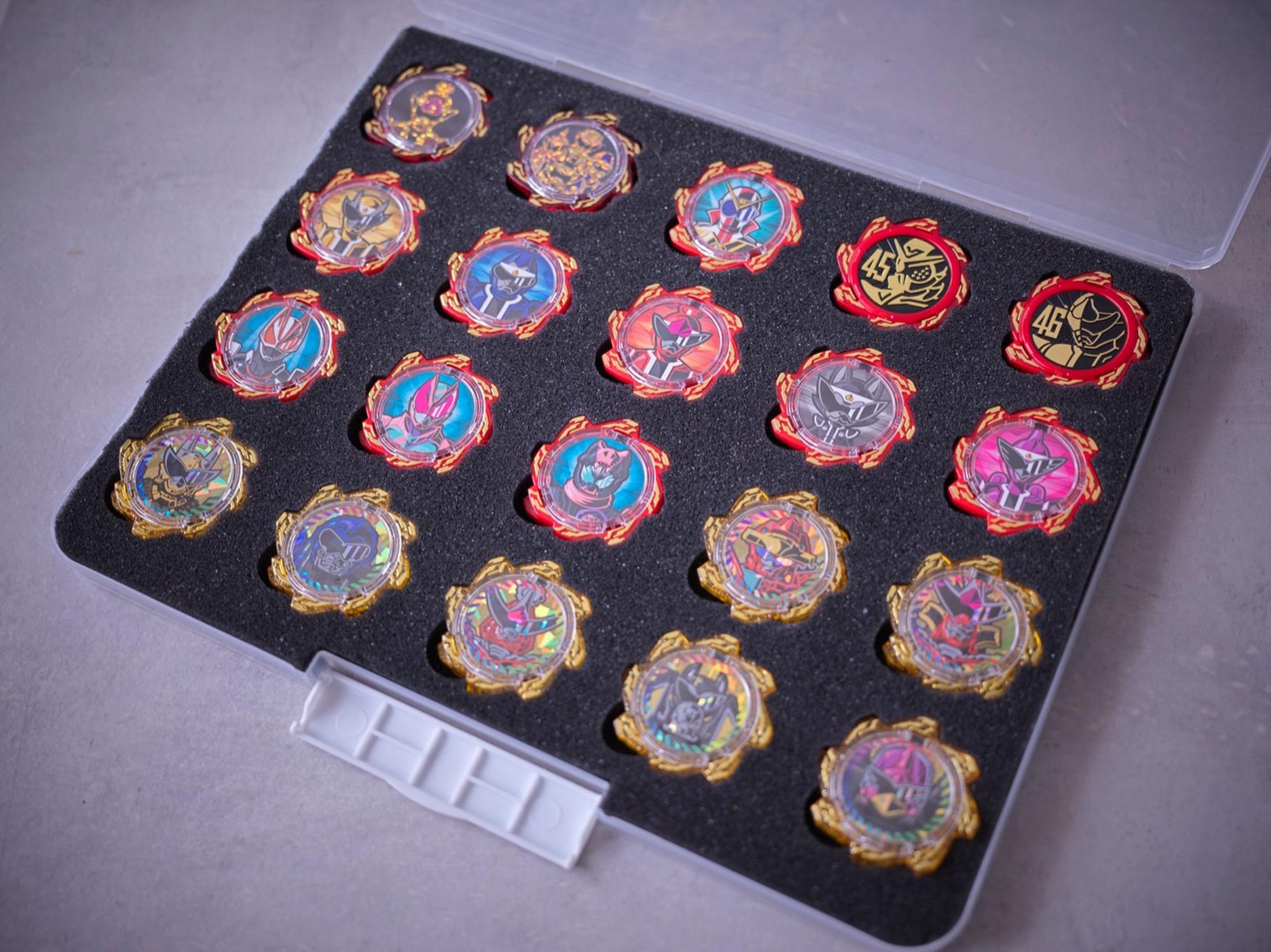
Once there’s a place for things, kids want to put them away
And what made me happiest was that my daughter started tidying up on her own. A case that fits perfectly is fun, like a puzzle, and lining things up seems to feel good. It looks like I could make all kinds of other things with foam and 100-yen shop goods, so I’m thinking of making some for her other toys too.
**Materials: Sukkiri Document Storage File A4 M (Daiso) NR sponge rubber 10 × 300 × 300 mm (WAKI)
Product: Laser Pecker 2 (Laser Pecker) Laser type: 450 nm diode laser Work area: 100 mm × 100 mm Resolution: up to 2K Supported OS: Mobile – Android & iOS, Desktop – Windows & macOS Price: ¥109,999 (Amazon price as of May 17, 2023) Size: 196 mm deep × 153.5 mm wide × 236 mm tall
Official site: Laser Pecker
Questions, comments, or “please review this!” requests — send me a DM on Twitter. Author’s social media:** Instagram: Hide – Everyday life of a part-time house-husband @hidenori.kimura Twitter: Hide – Just a part-time house-husband @hidenorikimura YouTube: Shin Kimura Ke @rekimuras
As an Amazon Associate, Hidenori Kimura earns from qualifying purchases.
This story was originally published (in Japanese) on Yahoo! News Japan Expert.