
Gadgets

Never Miss a Task Again — HiDock Takes Total Control of Your Online Meetings
Hi, I’m Hide — tech journalist and part-time house-husband. HiDock felt completely different from other AI summary gadgets.
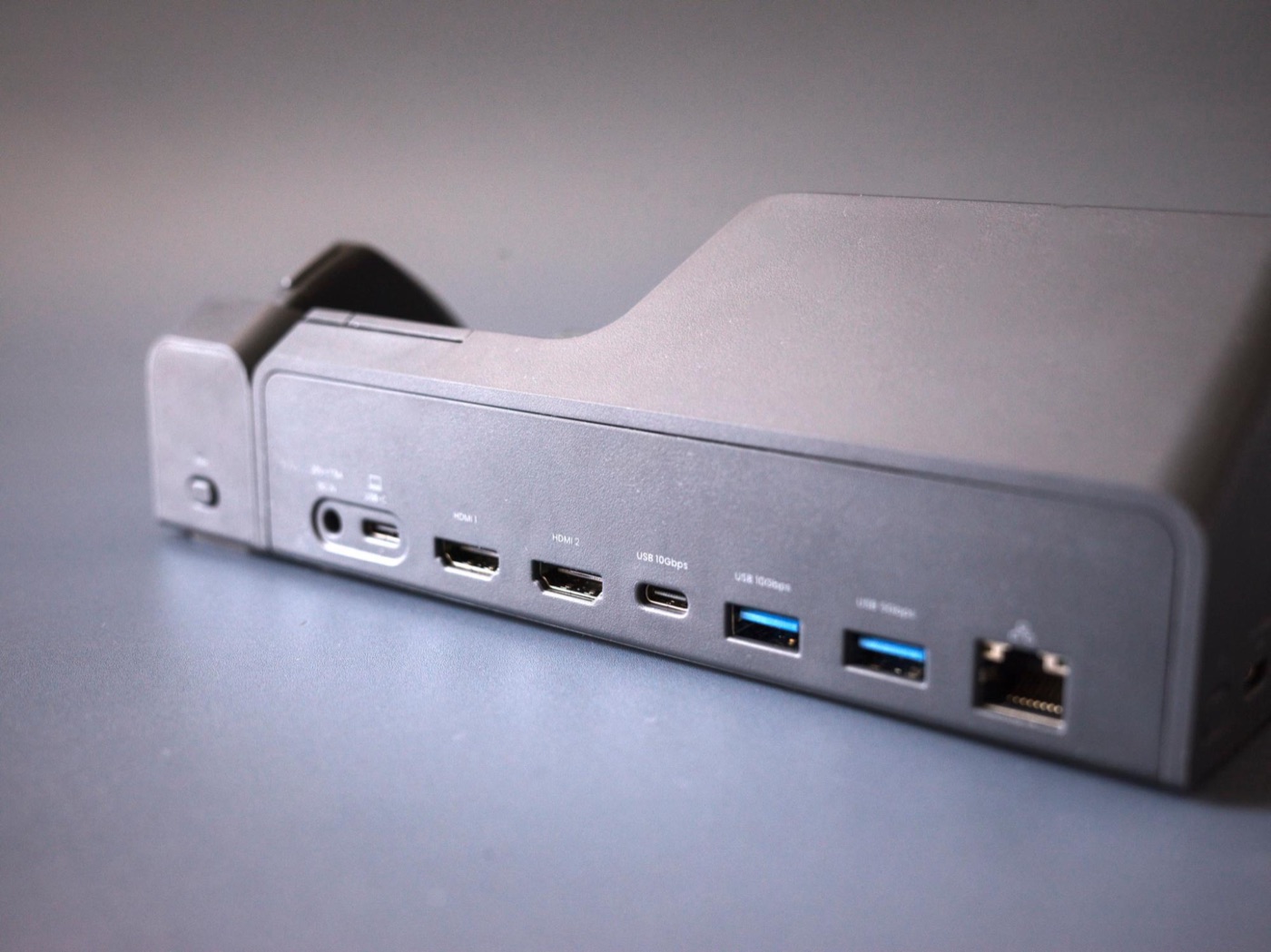
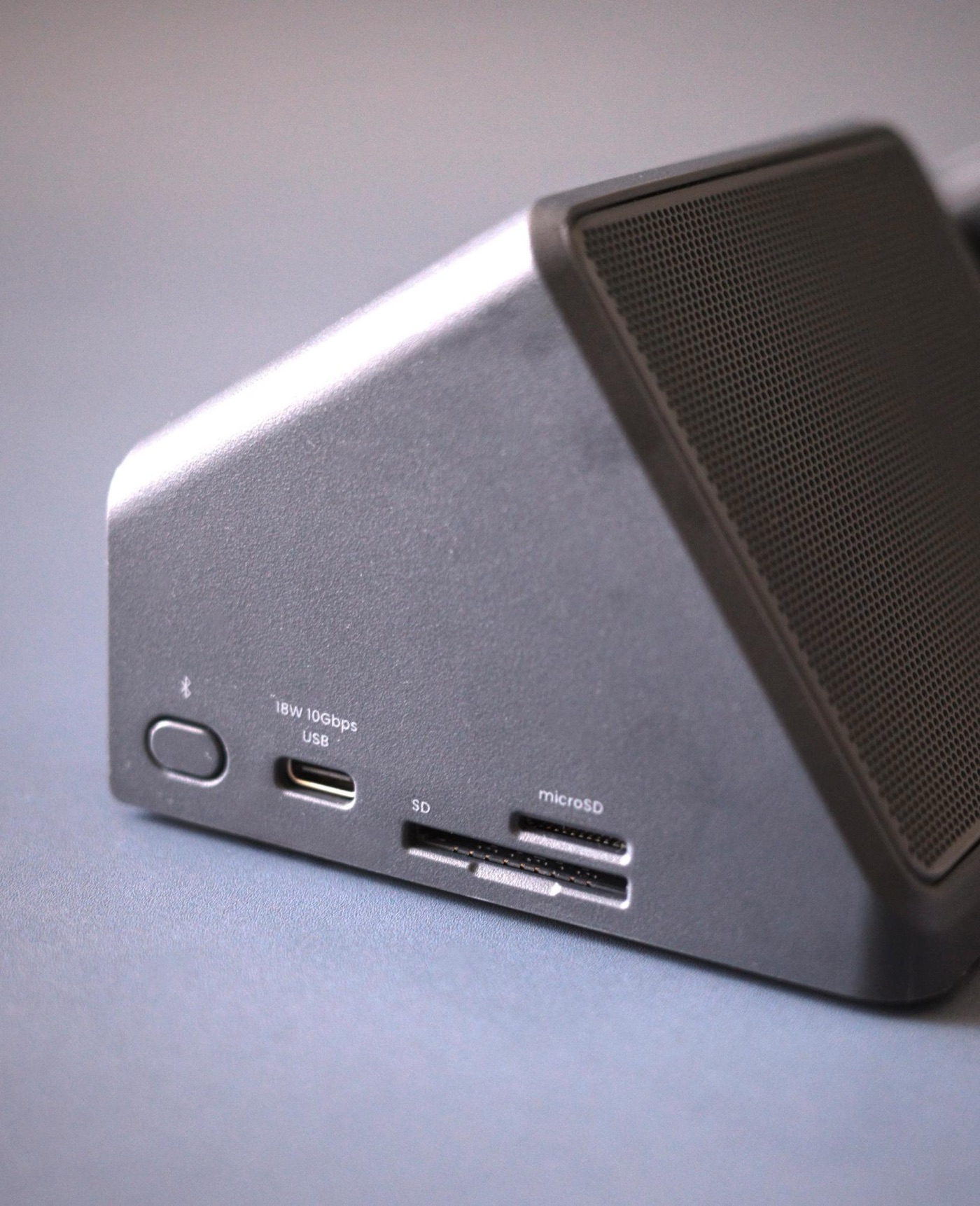
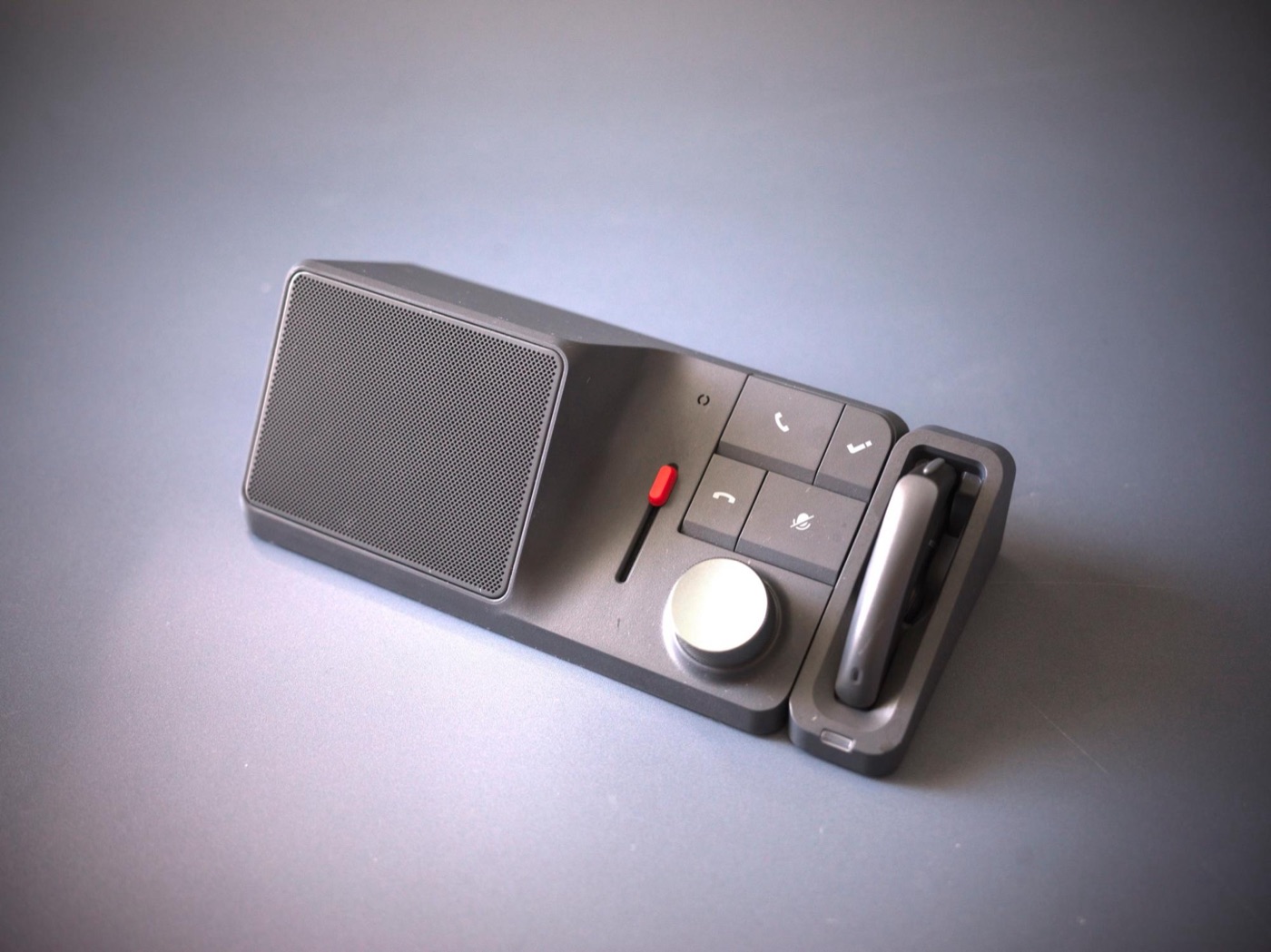
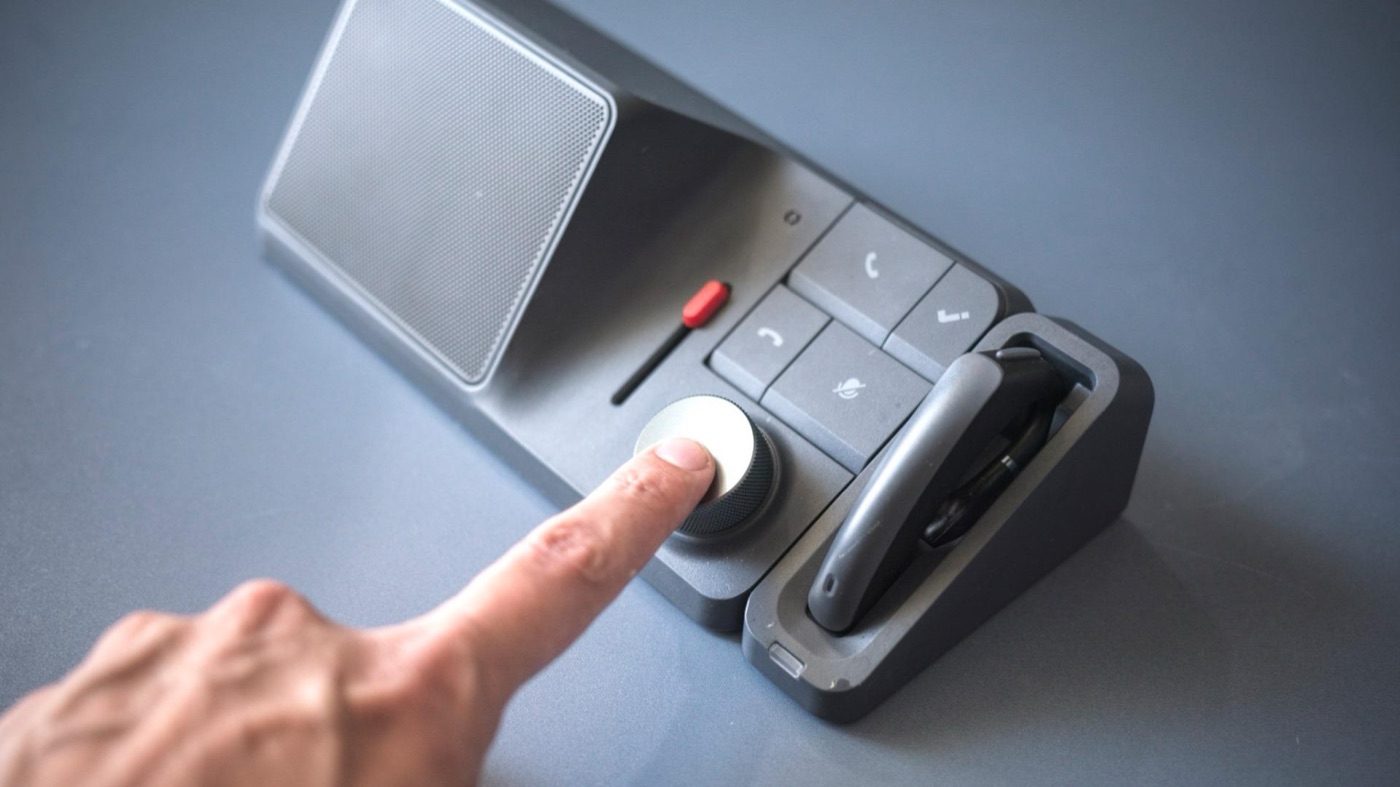
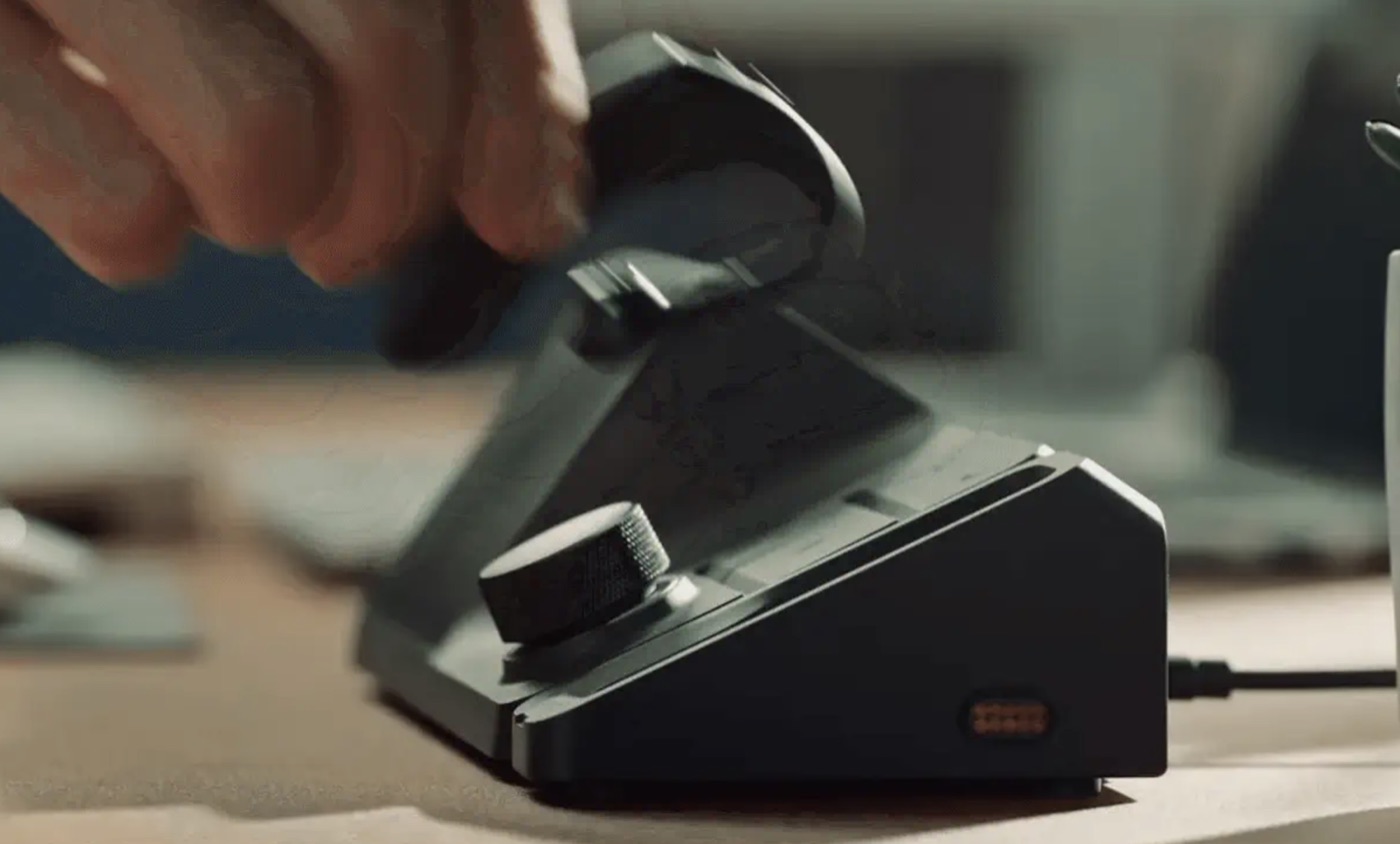
HiDock combines an AI summary gadget with a multi-port dock for your computer. In one device you get noise cancellation, smooth switching to earphones, extra high-speed Type-C ports, HDMI output, and more.
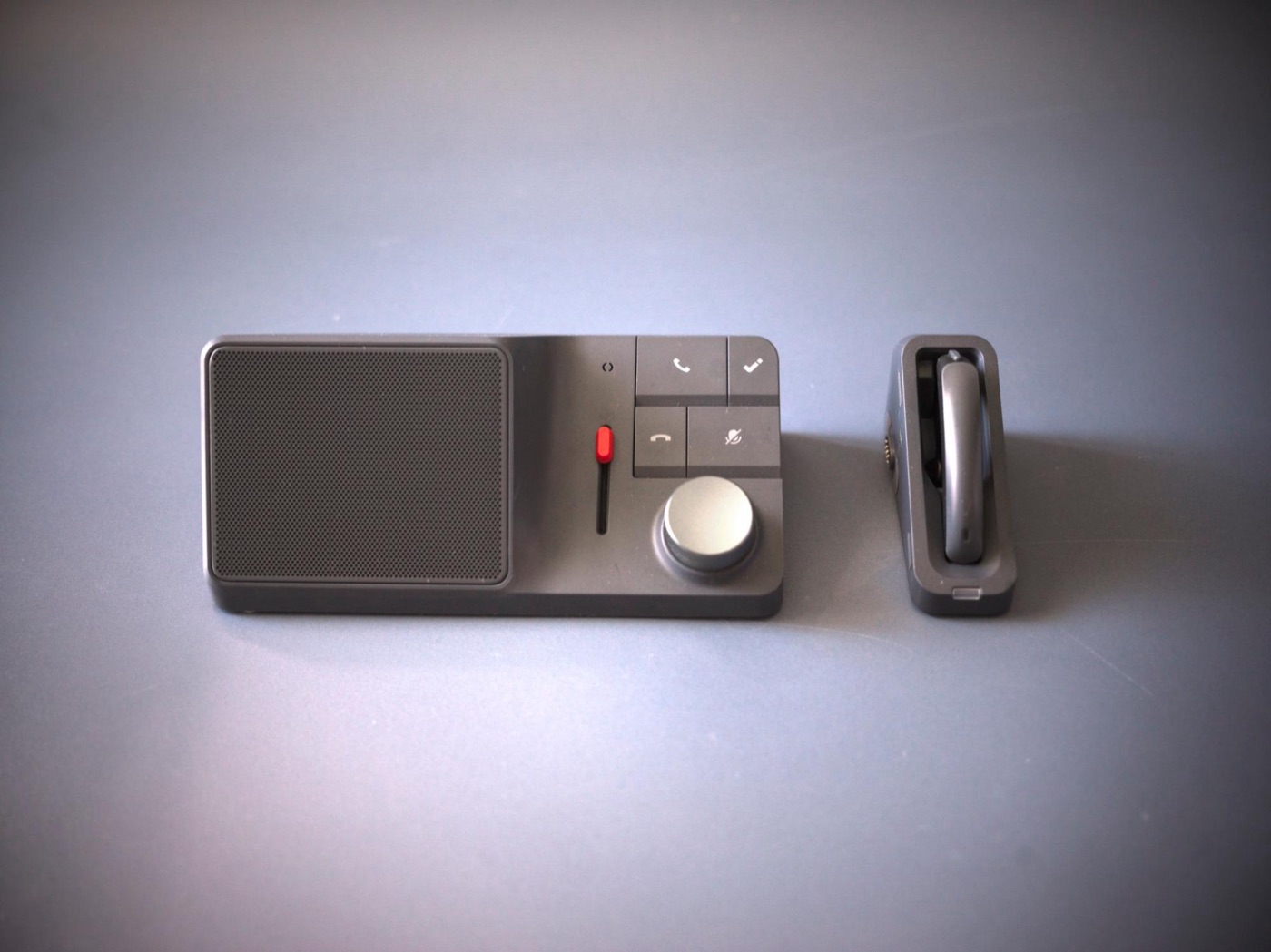
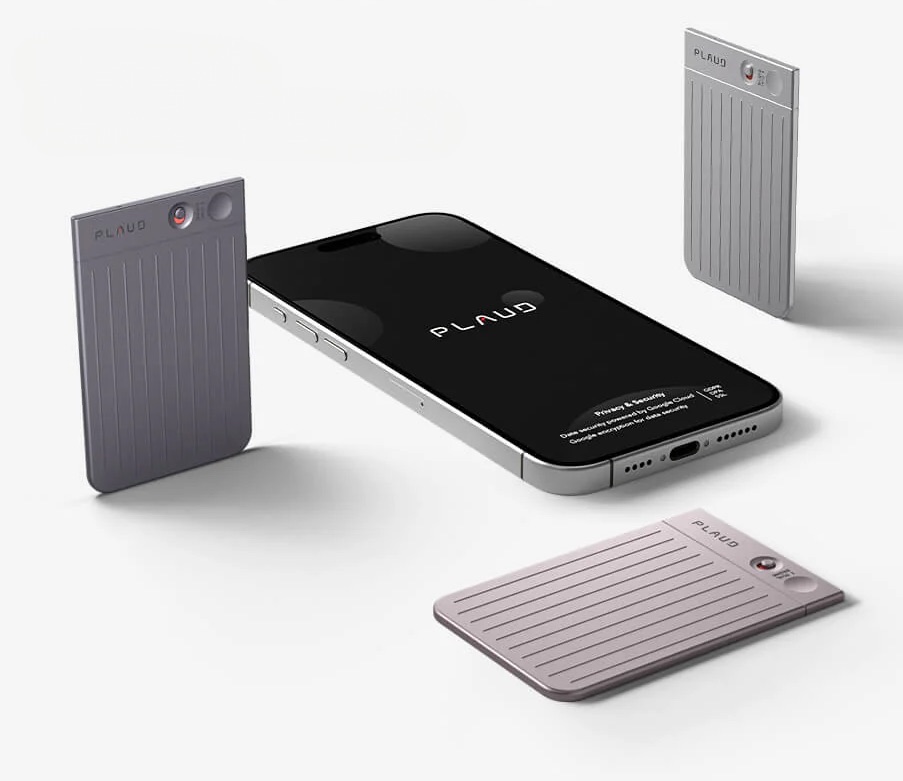
You might wonder, “Why a desktop device when there are compact AI summarizers like PLAUD NOTE?” But being stationary is actually the point. Let me explain.

You use it because it stays on your desk
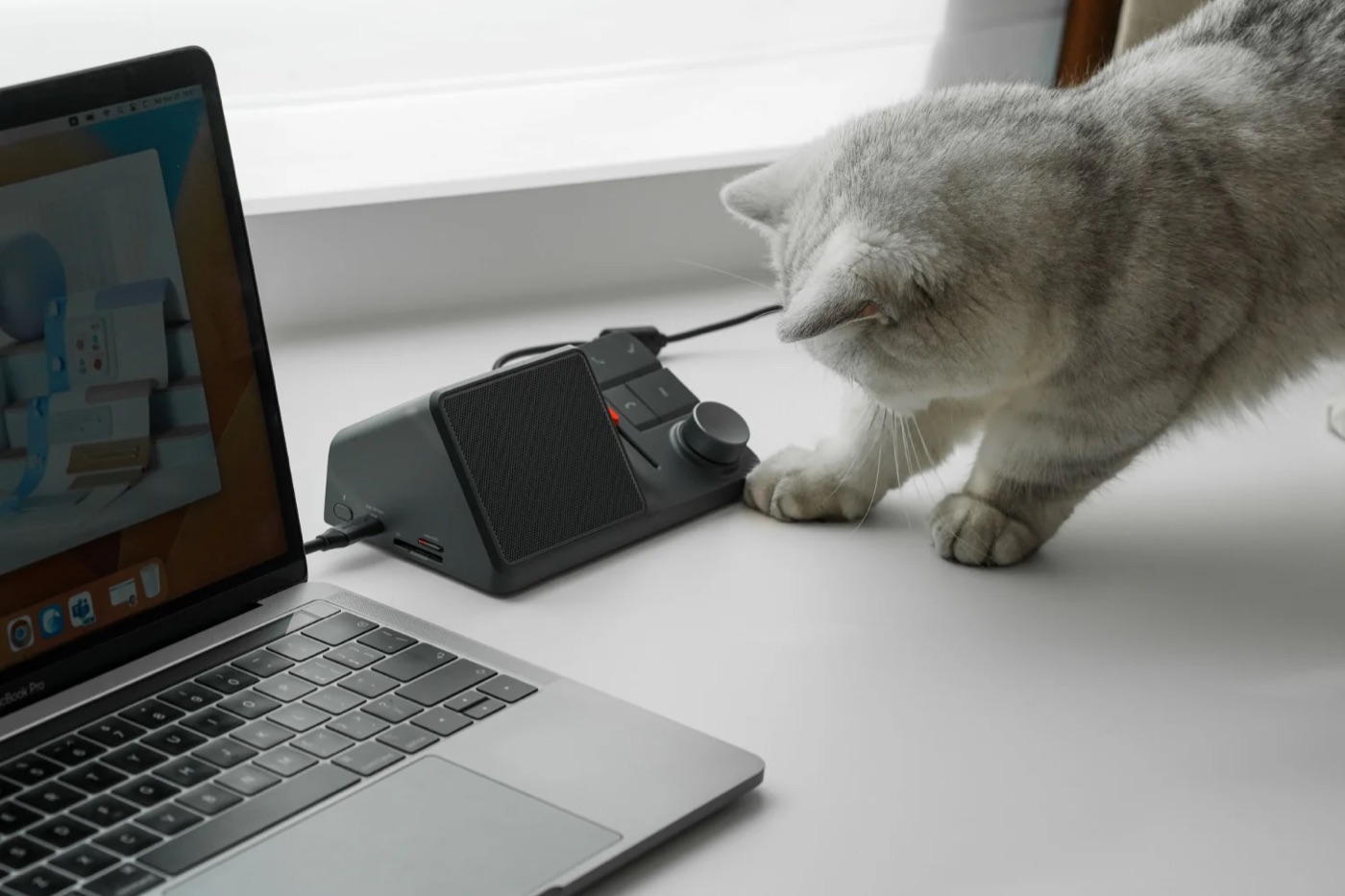
HiDock is used in fundamentally different situations than portable products like PLAUD NOTE.
Keep it on your desk, and it starts recording automatically when you start a Google Meet call, so you never forget to hit record.
PLAUD NOTE seems like a competitor, but they’re used in surprisingly different ways
Portable devices are handy anywhere, but having to check the battery before the day you need them always felt like a hassle to me.
HiDock is always there and always powered, so I think people who work remotely from home a lot will find it more convenient than other products.
**Product site: [HiDock](https://jp.hidock.com/products/hidock-h1-audio-dock)**

Official site: HiDock Japan

For my articles, I sometimes receive products on loan or as samples from companies, within the bounds of Yahoo! News’ rules. However, if a product doesn’t meet my standards for writing about it after actually using it, or if its downsides significantly outweigh its good points, I return it and don’t write about it. I don’t receive any payment from companies.

A multi-function dock that shines beyond AI summaries
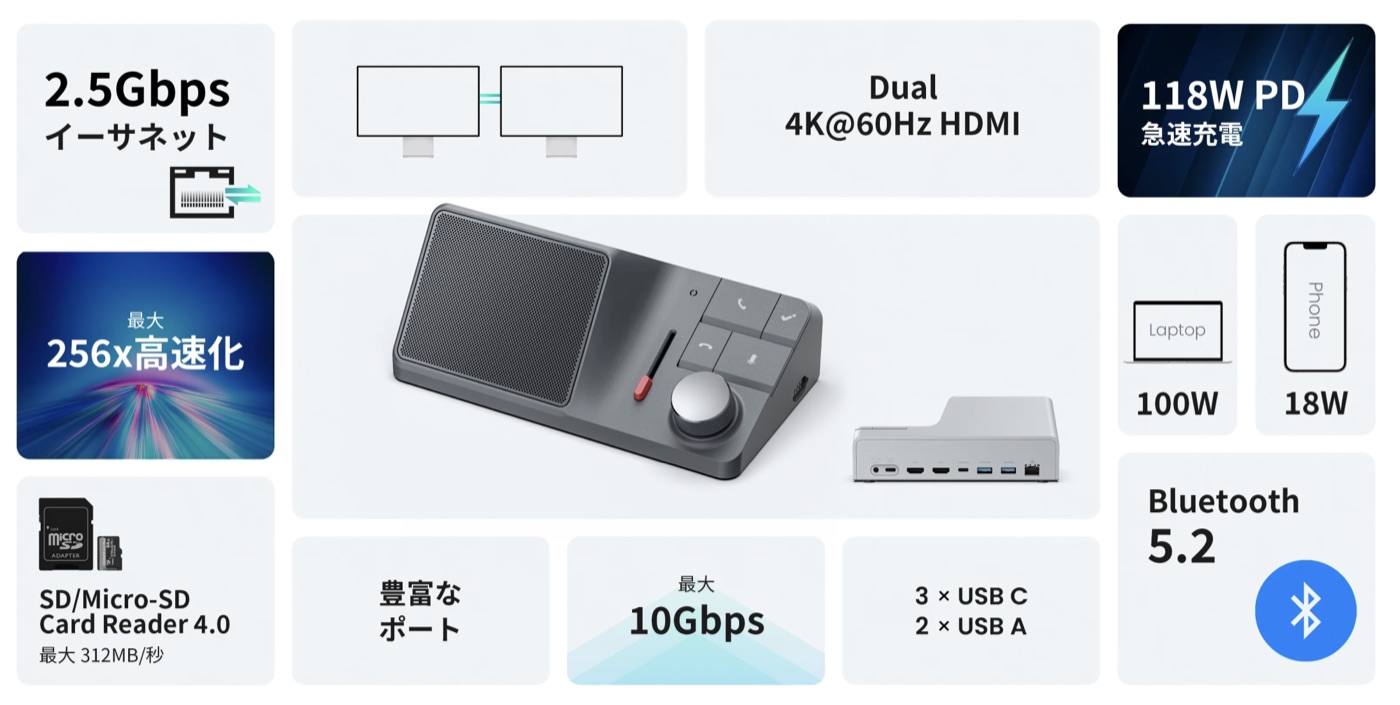
HiDock isn’t just focused on AI summaries — it’s designed as a desktop sidekick.
Dual 4K@60Hz HDMI, 100W charging for your laptop, fast USB, a memory card slot — once it’s connected, it gives you a lot beyond summaries, so you naturally want to keep it on your desk. Really well thought out.

If it offers this much besides AI summaries, it’s perfect for people like me who use a laptop as a desktop at home.

The AI summaries are excellent
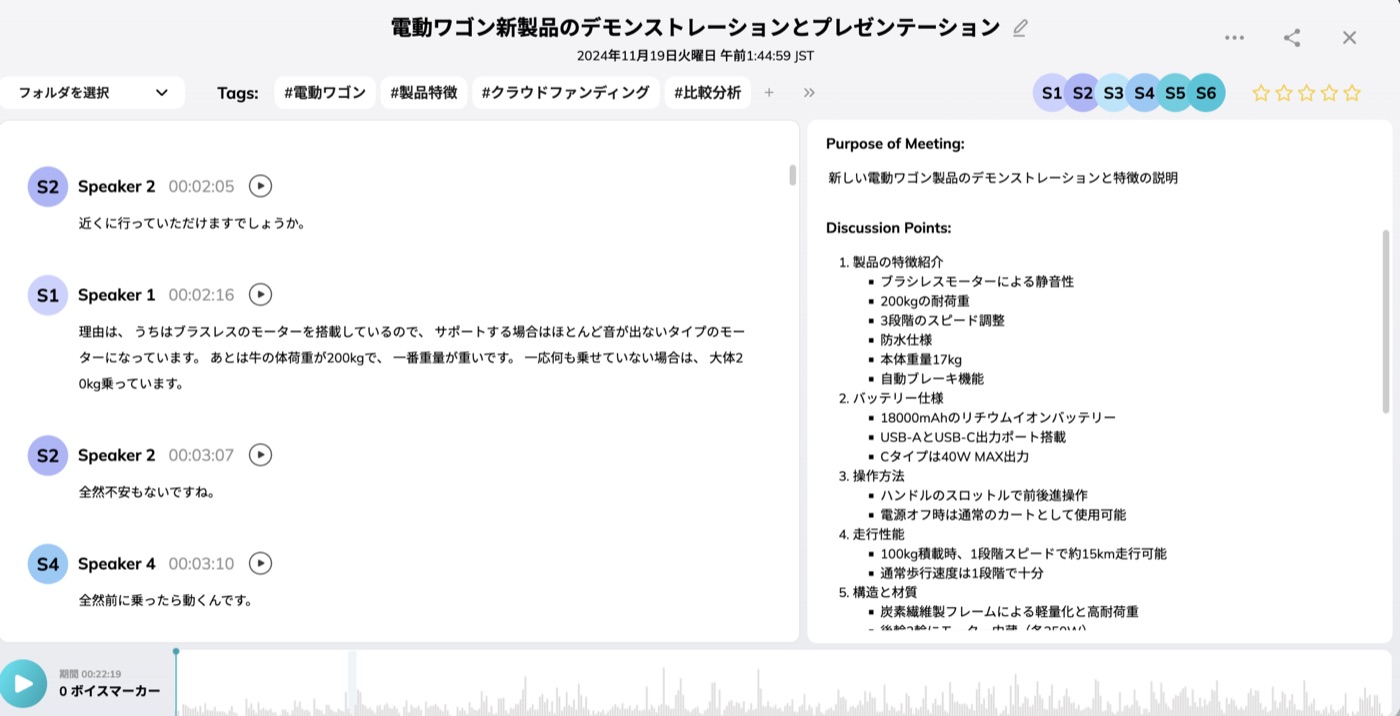
I actually held a meeting in Japanese with another company (with permission to share). It was about an electric wagon, and the summary feature was excellent.
Individual statements in Japanese had a few transcription errors, but the summaries were totally fine, accurately pulling out what mattered.
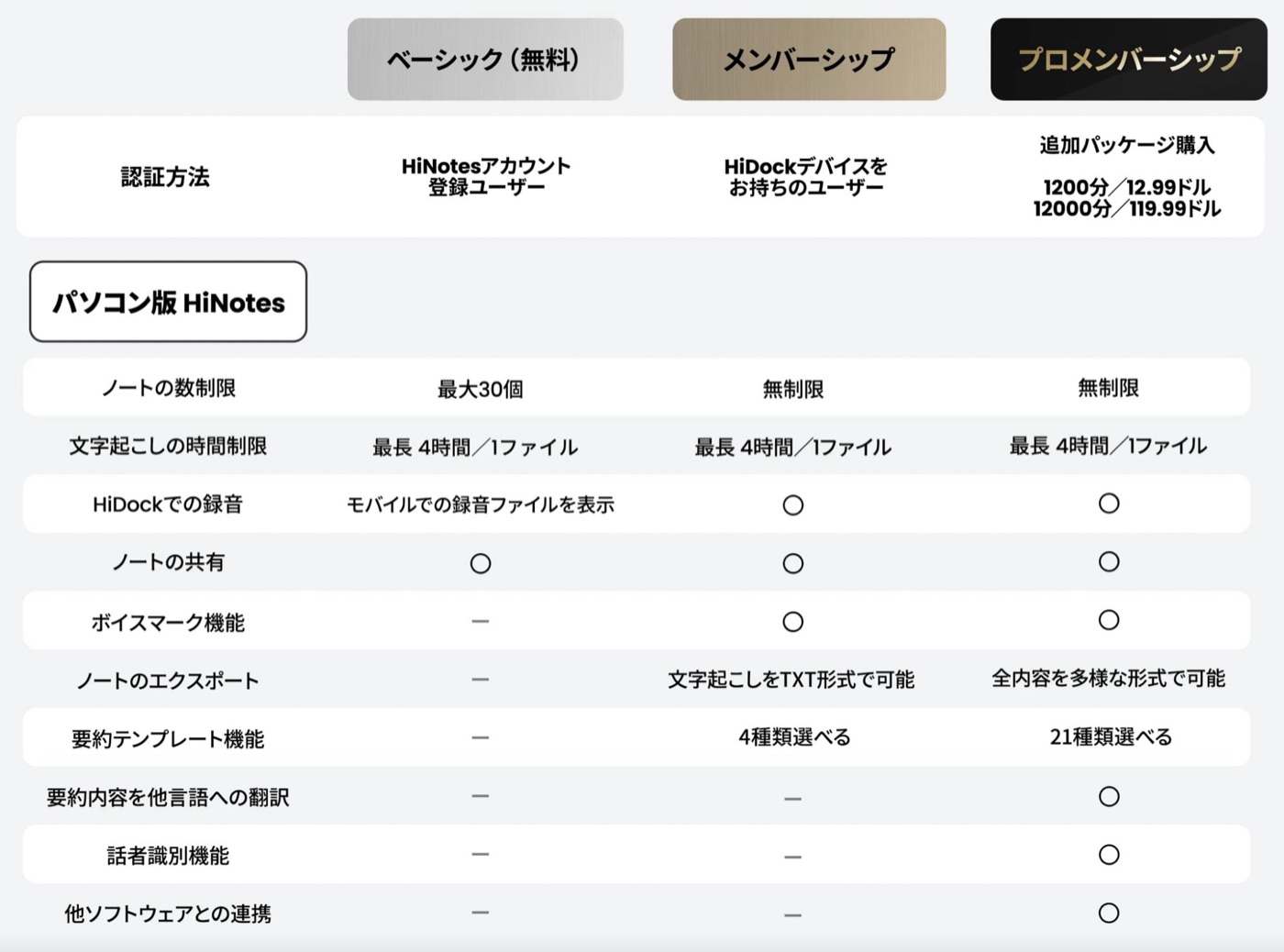
There are three membership tiers, and just buying HiDock gets you a lot of features. Those are free forever, so it’s good if you’re wary of subscriptions.
![](/yahoo/02052003/image-1773285826325.jpg)

There are 4 summary templates on the standard plan and 21 on the Pro plan, for more precise summaries. You can choose Claude AI as well as ChatGPT as the engine, so if a summary isn’t great, you can regenerate it with a different one.
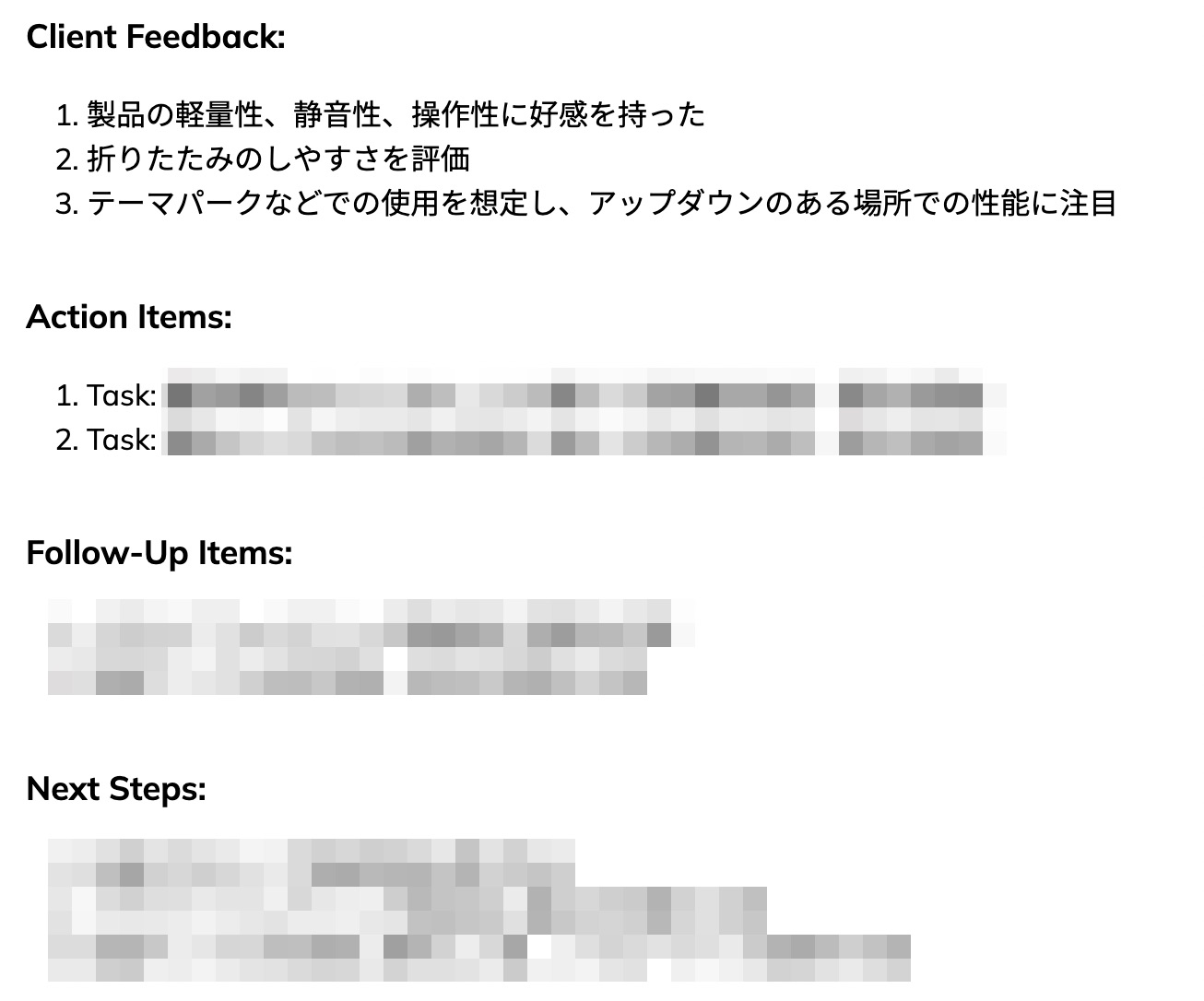
The most useful part was how it automatically lists next actions for both sides. In meetings, lines like “I’ll send this over to you” come up all the time, and writing those down and putting deadlines in my calendar was a real pain.

HiDock automatically records who needs to do what by when, so I can focus on the meeting. Its ability to accurately log tasks you can review later beats other AI summary gadgets, I think.
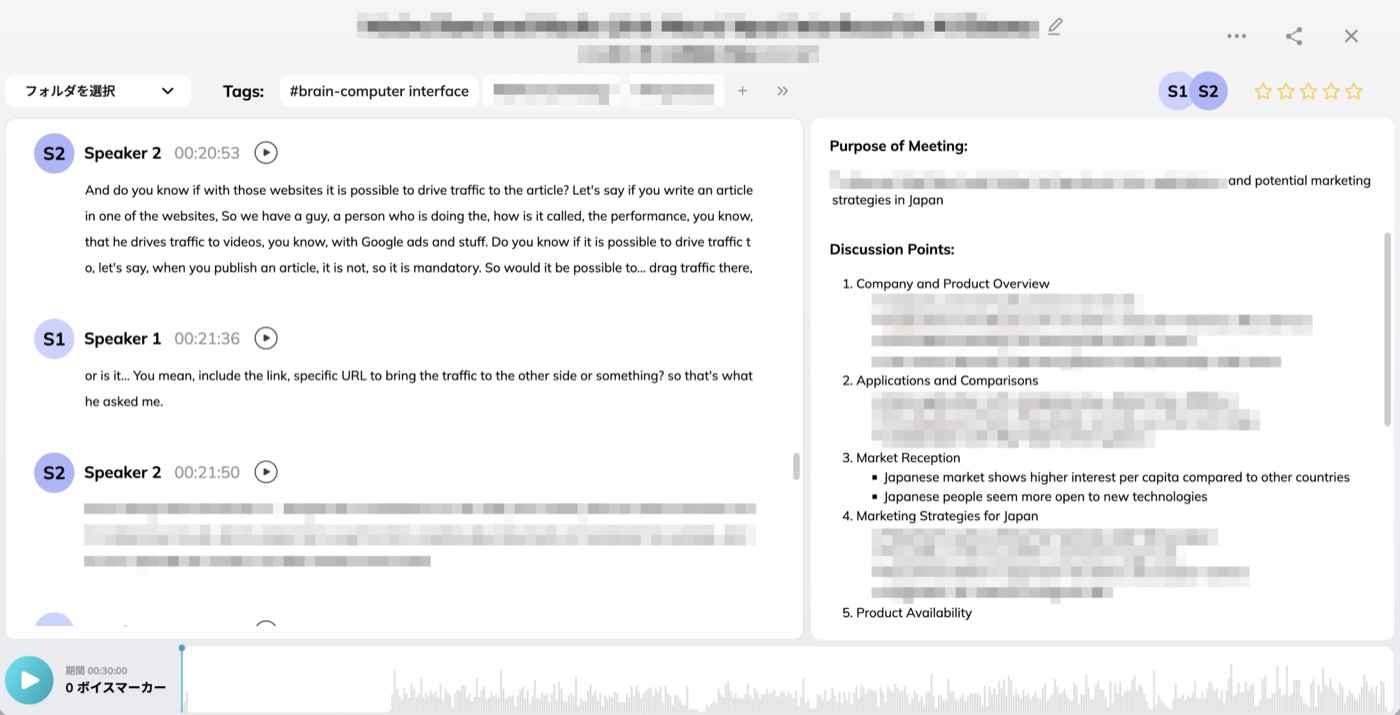
For meetings in English, it’s even better. Basically no mistakes, and speaker identification is accurate, so it was really handy. Note that speaker identification is only available on the Pro plan.

The software runs in your browser
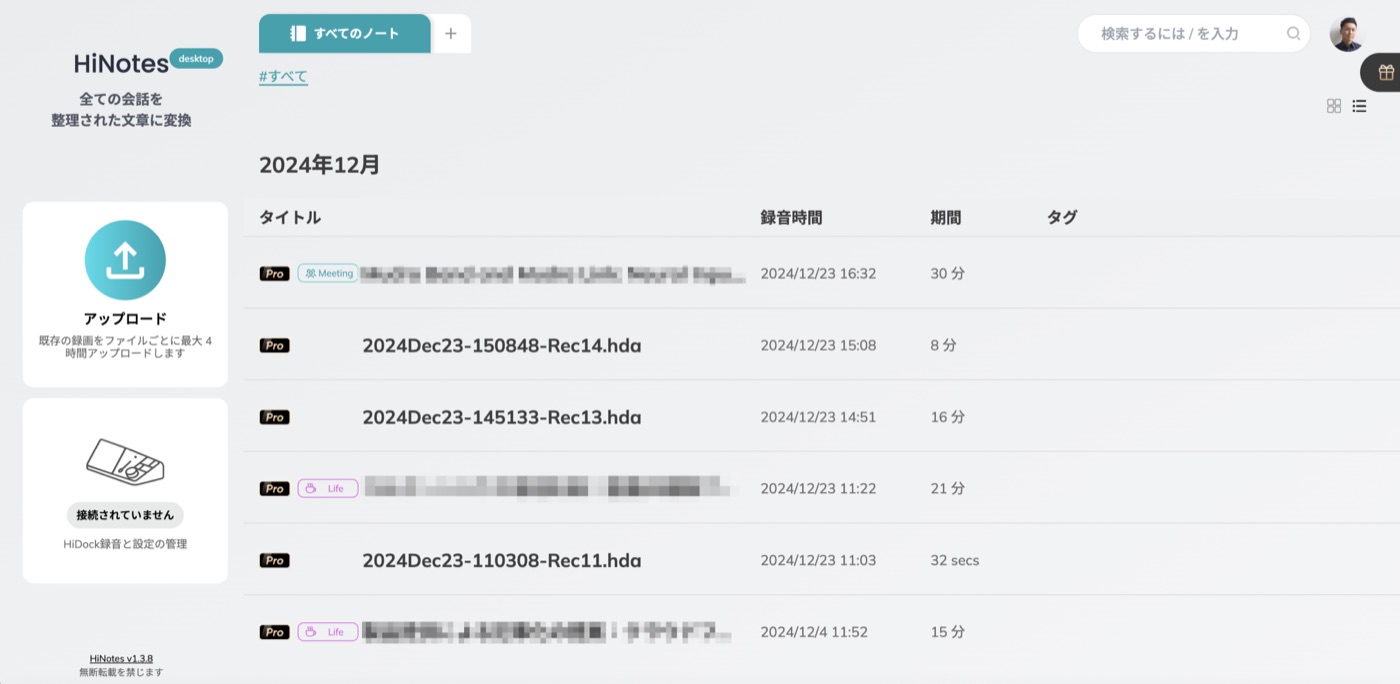
The software runs in the browser, so you need to visit a specific URL each time. Some users might find that a concern.
That said, the UI is good, and file names generated from audio length and date make it easy to spot even recordings you made by mistake. Personally, it didn’t bother me.

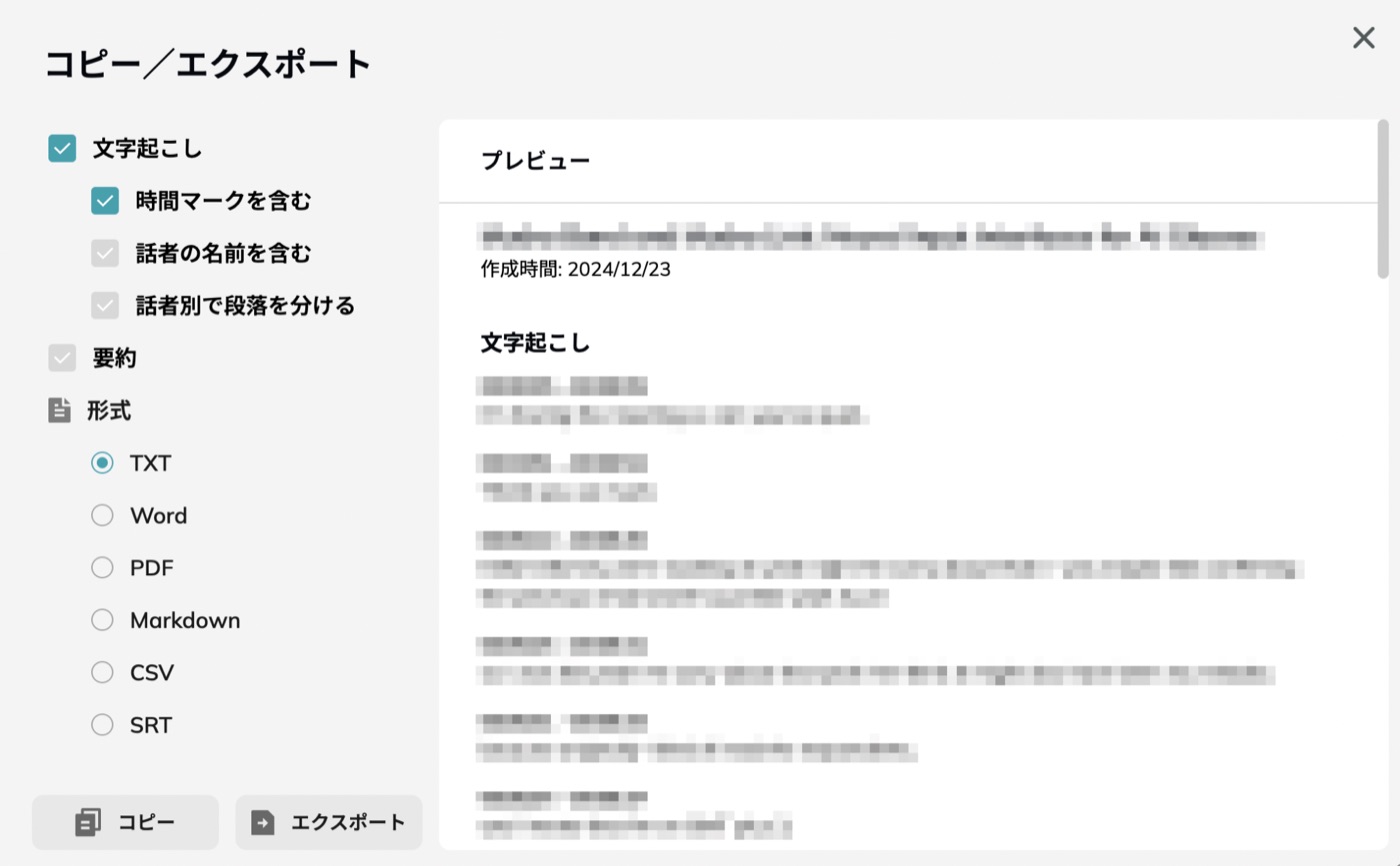
You can export in lots of formats for all kinds of situations, including SRT, which is handy if you want to post an online conversation on YouTube.
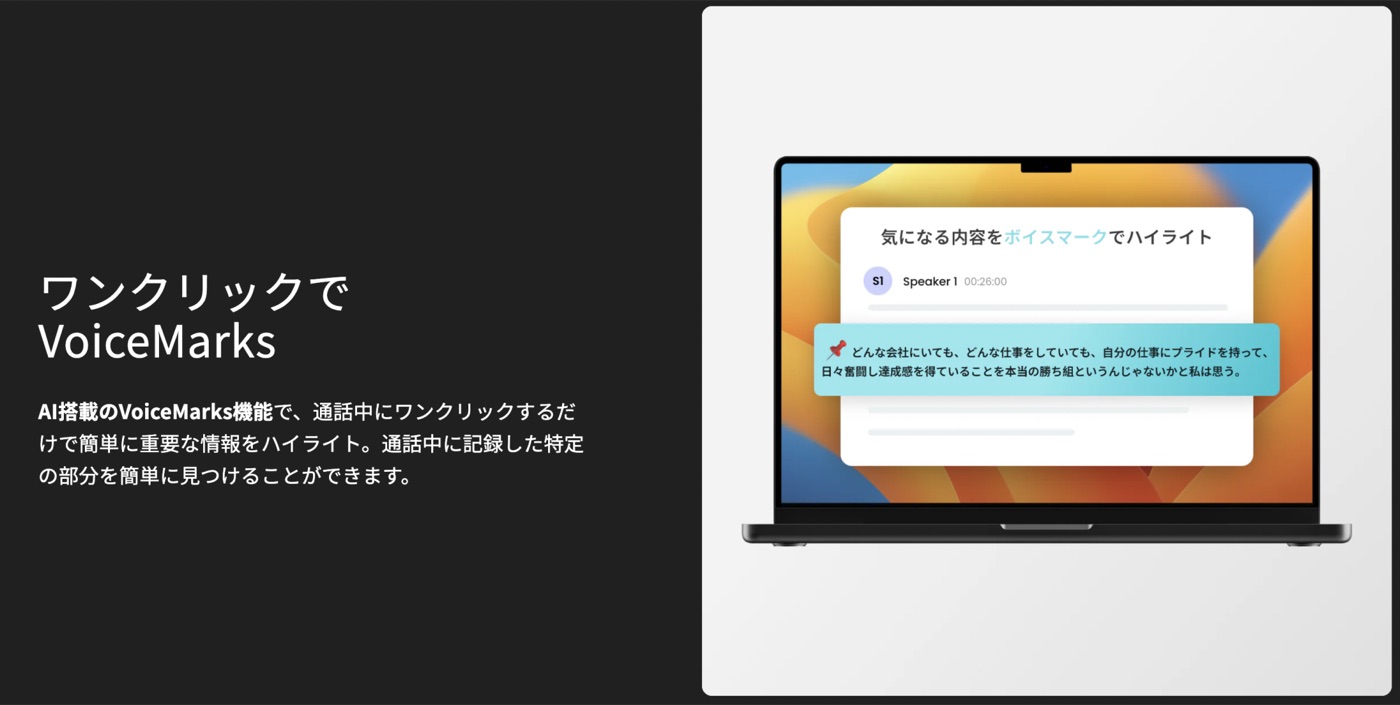
The VoiceMarks feature, where you click a button during a conversation to flag important info, is something other products don’t have.
## A great desktop dock and a great AI product
First of all, it’s an excellent desktop dock that holds up against other docks — so choosing this one, with AI on top, makes sense.
If I had to point out something inconvenient, it’s that the earphones are pretty hard to put in. Depending on your ear size, they might be hard to hear.

I was also a bit disappointed that speaker identification is only on paid plans. It’d be nice if the free plan could at least properly separate a two-person conversation, but they often get mixed together, and I have to split them into paragraphs afterward.

In two-person online calls, your audio and theirs are already separate, so since it records in its own format (.hda), it’d be great if it saved them separately and split them perfectly. That would also make the upgrade line clearer (free for mostly two-person calls, paid for group calls, for example).

Still, it’s a really excellent product, and the summaries have become essential to how I work. Reviewing interviews later and quickly pulling out key points, or instantly checking what to do next after a meeting, is super convenient.

For people like me who have lots of remote meetings and recordings, it saves a lot of time and is well worth the investment.

This story was originally published (in Japanese) on Yahoo! News Japan Expert.