
AI Writes Your Meeting Notes and Daily Reports — Reviewing the Business-Focused AINOTE 2 E-Note
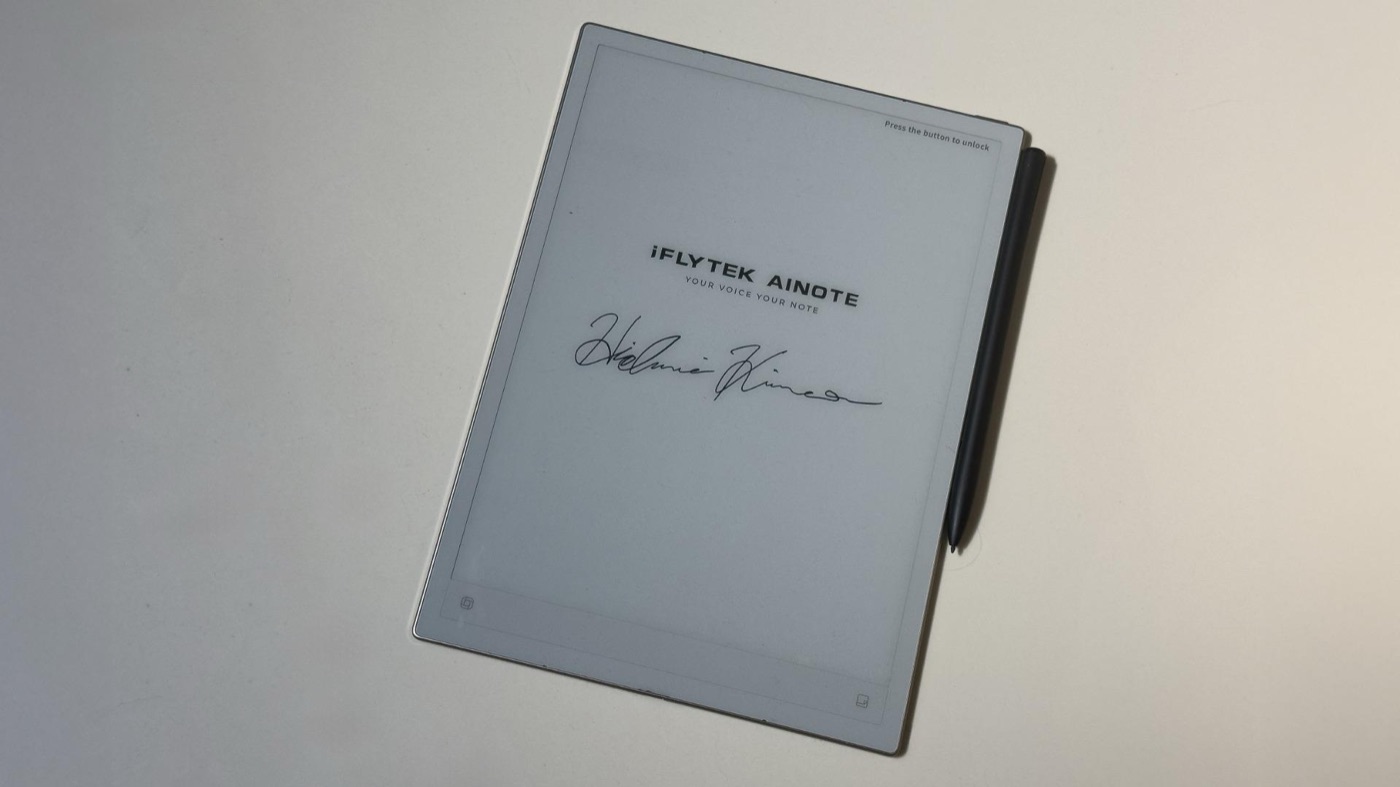
In the e-note world, staples like the iPad and reMarkable already have a strong presence. Standing out among them is iFLYTEK’s AINOTE series, with AI transcription, translation, and summaries as its strengths.
The latest model I’m reviewing, the AINOTE 2, builds on the previous Air2 but has evolved in a “made for business” direction — more comfortable PDF reading, automatic daily reports, and deep Google Calendar integration. It’s not an all-purpose tablet but an AI notebook focused on getting work done, so let’s look at who it fits.
Official site: iFLYTEK official site
Where to buy: AI NOTE 2
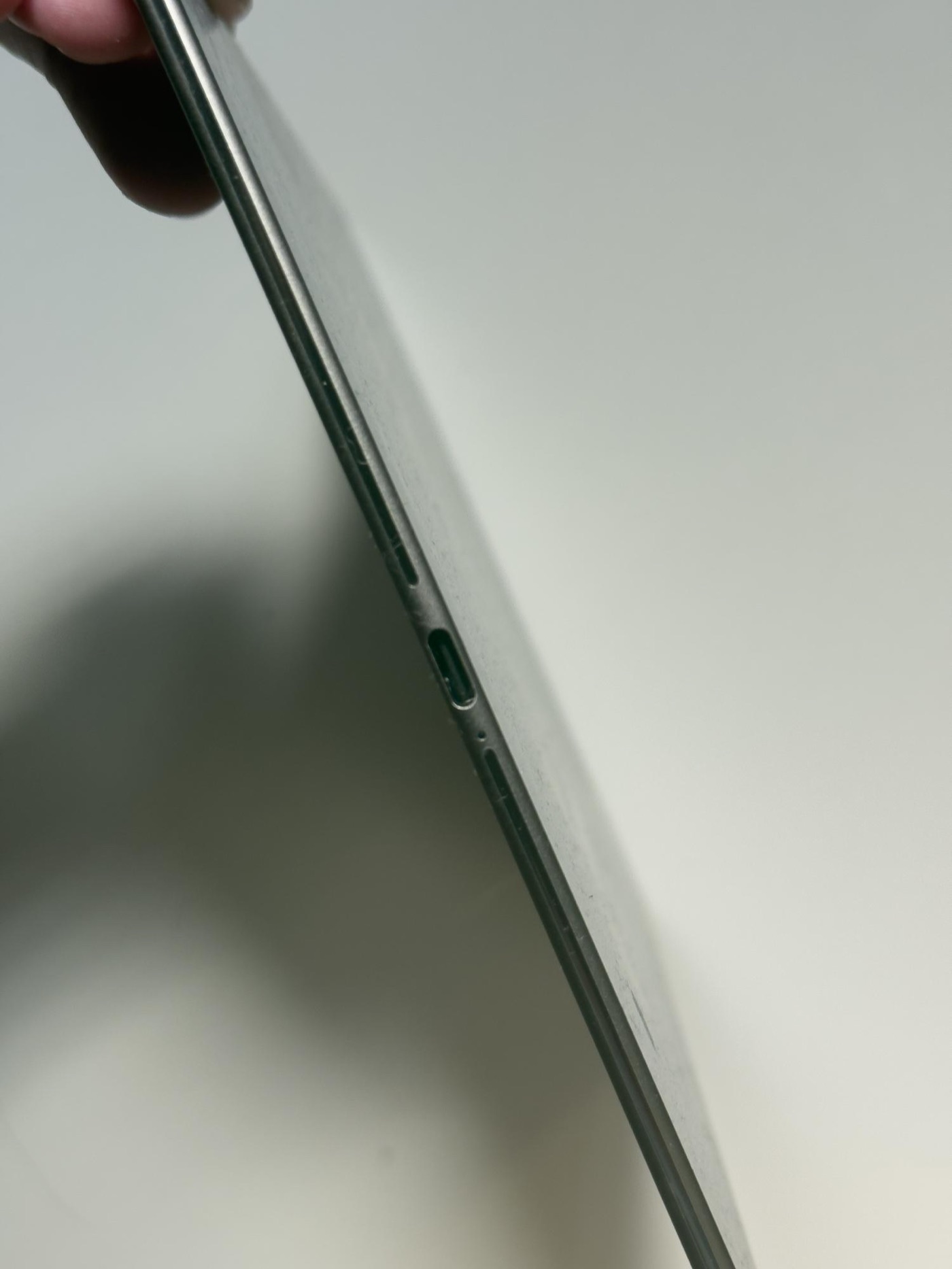
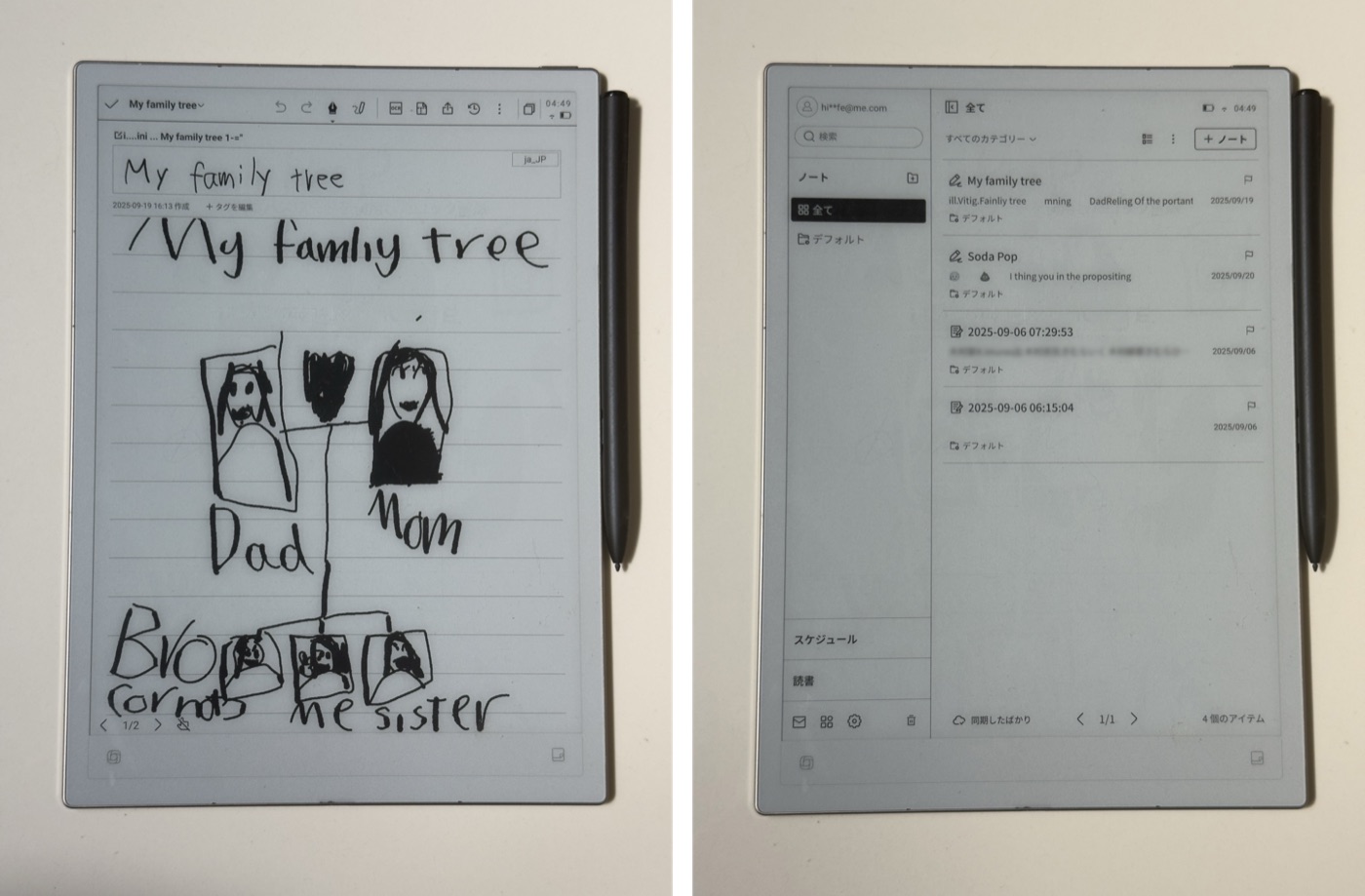
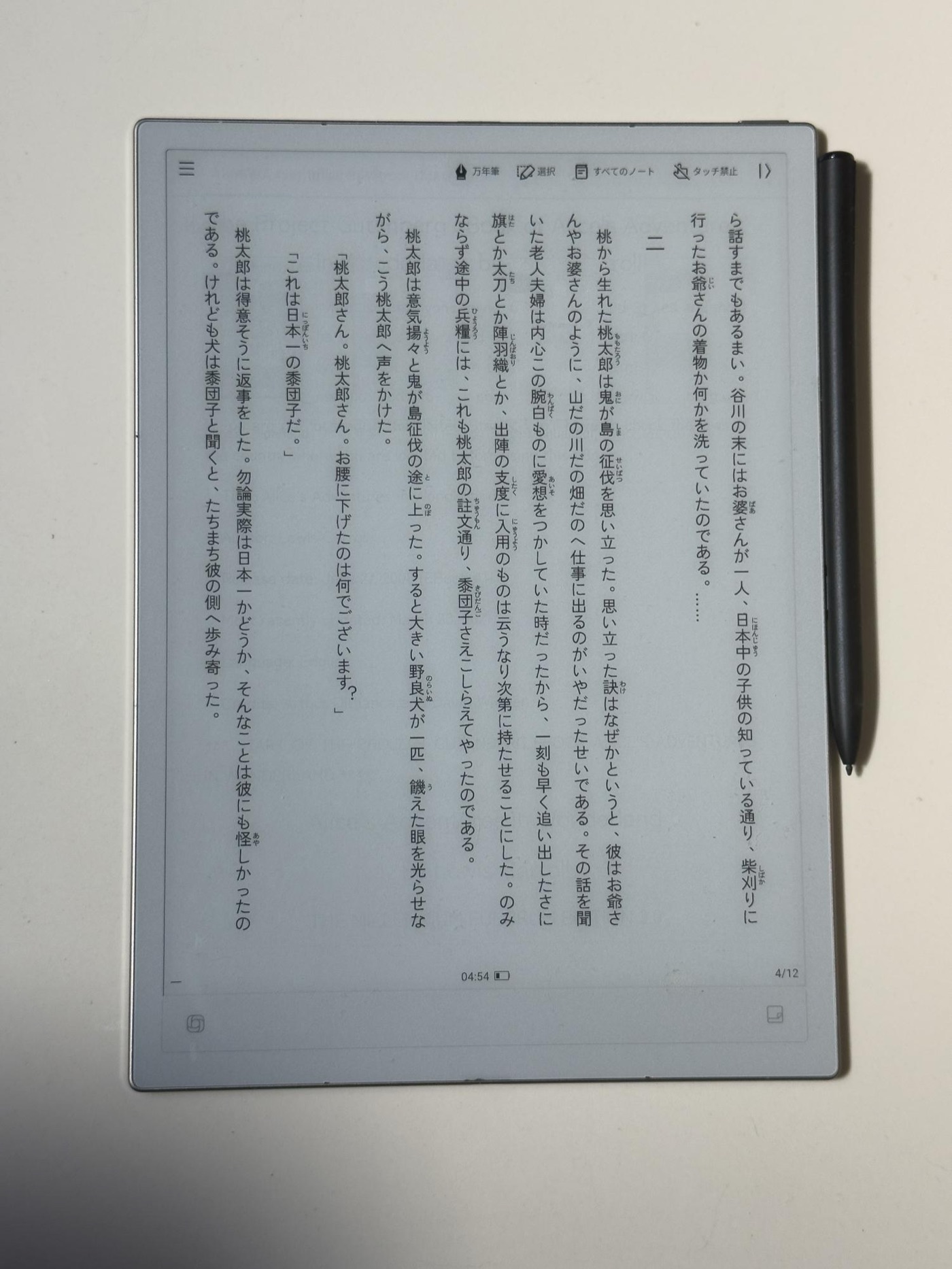
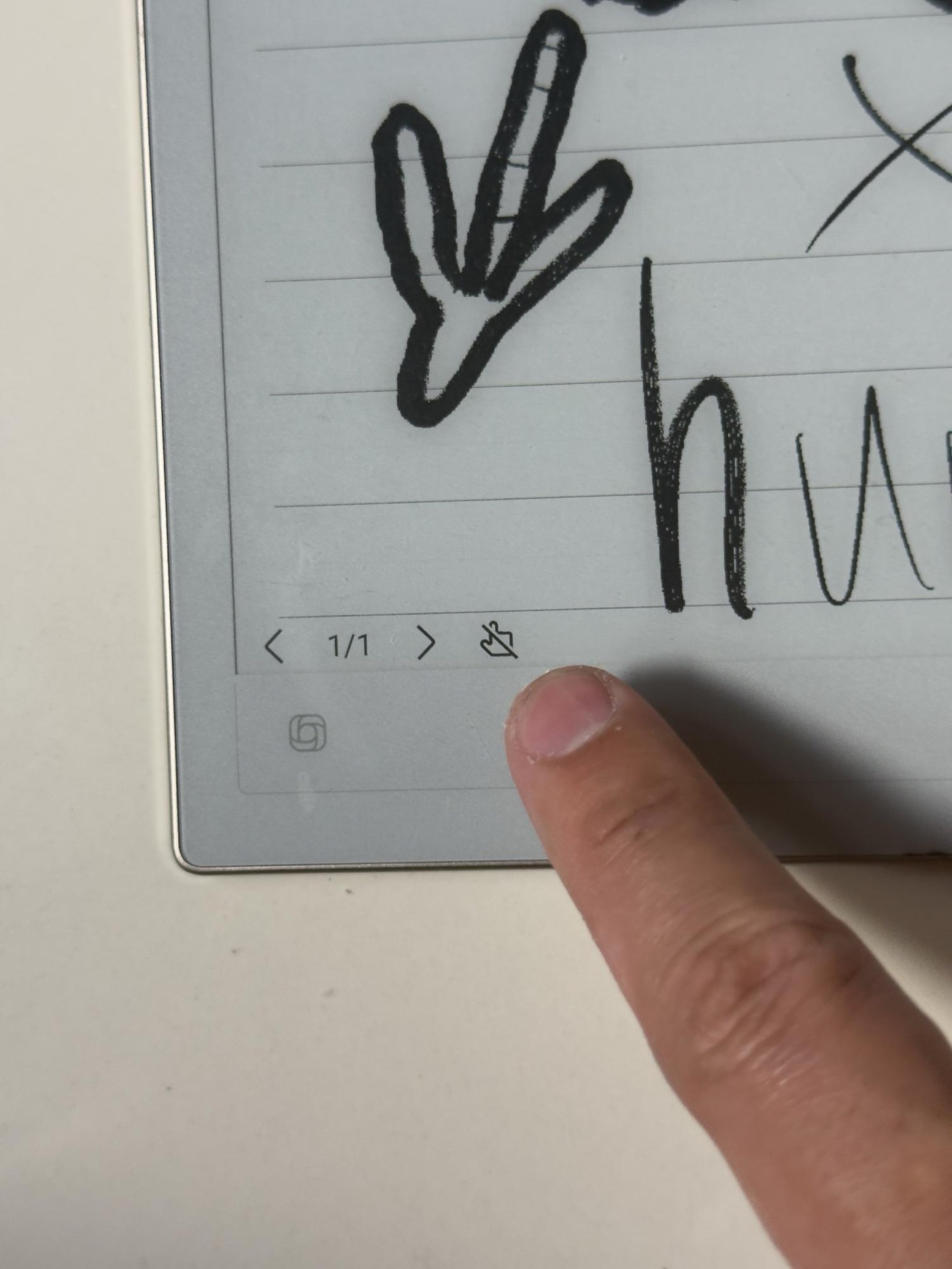
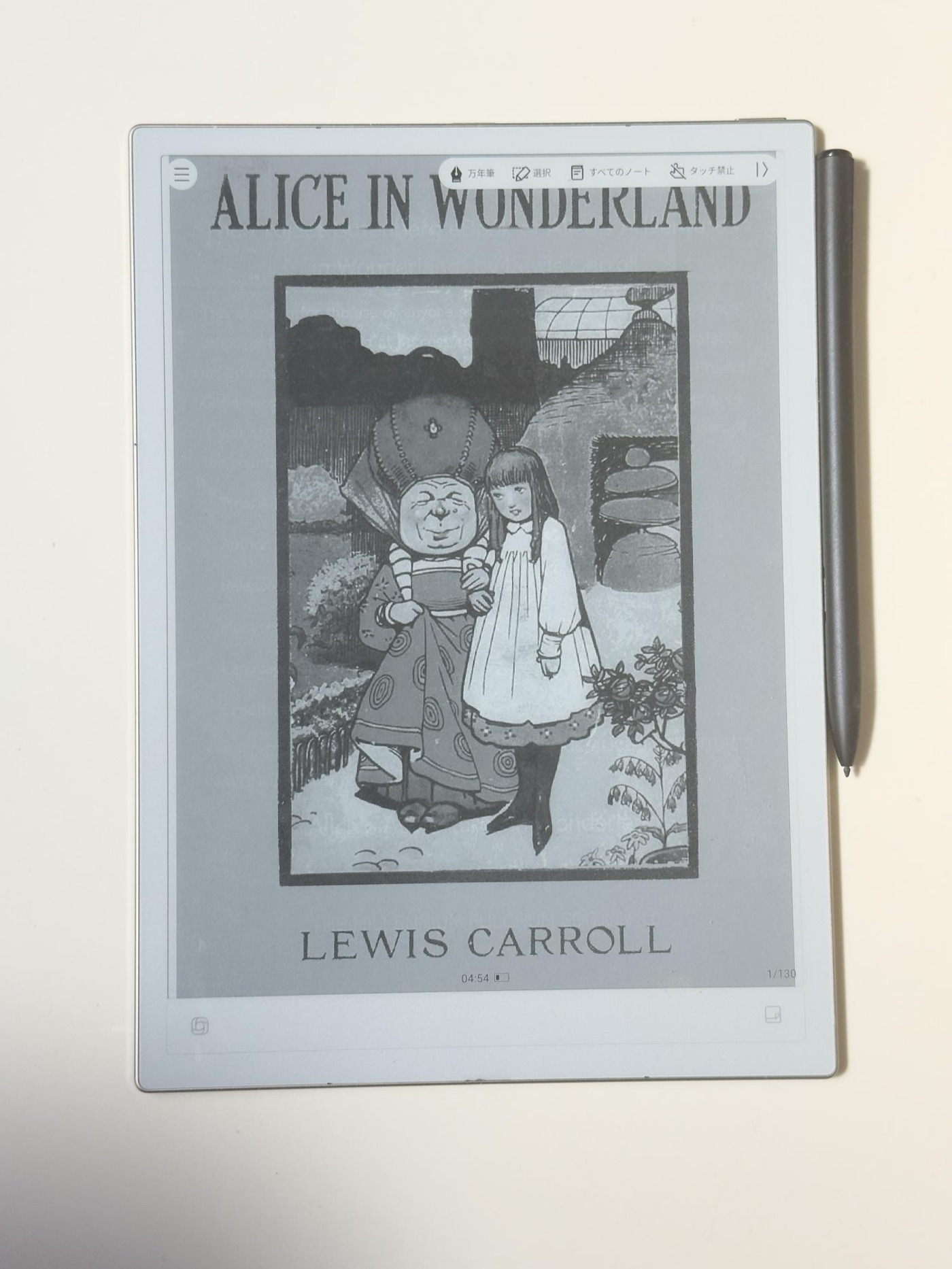
The AINOTE 2 jumps from the Air2’s 8.2 inches to 10.65 inches. That means you can view A4 documents at close to actual size and check small text and charts without zooming.
Yet it stays light enough that it’s not a burden in your bag — great for commuting by train or business trips.
Much better for reading PDFs
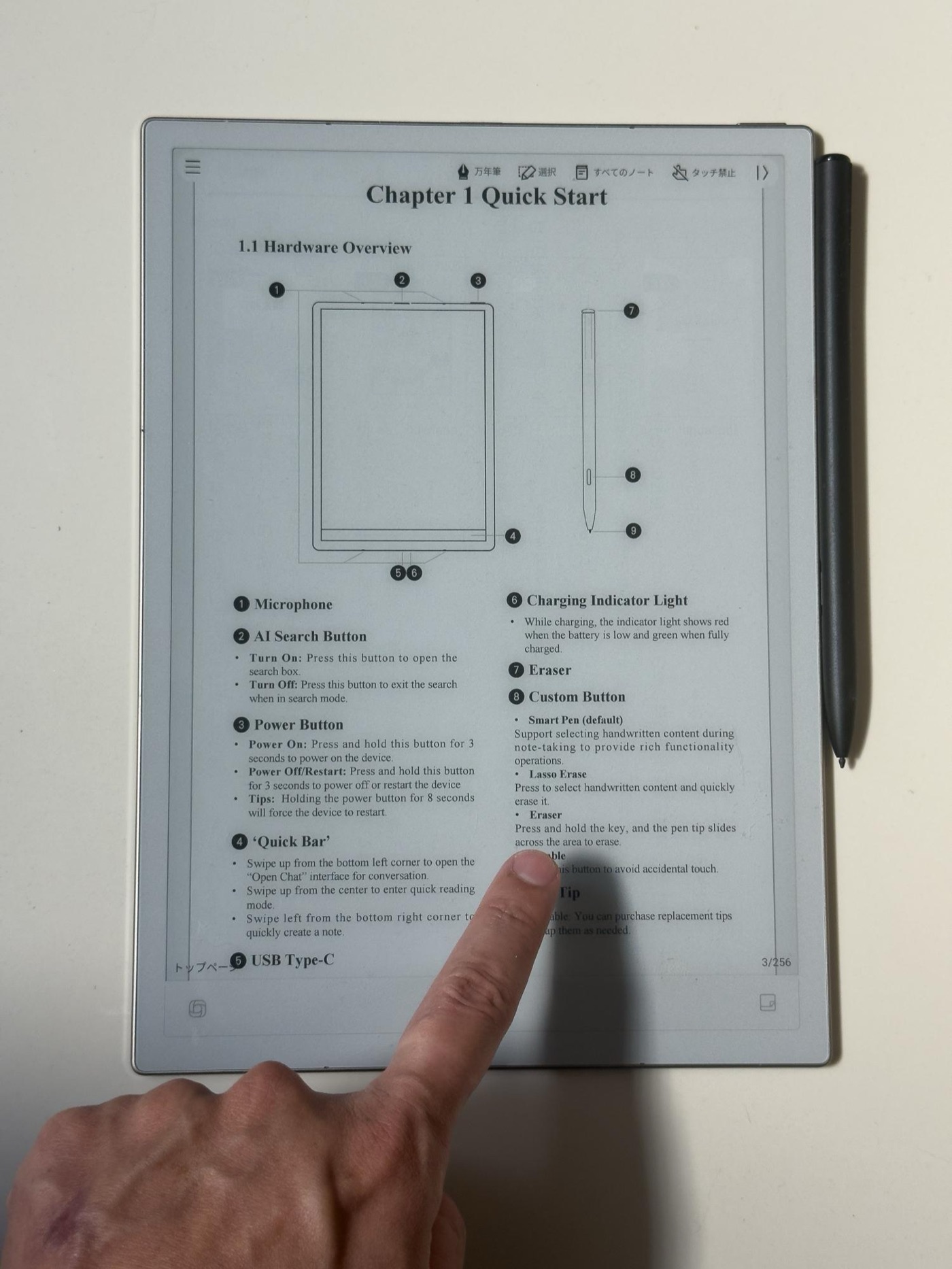
The bigger screen makes checking PDFs way easier. Even multi-page documents feel close to paper, and my eyes felt less tired during long sessions.
For anyone dealing with text-heavy business documents like meeting minutes or contracts, that’s a big upgrade.
Google Calendar integration levels up scheduling
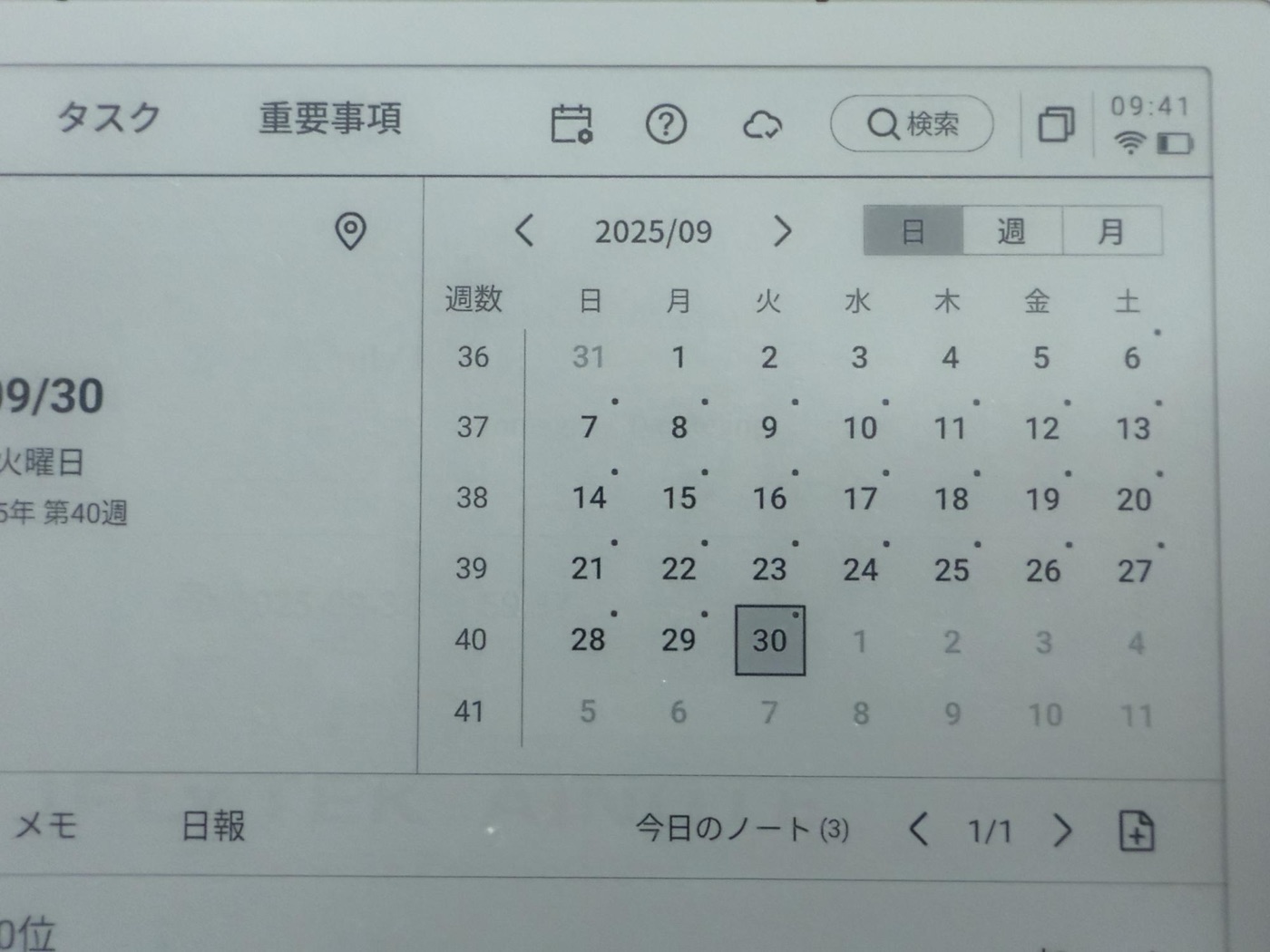
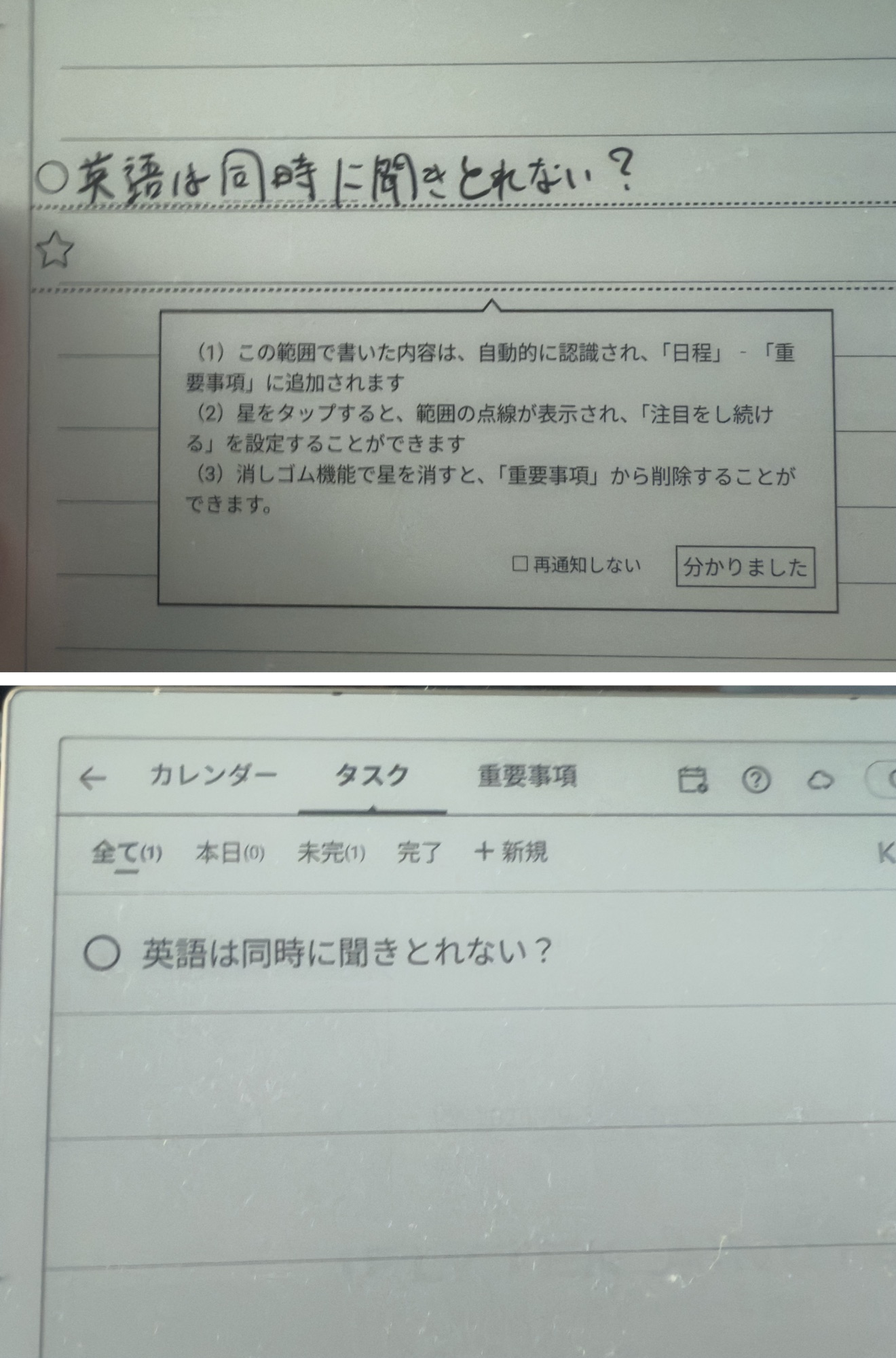
The AINOTE 2 syncs with Google Calendar, and just drawing a circle or star by hand marks something as a task or important item. It organizes your schedule the way writing in a paper notebook would, so it slots naturally into your workflow.
Auto-generated daily reports change how you work
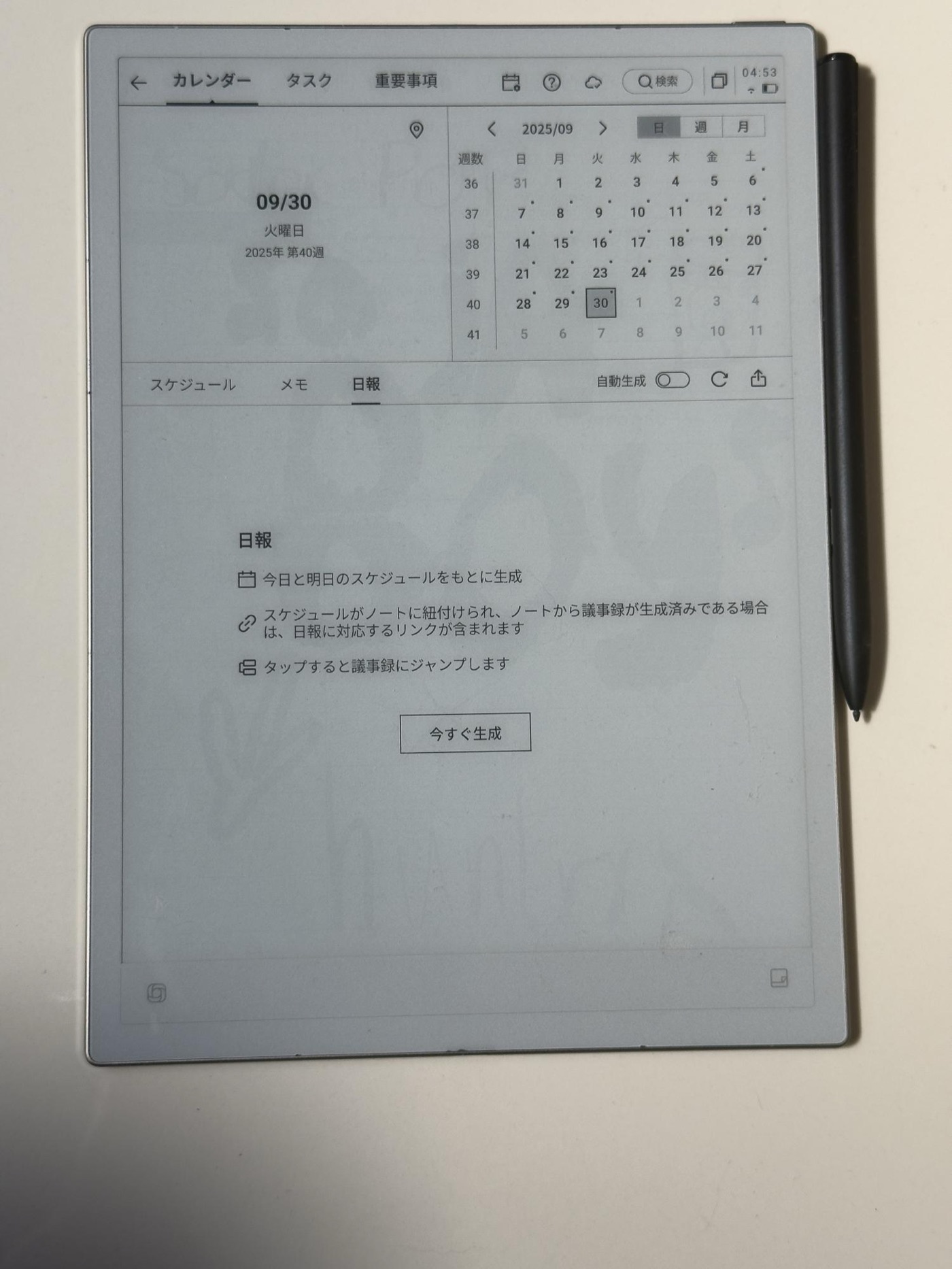
A feature that auto-generates a daily report from that day’s notes and the next day’s schedule is super practical. The work reports you used to type up manually become almost automatic.
For people like salespeople or managers who write daily reports as routine, it’s a huge time-saver.
Better handwriting feel and UI
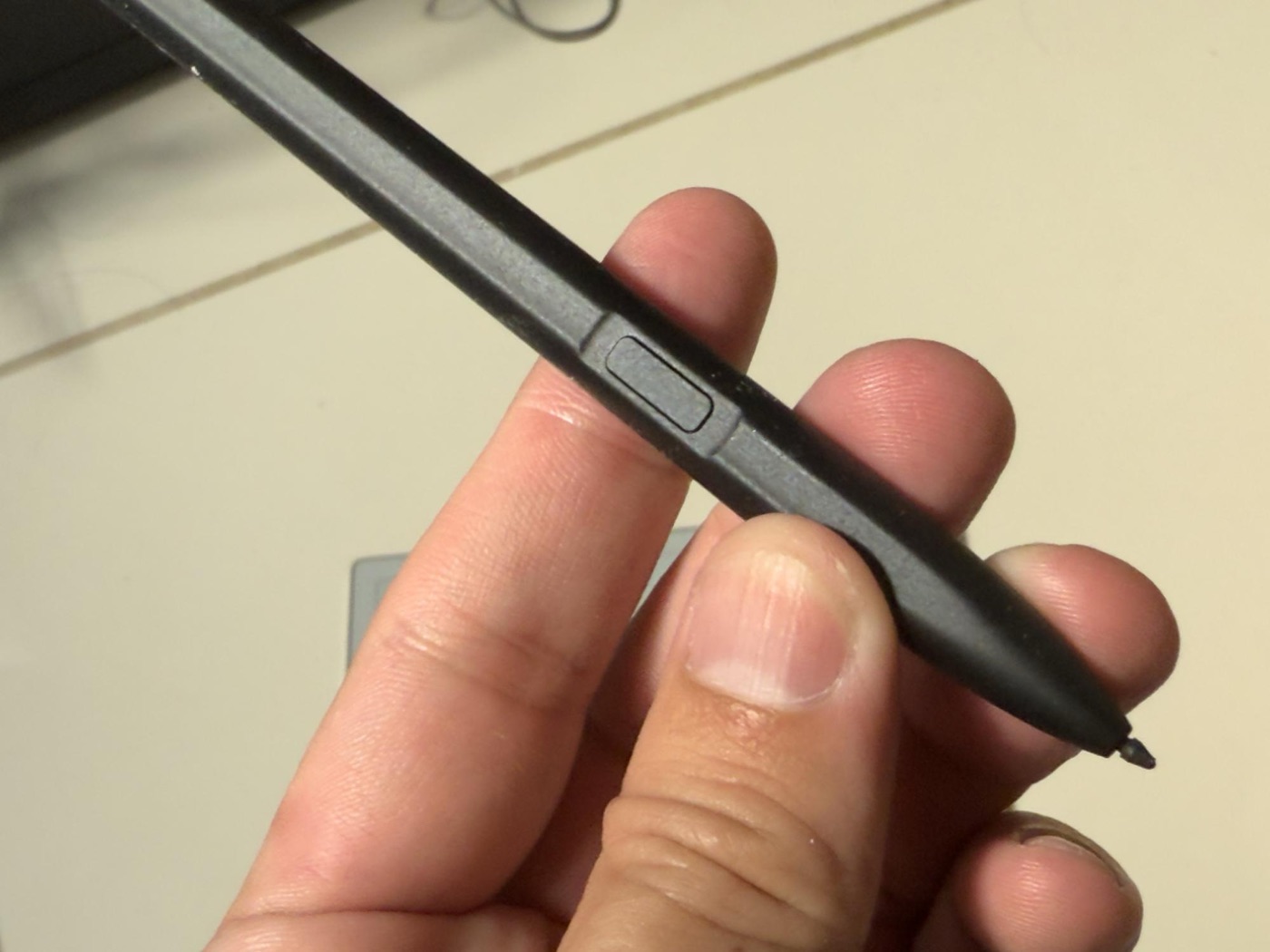
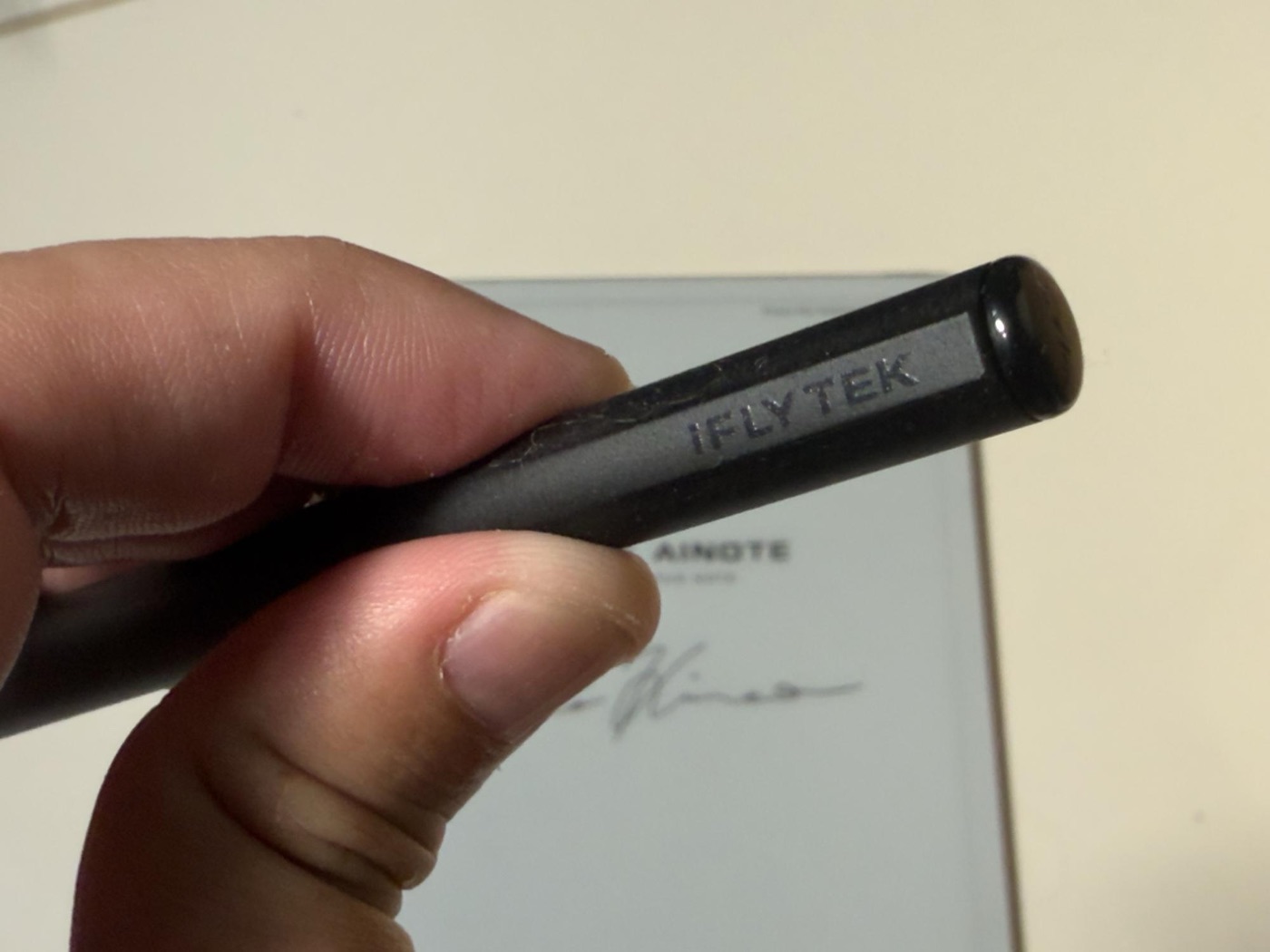
Pen pressure sensitivity and response have improved, so writing feels even closer to paper. Small writing doesn’t smudge together, making long handwriting sessions like meeting notes and interview notes comfortable.
The downsides are worth noting
Also, due to the limits of E-Ink, page turns aren’t fast, so it’s not great for skimming through hundreds of pages. And AI features like speaker recognition and simultaneous two-language recognition are still a work in progress — hopefully firmware updates will improve them.
For people who want more than a paper replacement
Overall, the AINOTE 2 takes the Air2’s “e-note + AI assistant” idea and pushes it further toward business.
If you want to efficiently create minutes and daily reports from meetings and interviews, or combine your calendar and task management with a handwriting feel, it can offer a lot of value.
On the other hand, it’s not for people who prioritize scanning documents or color, or who want to flip through tons of pages quickly.
The AINOTE 2 isn’t just a notebook substitute — it’s an AI notebook for people who want something beyond paper at work.
This story was originally published (in Japanese) on Yahoo! News Japan Expert.