
A Printer That Cuts A4 Paper in Half Automatically!? What 20+ Years of Brother Printers Taught Me
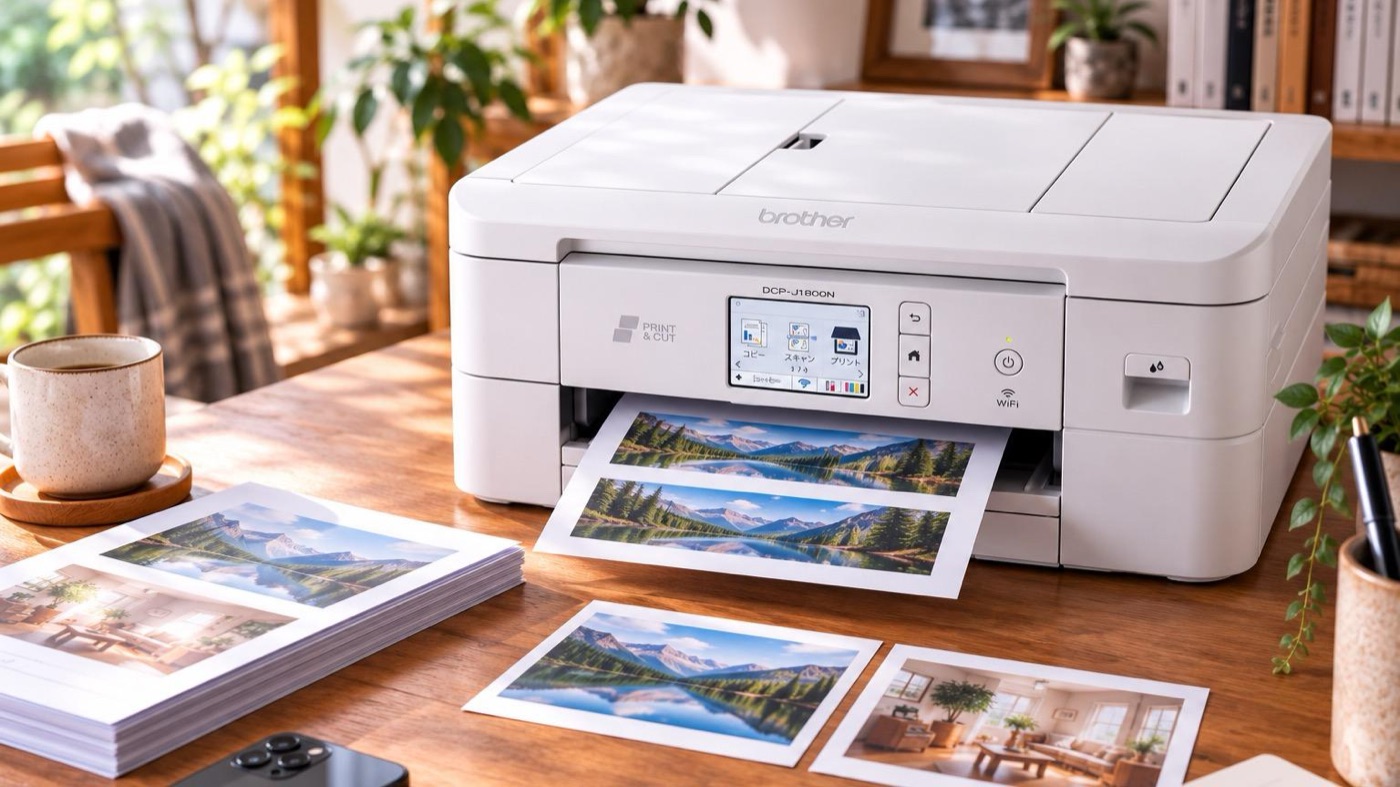
Did you know there’s a home printer that automatically cuts A4 sheets down to A5?
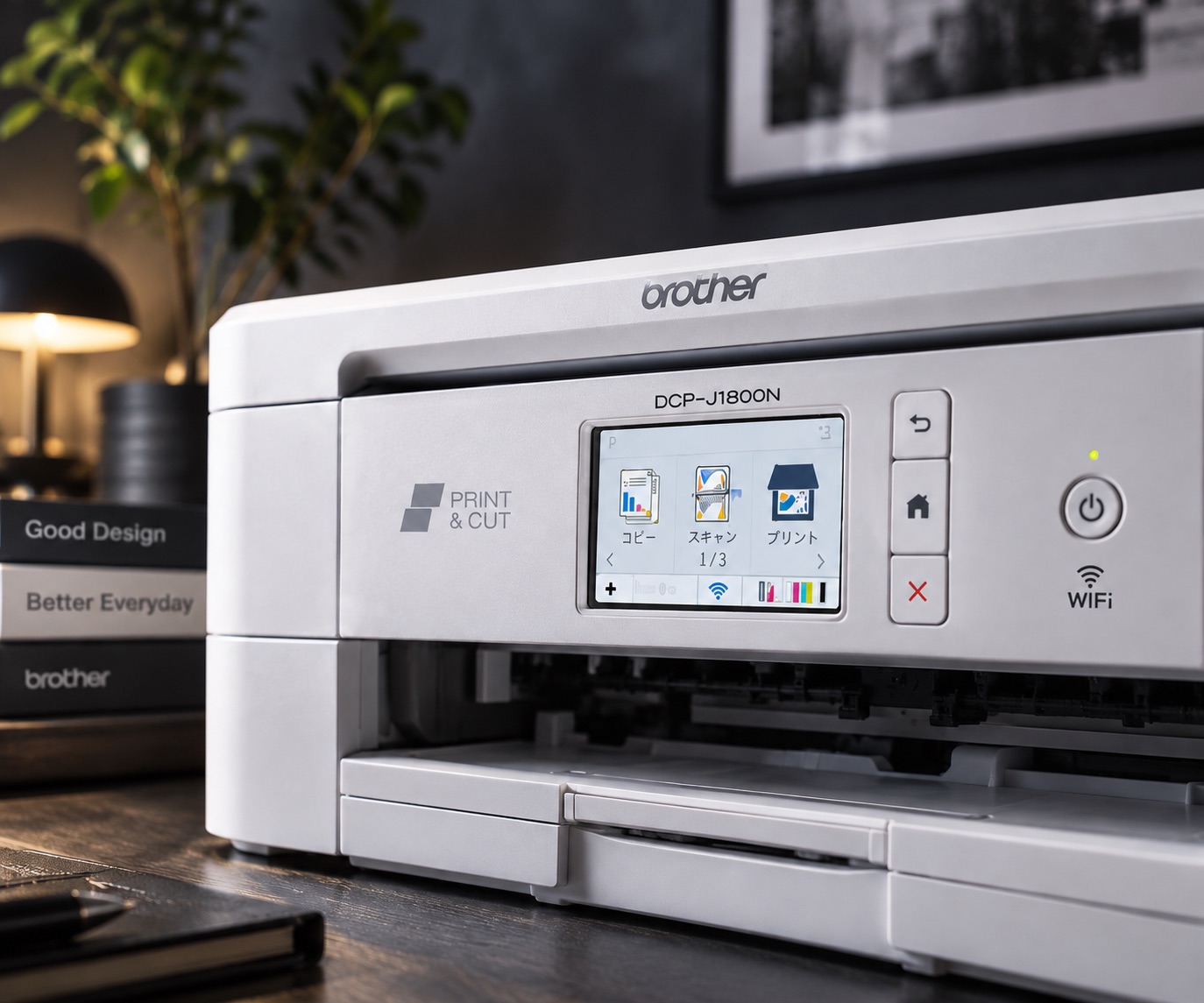
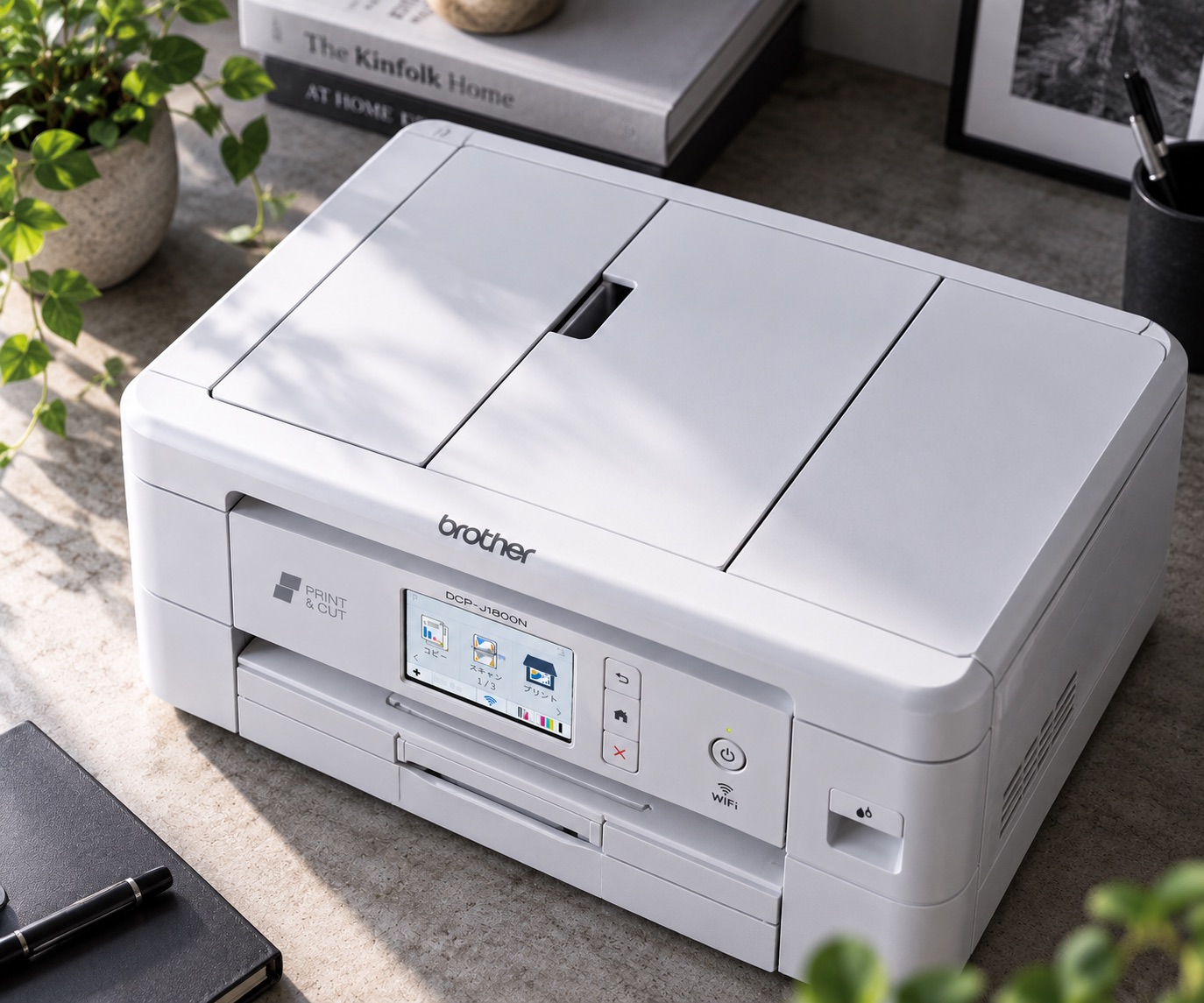
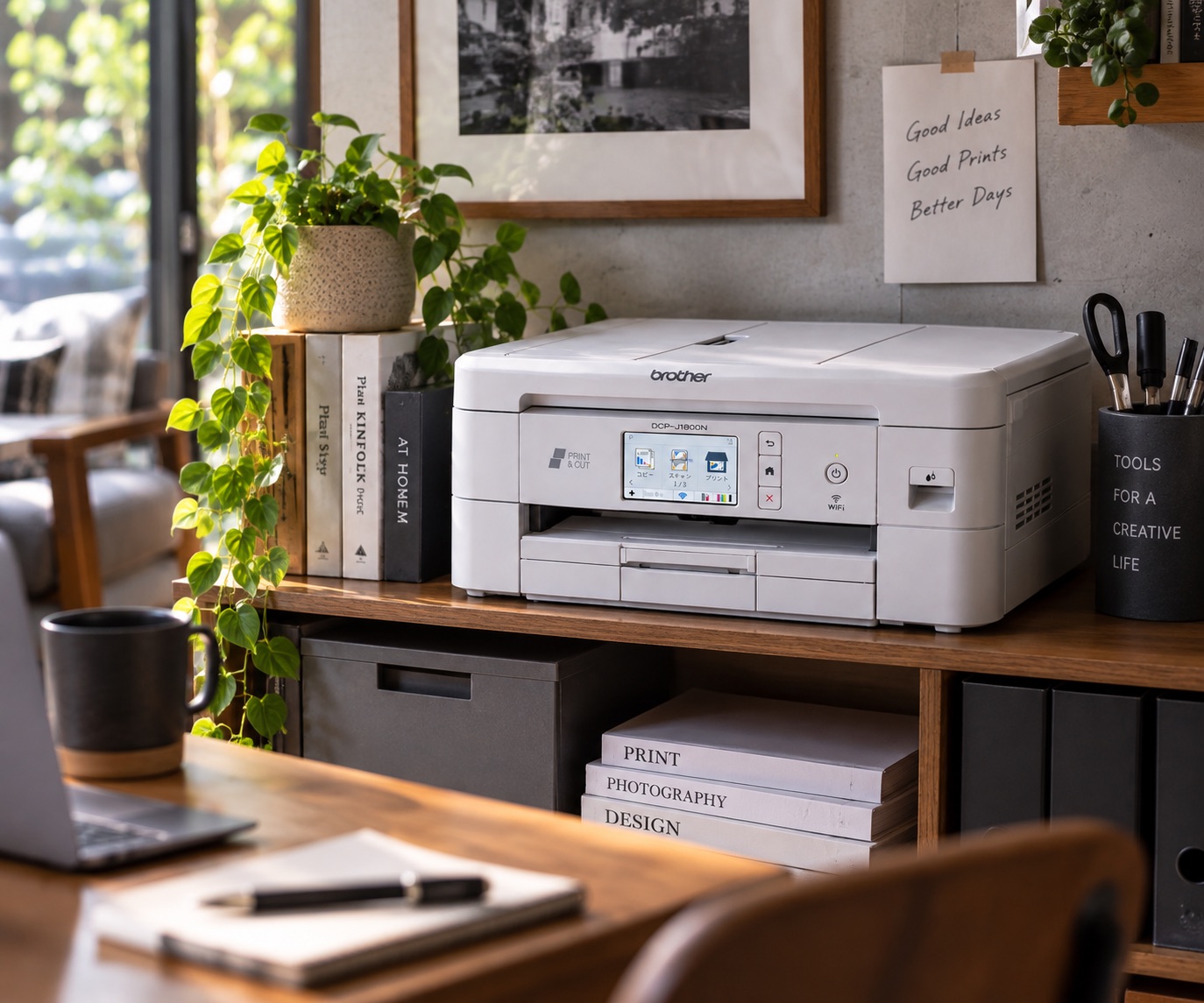
It’s Brother’s DCP-J1800N.
Official site: https://www.brother.co.jp/product/printer/inkjet/dcpj1800n/index.aspx
Where to buy: See on Amazon Japan
At first glance, it looks like a regular A4 inkjet all-in-one, but there’s a cutter built inside. Load A4 paper, and after printing it automatically cuts the sheet in half widthwise.
And get this — it came out in 2022.
It’s super handy but surprisingly few people know about it, so I wanted to tell you about this workhorse that’s still going strong at my place.
Once you use it, you realize: “Wait, do the documents I usually print even need to be A4?”
PowerPoint slides already have big text, and plenty of PDFs are fine at A5. You save paper, and they’re compact and easy to store.
I started using Brother printers in my twenties. Looking back, for over 20 years they’ve kept making products that are “a little different, but super handy once you use them.”
Finally taking a knife to those bulky slide printouts
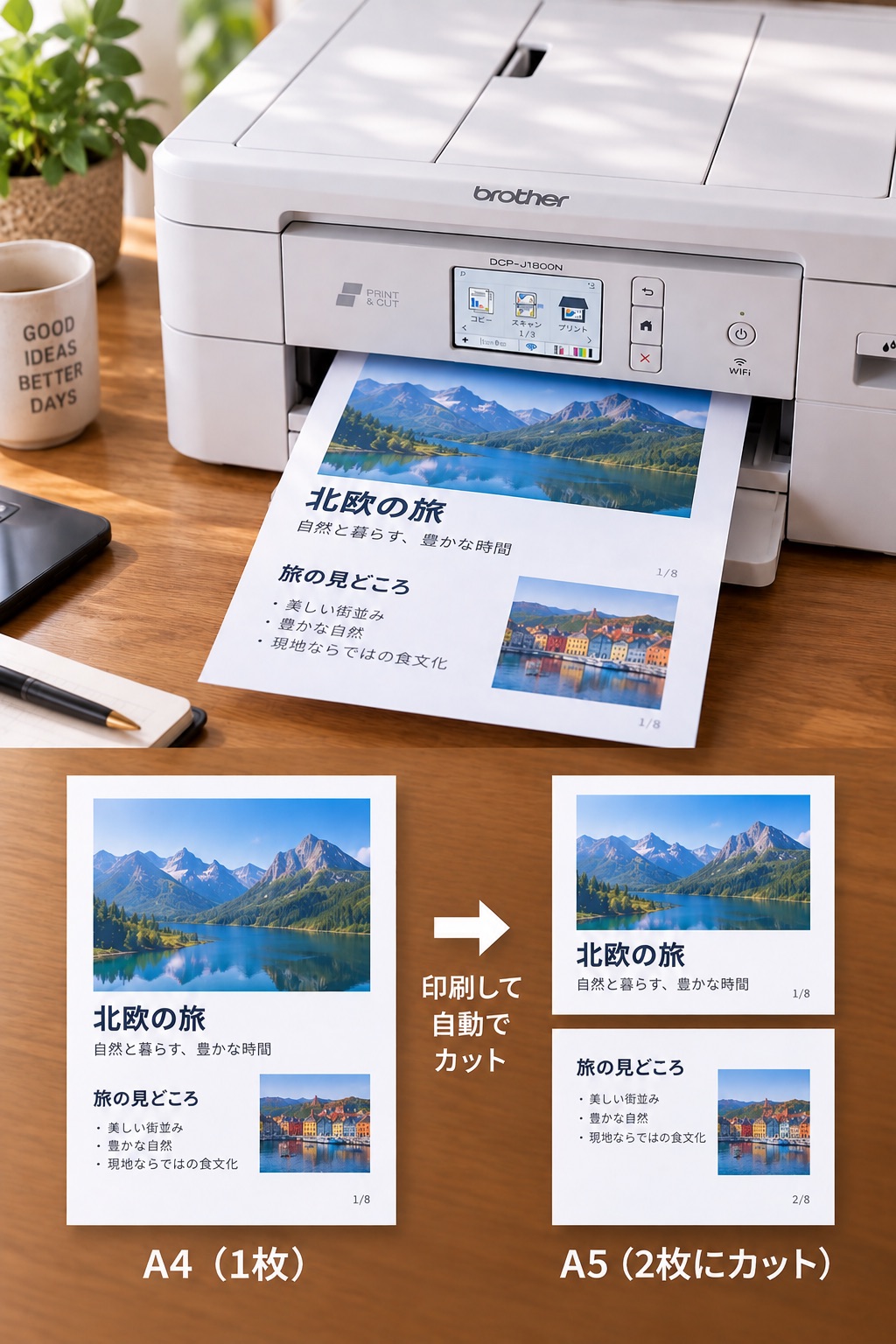
Using it, I realized that a ton of documents are totally fine at half size.
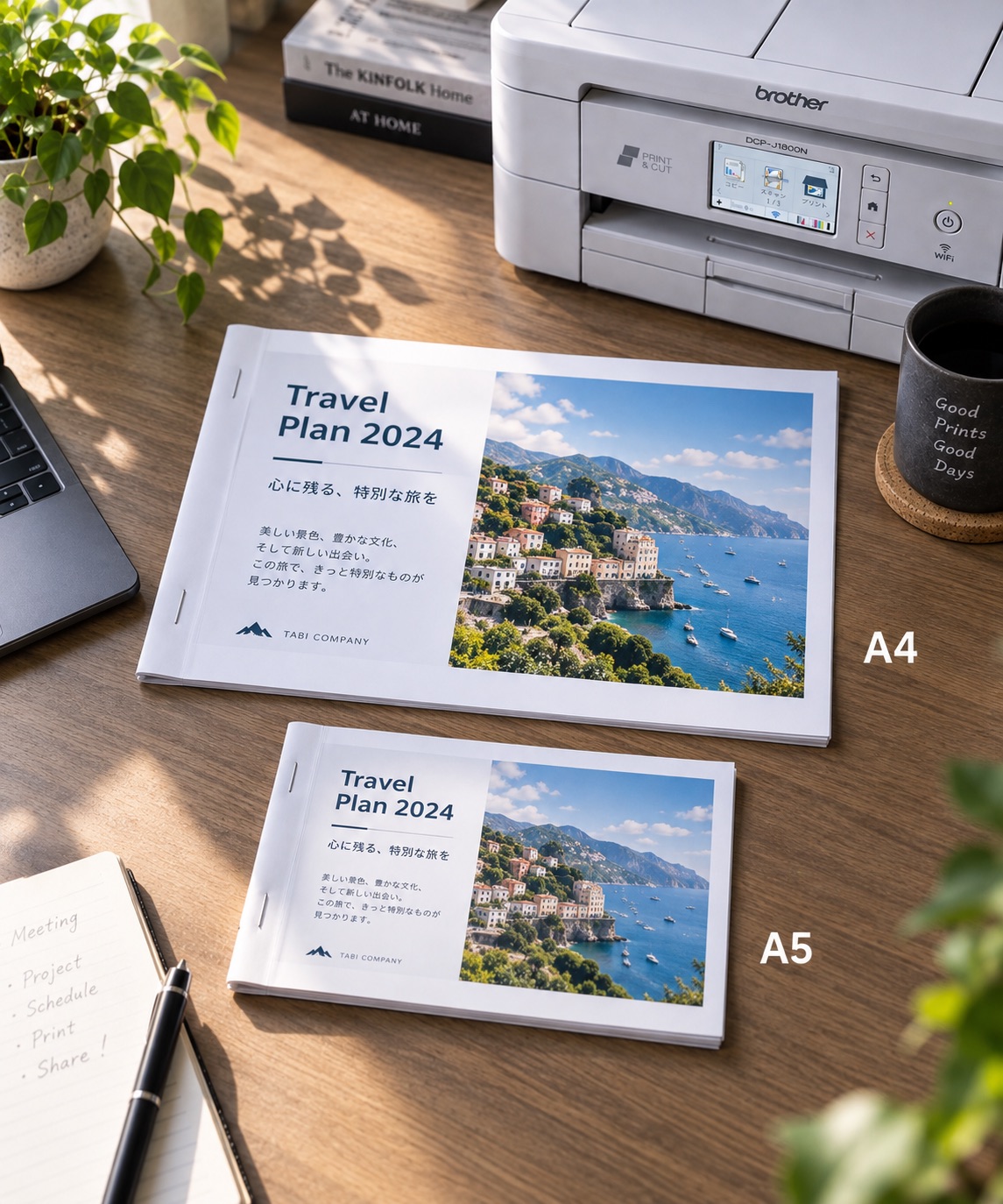
It saves paper, of course, but more than anything, it’s easier to store. Documents I used to print on A4 without a second thought suddenly look bulky.
And you don’t need to stock separate A5 paper. Just load A4 as usual, and the printer cuts only when you need it.
Turning that kind of “oh yeah, that would be handy” into a product — that’s Brother.
Brother was “a little different” even 20+ years ago
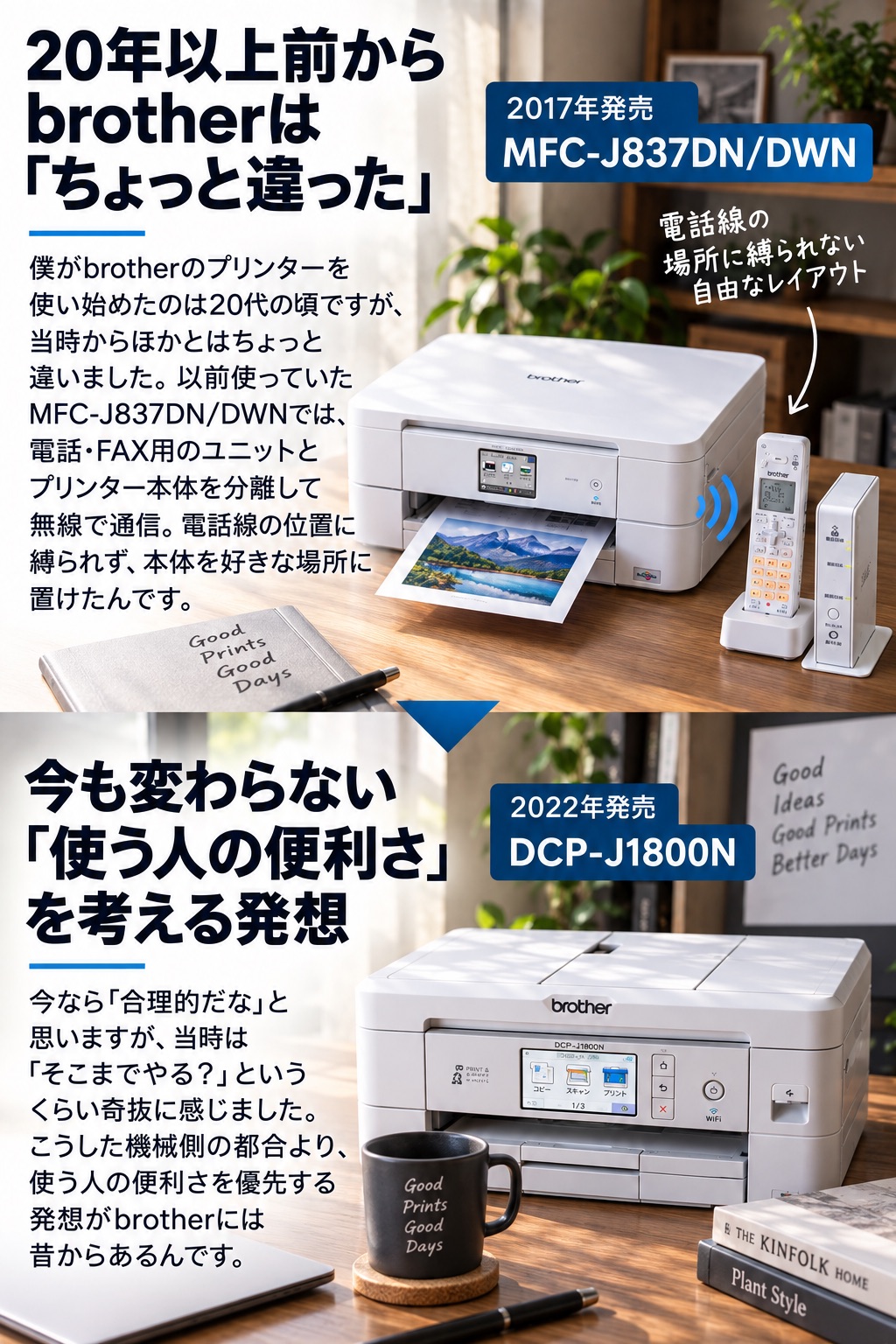
Now I’d call that “sensible,” but back then it was like, “They went that far?”
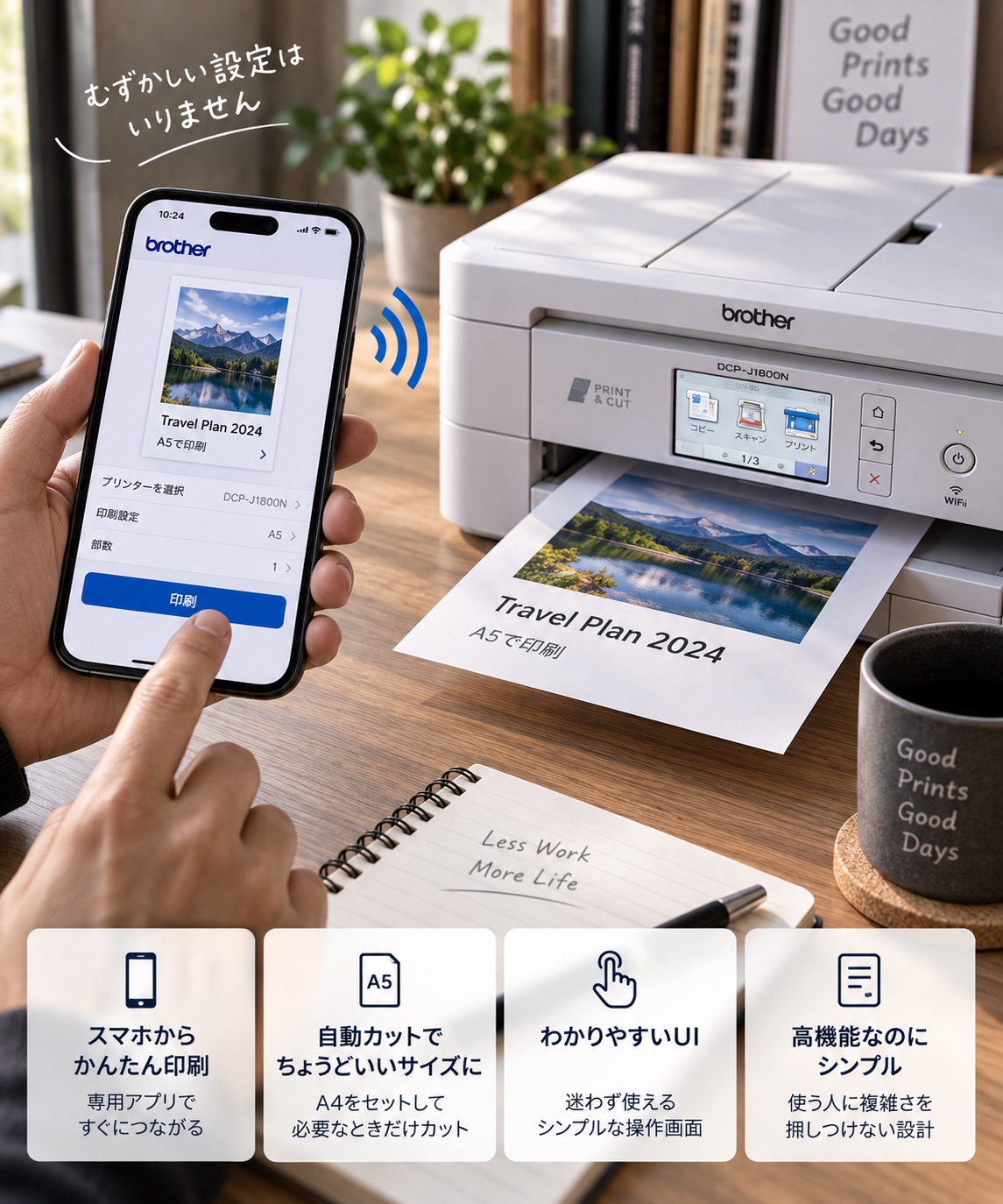
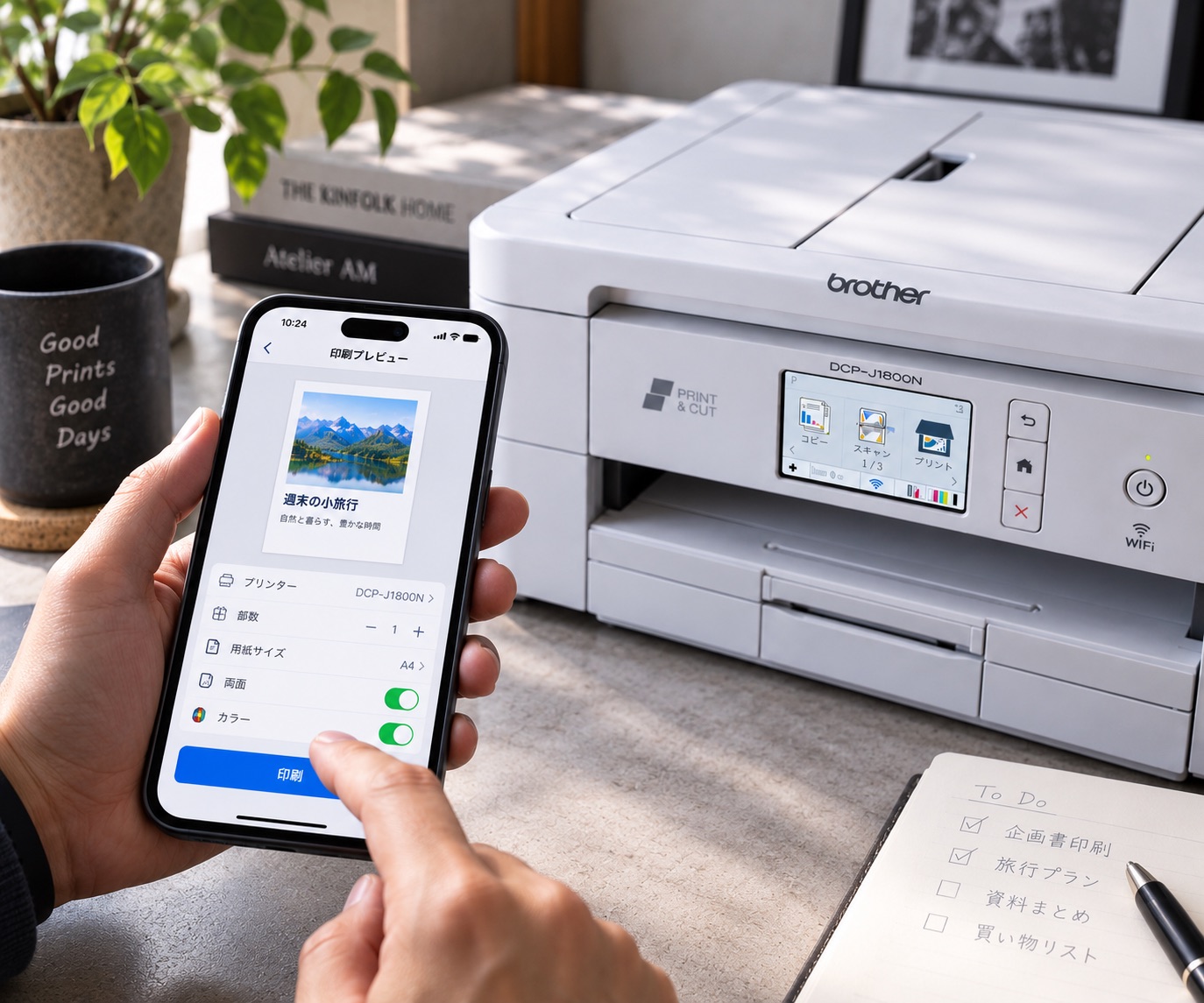
Brother’s products today are also really easy to use, with clear screens and controls. Printing from an iPhone is simple, and despite all the features, I almost never wonder “how do I use this?”
What I used to think of as “a bit odd” has, after 20-plus years, become simply “easy to use.” Maybe that’s the result of constantly thinking about the user experience.
I picked for practicality — and ended up with a Brother house
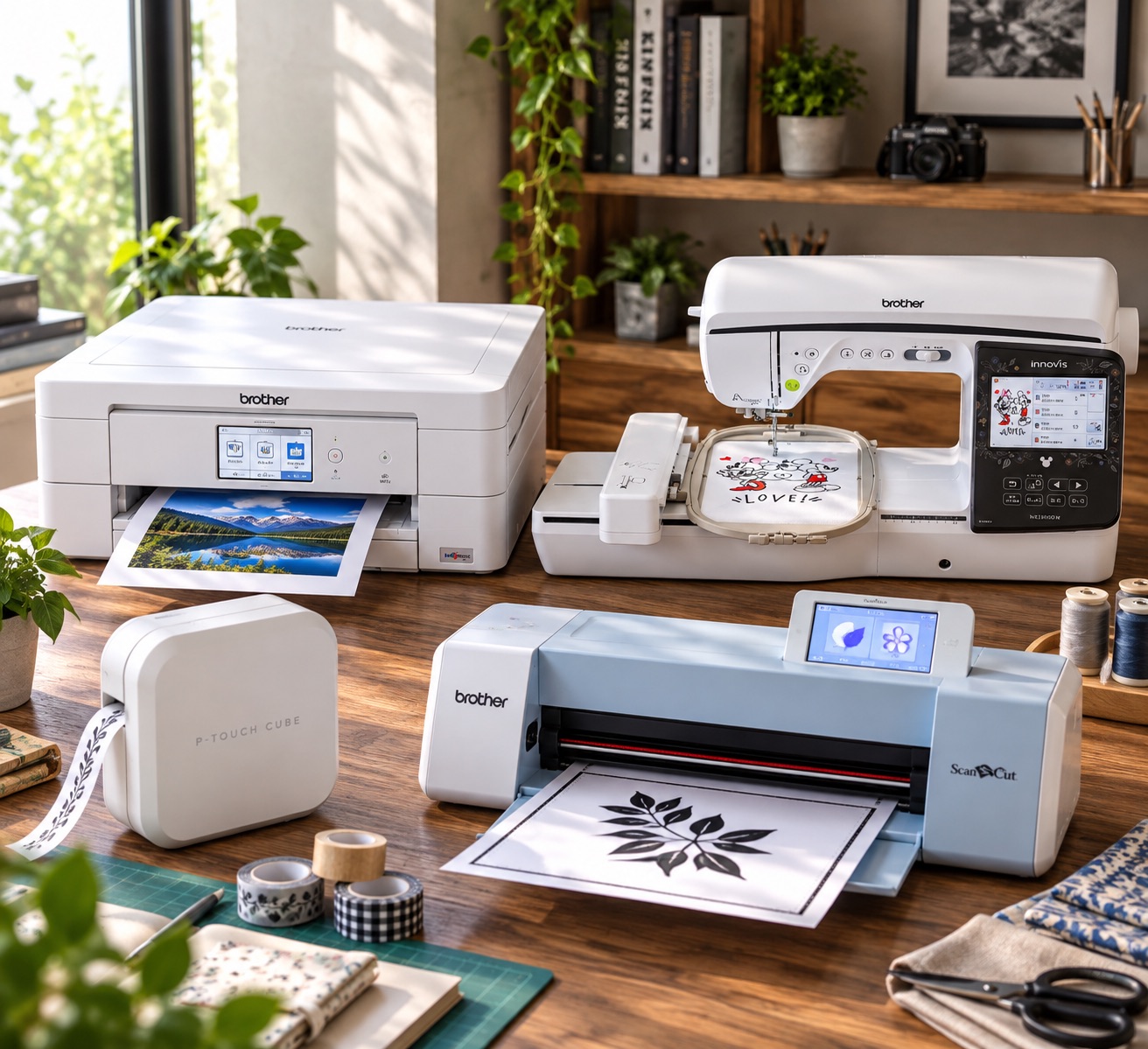
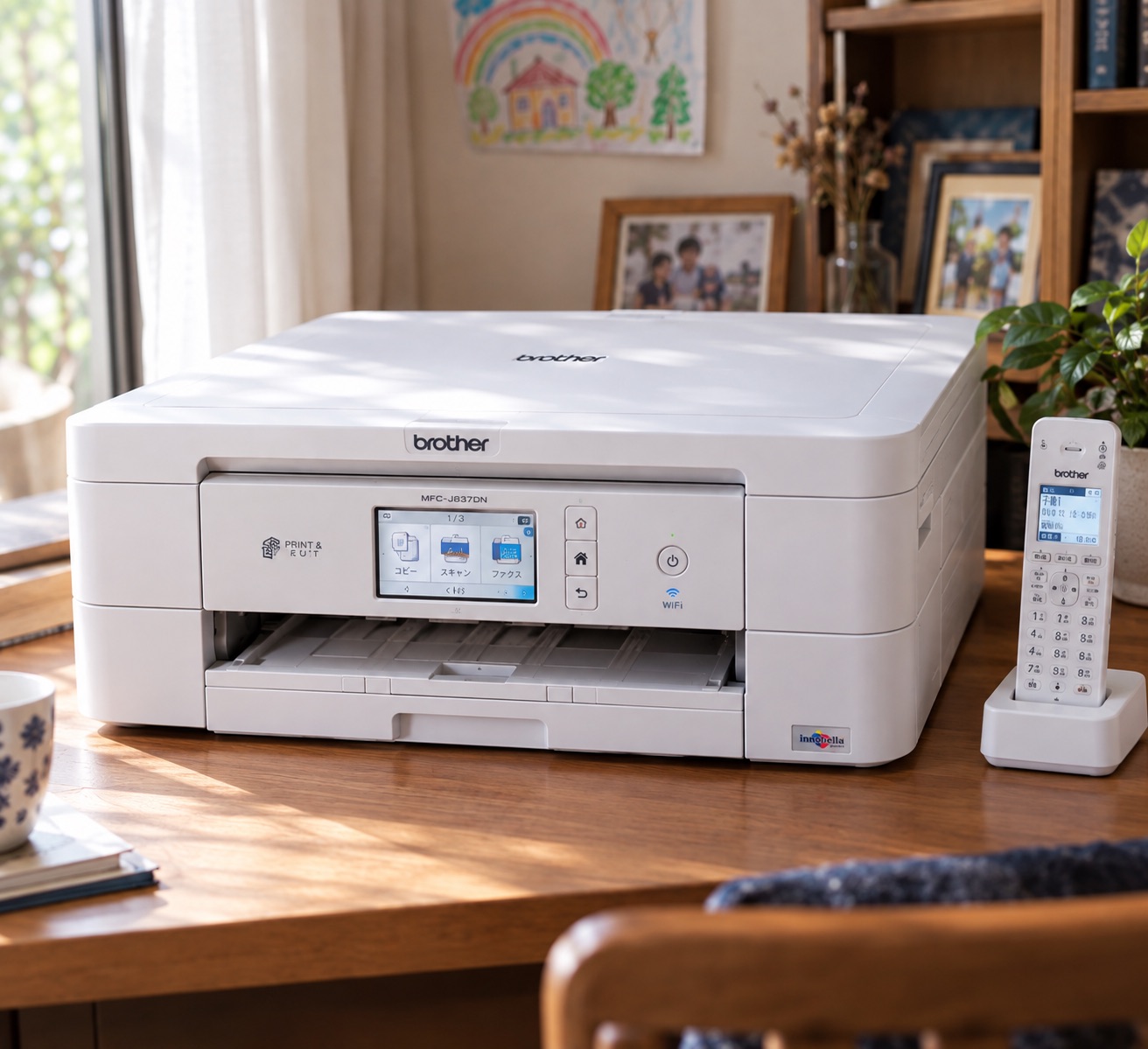
I’m not saying they literally reused cutting-machine tech. But big companies tend to be siloed by division, so I really like the flexibility to make something that goes beyond “printers are for printing.”
Longevity is another reason I choose Brother.
At least with the printers I’ve owned, as long as I stuck with genuine ink, they’ve printed reliably and cleanly for years. The phone/fax all-in-one I used before the DCP-J1800N is still working at my parents’ place.
There’s real peace of mind that comes from actually using them for over 20 years.
Made in 2022 — and I recommend it now more than ever
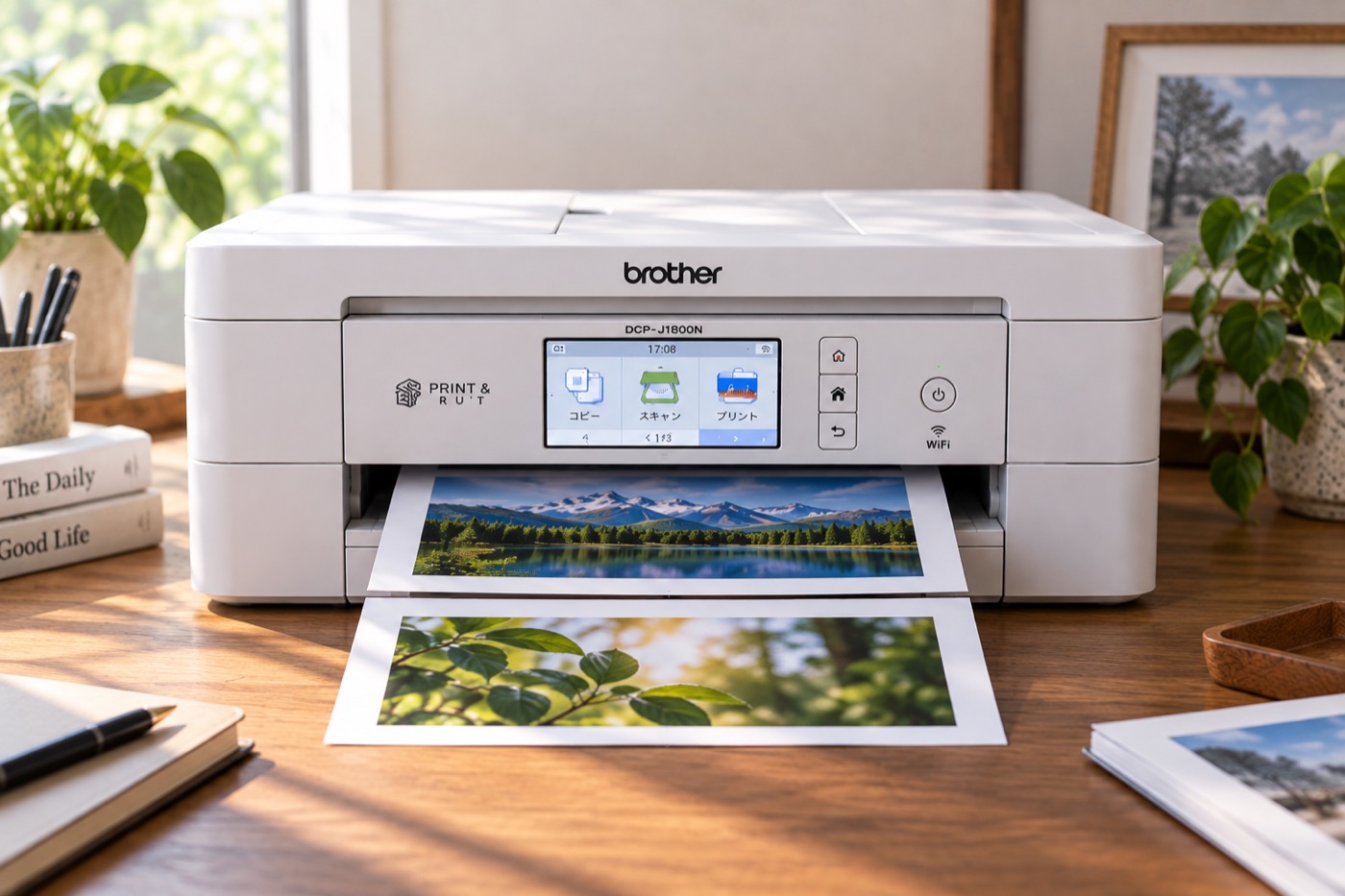
“Cut A4 in half.”
That’s it — but it changes how you print slides and PDFs, saves paper, and makes documents easier to store.
For me, it’s more than “a printer with a cutter.” It changed how I deal with paper.
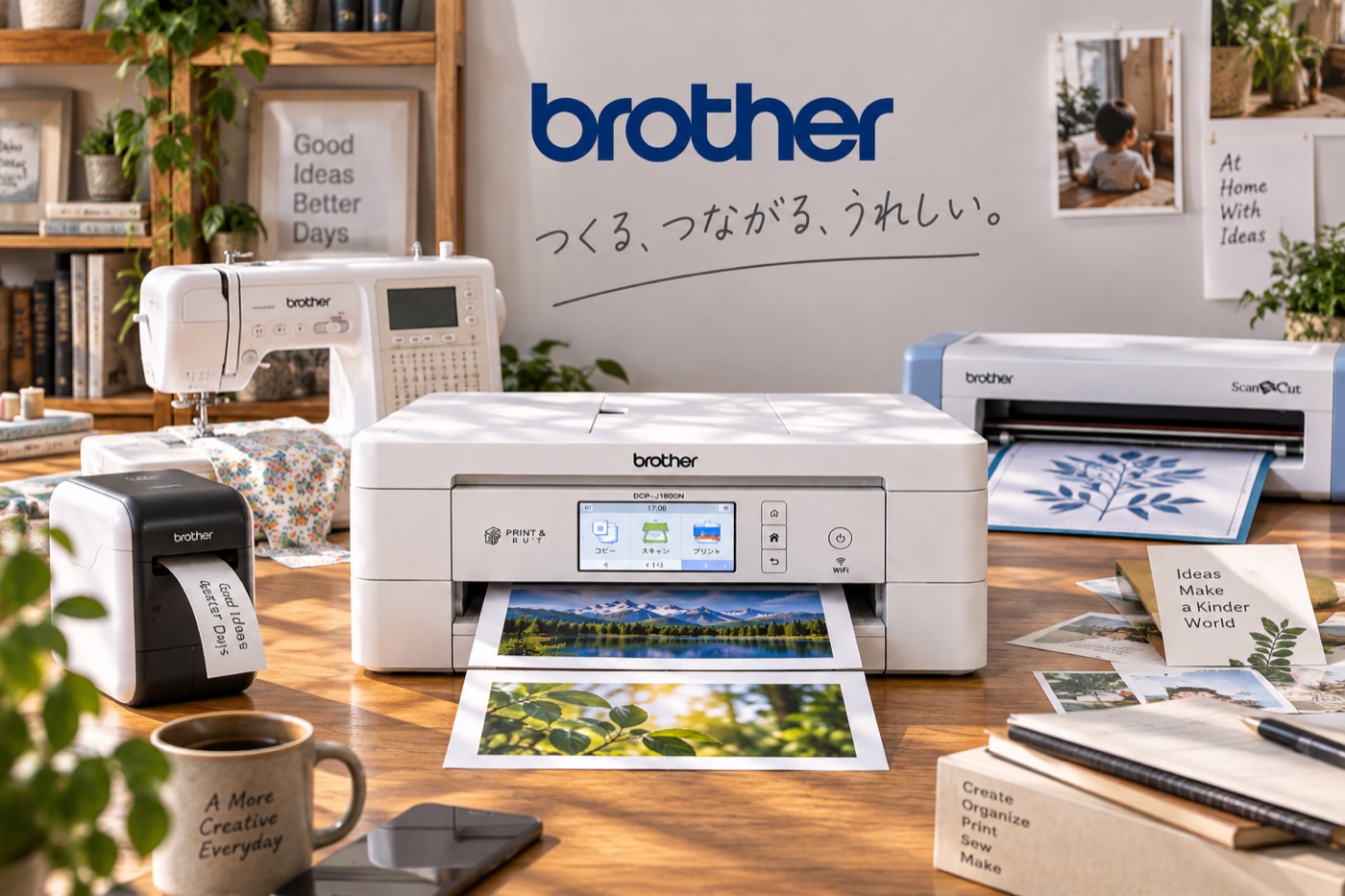
Brother, you should be promoting this stuff to regular consumers way more.
Twenty-plus years ago, they seemed like “a company making slightly odd things.” But by stacking up those “slightly different” ideas, they’ve become “a company whose products are a pleasure to use.”
The DCP-J1800N packs that Brother spirit into one machine.
As an Amazon Associate, Hidenori Kimura earns from qualifying purchases.
This story was originally published (in Japanese) on Yahoo! News Japan Expert.