
Gadgets

Do You Really Need Thunderbolt 5? This Thunderbolt 4 Hub Is Still Excellent
Connect three Thunderbolt 4 devices, with a GaN power supply built right in. No bulky power brick means a cleaner desk, and it’s easy to take on trips. Especially great if you edit video.

Official site: https://www.hypershop.com/

Where to buy: https://www.hyperjapan.jp/products/hp48053

Thunderbolt 5 is out now — but honestly, isn’t Thunderbolt 4 still enough? HYPER’s Thunderbolt 4 Power Hub is what got me thinking that.
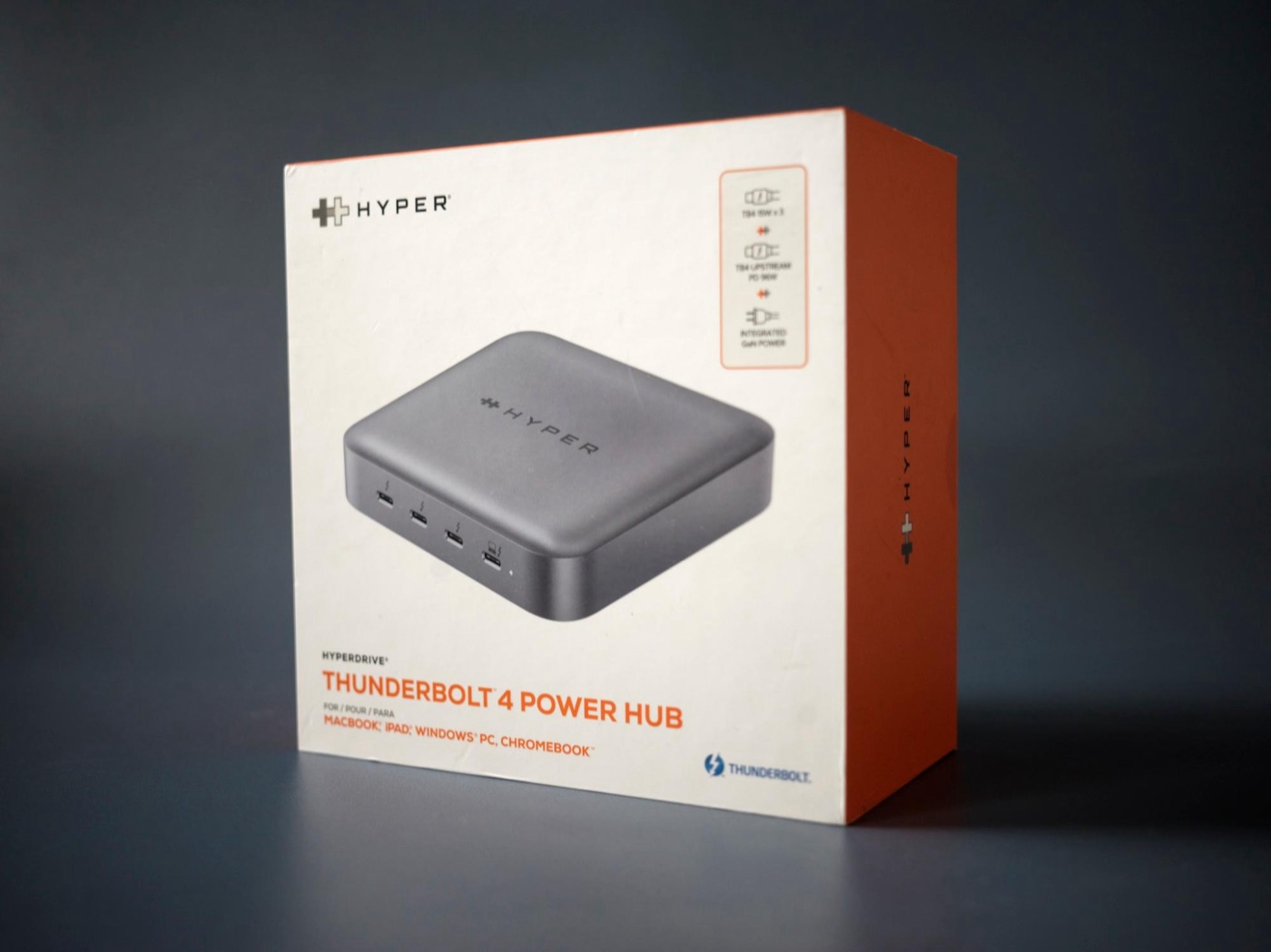
The front of the box.
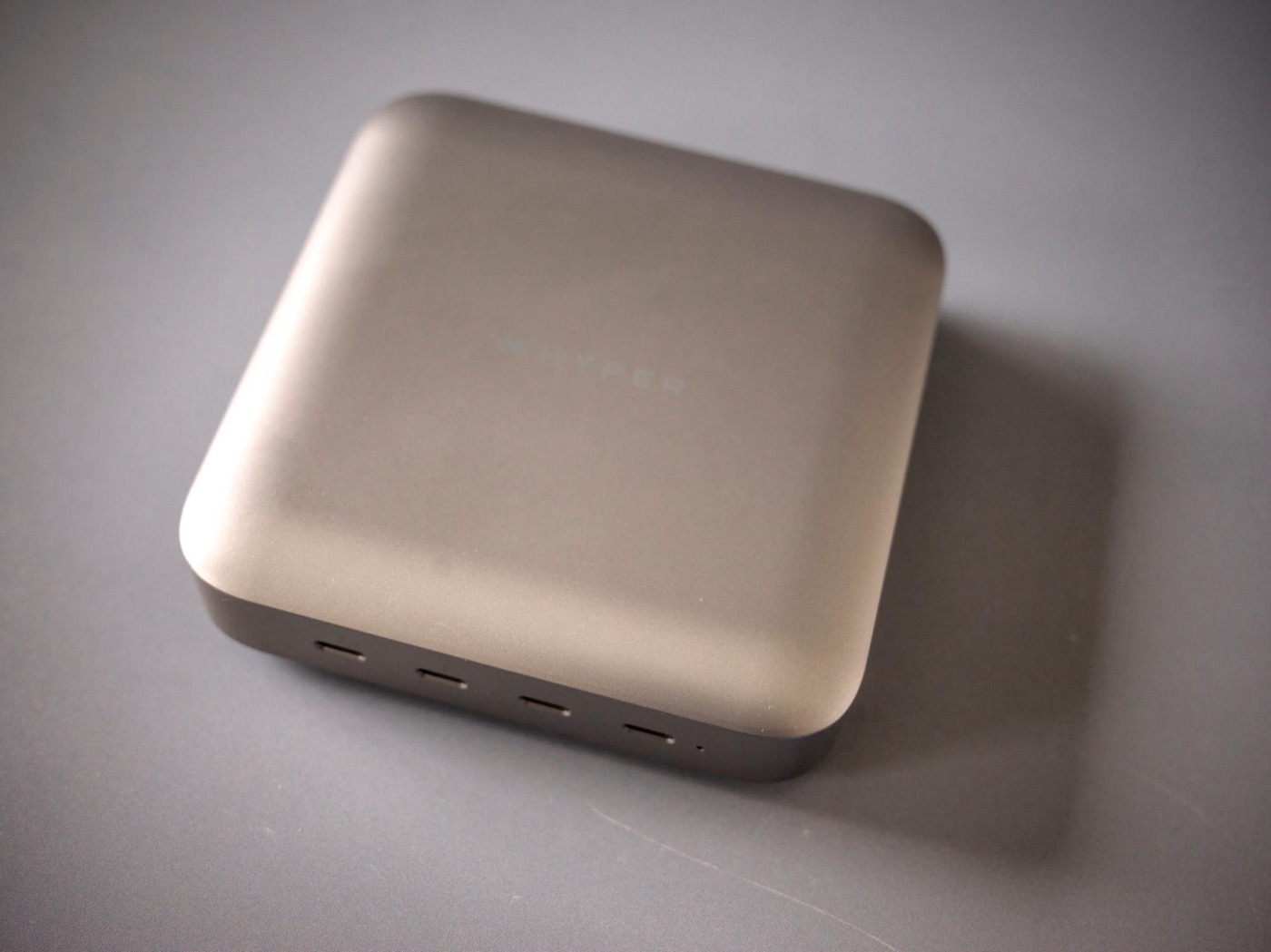
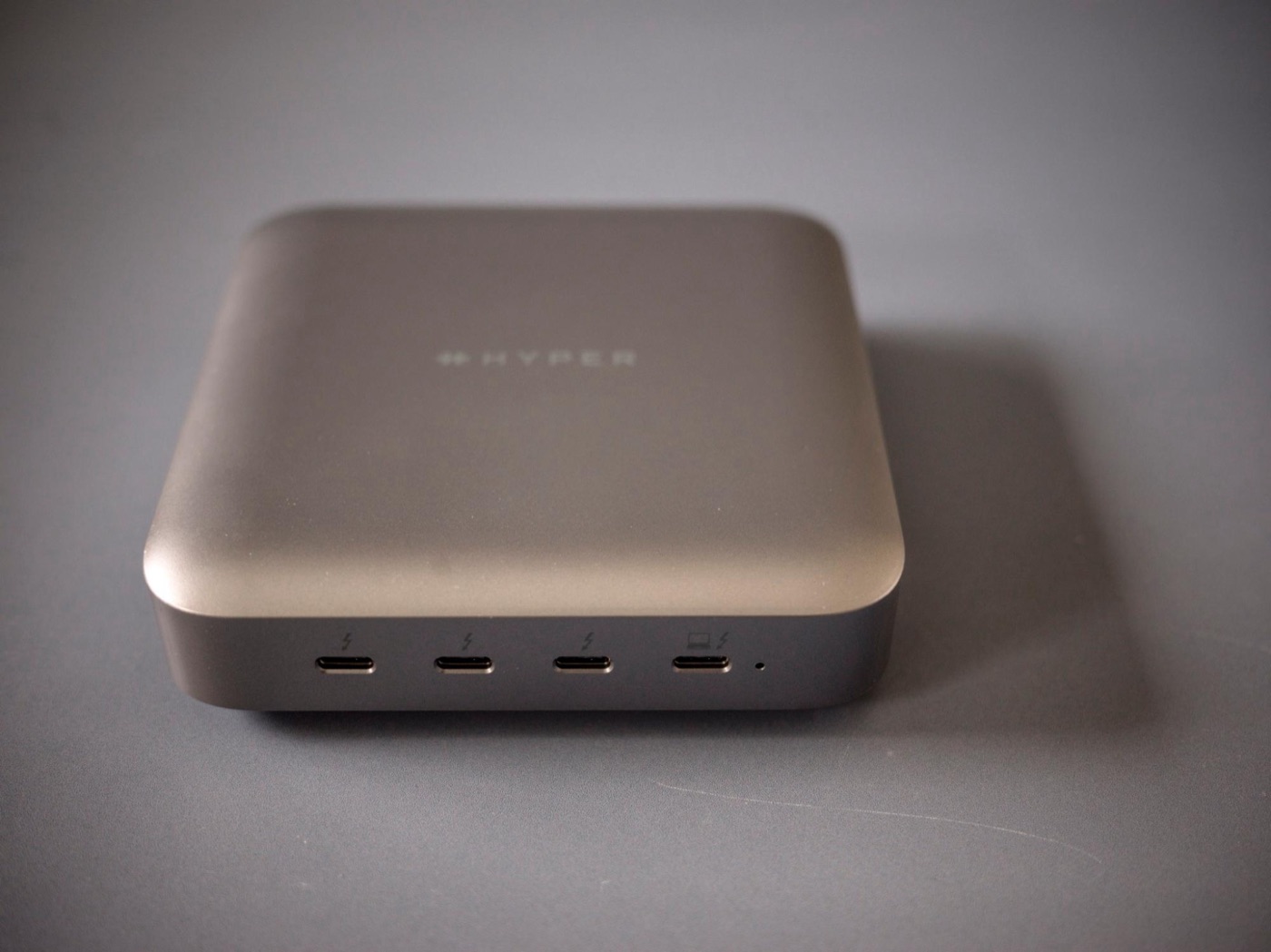
The whole hub, with four ports lined up on the front.
From above at an angle. The top is clean and simple.
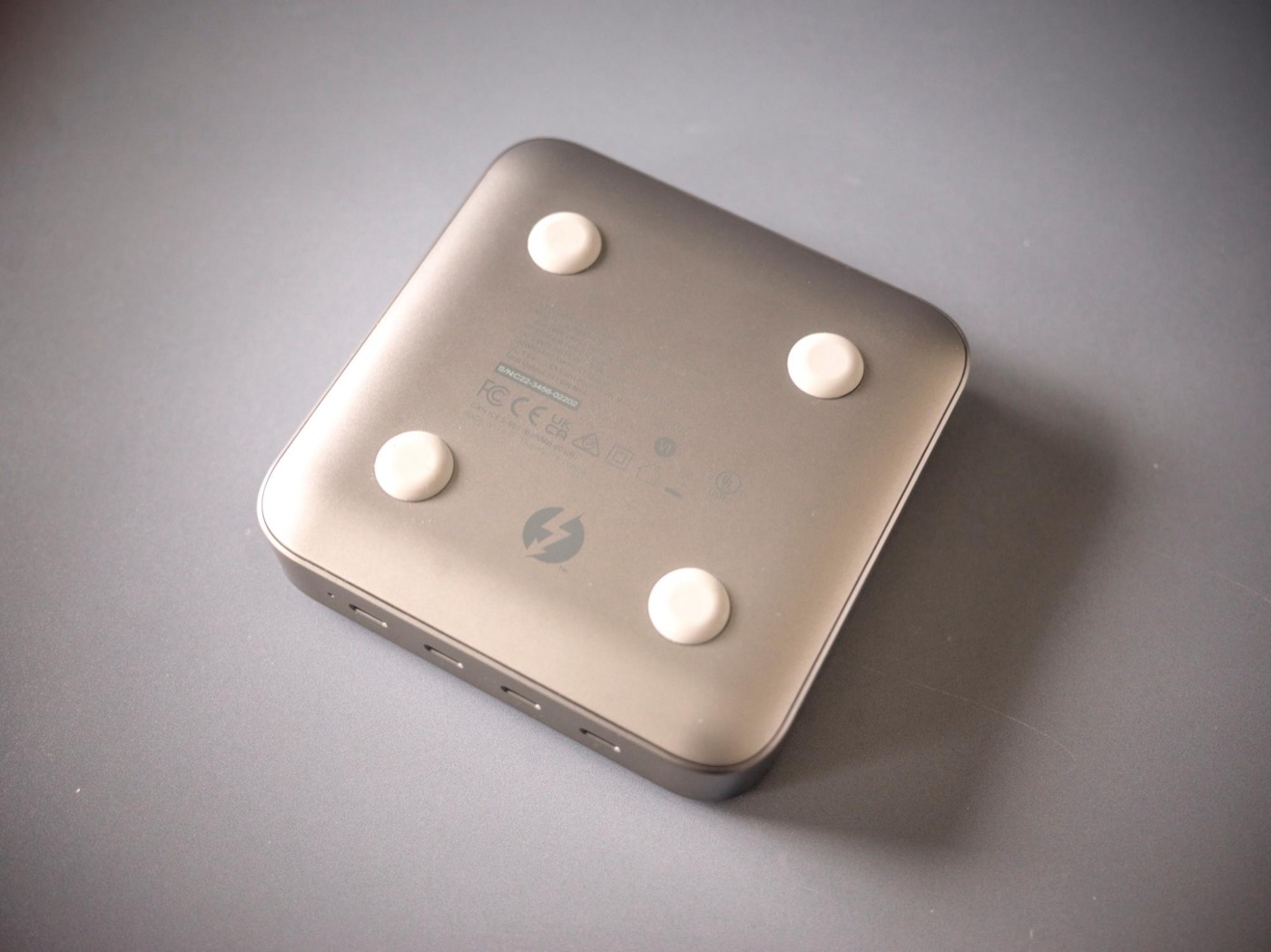
Four little feet on the bottom.
## Built-in GaN power keeps your desk tidy
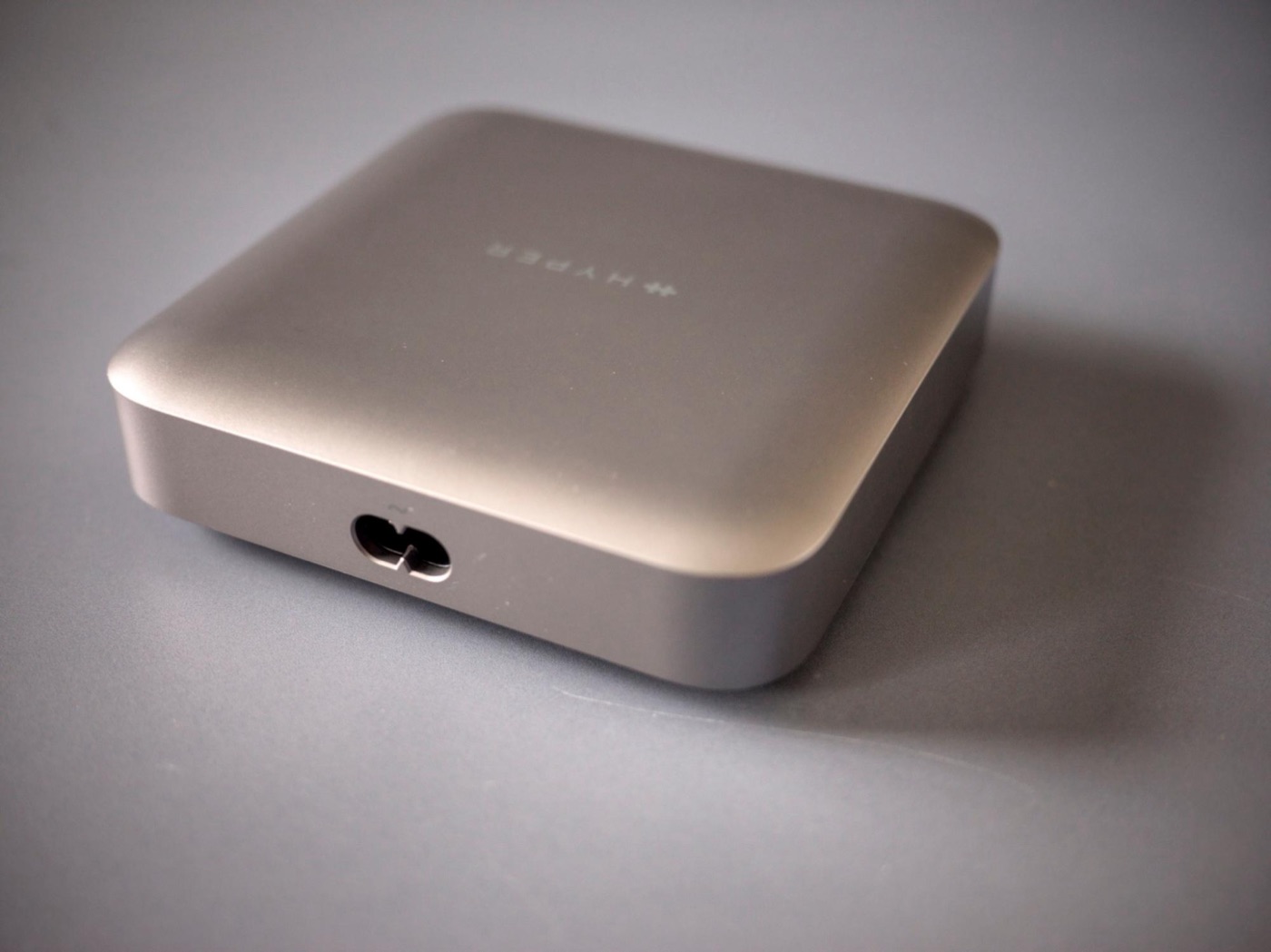
The AC power port on the back.
What I liked first: the GaN (gallium nitride) power supply is built into the hub. No giant power brick like most high-end docks — the power cord plugs straight into the unit.

The design is simple too, so it doesn’t feel in the way sitting on your desk. You use this stuff every day, so that kind of ease really matters.

Connecting three Thunderbolt 4 devices is super handy
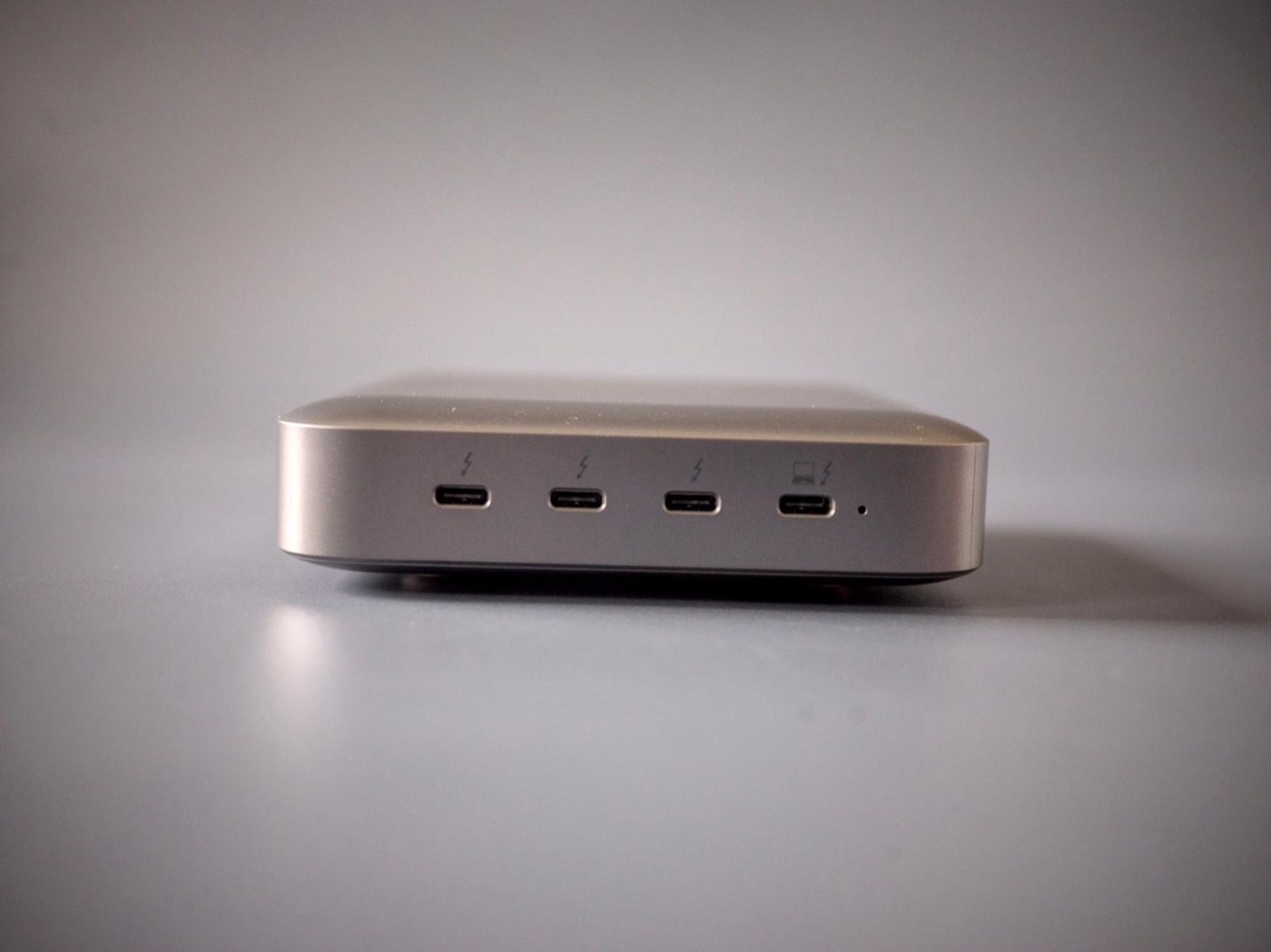
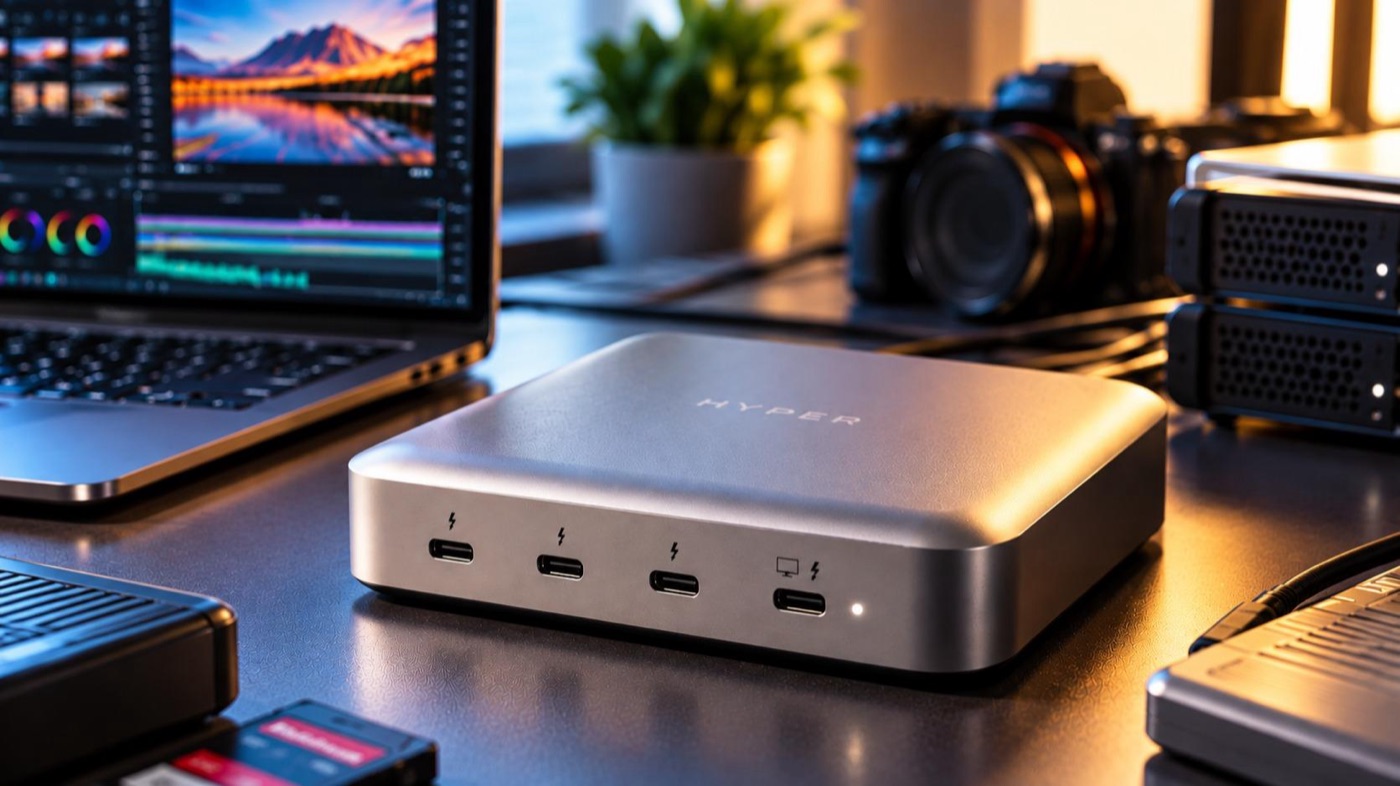
Four Thunderbolt 4 ports on the front.
There are tons of USB-C hubs, but when you want to connect three Thunderbolt devices, this setup is great.

It has four Thunderbolt 4 ports. The one on the far right goes to your computer, and the other three are for your devices. Super simple.

For video editing, that extra port is a lifesaver

The back of the box, with the maker’s example setups.
I use RAID storage and the like for video editing, so I’m constantly moving big chunks of data around at high speed.

With three ports for devices, I can keep my everyday drives plugged in and leave one free for temporary transfers. Not having to keep plugging and unplugging cables is way more comfortable than I expected.

You can take it on business trips
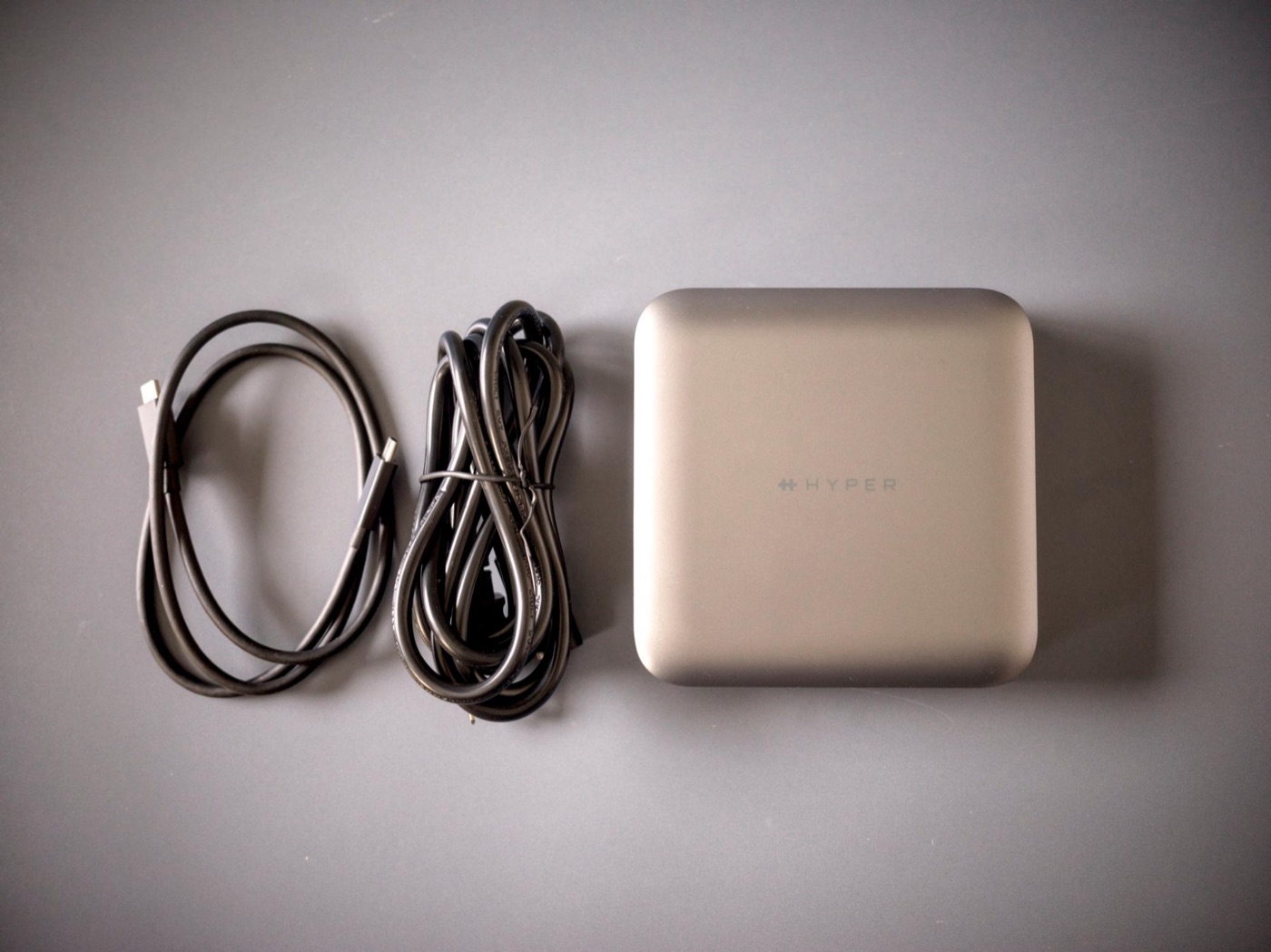
The hub, plus the included Thunderbolt 4 cable and AC power cord.
High-end docking stations usually feel like they live on your desk, but since this one doesn’t need a big power brick, it’s fairly easy to carry.

If you back up footage on location or edit right there on the trip, I’d especially recommend it.

Still appealing next to Thunderbolt 5
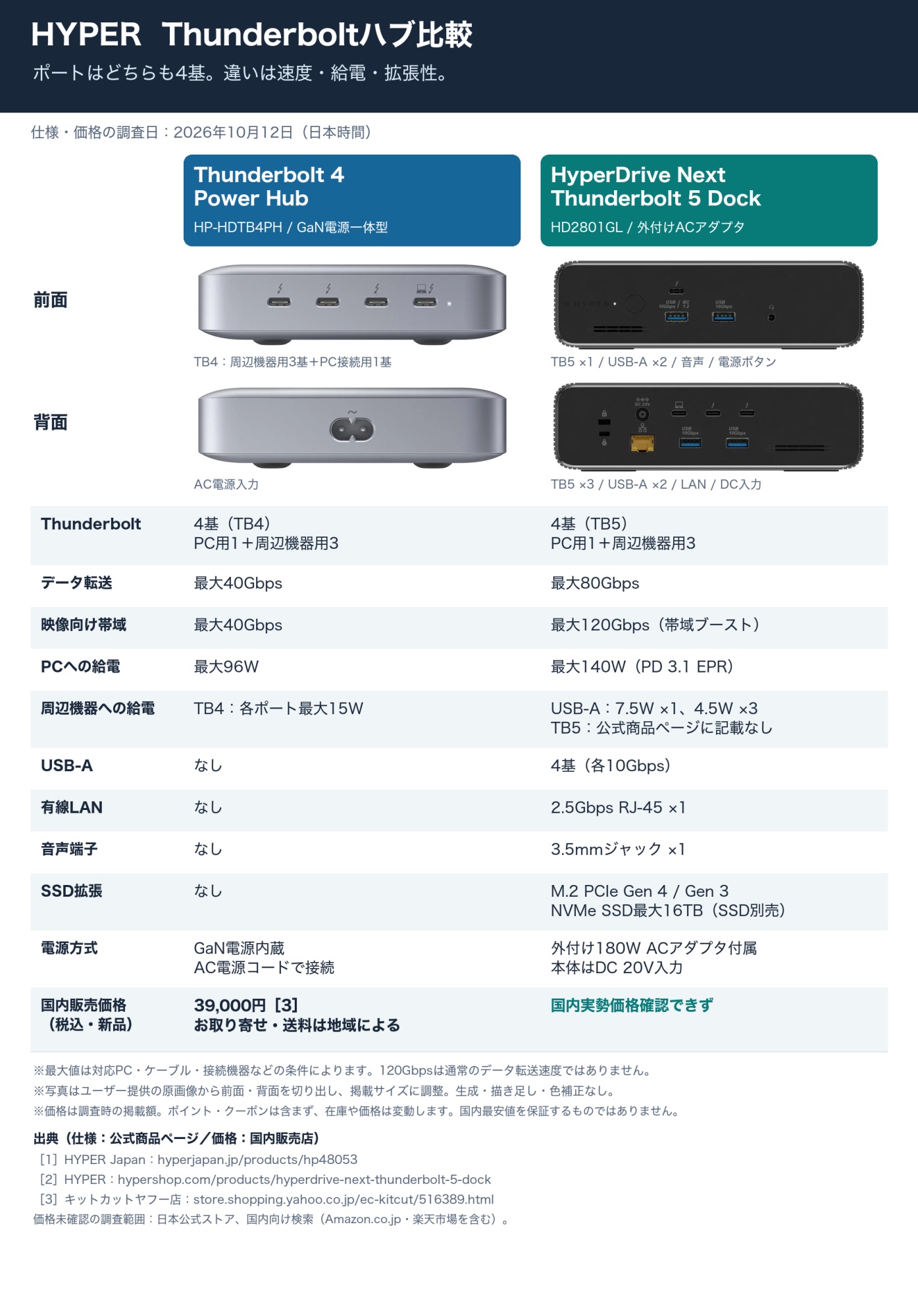
Comparison: Thunderbolt 4 Power Hub vs. HyperDrive Next Thunderbolt 5 Dock.
Thunderbolt 5 docks have the edge on speed and expandability. But depending on your computer, storage, and work, Thunderbolt 4 is often plenty.

HYPER’s Thunderbolt 5 dock is packed with features, but it uses an external power brick. If you want built-in power and a simple setup, the Thunderbolt 4 Power Hub has a clear advantage.

A polished hub I couldn’t find fault with
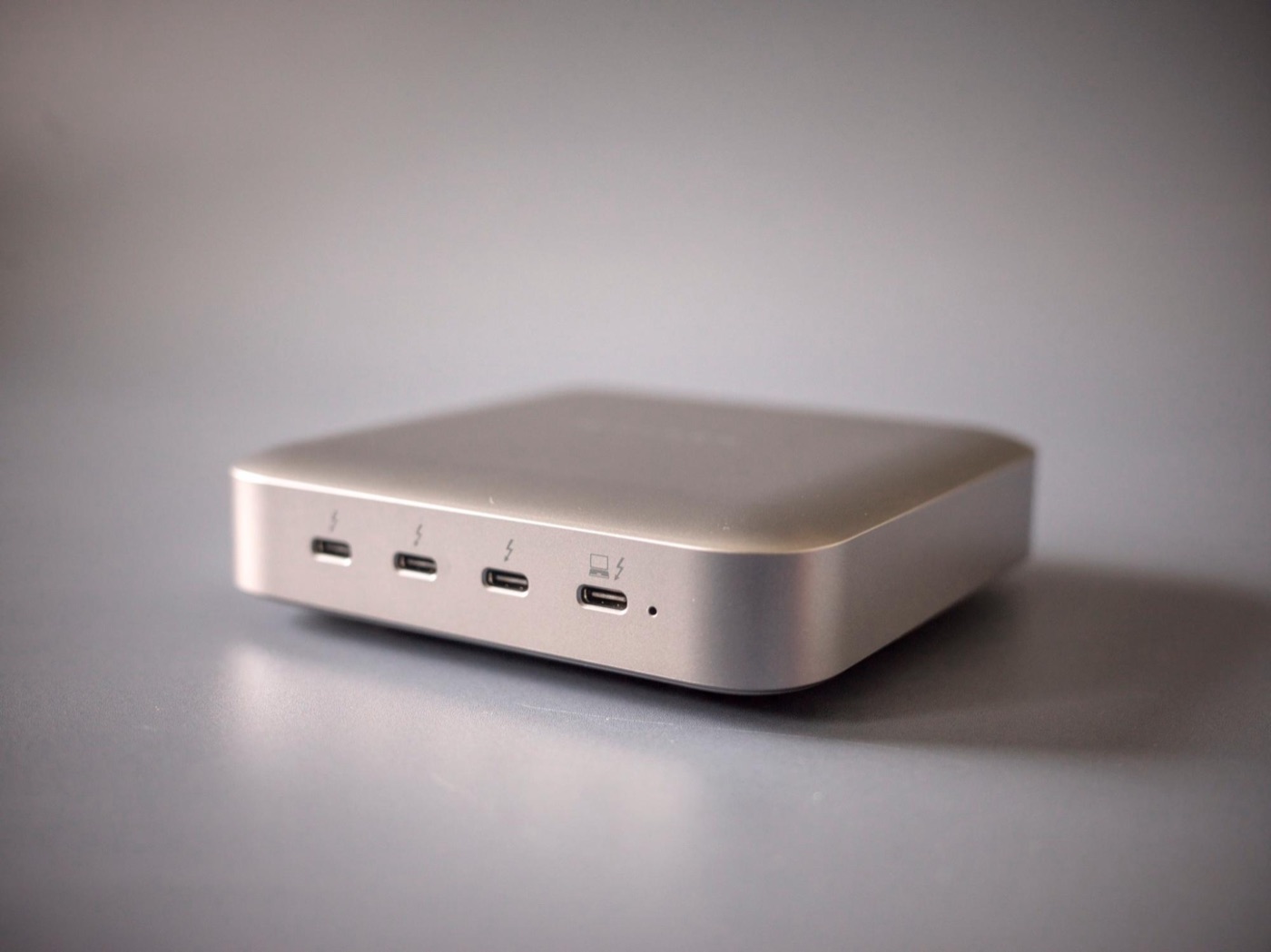
An angled shot showing the front ports and the shape of the hub.
After using it, I honestly didn’t find anything I disliked. There’s no USB-A or wired Ethernet, but I see that as the simplicity that comes from focusing on Thunderbolt.

A new standard coming out doesn’t suddenly make older gear harder to use.

If you use several fast drives, or want to edit video on the road, the Thunderbolt 4 Power Hub is still easy to recommend.

This story was originally published (in Japanese) on Yahoo! News Japan Expert.