
DIY

Before You Replace Your 3D Printer, Try This! A Sub-¥10,000 Filament Dryer Totally Transformed My Print Quality
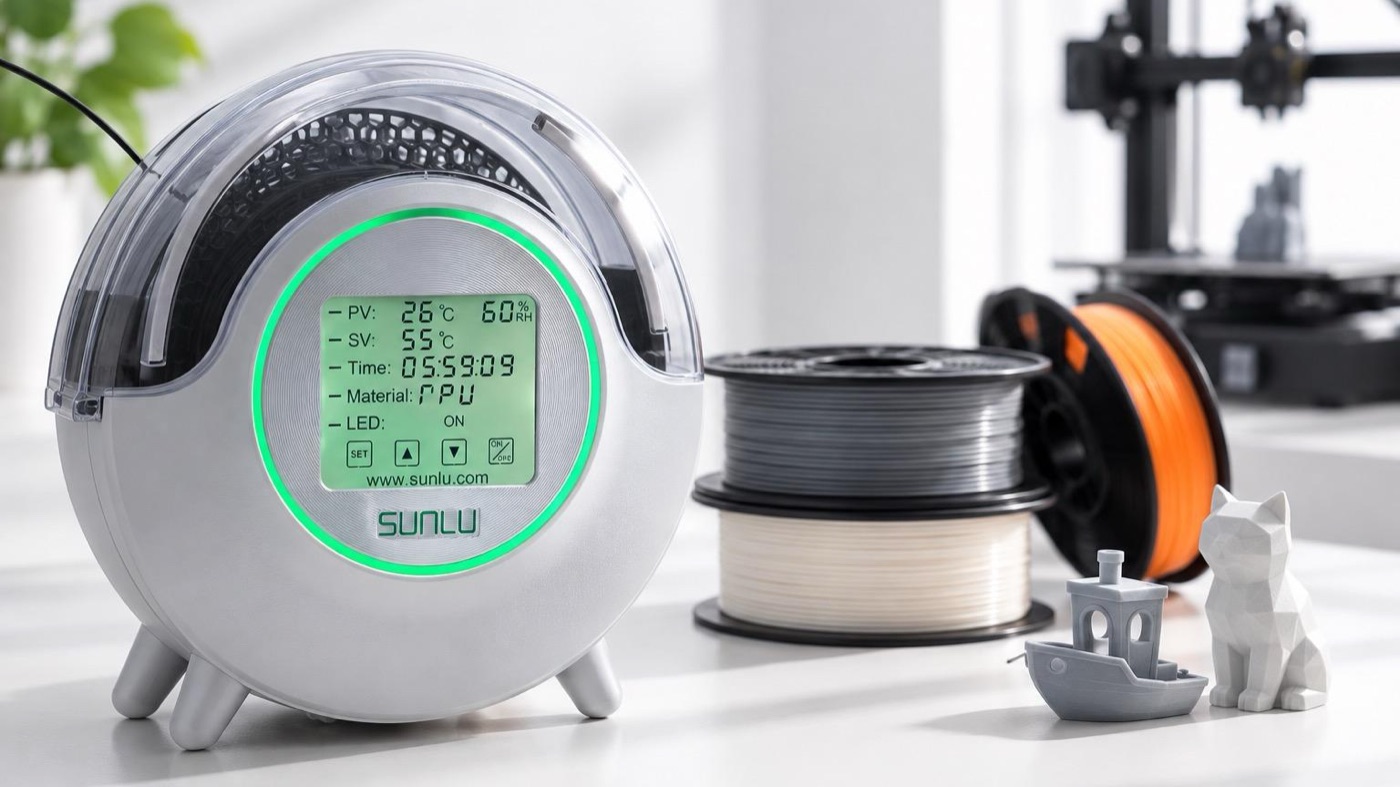
Ever since I started 3D printing, I’d obsessed over printer performance and settings. Then I tried SUNLU’s FilaDryer S2, and it changed my thinking.

Official site: https://www.sunlu.com/jp/products/filadryer-s2-filament-dryer Where to buy: See on Amazon Japan

If you want consistent print quality, dry your filament before you replace your printer.

The difference in stringing alone was bigger than I imagined — honestly, I don’t want to print without drying anymore.
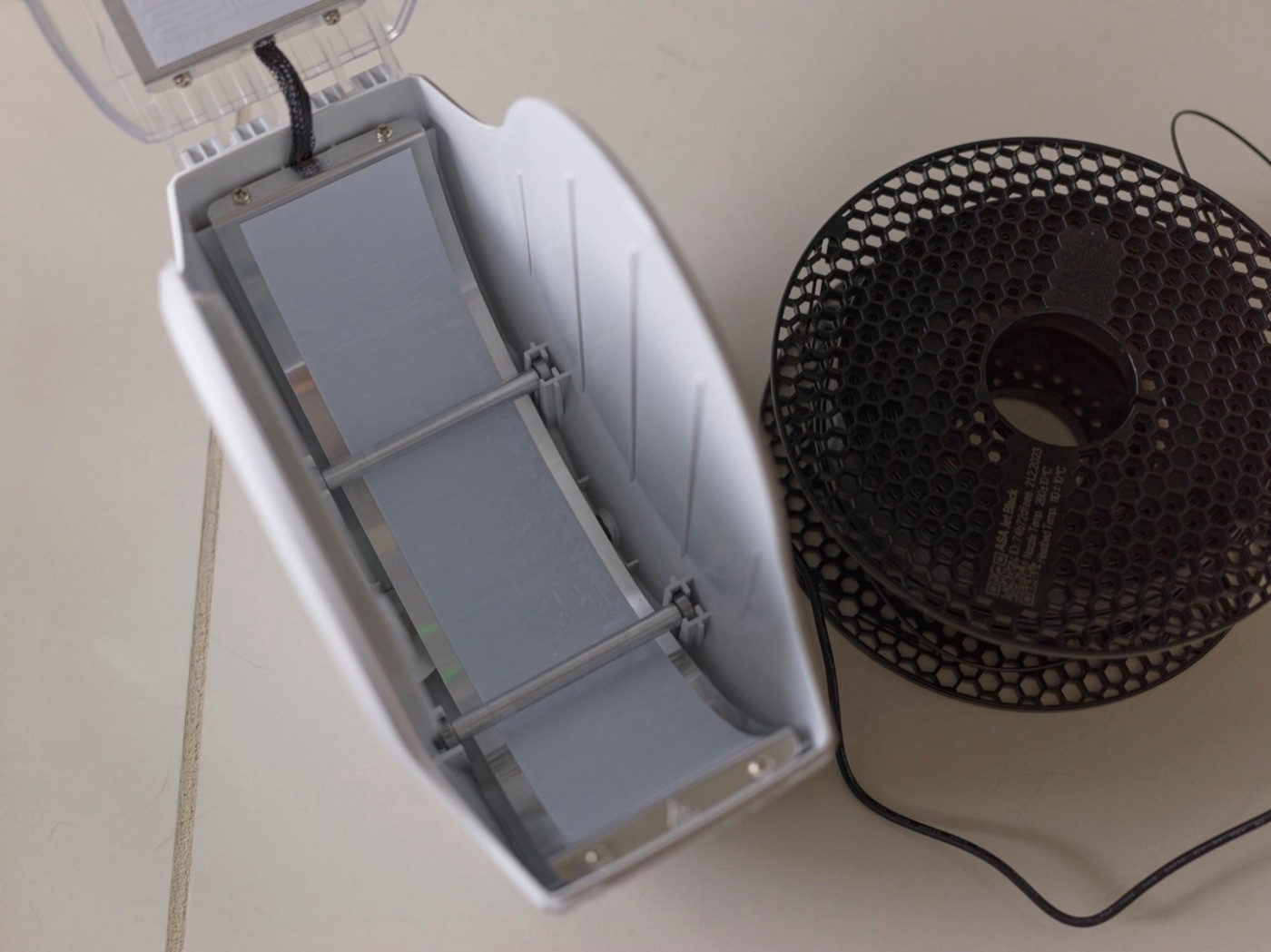
The filament mattered more than the printer
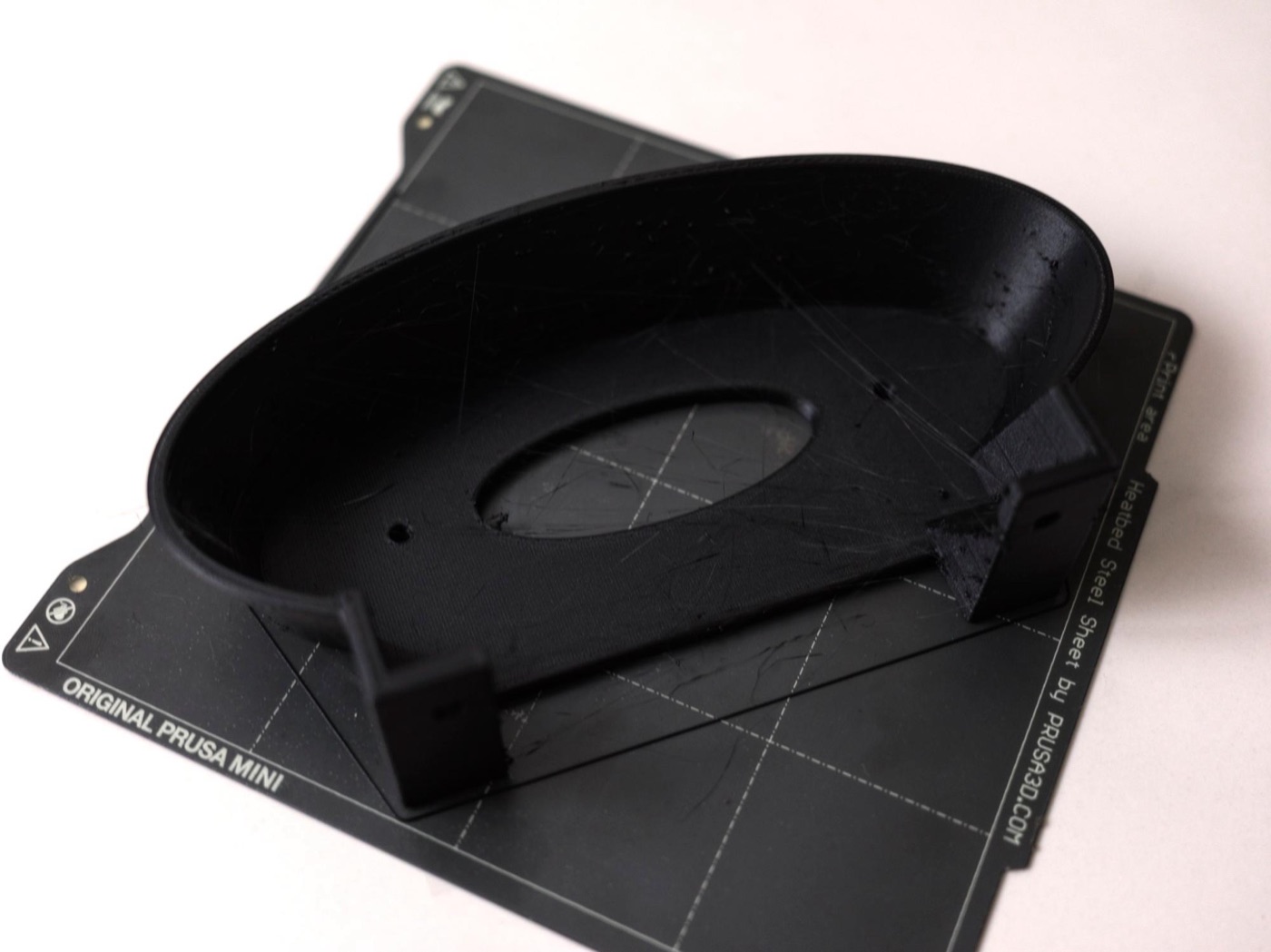
A print made with undried filament — strings everywhere
Whenever a print went wrong, I used to suspect nozzle temperature, retraction settings, or the printer itself.

But if the filament is in bad shape, there’s only so much tweaking settings can do. Using the FilaDryer S2 really drove that home.

Stringing is a whole different story
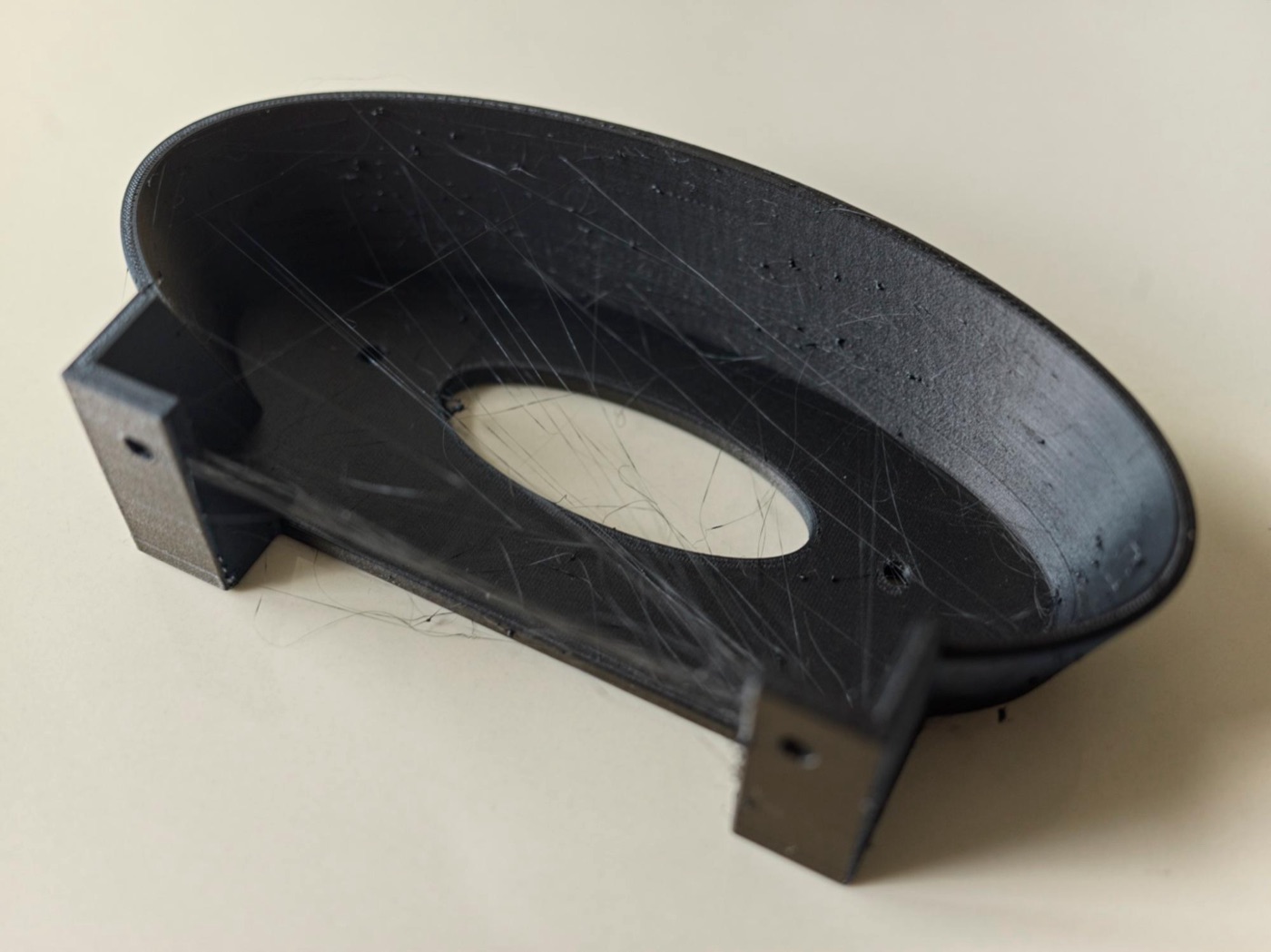
Before drying: lots of fine stringing
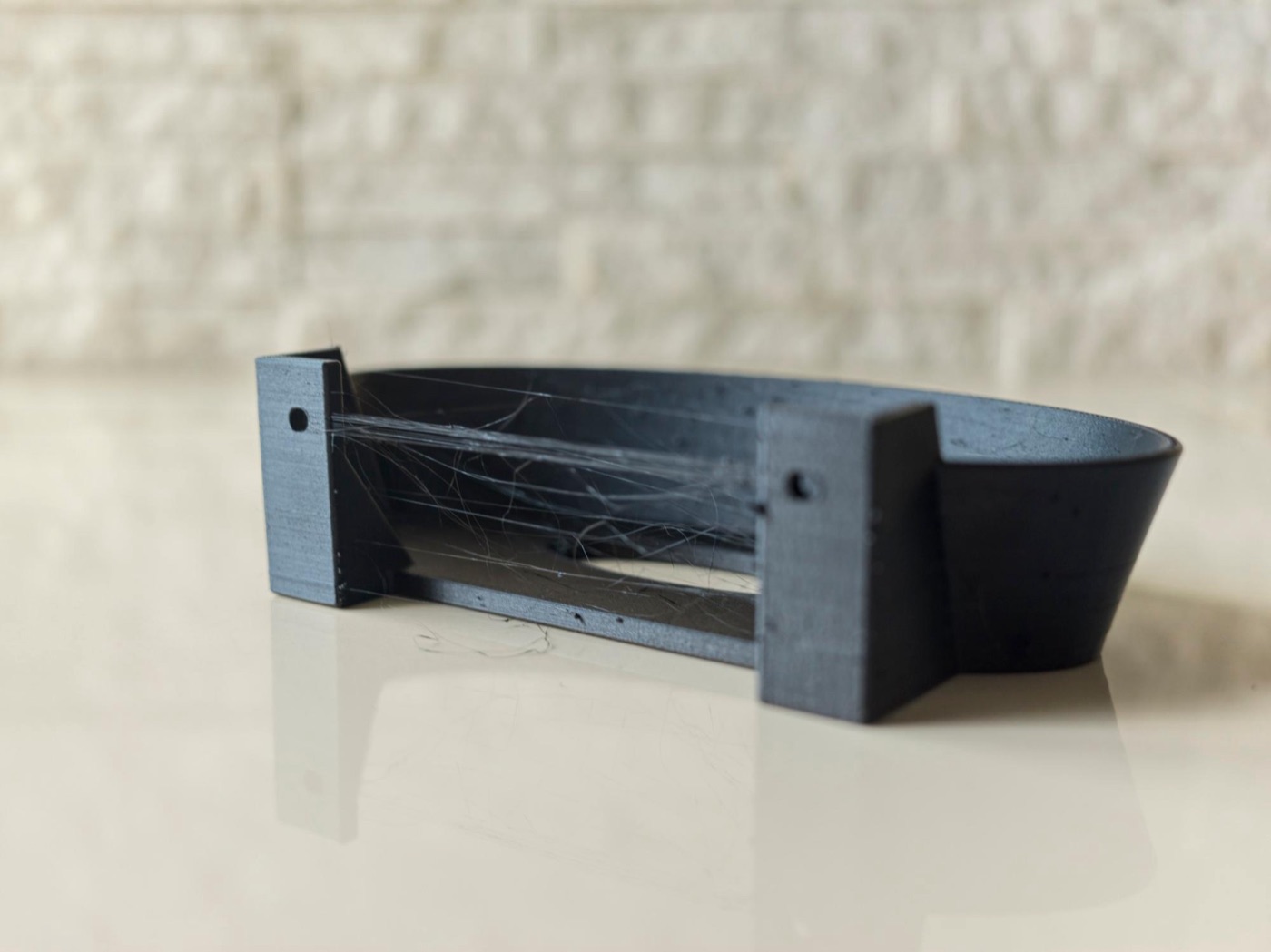
After drying: way less stringing
Stringing was the most obvious difference. Same filament, but prints before and after drying were clearly different.

Just cutting down on those fine strings makes prints look much cleaner. Post-processing gets easier too, so I want to make drying before printing a habit.

New filament isn’t always ready to go
What surprised me: even brand-new filament isn’t always in its best condition.
Depending on how well it’s sealed and how it was stored and shipped, even freshly opened filament might have absorbed moisture. If “it’s brand new, but it just won’t print right,” it’s worth drying it once.

Different materials, same rule: dry it
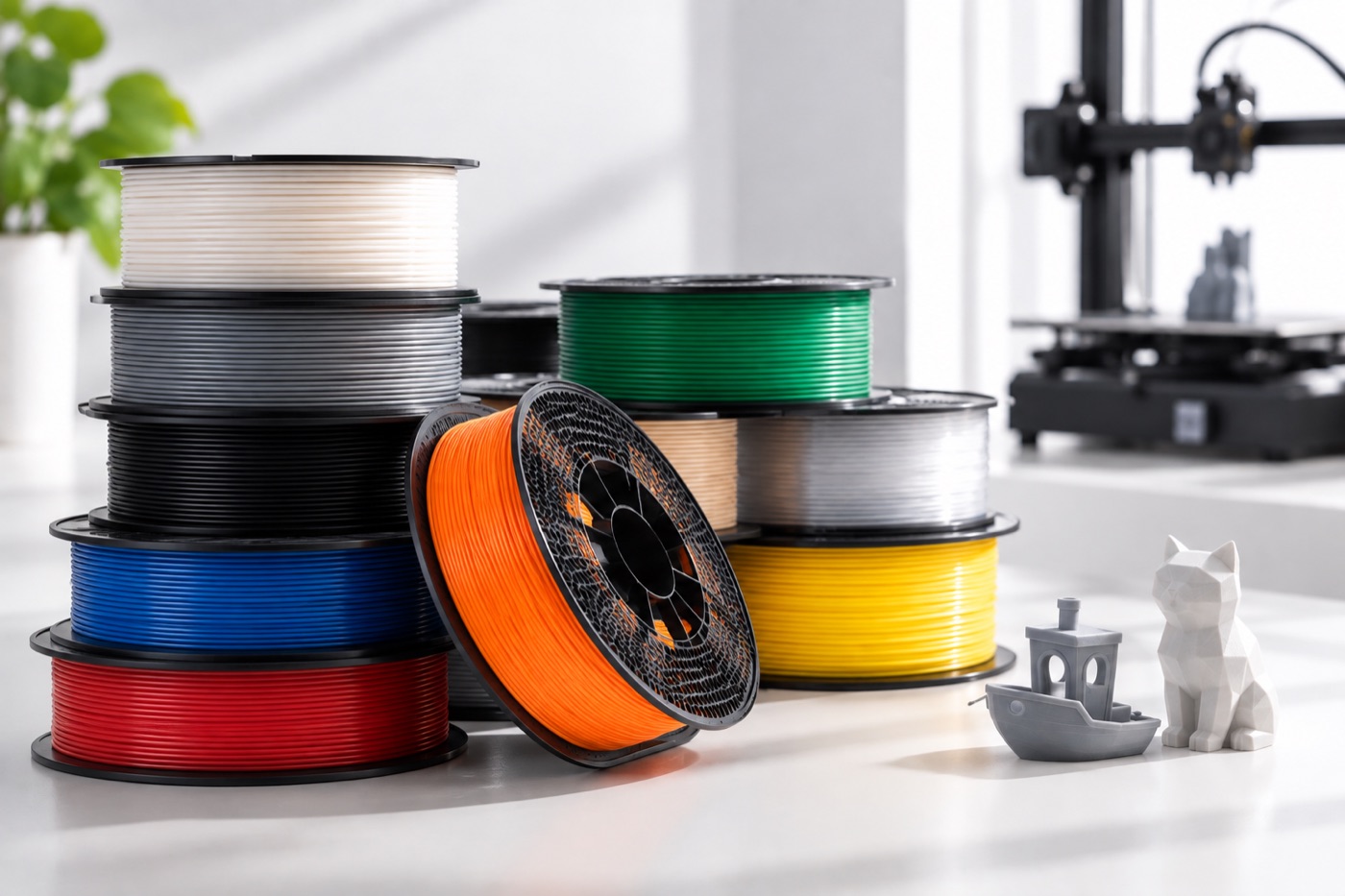
Of course, different filaments absorb moisture differently, so how much drying helps varies.
Still, this showed me how important it is to get filament into proper condition before printing. Before you spend on an expensive printer, take care of your materials. Obvious when you think about it — but I’d totally overlooked it.

The SUNLU FilaDryer S2 dries while you print
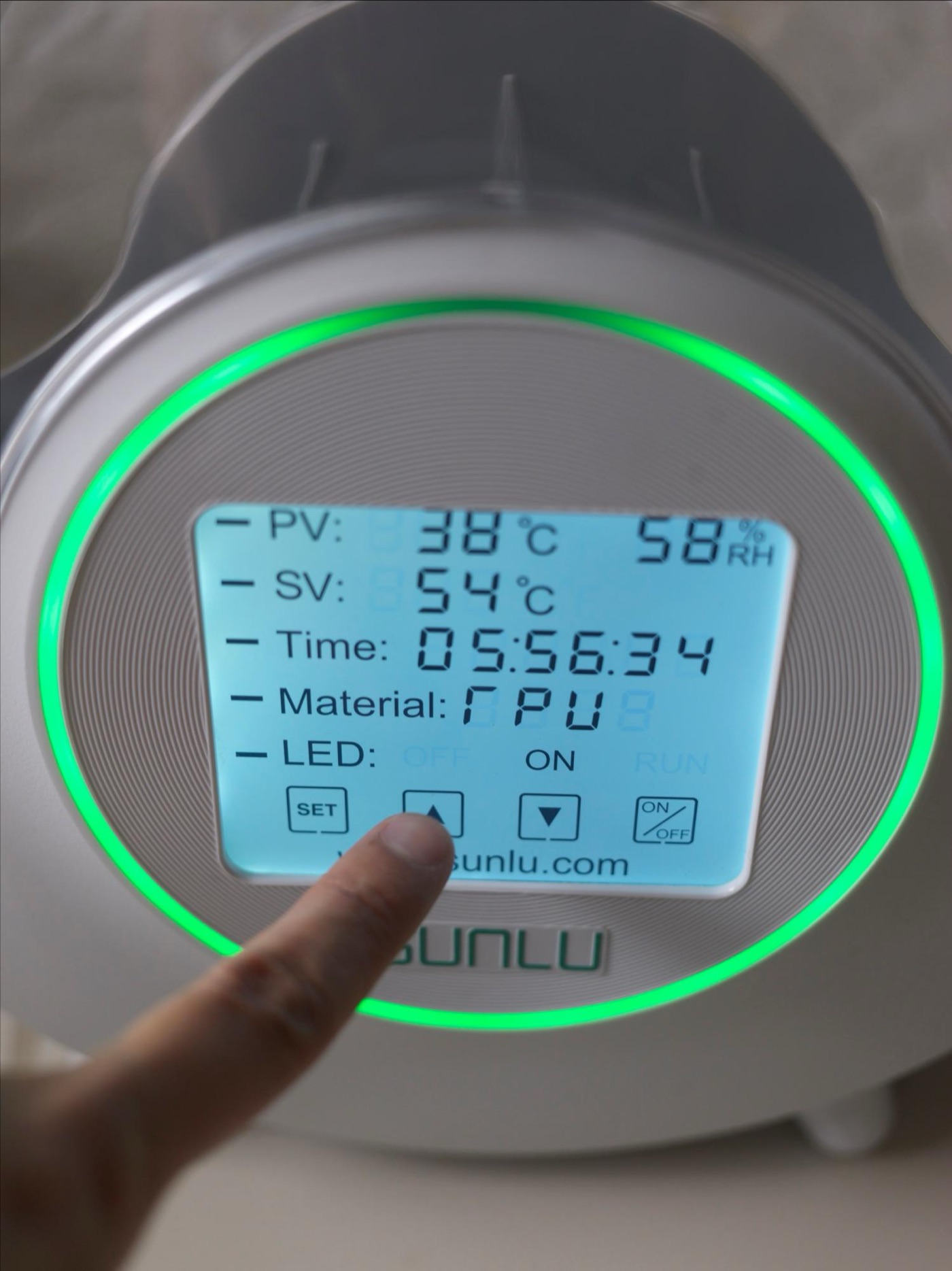
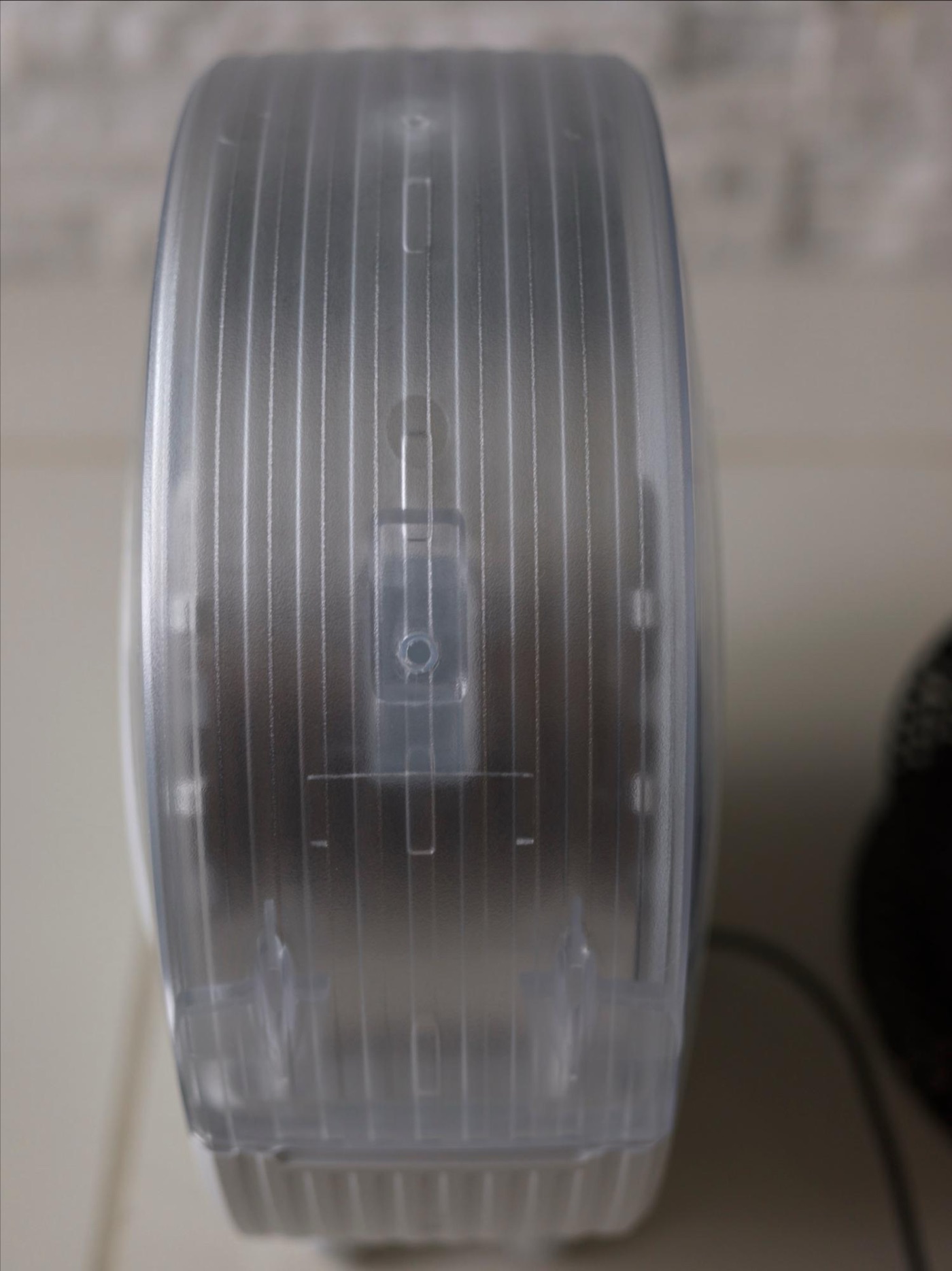
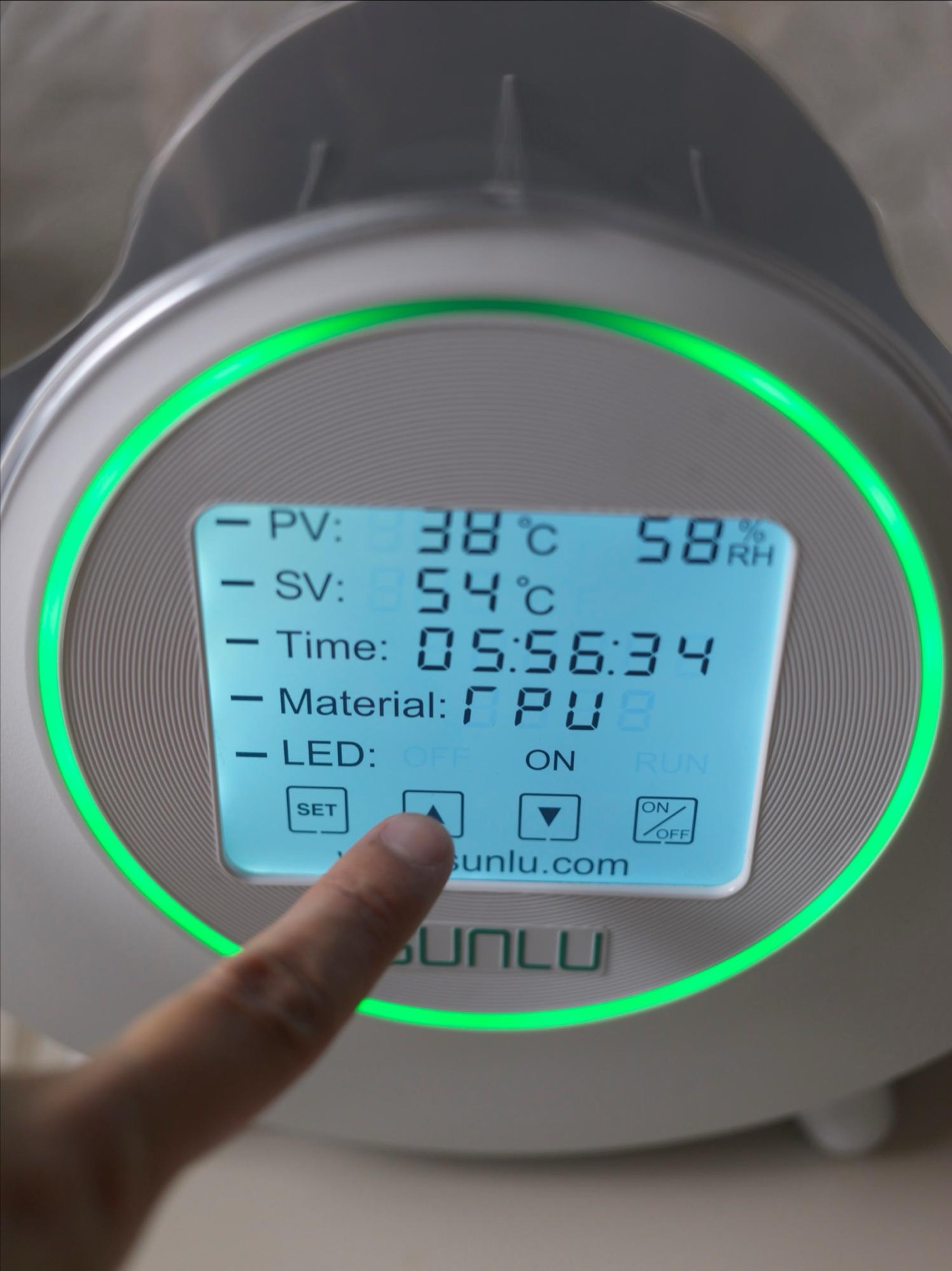
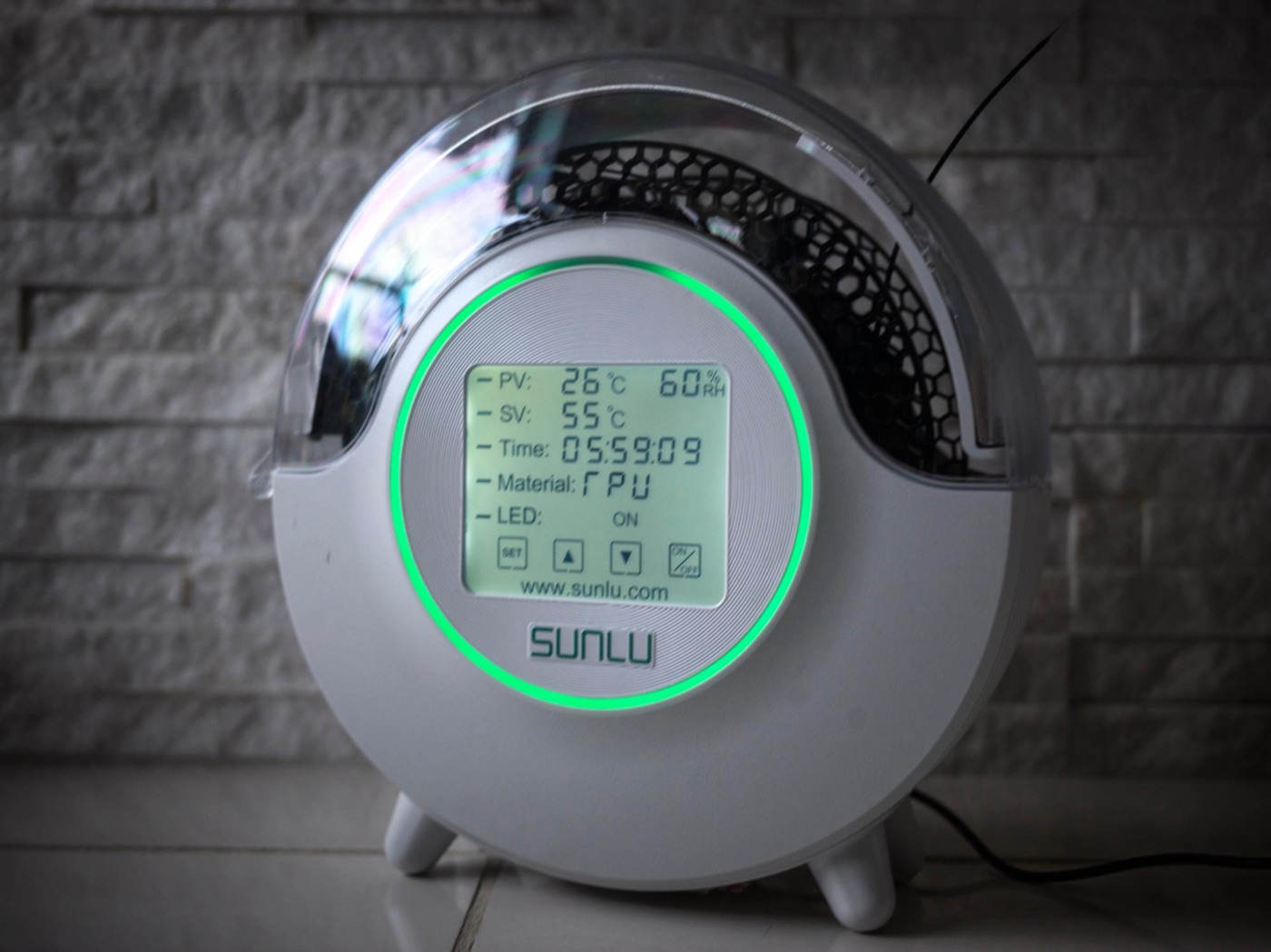
I used SUNLU’s FilaDryer S2. Load your filament, set the temperature and time, and it dries the spool inside the case.
The handy part: you can feed filament straight to the printer while it stays in the case. It’s not just “dry it and done” — you can dry while you print, so it slots right into your normal setup.

It pairs really well with the Prusa MINI
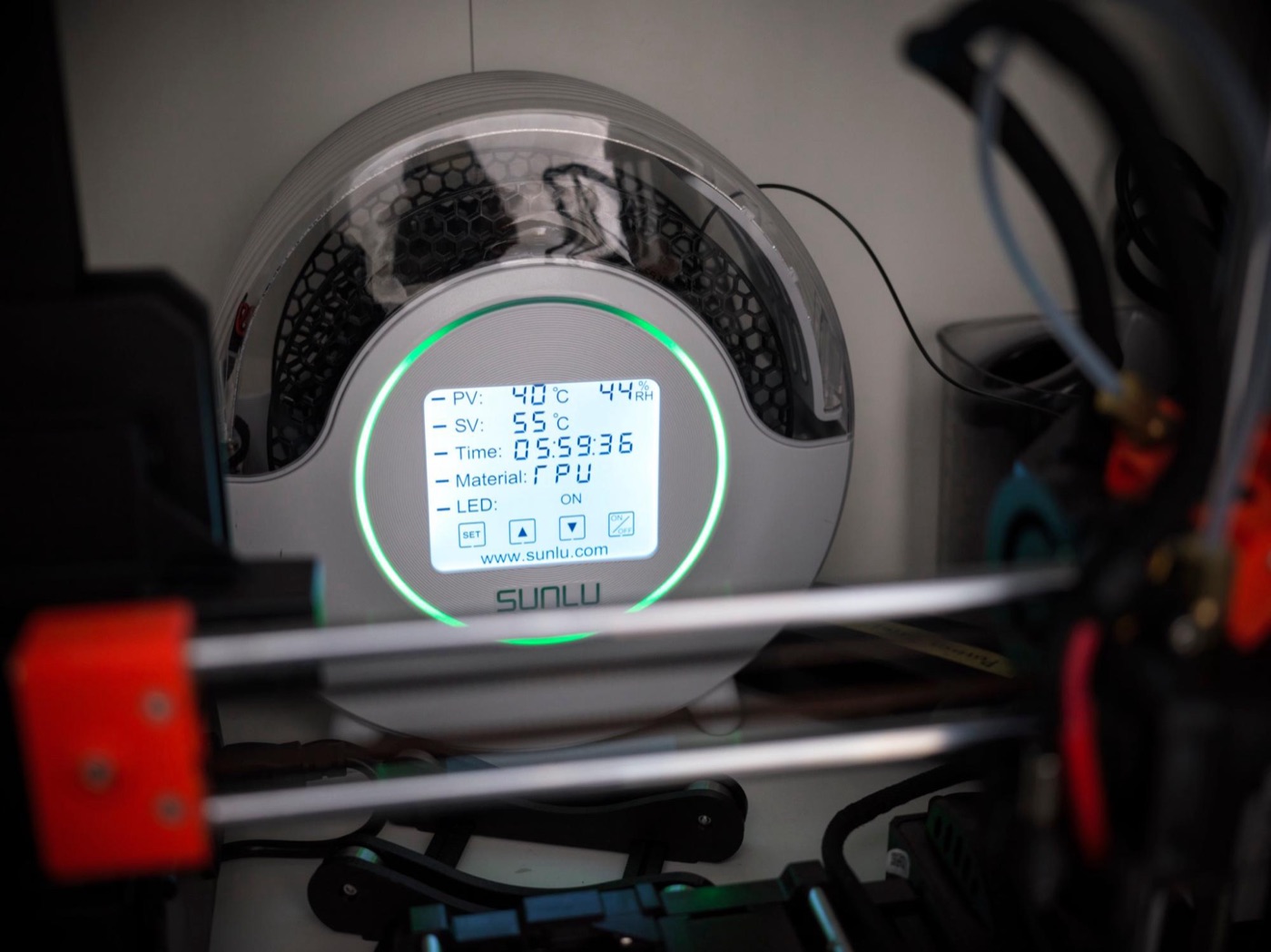
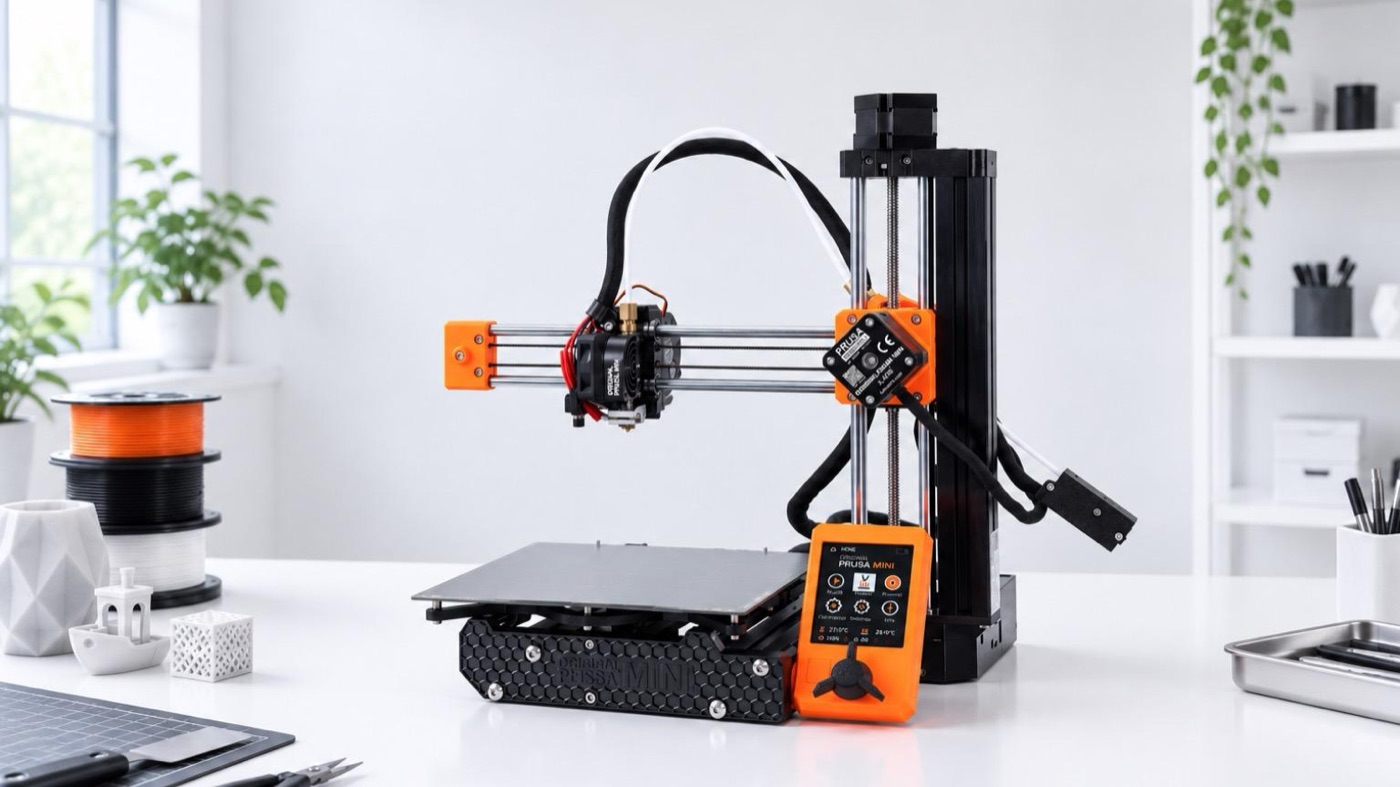
I especially like using it with my everyday Prusa MINI.
Feed filament straight from the FilaDryer S2 and print. With this setup, storage, drying, and printing all flow together simply.

Before you fall down the 3D printer rabbit hole, dry your filament
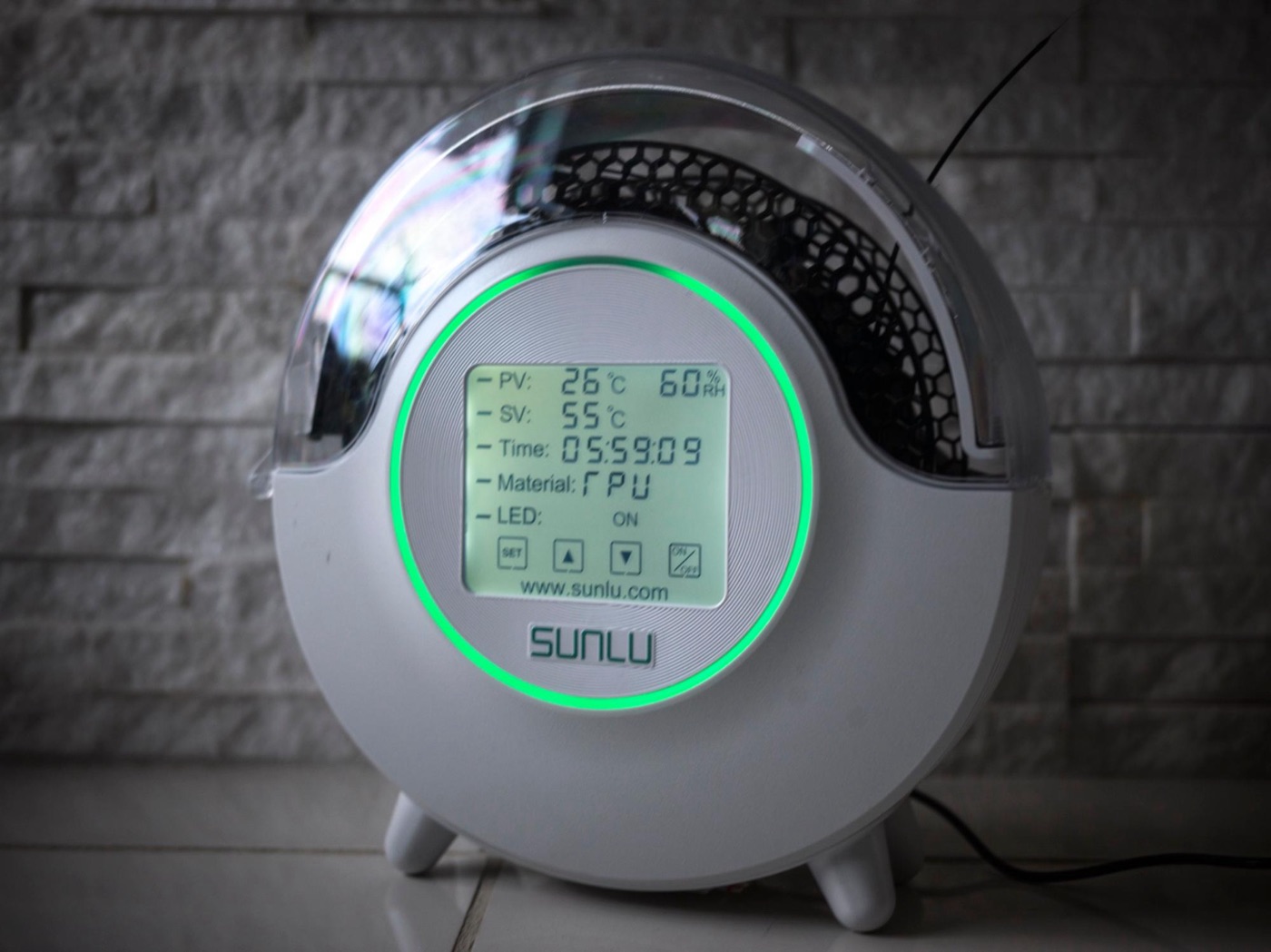
When you want better prints, it’s easy to think, “I need a better printer.” I used to focus a lot on printer performance too.

But after using the FilaDryer S2, I’d say: before replacing your printer, try drying your filament first.

A sub-¥10,000 accessory might unlock a lot more from the printer you already have. Especially if you’re dealing with stringing or inconsistent prints, the SUNLU FilaDryer S2 is worth a try.

As an Amazon Associate, Hidenori Kimura earns from qualifying purchases.

This story was originally published (in Japanese) on Yahoo! News Japan Expert.