
Not the Newest or the Fastest — Why I Still Recommend the Prusa MINI+ to 3D Printing Beginners
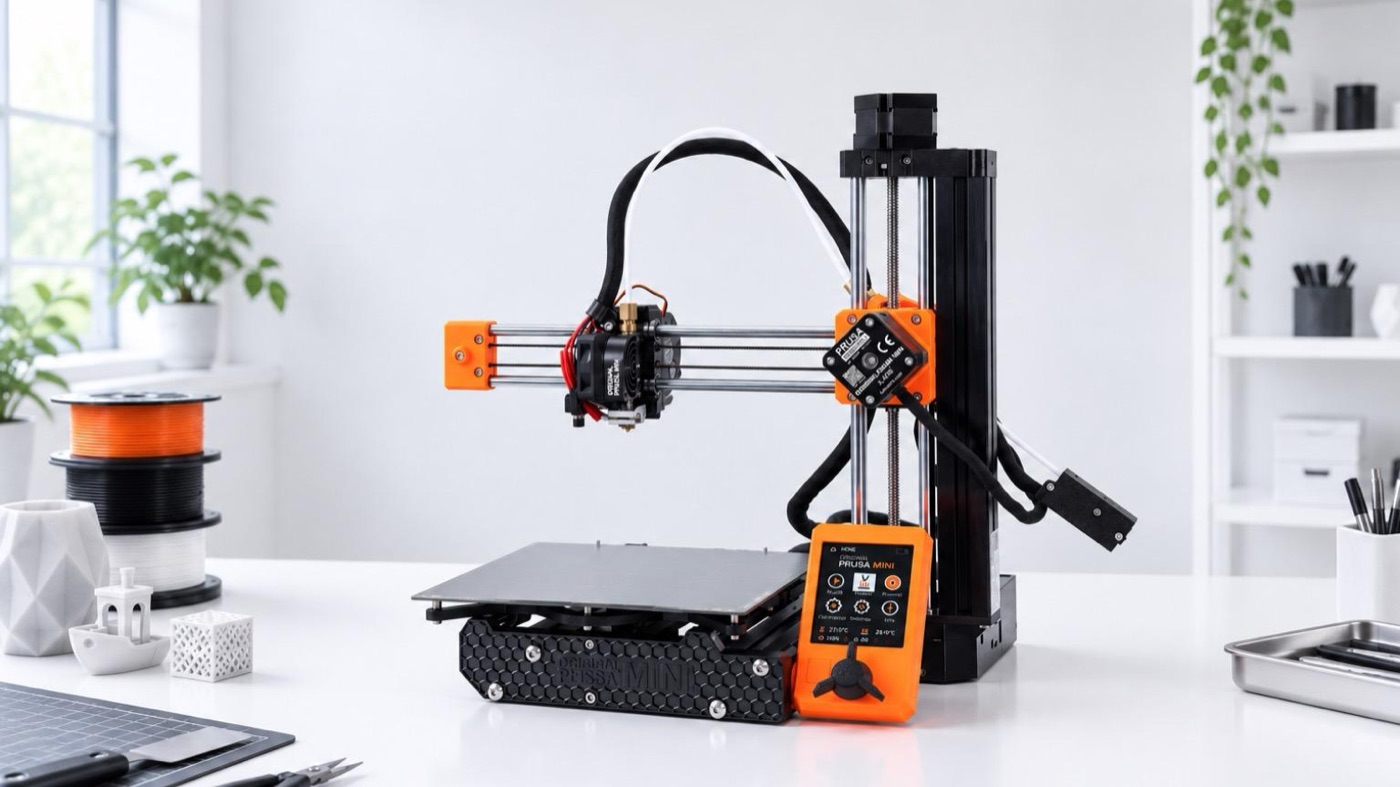
3D printers have come a long way in just a few years. Faster speeds, more automation, multicolor printing — on specs alone, there are plenty of newer, flashier machines than the Prusa MINI+.
Official site: https://www.prusa3d.com/ja/product/original-prusa-mini-semi-assembled-3d-printer-enclosure-bundle-5/
Where to buy: See on Amazon Japan
Still, when someone buying their first 3D printer asks me which one to get, I still recommend the Prusa MINI+.
The reason is simple: it prints properly every single time.
I’ve used it a lot, and I can barely remember a print failing because of the printer itself. And even now, long after launch, it keeps getting updates — it actually does more now than when I bought it.
Not the newest, not the fastest. But as a tool for “making what you want to make, properly,” it’s still incredibly well put together.
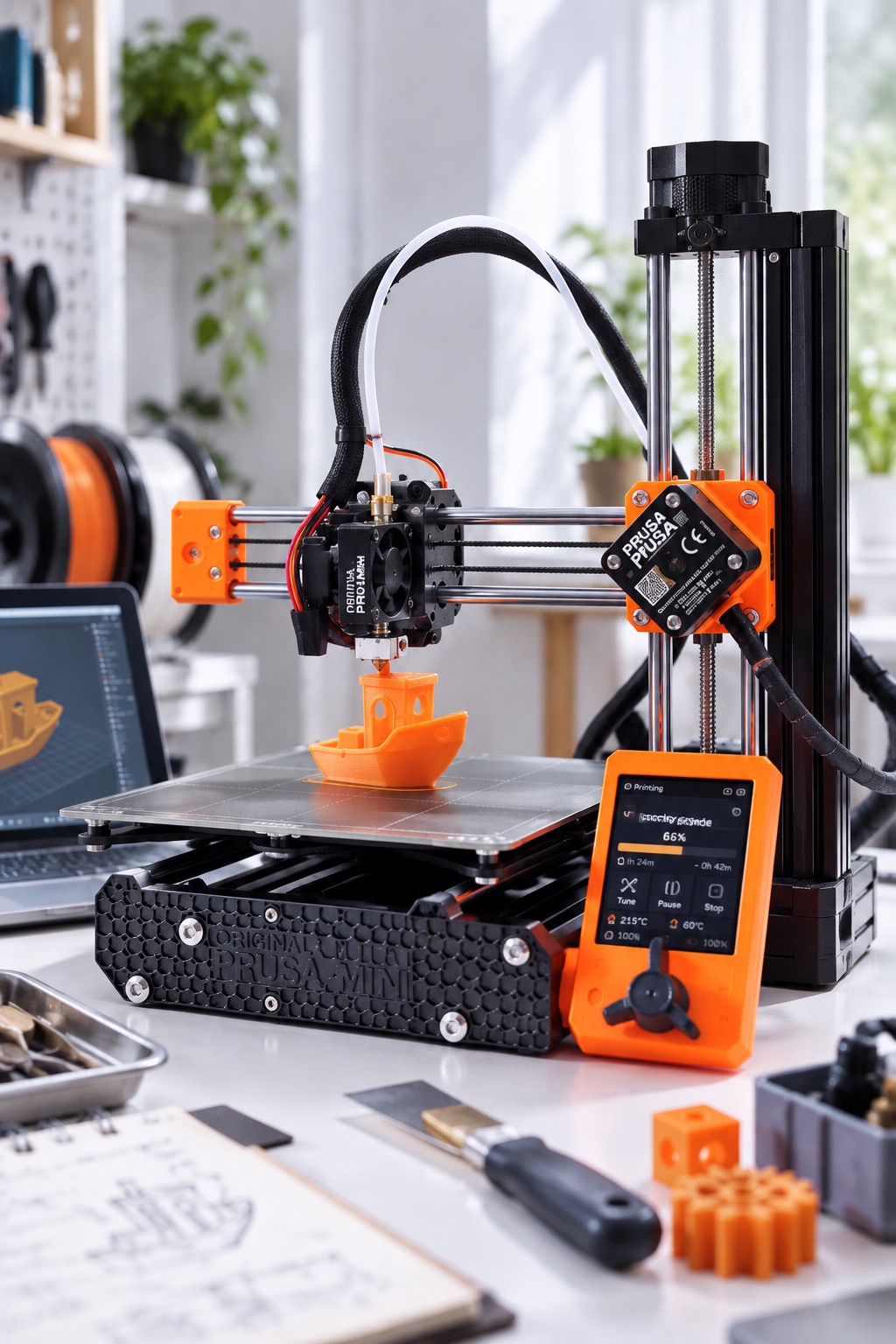

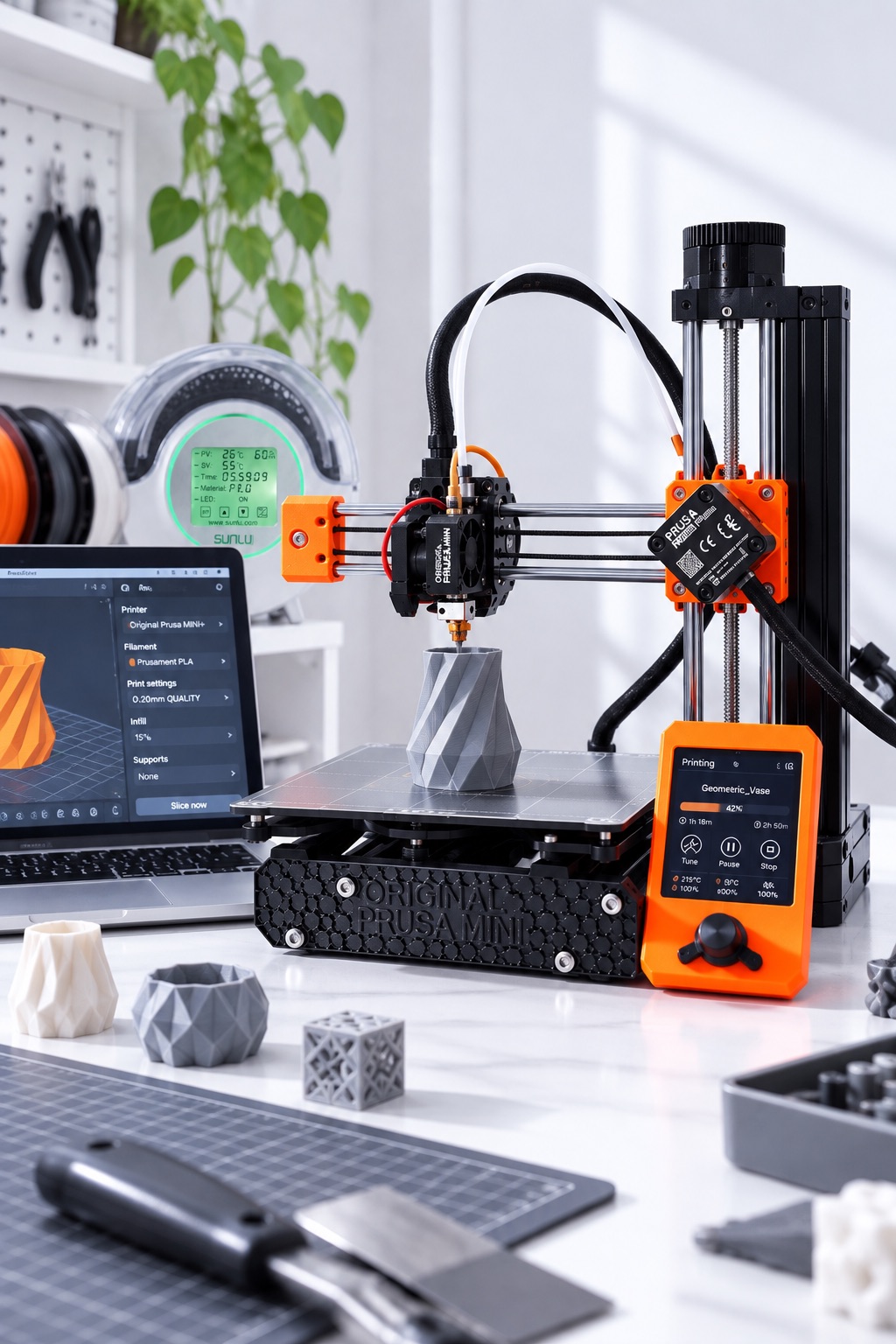
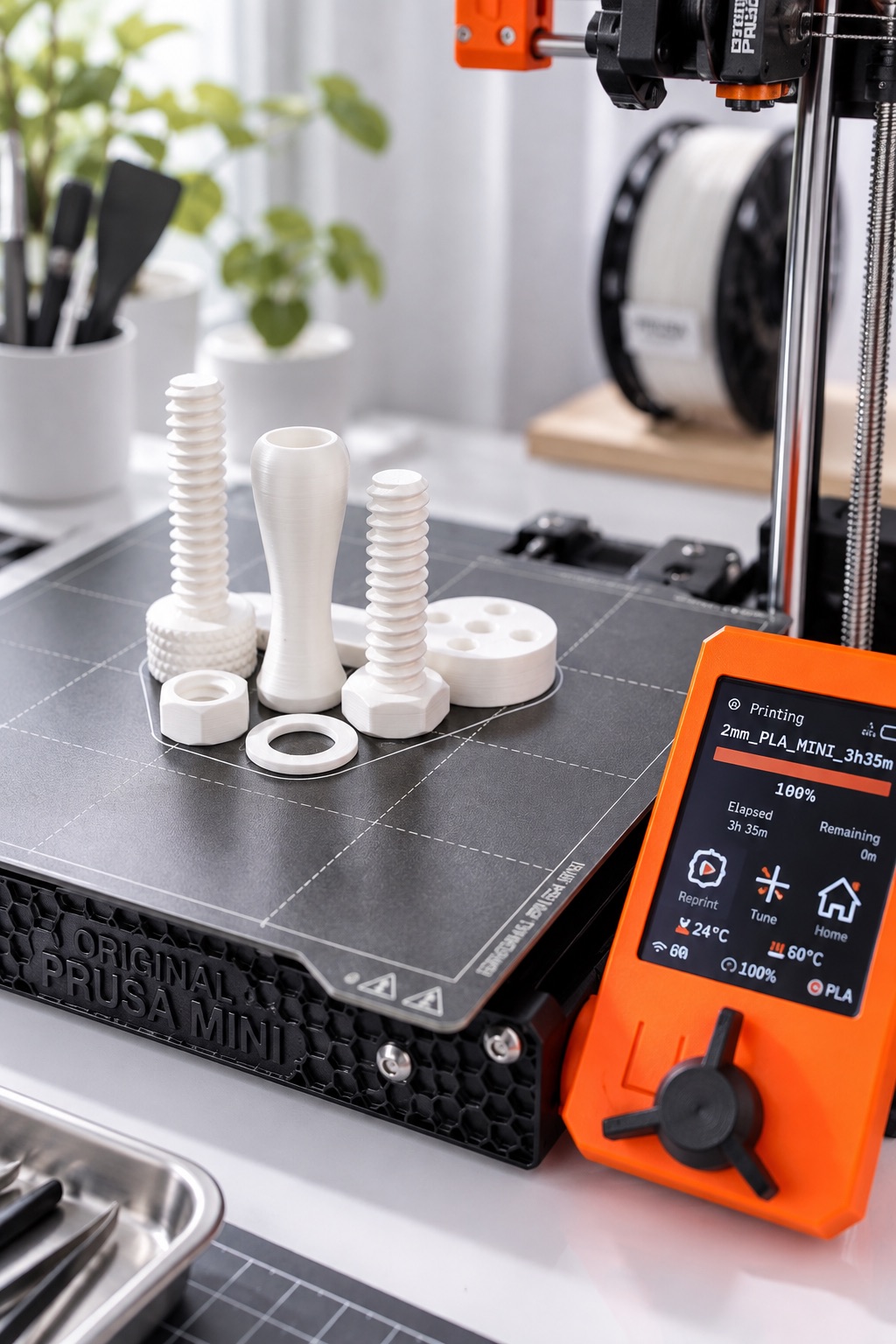
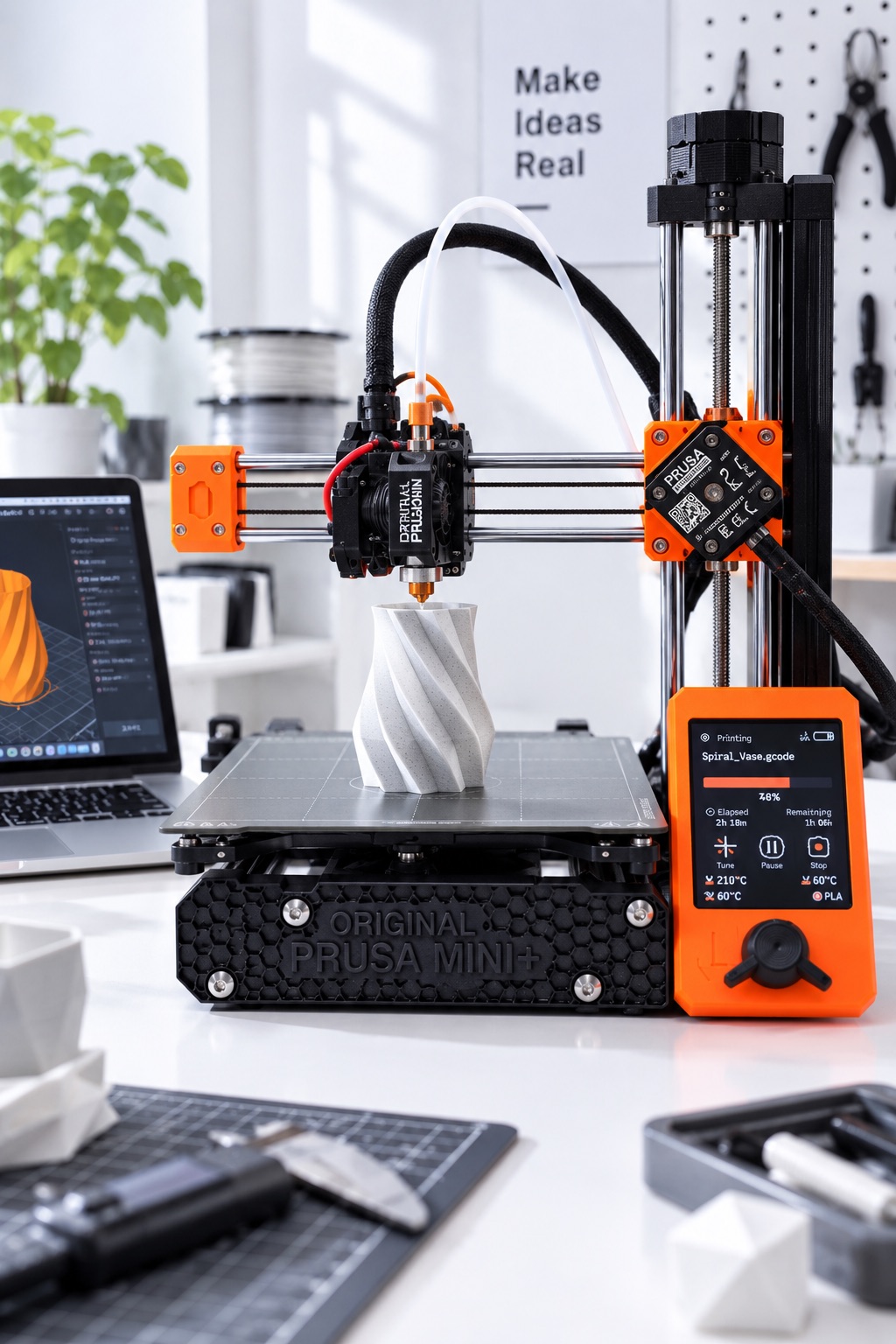
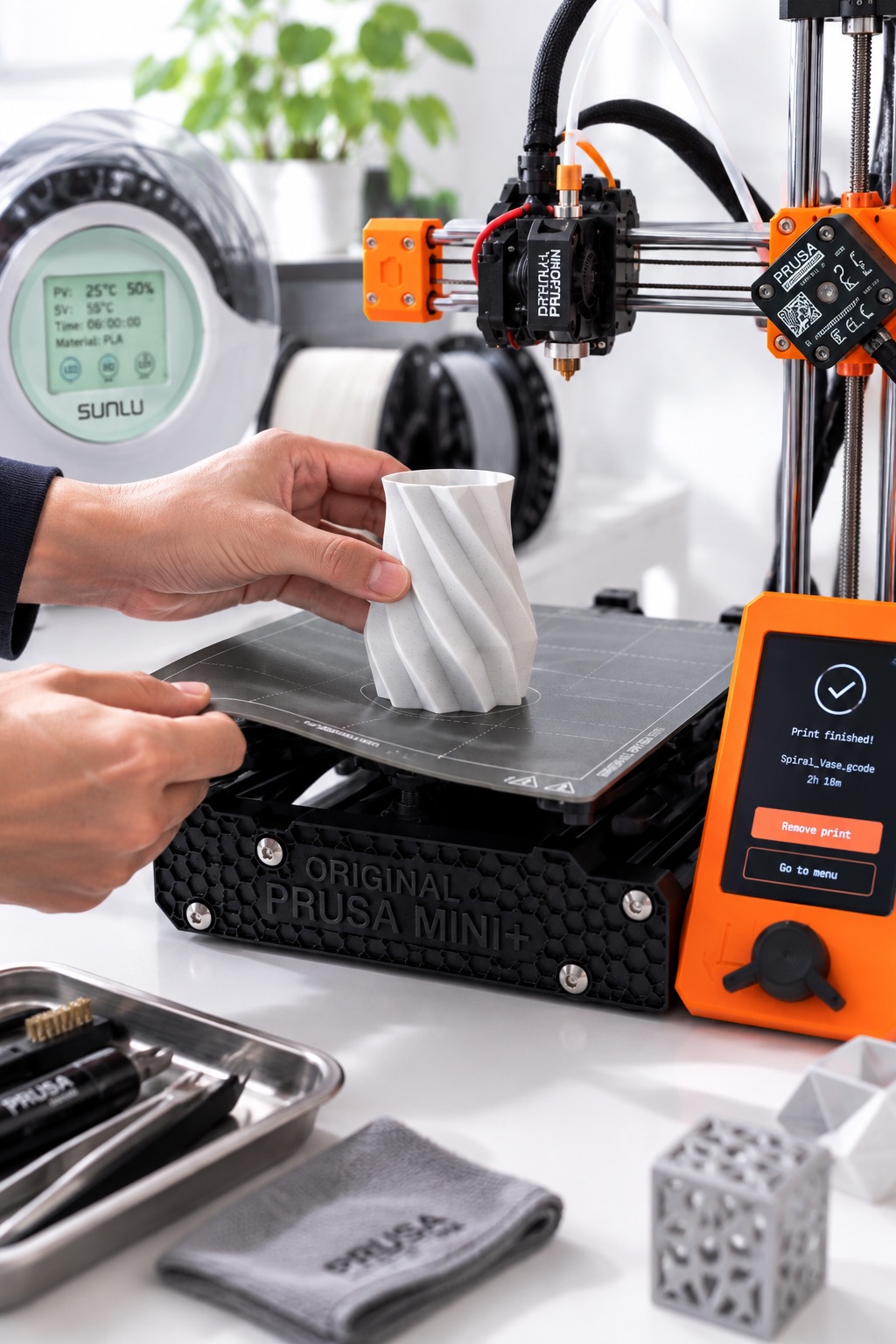
Of course, that doesn’t mean zero maintenance. Prusa itself recommends running the first-layer calibration after swapping the nozzle, changing parts around the axes, or moving the printer.
But in regular use, I don’t feel the need to tweak it often. That peace of mind is the MINI+’s biggest strength, in my opinion.
Easy to recover when something goes wrong
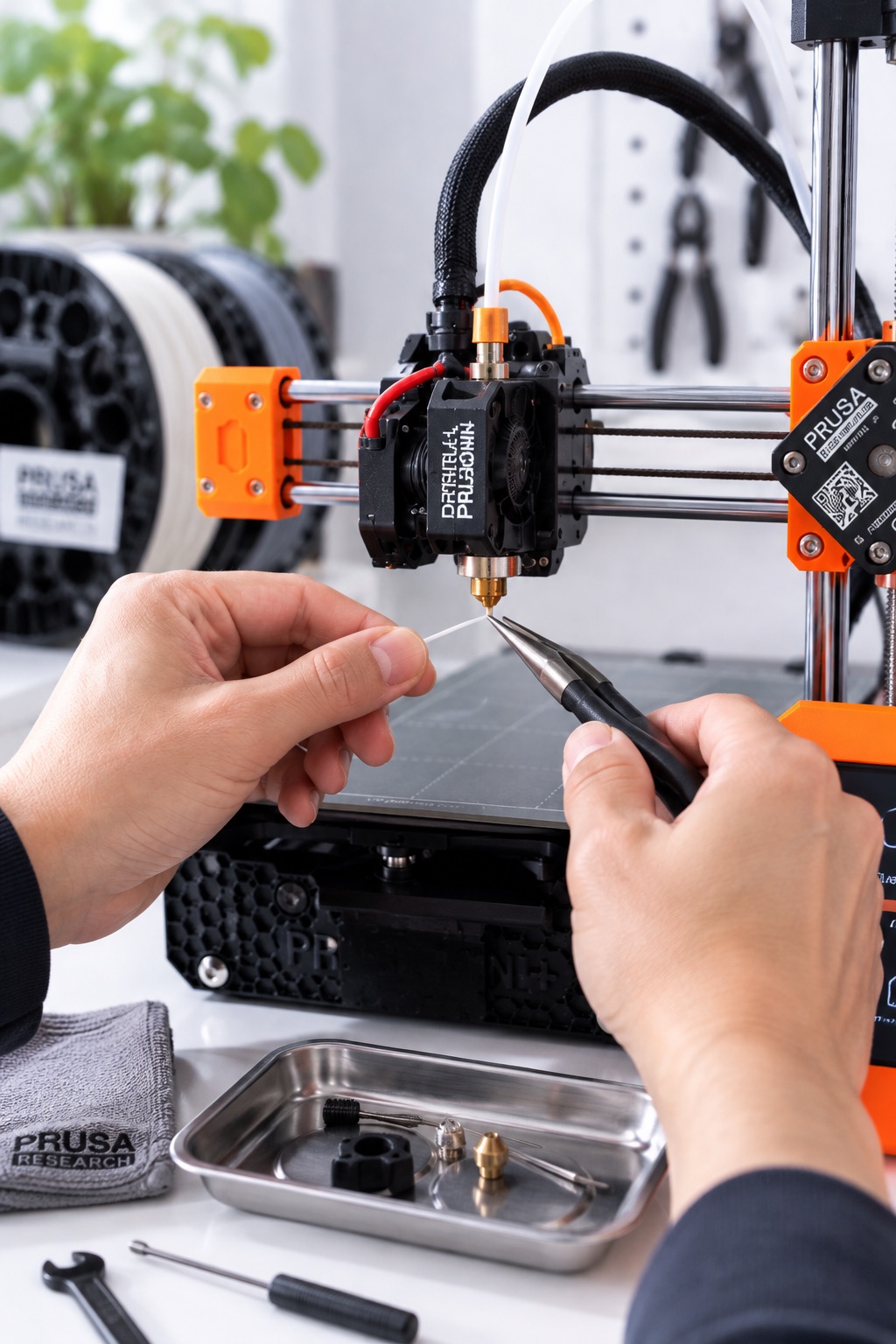
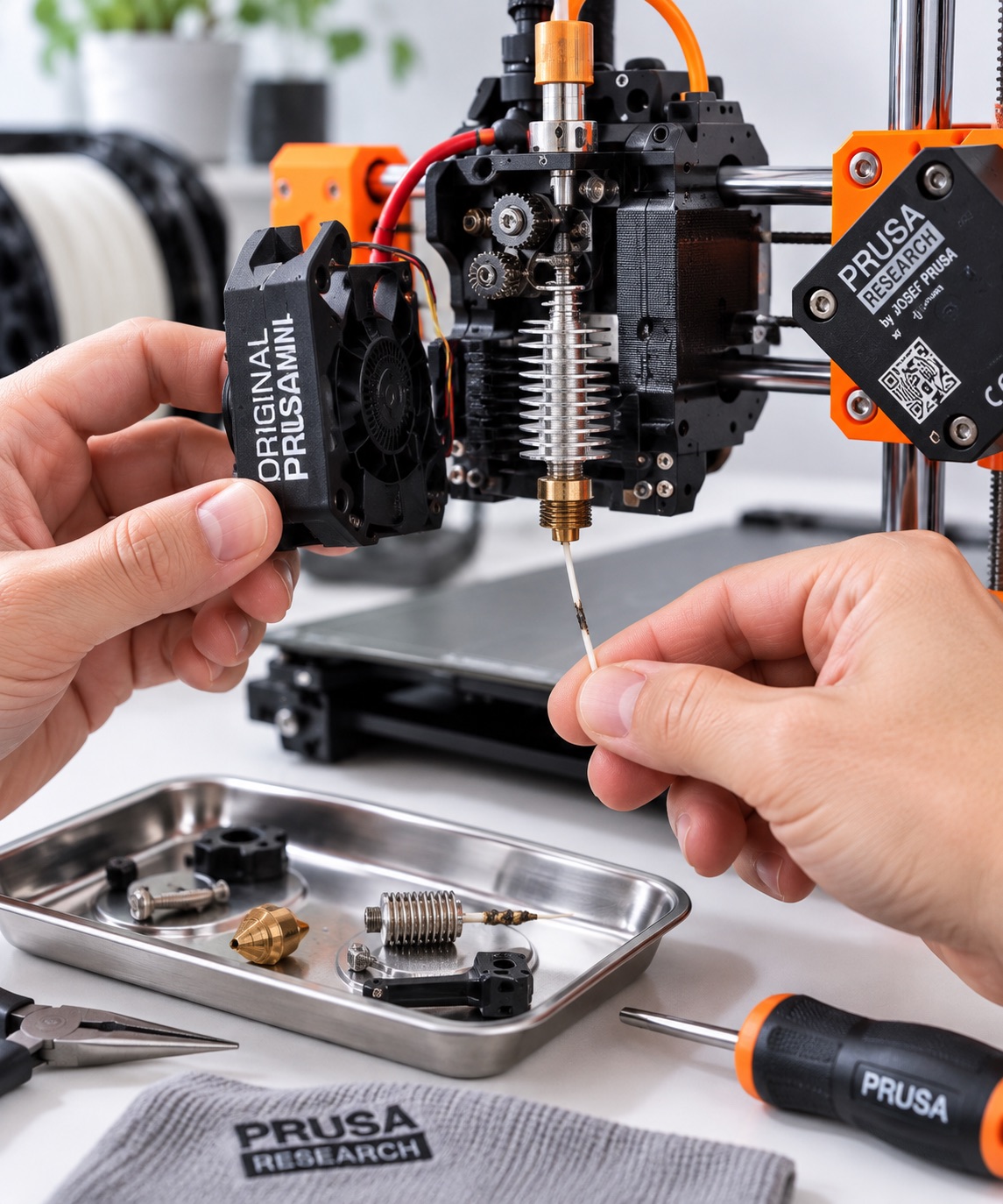
What I love about Prusa is that they don’t just abandon older printers. The MINI+ has gained features through firmware updates after launch, and it’s more convenient and faster to use now than when I first got it.
Prusa’s own slicer, PrusaSlicer, is simple and easy too. The printer, firmware, and slicer are all designed together, so you don’t have to agonize over what works with what. It kind of feels like using Apple products.
Your printer keeps improving without you buying a new one. That’s a big plus for long-term use.
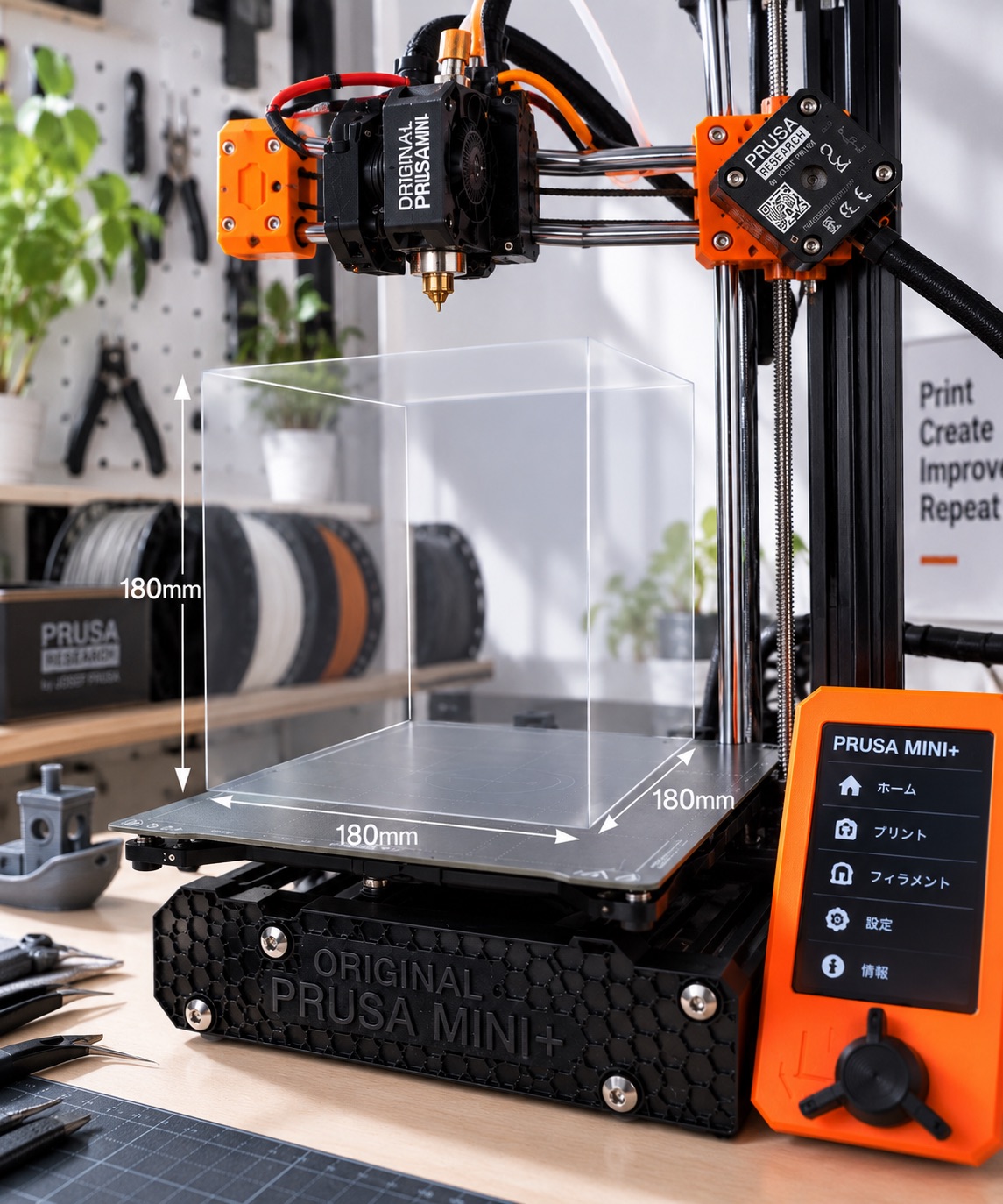
It’s “MINI,” but you can make bigger things than you’d think

Not just PLA — but be careful with materials
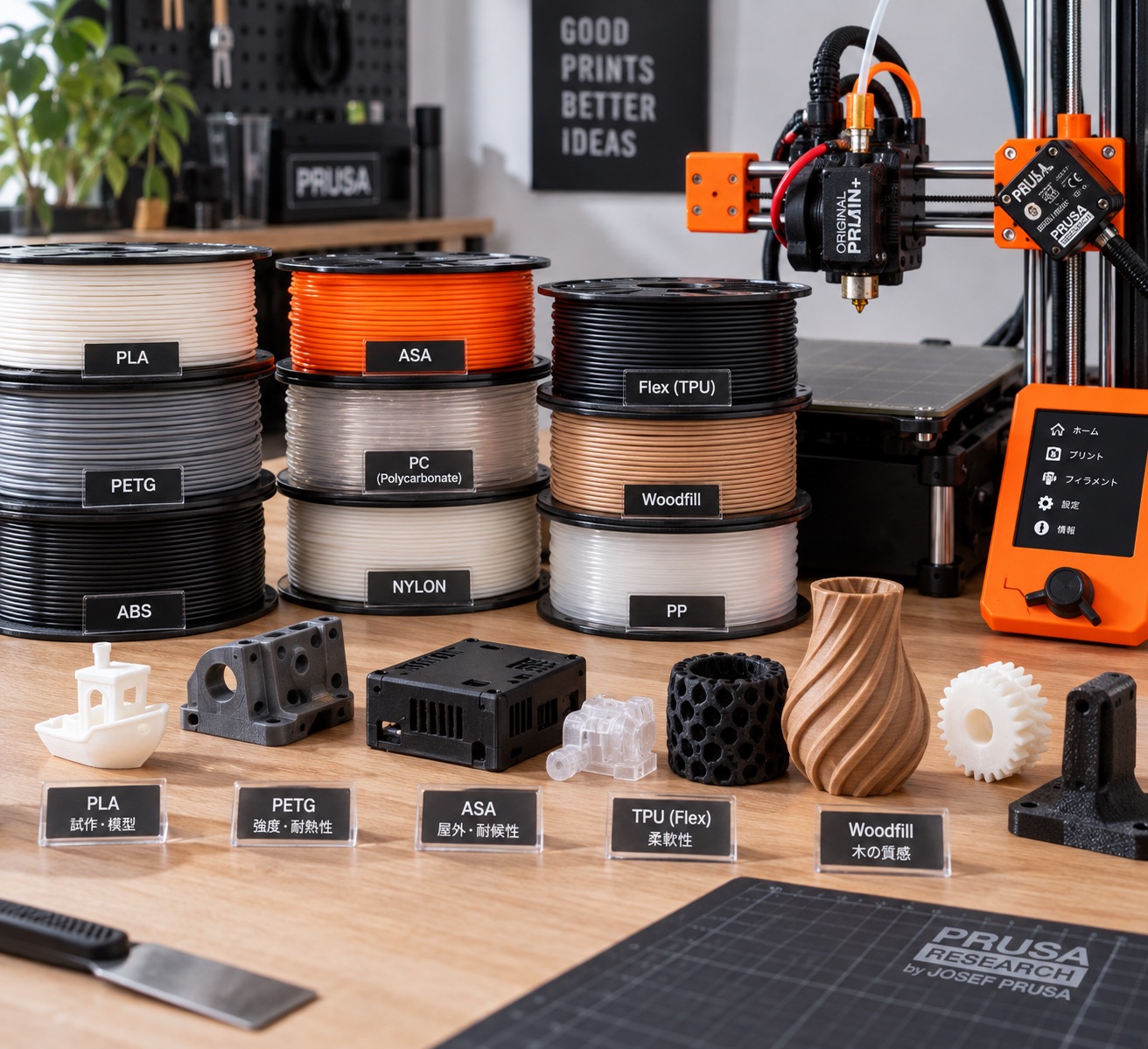
The MINI+ seems like a compact entry-level printer, but it handles a wide range of materials beyond PLA and PETG: ASA, ABS, polycarbonate, nylon, PP, Flex, Woodfill, and more.
I’ve gotten clean prints even with tougher, durability-focused filaments. It’s nice that beginners can start with PLA and branch out once they’re comfortable.
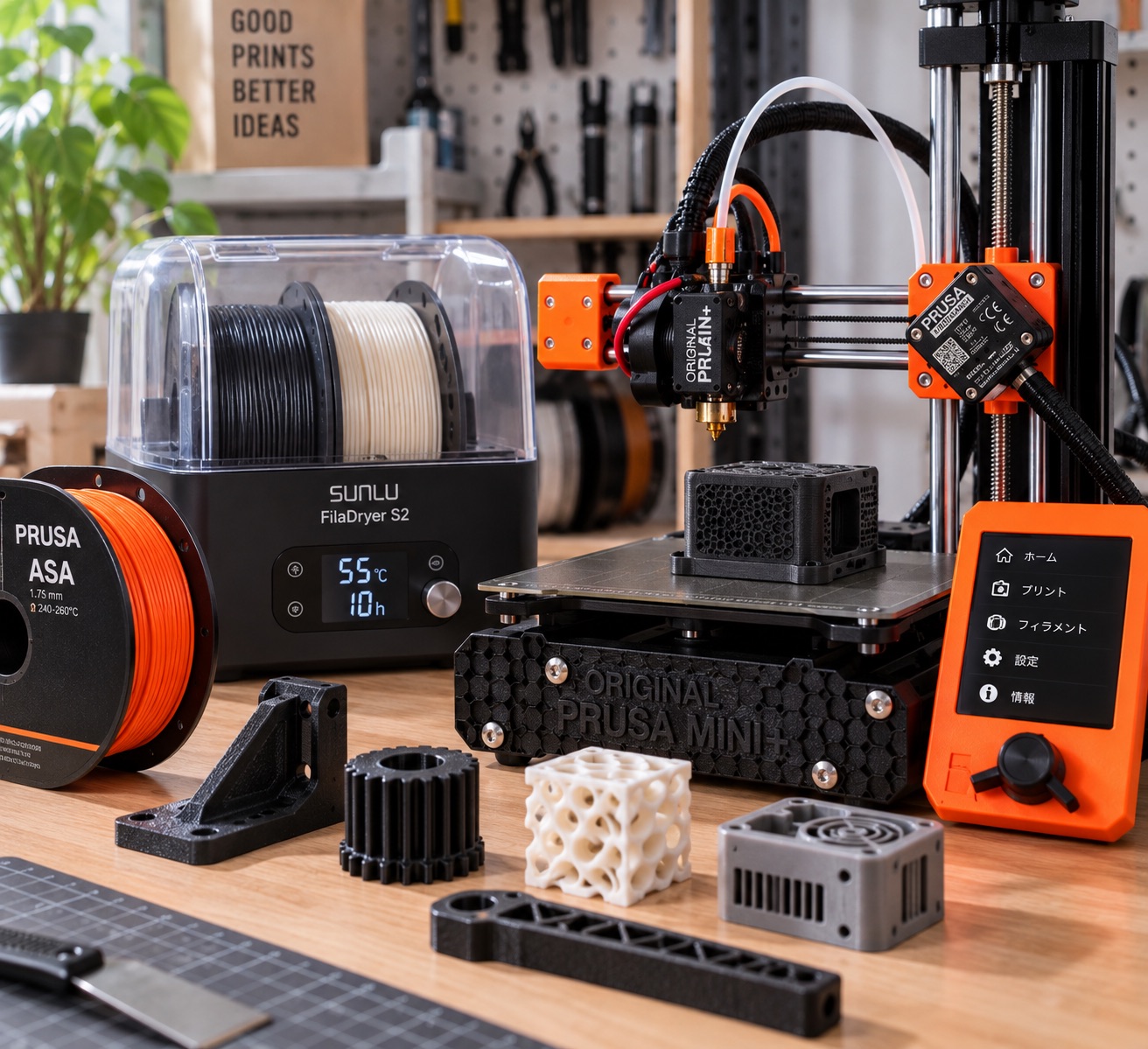
If you mostly print PLA or PETG, though, the open design is actually a plus for easy maintenance.
Not the latest, but what I’d recommend to beginners right now
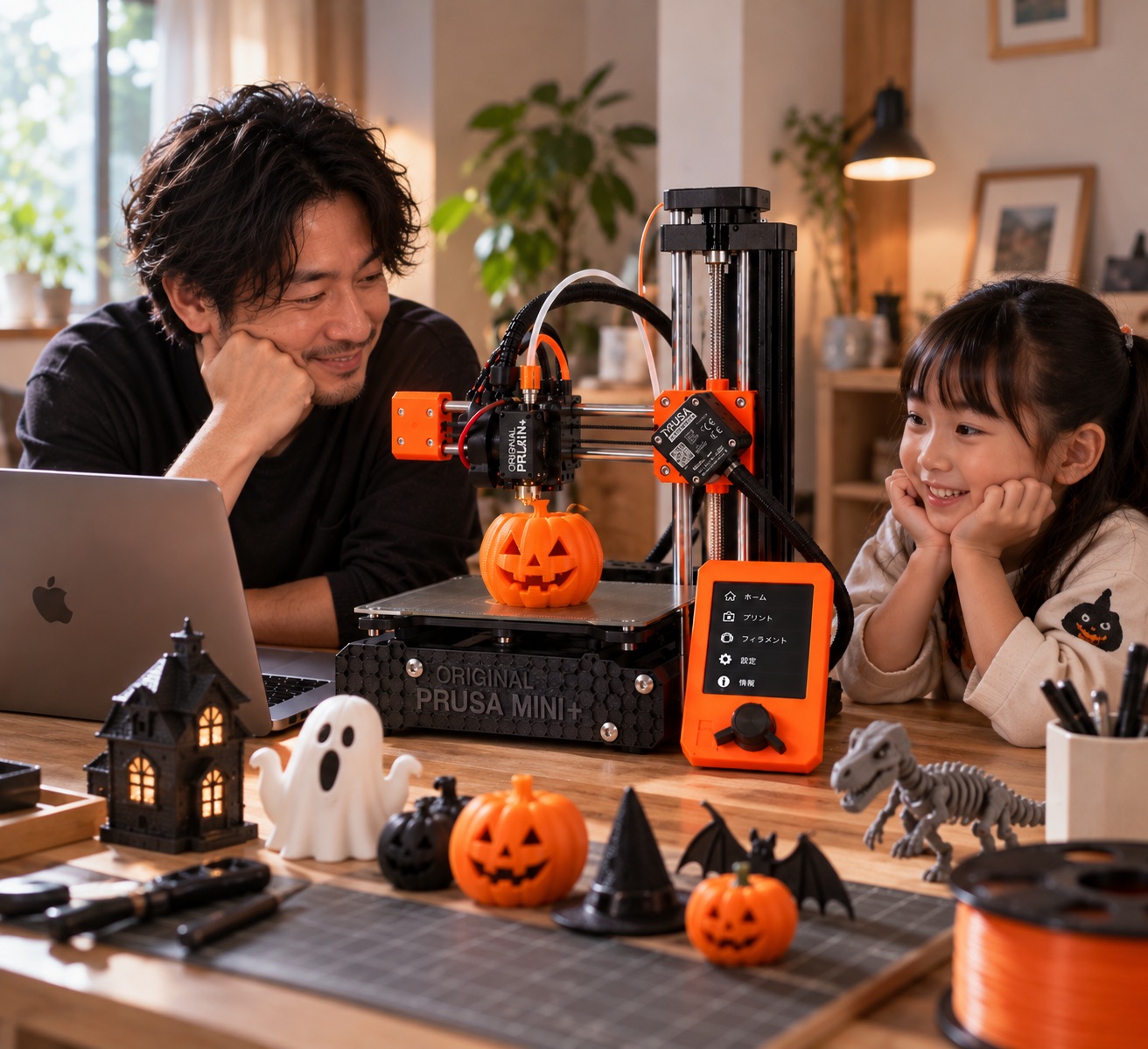
It prints reliably whenever you use it. It’s easy to fix when things go wrong. The slicer is easy to understand, and it keeps getting better with updates long after launch.
What you really want to do with a 3D printer isn’t tune the printer — it’s make the things you want.
Not the newest, not the fastest, but it reliably does the basics. That’s why I think the Prusa MINI+ is still very much in the game.
As an Amazon Associate, Hidenori Kimura earns from qualifying purchases.
This story was originally published (in Japanese) on Yahoo! News Japan Expert.